1. Introduzione
This user's guide provides comprehensive instructions for operating your Kodak EasyShare C330 Zoom Digital Camera. It covers everything from initial setup to advanced features, maintenance, and troubleshooting. Please read this manual carefully to ensure optimal performance and longevity of your camera.
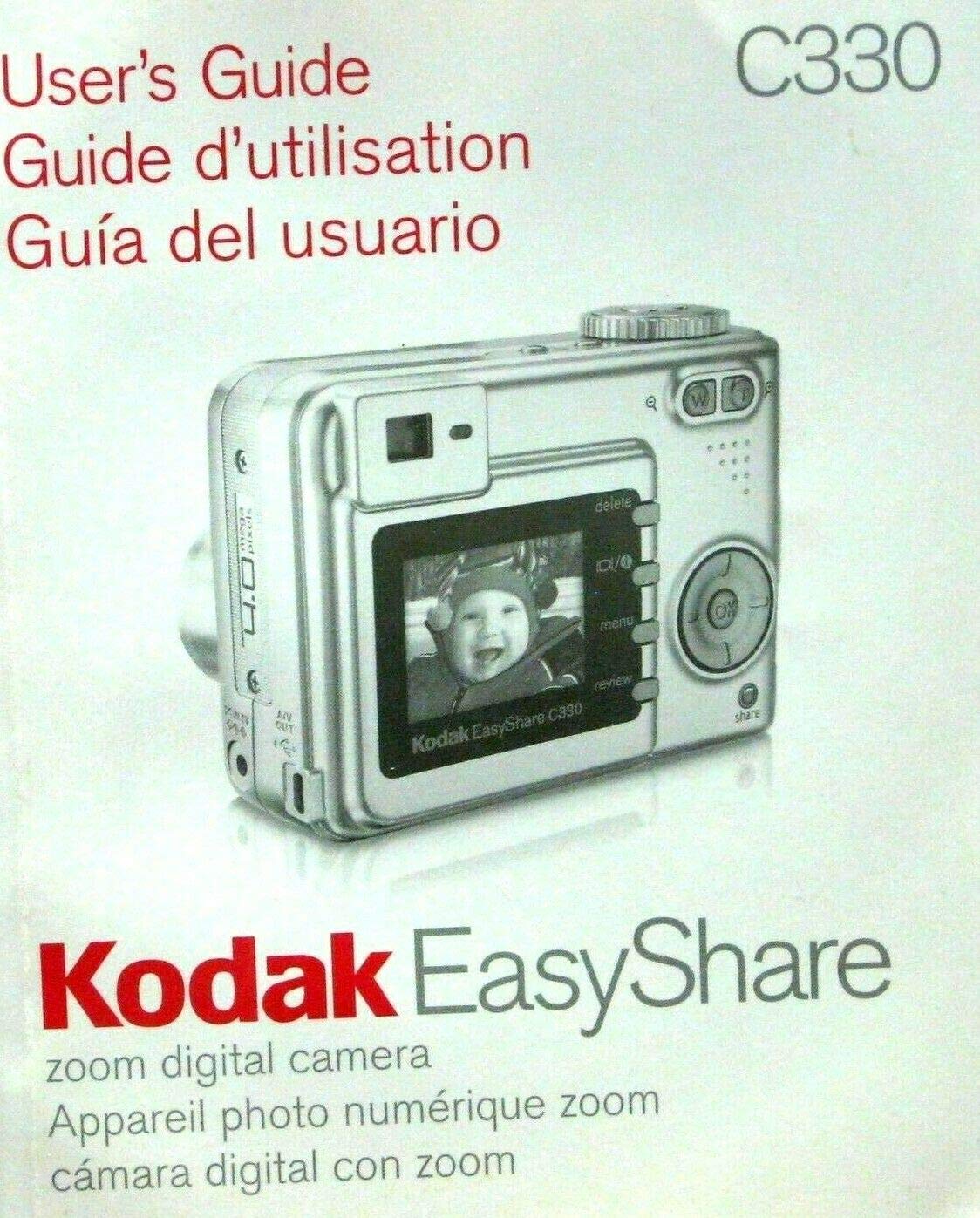
Figure 1.1: Front cover of the Kodak EasyShare C330 Zoom Digital Camera User's Guide, featuring an image of the camera itself.
2. Impostazione
2.1 Installazione delle batterie
The Kodak EasyShare C330 uses AA batteries. Follow these steps to install them:
- Open the battery compartment door located on the bottom of the camera.
- Inserire due batterie AA, assicurandosi che la polarità (+/-) sia corretta, come indicato all'interno del vano.
- Chiudere bene lo sportello del vano batteria finché non scatta in posizione.
2.2 Inserimento di una scheda di memoria
The camera supports SD (Secure Digital) memory cards.
- Individuare lo slot per la scheda di memoria, in genere accanto al vano batteria.
- Insert the SD card with the metal contacts facing down and towards the camera, pushing gently until it locks into place.
- Per rimuoverla, spingere leggermente la scheda finché non scatta fuori.
3. Utilizzo della fotocamera
3.1 Accensione/Spegnimento
Premere il tasto Energia pulsante situato nella parte superiore della fotocamera per accenderla o spegnerla.
3.2 Scattare foto
- Ruotare la ghiera delle modalità su Immagine fissa mode (usually indicated by a camera icon).
- Inquadra il tuo scatto utilizzando lo schermo LCD.
- Premere il tasto Otturatore button halfway down to focus, then press it all the way down to take the picture.
3.3 Funzione Zoom
Utilizzare il W (Ampio) e T (Telephoto) buttons, typically located near the shutter button, to zoom in and out.
3.4 Riviewimmagini
Premere il tasto Review pulsante (spesso indicato da un'icona di riproduzione) per view your captured images. Use the directional pad to navigate through photos.
3.5 Deleting Pictures
While in Review mode, select the picture you wish to delete and press the Eliminare button (often indicated by a trash can icon). Confirm your selection when prompted.
4. Manutenzione
4.1 Pulizia della fotocamera
- Per pulire il corpo della fotocamera, utilizzare un panno morbido e privo di lanugine.
- Per la pulizia delle lenti, utilizzare un panno e una soluzione specifici per la pulizia delle lenti. Evitare di toccare le lenti con le dita.
- Non utilizzare prodotti chimici aggressivi o materiali abrasivi.
4.2 Conservazione
Store the camera in a cool, dry place away from direct sunlight and extreme temperatures. Remove batteries if storing for extended periods to prevent leakage.
5. Risoluzione Dei Problemi
| Problema | Possibile causa | Soluzione |
|---|---|---|
| La fotocamera non si accende. | Batterie scariche o inserite in modo errato. | Sostituire le batterie o reinserirle correttamente. |
| Le immagini sono sfocate. | Fotocamera mossa, fuori fuoco o obiettivo sporco. | Hold camera steady, ensure focus, clean lens. |
| Errore della scheda di memoria. | Card not inserted correctly or corrupted. | Reinserisci la scheda, provane una diversa o formattala (i dati verranno cancellati). |
6. Specifiche
- Modello: Kodak EasyShare C330
- Editore: Eastman Kodak Company
- Data di pubblicazione: 1 gennaio 2005
- Lingua: Inglese
- Lunghezza di stampa: 73 pagine
- Peso dell'articolo: 4.8 once
- ASIN: B0036RP9UU
7. Garanzia e supporto
Specific warranty information for the Kodak EasyShare C330 Zoom Digital Camera is typically provided with the original product packaging or can be found on the official Kodak website. For technical support or service inquiries, please refer to the contact information provided by Kodak at the time of purchase or visit their official support channels online.
Note: This manual is a reproduction of the original user's guide and does not imply any direct support or warranty from the publisher of this document.
8. Video ufficiali dei prodotti
No official product videos from the seller are available for embedding in this manual based on the provided information.