
1. Introduzione
This manual provides essential information for the safe and efficient use of your Philips 52PFL8605K/02 52-inch LED TV. Please read these instructions carefully before operating the device and retain them for future reference.
2. Informazioni sulla sicurezza
Per evitare scosse elettriche, incendi o lesioni, osservare sempre le seguenti precauzioni di sicurezza:
- Non esporre il televisore alla pioggia o all'umidità.
- Non aprire il mobile TV. Per qualsiasi intervento di assistenza, rivolgersi a personale qualificato.
- Assicurare una ventilazione adeguata attorno al televisore. Non ostruire le aperture di ventilazione.
- Proteggere il cavo di alimentazione per evitare che venga calpestato o schiacciato.
- Scollegare il televisore durante i temporali o quando non viene utilizzato per lunghi periodi.
3. Impostazione
3.1 Disimballaggio
Estrarre con cautela il televisore e tutti gli accessori dall'imballaggio. Conservare il materiale di imballaggio per un trasporto o una conservazione futuri.
3.2 Installazione su supporto / montaggio a parete
If using the included stand, attach it securely to the TV following the instructions provided in the separate quick start guide. Ensure all screws are tightened. If wall mounting, use a VESA-compatible wall mount kit (sold separately) and follow the wall mount manufacturer's instructions. Always ensure the wall can support the TV's weight.

Image: The Philips 52PFL8605K/02 TV securely placed on its elegant stand.
3.3 Cavi di collegamento
- Energia: Collegare il cavo di alimentazione al televisore e poi a una presa a muro.
- Antenna/cavo: Connect your antenna or cable TV signal to the 'ANTENNA IN' port.
- Dispositivi HDMI: Collegare lettori Blu-ray, console di gioco o altri dispositivi HDMI alle porte HDMI.
- Altri dispositivi: Use component, composite, or PC inputs as needed.
3.4 Procedura guidata di configurazione iniziale
Upon first power-on, the TV will guide you through an initial setup process. This includes language selection, country, channel scanning, and network connection (if applicable).
4. Utilizzo del televisore
4.1 Controllo remoto finitoview
The remote control allows you to access all TV functions. Familiarize yourself with the button layout.
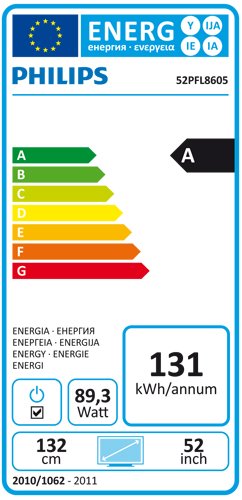
Image: The Philips TV remote control, featuring power, navigation, channel, volume, and numeric buttons.
4.2 Funzioni di base
- Energia: Premere il tasto Energia pulsante per accendere o spegnere la TV.
- Volume: Utilizzare il Volume +/- pulsanti per regolare il livello del suono.
- Canale: Utilizzare il Canale +/- pulsanti per cambiare canale.
- Fonte: Premere il tasto Fonte button to select input sources (HDMI, AV, etc.).
4.3 Navigazione nel menu
Premere il tasto Casa button on the remote to access the main menu. Use the arrow keys to navigate and OK per confermare le selezioni. Premere Indietro or Uscita per tornare alla schermata precedente o uscire dal menu.
4.4 Impostazioni immagine e audio
Within the main menu, navigate to 'Picture' and 'Sound' settings to customize your viewing experience. Adjust brightness, contrast, color, sharpness, and sound modes to your preference.
4.5 Ambilight Feature
Your Philips TV features Ambilight, which projects light from the sides of the TV onto the surrounding wall, matching the colors of the on-screen content. This enhances the viewing experience. Ambilight settings can be adjusted in the TV menu to change mode, brightness, and color intensity.
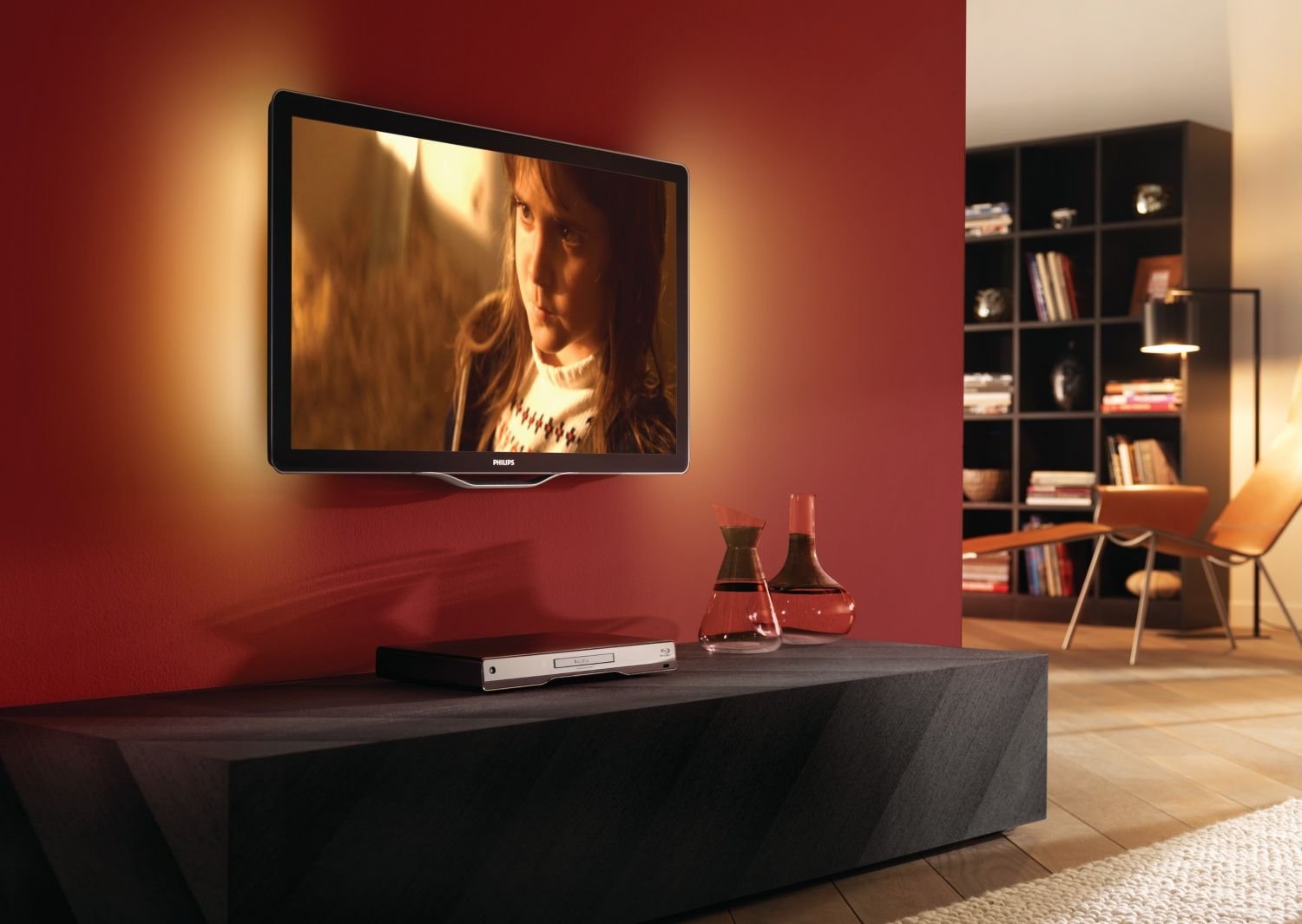
Image: The Philips TV displaying content with its Ambilight feature illuminating the wall behind it.
4.6 Funzionalità 3D
This TV supports 3D viewing. To experience 3D content, you will need compatible 3D glasses and a 3D source. Refer to the 3D glasses manual for specific usage instructions.
5. Manutenzione
5.1 Pulizia del televisore
- Schermo: Pulisci delicatamente lo schermo con un panno morbido e privo di lanugine. Per le macchie ostinate, utilizza un detergente per schermi specifico per TV, applicato sul panno, non direttamente sullo schermo.
- Consiglio dei ministri: Pulire il mobile con un panno morbido e asciutto. Non utilizzare detergenti abrasivi o solventi.
Scollegare sempre la TV prima di pulirla.
5.2 Aggiornamenti software
Periodically check the Philips support website for available software updates for your TV model. Updates can improve performance and add new features. Follow the instructions provided with the update carefully.
6. Risoluzione Dei Problemi
Se riscontri problemi con la tua TV, consulta i seguenti problemi comuni e le relative soluzioni:
| Problema | Possibile soluzione |
|---|---|
| Nessun potere | Controllare che il cavo di alimentazione sia collegato saldamente al televisore e alla presa a muro. Assicurarsi che la presa sia funzionante. |
| Nessuna immagine, ma l'audio è presente | Controlla la sorgente di ingresso. Assicurati che i dispositivi esterni siano accesi e collegati correttamente. Prova un cavo HDMI diverso. |
| Nessun suono, ma l'immagine è presente | Check the volume level and mute status. Ensure audio cables are connected correctly. Check sound settings in the menu. |
| Il telecomando non funziona | Sostituisci le batterie. Assicurati che non ci siano ostacoli tra il telecomando e il sensore IR del televisore. |
| Image appears blurry or with 'streaks' | This can sometimes be a characteristic of certain LCD panels. Ensure the picture settings are optimized. If persistent, contact customer support. |
Se il problema persiste dopo aver provato queste soluzioni, contattare l'assistenza clienti Philips.
7. Specifiche
- Modello: 52PFL8605K/02
- Dimensioni dello schermo: 52 pollici (132 cm)
- Tipo di visualizzazione: LCD LED
- Dimensioni (L x P x A): 124.51 x 5.11 x 75.69 cm (senza supporto)
- Peso: 33 Kilograms (without stand)
- ASIN: B003EA7UVK
7.1 Etichetta energetica
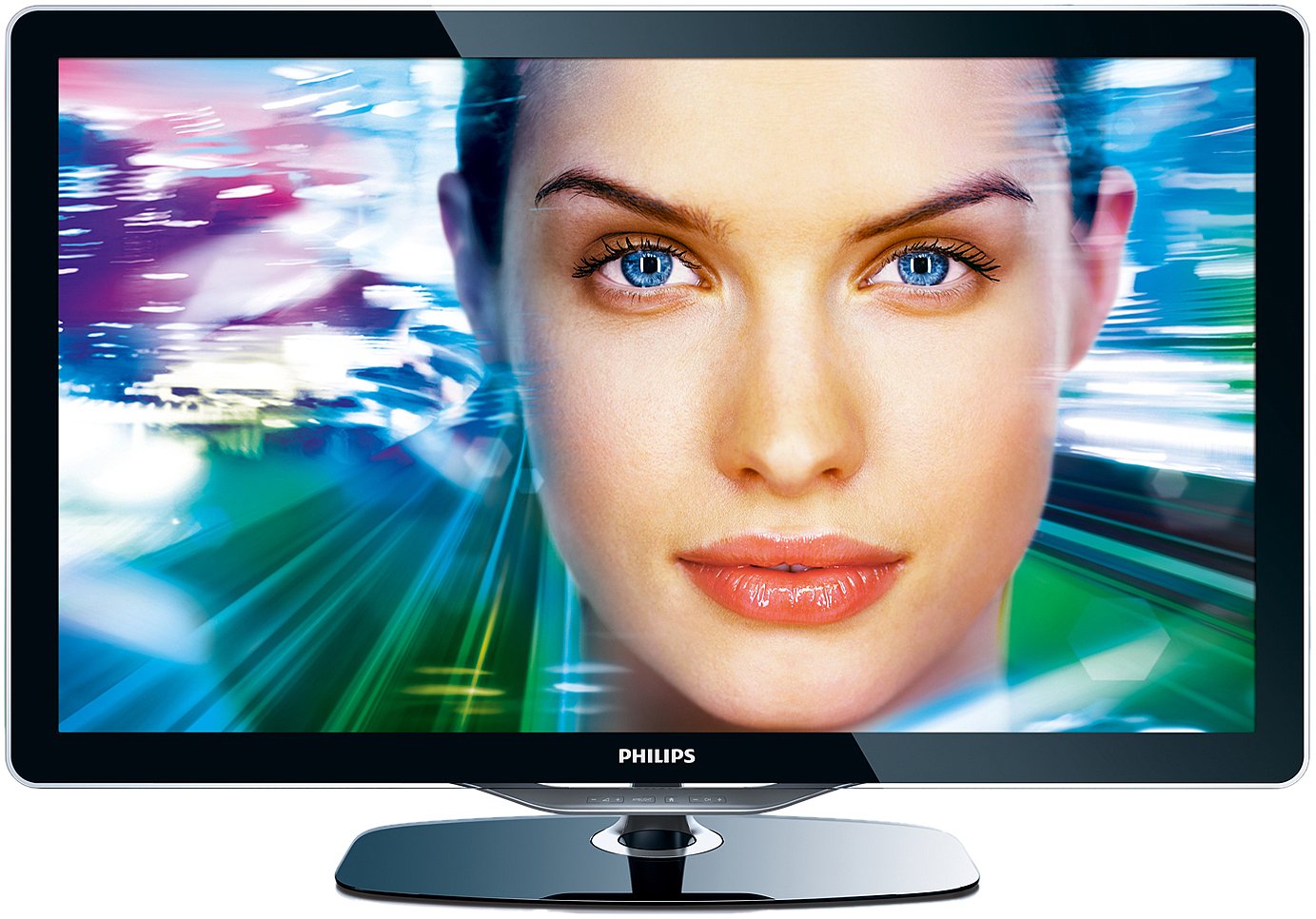
Image: The energy efficiency label for the Philips 52PFL8605K/02 TV, indicating an 'A' rating and annual energy consumption.
8. Garanzia e supporto
Your Philips TV comes with a limited warranty. Please refer to the warranty card included with your product for details on coverage and duration. For technical support, service, or to find authorized service centers, please visit the official Philips support websito o contattare la hotline del servizio clienti.