
Codice articolo: 910-001543
D'uso Dell Logitech Wireless Mouse M215
Modello: M215 (910-001543)
Introduzione
This manual provides essential information for setting up, operating, and maintaining your Logitech Wireless Mouse M215. Please read this manual thoroughly before using the product to ensure optimal performance and longevity.
Contenuto della confezione
- Logitech Wireless Mouse M215
- Ricevitore nano USB
- 1 batteria AA (preinstallata o inclusa)
- Documentazione utente (questo manuale)
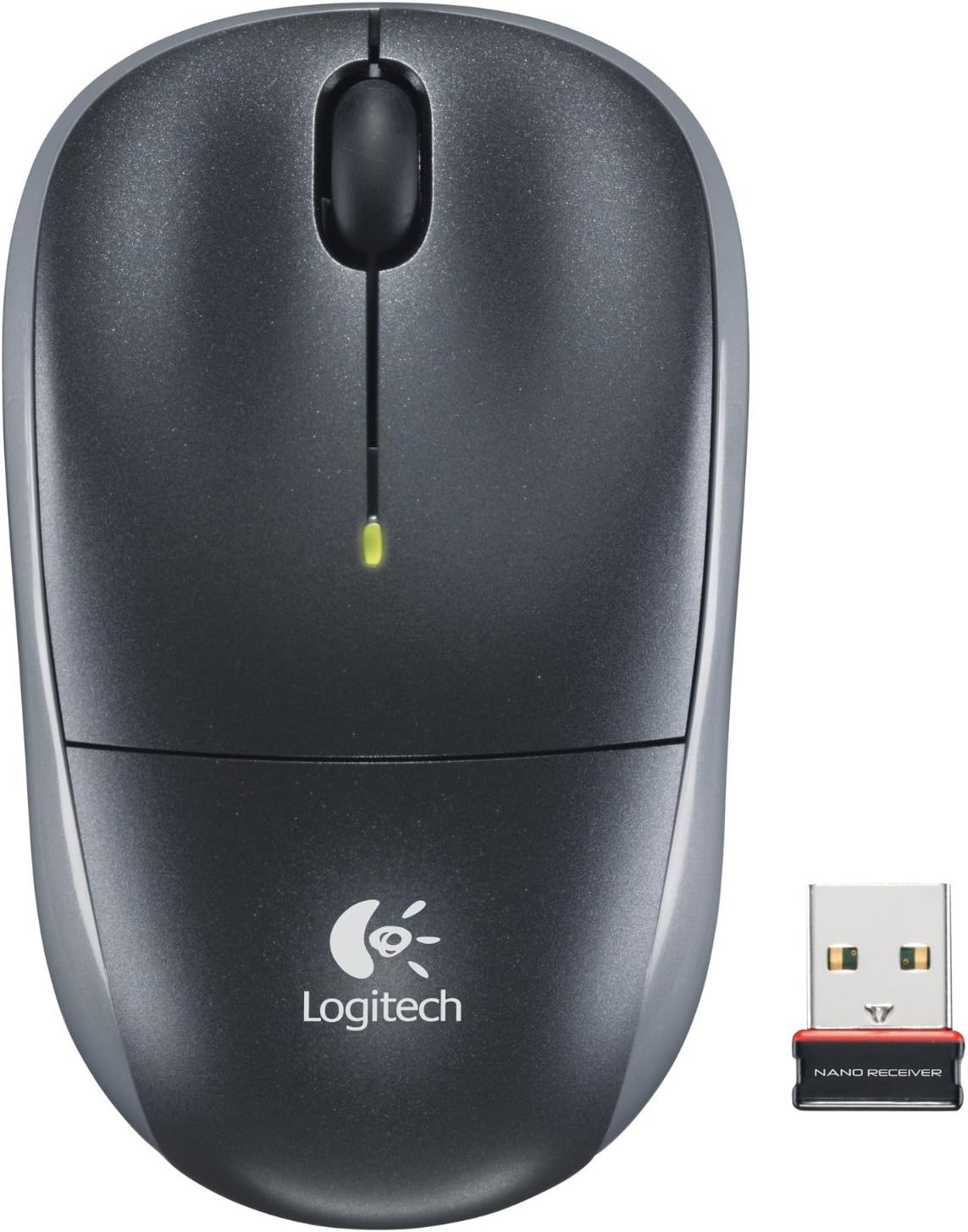
Image: The Logitech Wireless Mouse M215, a compact dark grey mouse with a scroll wheel and two main buttons, shown alongside its small USB Nano Receiver. The mouse features the Logitech logo on its palm rest.
Impostare
1. Installare la batteria
The Logitech Wireless Mouse M215 requires one AA battery. The battery compartment is located on the underside of the mouse. Open the compartment, insert the AA battery ensuring correct polarity (+/-), and close the compartment. A battery is included with the mouse.
2. Connect USB Nano Receiver
Locate an available USB port on your computer (desktop or laptop). Insert the USB Nano Receiver firmly into the USB port. Your operating system should automatically detect and install the necessary drivers. No additional software installation is typically required.
3. Power On Mouse
On the underside of the mouse, locate the On/Off switch. Slide the switch to the "On" position. The mouse is now ready for use.
Istruzioni per l'uso
The Logitech Wireless Mouse M215 provides intuitive control for your computer.
- Clic sinistro: Premere il tasto sinistro per selezionare elementi, aprire collegamenti o attivare funzioni.
- Clic destro: Premere il tasto destro per aprire i menu contestuali o accedere ad opzioni aggiuntive.
- Rotella di scorrimento: Ruotare la rotellina di scorrimento verso l'alto o verso il basso per navigare tra i documenti e web pagine.
- Clic centrale (pulsante rotellina di scorrimento): Press the scroll wheel down to activate middle-click functions, such as opening links in new tabs or auto-scrolling.
- Movimento: Move the mouse across a flat surface to control the cursor on your screen. The optical sensor provides smooth and precise tracking.
The mouse is designed for comfortable use, allowing for easy text selection and effortless scrolling.
Manutenzione
- Pulizia: Utilizzare un panno morbido e asciutto per pulire l'esterno del mouse. Per lo sporco ostinato, un panno leggermenteamp È possibile utilizzare un panno, ma assicurarsi che l'umidità non penetri nei componenti interni. Evitare detergenti abrasivi o solventi.
- Sostituzione della batteria: When the battery indicator light (if present) glows red or mouse performance degrades, replace the AA battery. Ensure the mouse is turned off before replacing the battery.
- Memoria del ricevitore: The USB Nano Receiver can be stored inside the mouse's battery compartment when not in use, which is convenient for travel and prevents loss.
Risoluzione dei problemi
| Problema | Soluzione |
|---|---|
| Il mouse non risponde. |
|
| Il movimento del cursore è irregolare o saltellante. |
|
| Il mouse si disconnette frequentemente. |
|
Specifiche
- Modello: M215 (910-001543)
- Connettività: Wireless a 2.4 GHz (ricevitore nano USB)
- Rilevamento del movimento: Ottico
- Tipo di batteria: 1 x AA (incluse)
- Dimensioni: 5.88 x 3.5 x 8.25 pollici (dimensioni del prodotto)
- Peso: 8 once (peso dell'articolo)
- Produttore: Logitech, Inc
- Colore: Black, red and blue
Garanzia e supporto
Per informazioni sulla garanzia e supporto tecnico, visitare il supporto ufficiale Logitech websito o fare riferimento alla scheda di garanzia inclusa con il prodotto. È inoltre possibile visitare il sito Negozio Logitech su Amazon per maggiori dettagli.
Logitech, Inc.
ASIN: B003OX1LEO
Ask a question about this manual
Ask about setup, troubleshooting, compatibility, parts, safety, or missing instructions. Manuals+ will review the question and use this page’s manual context to help answer it.