
1. Introduzione
Welcome to the user manual for your Logitech M705 Marathon Wireless Mouse. This document provides essential information for setting up, operating, and maintaining your device, ensuring optimal performance and longevity. The M705 mouse is designed for comfort and efficiency, featuring a long battery life and customizable controls for enhanced productivity.
2. Prodotto finitoview
Caratteristiche principali
- Durata prolungata della batteria: Enjoy up to 3 years of battery life, reducing the need for frequent replacements.
- Design ergonomico: Sculpted to fit the natural curve of your right hand, providing comfort during prolonged use.
- Scorrimento iperveloce: Navigate through long documents and web pages with a single spin of the scroll wheel, or switch to click-to-click scrolling for precision.
- Pulsanti programmabili: Five customizable buttons, including forward/back thumb buttons, allow for personalized shortcuts and enhanced control.
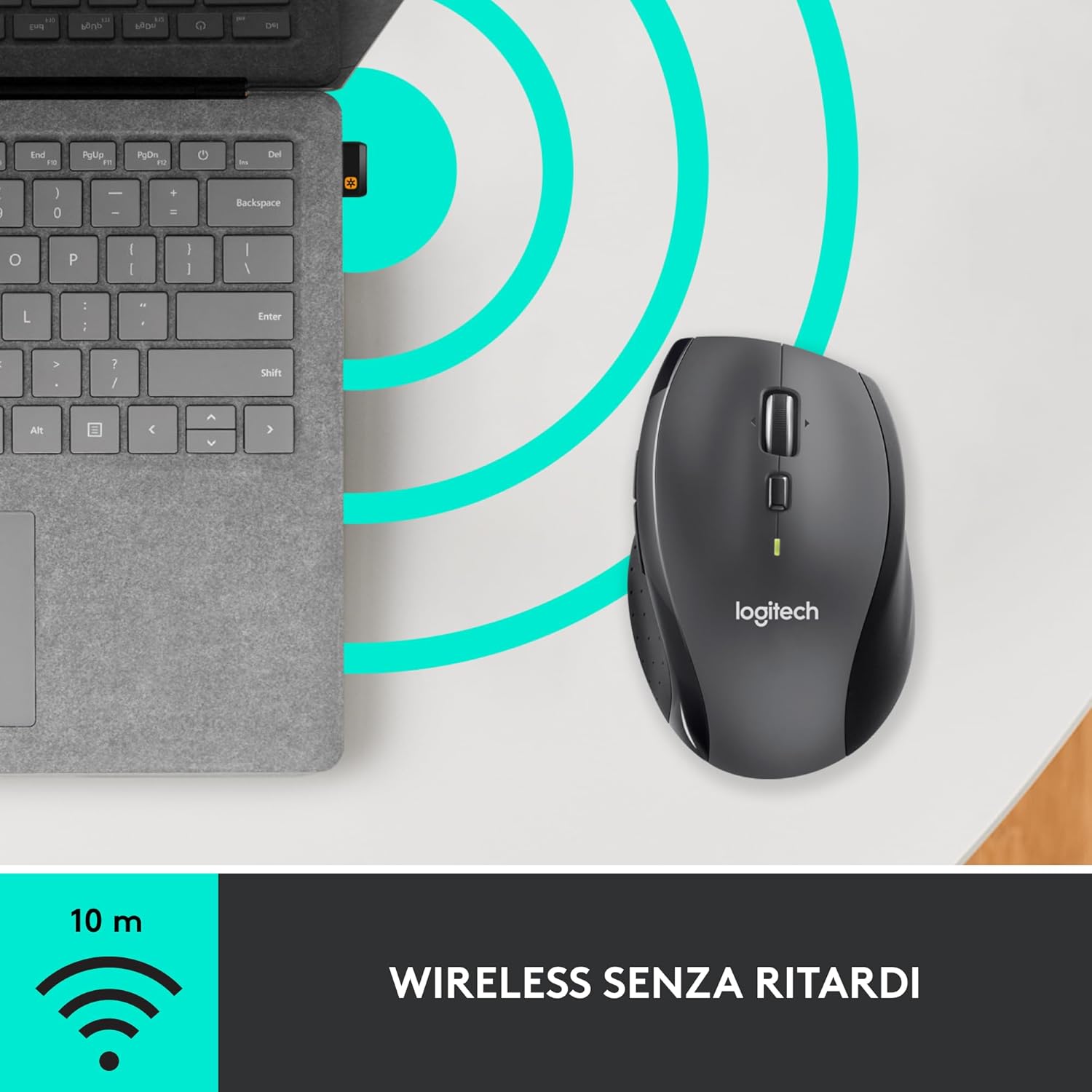
- Ricevitore unificante: A small USB Unifying receiver connects up to six compatible Logitech devices, freeing up USB ports.
- Ampia compatibilità: Compatibile con i sistemi operativi Windows, macOS, Chrome OS e Linux.
Contenuto della confezione
The Logitech M705 Marathon Wireless Mouse package typically includes:
- Mouse wireless Logitech M705
- Ricevitore USB Logitech Unifying
- 2 AA Alkaline Batteries (may vary by region/packaging)

3. Istruzioni per l'installazione
3.1. Installazione delle batterie
- Turn the mouse over and locate the battery compartment cover on the underside.
- Press the release button or slide the cover to open the compartment.
- Inserire le due batterie AA, assicurandosi della corretta polarità (+/-).
- Riposizionare il coperchio del vano batterie.

3.2. Connecting the USB Unifying Receiver
- Locate the small USB Unifying receiver. It may be stored inside the battery compartment of the mouse.
- Collega il ricevitore USB a una porta USB disponibile sul tuo computer.
- Accendere il mouse utilizzando l'interruttore On/Off situato nella parte inferiore.
- Your computer should automatically detect the mouse. If not, visit the Logitech support websito per l'installazione dei driver.
4. Istruzioni per l'uso
4.1. Funzioni di base del mouse
The M705 mouse features standard left and right-click buttons, a scroll wheel, and additional programmable buttons.

4.2. Scorrimento iperveloce
La rotellina di scorrimento offre due modalità:
- Modalità iperveloce: Press the button directly below the scroll wheel to unlock it for smooth, rapid scrolling through long documents or web pagine.
- Modalità clic-clic: Press the button again to engage precise, stepped scrolling, ideal for navigating lists or image galleries.

4.3. Pulsanti programmabili
The M705 features five programmable buttons, including two thumb buttons and tilt-scroll functionality. These can be customized using the Logitech Options software.

5 Personalizzazione
To unlock the full potential of your M705 mouse, download and install the Logitech Options software from the official Logitech websito. Questo software ti consente di:
- Assign custom functions to the five programmable buttons.
- Regola la velocità di tracciamento (DPI).
- Configure application-specific settings.
- Controlla lo stato della batteria.

6. Manutenzione
6.1. Pulizia
Per pulire il mouse, utilizzare un panno morbido e privo di lanugine. Per lo sporco ostinato, utilizzare un panno leggermenteampen the cloth with water. Avoid using harsh chemicals or abrasive materials, as these can damage the mouse surface or internal components.
6.2. Sostituzione della batteria
When the battery indicator light on your mouse begins to flash or if performance degrades, it's time to replace the batteries. Follow the steps in Section 3.1 to replace the two AA batteries. Dispose of old batteries responsibly according to local regulations.
7. Risoluzione Dei Problemi
7.1. Il mouse non risponde
- Assicurati che il mouse sia acceso.
- Controllare il livello della batteria e sostituirla se necessario.
- Verify the USB Unifying receiver is securely plugged into a working USB port.
- Prova a collegare il ricevitore a una porta USB diversa o a un computer diverso per isolare il problema.
- Se si utilizza un hub USB, provare a collegarlo direttamente al computer.
7.2. Movimento irregolare del cursore
- Pulisci il sensore ottico sul lato inferiore del mouse.
- Ensure you are using the mouse on a suitable surface. Highly reflective or transparent surfaces may cause tracking issues. A mouse pad is recommended.
- Check for interference from other wireless devices. Move the mouse closer to the USB receiver.
7.3. Unifying Receiver Issues
If the mouse loses connection or you need to pair it with a new receiver, download the Logitech Unifying Software from the Logitech support website. This software guides you through the pairing process.
8. Specifiche
| Caratteristica | Dettaglio |
|---|---|
| Marca | Logitech |
| Nome del modello | Numero di modello: M705 |
| Numero di modello | 910-001949 |
| Tecnologia di connettività | Wireless (2.4 GHz USB Unifying Receiver) |
| Tecnologia di rilevamento del movimento | Laser |
| Risoluzione del movimento | 1000 DPI (up to 3200 DPI maximum resolution) |
| Numero di pulsanti | 5 pulsanti programmabili |
| Fonte di alimentazione | Battery (2 x AA Alkaline) |
| Durata media della batteria | Fino a 3 anni |
| wireless Range | Fino a 10 metri |
| Fattore di forma | Right-hand ergonomic |
| Dimensioni (L x P x A) | 20 x 13 x 12 cm (Dimensioni della confezione del prodotto) |
| Peso | 136 grammi |
| Sistemi operativi compatibili | Windows 7, 8, 10; macOS 10.11 or later; Chrome OS; Linux |
9. Garanzia e supporto
Per informazioni dettagliate sulla garanzia e sul supporto tecnico, fare riferimento al sito ufficiale Logitech webo contattare il servizio clienti Logitech. Conservare la prova d'acquisto per eventuali reclami in garanzia.