
Introduzione
The Nolan MIC Bluetooth Wireless Microphone BTMIC2 is designed to capture and transmit audio wirelessly. It features dual modes for compatibility with various Bluetooth-enabled devices, offering clear sound and an extended operating range. This manual provides instructions for proper setup, operation, and maintenance of your BTMIC2 microphone.
Prodotto finitoview
Caratteristiche principali
- Dual modes (A/B) for broad compatibility with Bluetooth speakers, headphones, audio receivers, smartphones, tablets, PCs, and Macs.
- Omnidirectional microphone for comprehensive sound capture.
- Low latency audio transmission.
- Raggio d'azione fino a 20 metri (65 piedi).
- Integrated rechargeable battery providing up to 6 hours of talk time.
- Lightweight design with a built-in clip for convenient wearing.
- Indicatore LED per lo stato operativo.
Contenuto della confezione
- Nolan BTMIC2 Wireless Microphone
- Cavo di ricarica USB
- Manuale d'uso
Identificazione dei componenti

Figura 1: Davanti view of the Nolan BTMIC2 microphone, showing the Alead branding and Bluetooth microphone logo.

Figura 2: Lato view of the BTMIC2, illustrating the USB charging port, ON/OFF switch, and integrated clip. The slide switch for A/B mode selection is also visible.
Impostare
Ricarica del microfono
- Connect the supplied USB charging cable to the BTMIC2 microphone's charging port.
- Collegare l'altra estremità del cavo USB a una fonte di alimentazione USB standard (ad esempio, una porta USB del computer, un adattatore da parete USB).
- The LED indicator will show charging status. A full charge provides up to 6 hours of operation.
Associazione con i dispositivi
The BTMIC2 features two operating modes, A and B, for different device types.
Mode A: For Audio Receivers, Speakers, PA Systems, and Headphones

Figura 3: Mode A compatibility with various audio output devices.
- Slide the mode switch on the BTMIC2 to position A.
- Turn on the BTMIC2 microphone. The LED indicator will flash, indicating it is in pairing mode.
- Put your Bluetooth speaker, headphones, or audio receiver into pairing mode (refer to your device's manual for specific instructions).
- Once paired, the LED indicator on the BTMIC2 will show a steady light.
Mode B: For iPhones, iPads, Tablets, Smartphones, PCs, and Laptops

Figura 4: Mode B compatibility with various smart devices and computers.
- Slide the mode switch on the BTMIC2 to position B.
- Turn on the BTMIC2 microphone. The LED indicator will flash, indicating it is in pairing mode.
- On your smartphone, tablet, PC, or laptop, go to the Bluetooth settings menu.
- Cercare available devices and select "BTMIC2" (or similar name) from the list.
- Once paired, the LED indicator on the BTMIC2 will show a steady light.
Important Note for Mode B:
- Default voice or video recording applications on iPhone, iPad, and Android devices typically do not support external Bluetooth microphones. Users must utilize third-party recording applications that explicitly support Bluetooth microphone input (e.g., "Voice Recorder HD", "Audio Memos", "Easy Voice Recorder Pro", "ReadyMIC", "Captures").
- For PC or laptop use, ensure your device has compatible Bluetooth functionality or a USB Bluetooth adapter that supports the headset or hands-free profile for microphone operation.
Istruzioni per l'uso
Using the Microphone for Voice Transmission (Mode A)
In Mode A, the BTMIC2 captures your voice and transmits it wirelessly to a paired Bluetooth audio receiver, speaker, or PA system. This is suitable for presentations, lectures, or public speaking where your voice needs to be amplificato.

Figura 5: Example of using the BTMIC2 in Mode A for a presentation, transmitting voice to a speaker.
- Ensure the BTMIC2 is in Mode A and successfully paired with your desired audio output device.
- Clip the microphone to your clothing, ensuring it is positioned to capture your voice clearly.
- Speak normally. Your voice will be transmitted to the paired device.
Using the Microphone for Voice Recording (Mode B)
In Mode B, the BTMIC2 captures your voice for recording on a paired smartphone, tablet, PC, or laptop using compatible applications. This is ideal for podcasts, interviews, vlogging, or distance education.
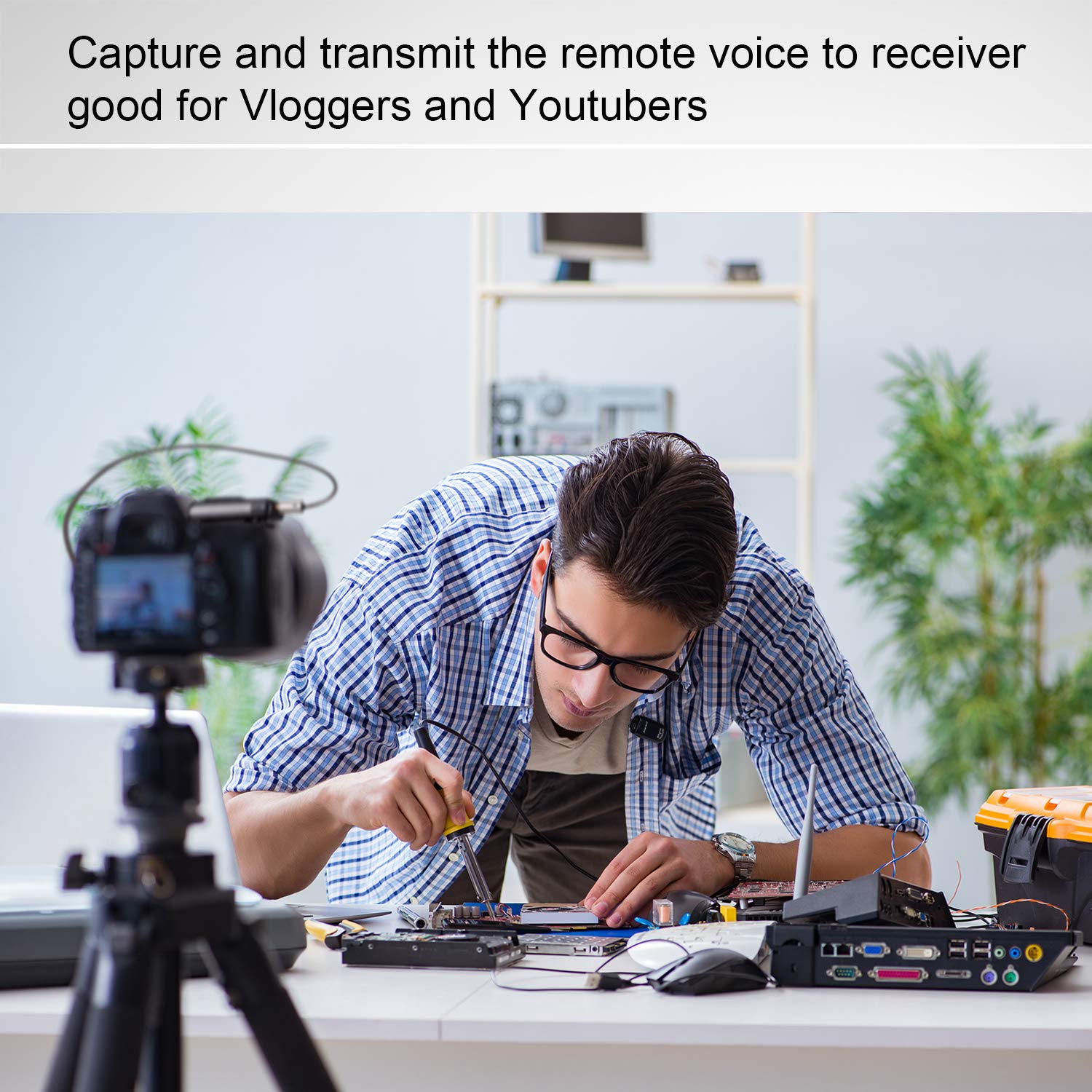
Figura 6: Example of using the BTMIC2 in Mode B for capturing remote voice during a meeting for recording purposes.
- Ensure the BTMIC2 is in Mode B and successfully paired with your recording device.
- Open a compatible recording application on your device.
- Select the BTMIC2 as the audio input source within the application's settings, if necessary.
- Inizia la registrazione.
- Clip the microphone to your clothing for optimal voice capture.
Manutenzione
- Pulizia: Utilizzare un panno morbido e asciutto per pulire l'esterno del microfono. Non utilizzare detergenti liquidi o solventi.
- Magazzinaggio: Conservare il microfono in un luogo fresco e asciutto, lontano dalla luce solare diretta e da temperature estreme.
- Cura della batteria: Per prolungare la durata della batteria, evitare di scaricarla completamente frequentemente. Caricare il dispositivo regolarmente, anche se non viene utilizzato per periodi prolungati.
- Evitare l'umidità: Non esporre il microfono all'acqua o a elevata umidità.
Risoluzione dei problemi
| Problema | Possibile causa | Soluzione |
|---|---|---|
| Il microfono non si accende. | La batteria è scarica. | Charge the microphone using the supplied USB cable. |
| Impossibile effettuare l'associazione con un dispositivo. | Incorrect mode selected (A/B). Dispositivo non in modalità di associazione. Fuori dal limite. | Ensure the correct mode (A or B) is selected for your device type. Put both the BTMIC2 and the target device into pairing mode. Move the devices closer to each other (within 20m/65ft). |
| No audio output/recording. | È stata selezionata la modalità errata. Not selected as input device. Incompatible recording app (Mode B). Bluetooth professionalefile issue (PC/Laptop). | Verify the BTMIC2 is in the correct mode (A for output, B for recording). Ensure BTMIC2 is selected as the audio input/output device in your device's settings or application. For Mode B, use a recording app that supports external Bluetooth microphones. For PC/Laptop, ensure your Bluetooth adapter supports headset/hands-free profiles. |
| Ritardo audio o eco. | Bluetooth speaker/receiver latency. | Some Bluetooth speakers may introduce audio delay. Consider using a receiver designed for low-latency audio or adjust settings on your receiving device if available. |
| Interferenze durante il funzionamento. | Other wireless devices. Ambiente operativo. | The BTMIC2 operates at low power and may be susceptible to interference from other devices. Try moving away from other wireless equipment or sources of electromagnetic interference. |
Specifiche
| Marca | Nolano |
| Nome del modello | Microfono |
| Numero di modello | BTMIC2 |
| Tecnologia di connettività | Bluetooth |
| Tipo di connettore | Senza fili |
| Caratteristica speciale | Clip integrata |
| Dispositivi compatibili | Bluetooth Speakers, Headphones, PCs, Smartphones, Tablets, Camcorders |
| Colore | Black Satin |
| Modello polare | Omnidirezionale |
| Peso del prodotto | 15 grammi (0.53 once) |
| Fattore di forma del microfono | Solo microfono |
| Fonte di alimentazione | Batteria ricaricabile |
| Tipo di batteria | 1 Lithium Polymer |
| Signal-to-Noise Ratio | 76 dB |
| Piattaforma hardware | PC, portatile, smartphone, tablet |
| Numero di canali | 1 |
| Dimensioni articolo (L x P x A) | Dimensioni: 5.2 x 1.3 x 2.5 cm |
| Campo di funzionamento | Fino a 20 metri (65 piedi) |
| Tempo di conversazione | Fino a 6 ore |
Informazioni per i consumatori
Most users do not require a license to operate this wireless microphone system. However, operation without a license is subject to certain restrictions:
- The system must not cause harmful interference.
- It must operate at a low power level (not exceeding 50 milliwatts).
- It has no protection against interference received from any other device.
Users are advised to consult their national telecommunications authority for specific regulations regarding wireless microphone operation in their region.