
Introduzione
The Sitecom CN-071 4-Port USB 3.0 Hub expands your desktop or laptop computer with four additional USB 3.0 ports. This hub utilizes the USB 3.0 standard, offering data transfer speeds up to 5 Gbps, which is significantly faster than USB 2.0. It also provides increased bandwidth, allowing for simultaneous data transmission and reception. This makes the USB 3.0 hub suitable for connecting external hard drives and copying large files, such as high-definition movies or music.
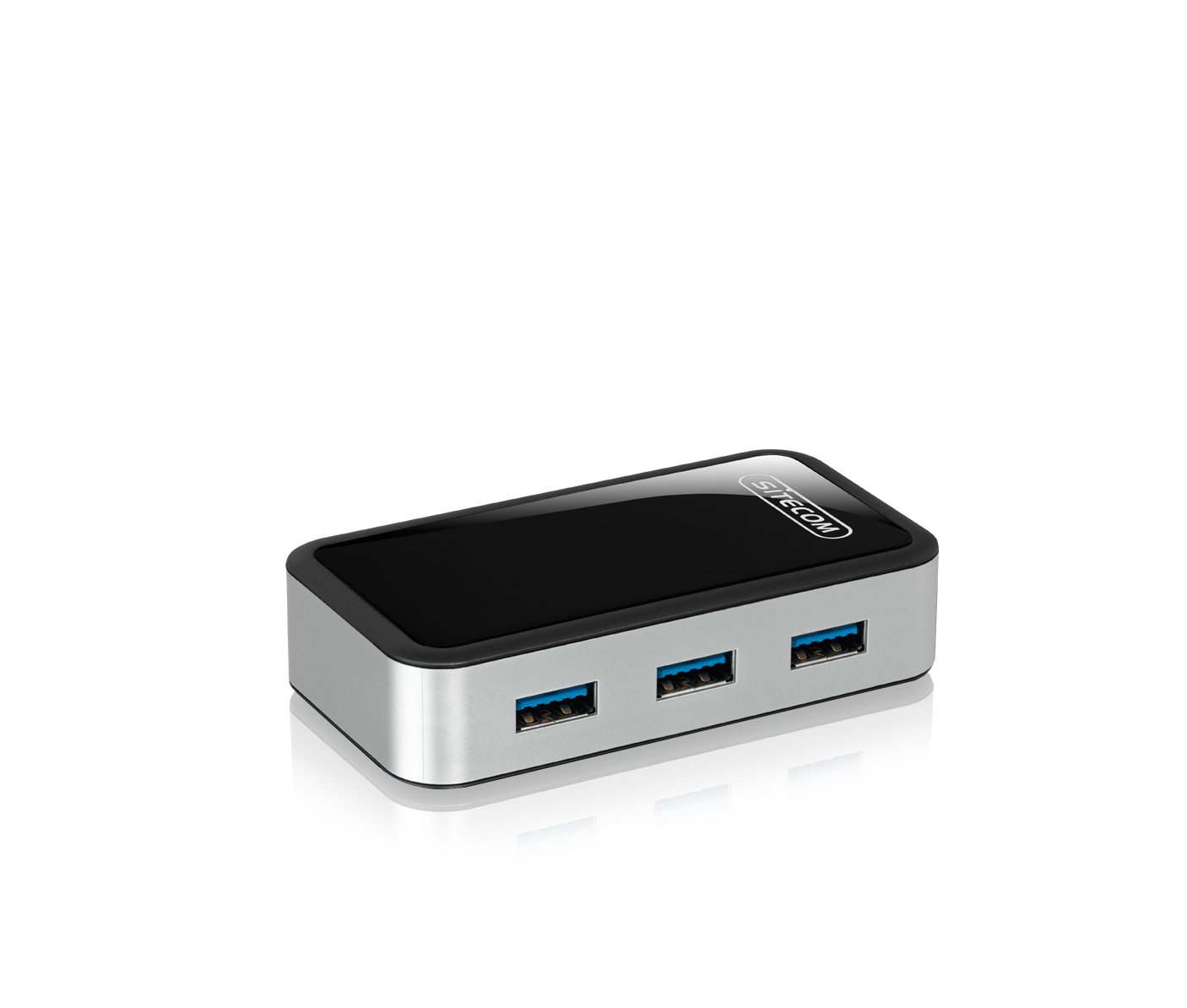
Image: The Sitecom CN-071 4-Port USB 3.0 Hub shown alongside its retail packaging.
Impostare
- Disimballare l'Hub: Carefully remove the Sitecom CN-071 USB 3.0 Hub and the included USB 3.0 A to Micro B cable from its packaging.
- Connessione al computer: Connect the Micro B end of the included USB 3.0 cable to the corresponding port on the Sitecom CN-071 hub. Connect the standard USB A end of the cable to an available USB 3.0 port on your computer.
- Power Connection (Optional/Recommended): For optimal performance, especially when connecting multiple high-power devices (e.g., external hard drives), it is recommended to use an external 5V power adapter (not included). Connect the power adapter to the DC input port on the hub.
- Connetti dispositivi: Plug your USB devices (e.g., flash drives, external hard drives, keyboards, mice) into the available USB 3.0 ports on the hub. Your operating system should automatically detect and install the necessary drivers.
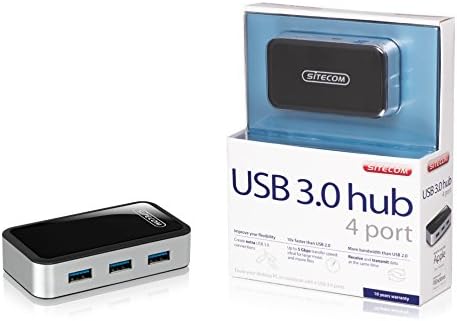
Immagine: Uno sguardo più da vicino view of the Sitecom CN-071 hub, highlighting its four USB 3.0 ports and sleek design.
Istruzioni per l'uso
- Collega e usa: The Sitecom CN-071 hub is designed for plug-and-play operation. Once connected to your computer, it is ready for use without additional software installation.
- Trasferimento dati ad alta velocità: Utilize the USB 3.0 ports for devices that support USB 3.0 to achieve data transfer speeds of up to 5 Gbps. This is ideal for transferring large files rapidamente.
- Compatibilità con le versioni precedenti: The hub is fully backward compatible with USB 2.0 and USB 1.1 devices. Older devices will function at their respective maximum speeds.
- Funzionamento simultaneo: Connect up to four USB devices simultaneously. The USB 3.0 standard allows for efficient data flow, enabling both data transmission and reception at the same time.
Manutenzione
- Pulizia: To clean the hub, gently wipe it with a soft, dry cloth. Do not use liquid cleaners or abrasive materials, as these can damage the device.
- Magazzinaggio: Quando non lo si utilizza, conservare l'hub in un luogo fresco e asciutto, lontano dalla luce solare diretta e da temperature estreme.
- Gestione: Evitare di far cadere il mozzo o di sottoporlo a forti urti, che potrebbero danneggiare i componenti interni.
Risoluzione dei problemi
- Dispositivo non riconosciuto:
- Ensure the hub is securely connected to a USB port on your computer.
- Try connecting the device directly to your computer's USB port to verify if the device itself is functioning correctly.
- If connecting high-power devices, ensure an external power adapter is connected to the hub.
- Prova a collegare l'hub a una porta USB diversa sul tuo computer.
- Riavvia il computer.
- Velocità di trasferimento dati lente:
- Ensure both the hub and the connected device are using USB 3.0. If either is USB 2.0, speeds will be limited to USB 2.0 rates.
- Verify that the hub is connected to a USB 3.0 port on your computer. USB 3.0 ports are often blue.
- If multiple high-power devices are connected, ensure an external power adapter is used with the hub. Insufficient power can lead to reduced performance.
- Avoid connecting the hub through other USB hubs or extenders, as this can affect performance.
- L'hub si disconnette in modo casuale:
- This often indicates insufficient power. Connect an external 5V power adapter to the hub, especially if using multiple or high-power devices.
- Ensure the USB cable connecting the hub to the computer is not damaged and is securely connected.
Specifiche
| Numero modello: | CMPSC-CN071 |
| Interfaccia: | USB 3.0 (retrocompatibile con USB 2.0/1.1) |
| Numero di porte: | 4 porte USB 3.0 |
| Velocità di trasferimento dati: | Fino a 5 Gbps |
| Colore: | Nero |
| Dimensioni (prodotto): | Compact design (Specific dimensions not provided for the hub itself, only packaging) |
| Incluso nel Box: | USB 3.0 A to Micro B Cable |
Informazioni sulla garanzia
For detailed warranty information, please refer to the "Terms and Conditions" section on the official Sitecom website or contact Sitecom customer support. Warranty terms may vary by region and purchase date.
Supporto
If you encounter any issues not covered in this manual or require further assistance, please visit the official Sitecom websito per risorse di supporto, FAQ e informazioni di contatto.
Official Sitecom Websito: www.sitecom.com