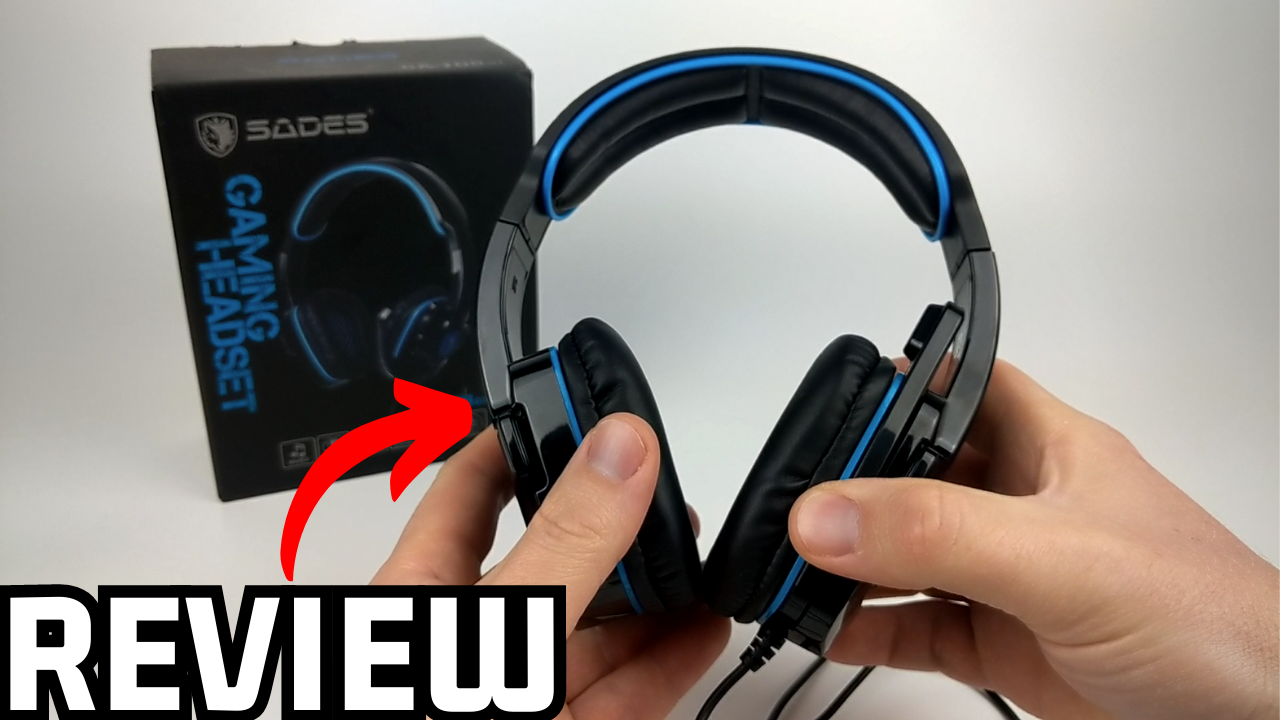
SADES SA 708

SADES SA 708 Stereo Gaming Headphone Headset with Microphone (Blue) Instruction Manual

Model: SA 708 | Brand: SADES

1. Introduzione

The SADES SA 708 Stereo Gaming Headphone Headset with Microphone (Blue) is designed to provide an immersive audio experience for gamers across various platforms. This manual will guide you through the setup, operation, and maintenance of your new headset to ensure optimal performance and longevity.

SADES SA 708 Stereo Gaming Headset with blue accents and microphone

Image 1: The SADES SA 708 Stereo Gaming Headset, highlighting its design and blue accents.

2. Caratteristiche principali

  • EMI/RFI Shielding: Prevents electromagnetic and radio-frequency interference for clear audio during gameplay.
  • Design unico: Well-shaped and designed gaming headset with a foldable hidden microphone.
  • SADES-AFV Volume Control: Premier volume control with an additional microphone mute function for easy audio management.
  • Comodo da indossare: Features soft PU leather cushion ear-pads and head-pads for extended comfort.
  • Ampia compatibilità: Works with Xbox One, PS4, PC, Computer, and Mobile Phones via its 3.5mm jack.
Headset with text 'Immersive Sound Quality'

Image 2: Highlighting the immersive sound quality of the headset, designed for an engaging gaming experience.

Headset showing 40mm driver and noise reduction waveform

Image 3: Illustrates the 40mm drivers and the noise reduction capabilities of the microphone, ensuring clear audio input and output.

3. Cosa c'è nella scatola

Upon opening your SADES SA 708 headset package, you should find the following items:

  • SADES SA 708 Stereo Gaming Headset with Microphone
  • Cuscinetti auricolari (preinstallati)
  • 3.5mm Plug Cable (1.5 meters approximately)
  • PC Adapter Cable (for separate audio/mic jacks)
  • Xbox 360 Adapter (if applicable for older controllers)
  • Manuale di istruzioni
SADES SA708GT Gaming Headset box contents including headset, cables, and adapters

Image 4: Contents of the SADES SA 708GT package, showing the headset, various cables, and adapters for different devices.

4. Guida all'installazione

4.1 Connessione ai dispositivi

The SADES SA 708 headset uses a standard 3.5mm audio jack for broad compatibility. Ensure your device has a compatible 3.5mm port.

  • For Mobile Phones, PS4, Xbox One (new controller), Nintendo Switch: Plug the 3.5mm jack directly into your device's audio port.
  • For PC/Computer (with separate audio/mic jacks): Use the included PC adapter cable. Plug the headset's 3.5mm jack into the adapter, then plug the green (audio) and pink (microphone) plugs of the adapter into the corresponding ports on your computer.
  • For Xbox 360 (older controllers): Use the specific Xbox 360 adapter if provided, connecting it to your controller and then the headset.
Diagram showing SADES headset connecting to mobile phone, Xbox One, PS4, and PC

Image 5: Visual guide demonstrating how to connect the SADES headset to various devices including mobile phones, Xbox One, PS4, and PC.

4.2 Connessione iniziale e test

  1. Connect the headset to your desired device as described above.
  2. Ensure the volume control on the headset cable is turned up to an audible level.
  3. Test the audio by playing sound from your device.
  4. Test the microphone by speaking into it while using a voice recording application or in-game chat. Adjust microphone position for optimal clarity.

5. Istruzioni per l'uso

5.1 Controllo del volume

The headset features an in-line SADES-AFV volume control. Use the scroll wheel on the control unit to adjust the audio output level to your preference.

5.2 Utilizzo del microfono

The omnidirectional microphone is designed for clear voice communication. It can be folded up and hidden when not in use to prevent damage or interference.

  • Funzione muto: A dedicated switch on the in-line control allows you to quickly mute or unmute the microphone.
  • Posizione di regolazione: Piegare delicatamente il braccio del microfono per posizionarlo in modo ottimale vicino alla bocca e ottenere la migliore ricezione vocale.
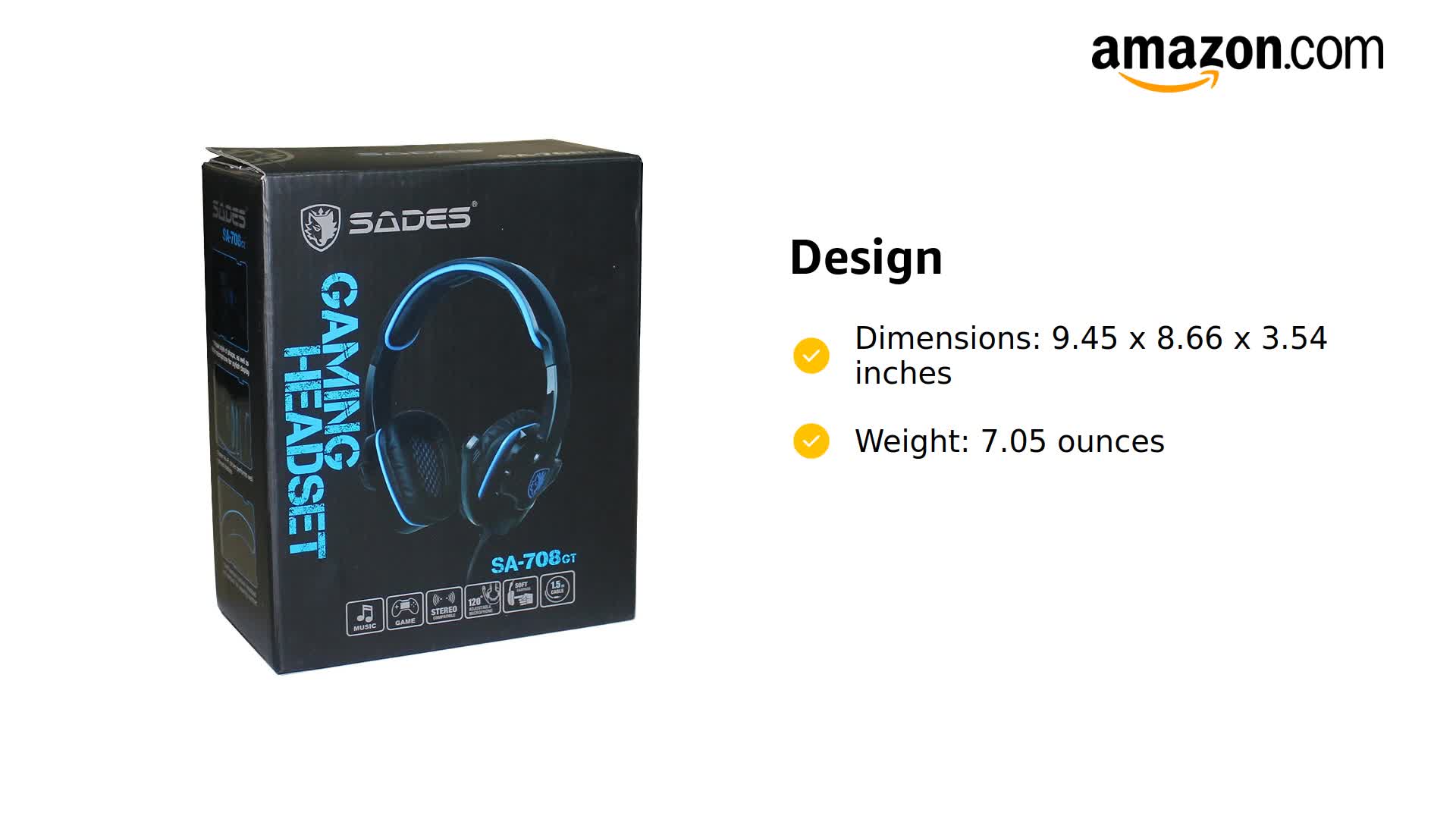
SADES Gaming Headset with Microphone showing in-line controls

Image 6: The SADES Gaming Headset, illustrating the in-line controls for volume and microphone mute, and the adjustable microphone arm.

5.3 Indossare l'auricolare

The headset is designed for comfort during long gaming sessions. The soft PU leather ear-pads and adjustable headband ensure a snug yet comfortable fit for various head shapes and sizes.

Person wearing SADES gaming headset, showing comfortable fit

Image 7: A person wearing the SADES gaming headset, demonstrating its comfortable over-ear design and adjustable fit.

Close-up of SADES headset showing soft memory protein earpad, adjustable headband, and ergonomic design

Immagine 8: Dettagliata view of the headset's comfort features, including soft memory protein ear-pads, an adjustable headband, and ergonomic design for various head shapes.

6. Specifiche

CaratteristicaDettaglio
MarcaSADE
Numero di modelloSA 708
ColoreBlu
Tecnologia di connettivitàCablato
Tecnologia di comunicazione wirelessRF
Presa per cuffie3.5 mm Jack
Controllo del rumoreNone (EMI/RFI Shielding for interference reduction)
Forma dell'auricolareSopra l'orecchio
Fattore di formaDue orecchie
MaterialeEcopelle
Peso dell'articolo7.1 once (200 grammi)
Dimensioni del prodotto9.45 x 8.66 x 3.54 pollici
Lunghezza del cavo2.2m (Approximately)
Dispositivi compatibiliXbox One, PS4, PC, Computer, Mobile Phone
Tipo di controlloVolume Control (SADES-AFV)
Metodo di controlloRemoto
Impedenza32 Ohm
Close-up of the headset's customized braided wire

Immagine 9: Un primo piano view of the headset's customized braided wire, indicating durability and quality.

7. Manutenzione

Proper care and maintenance will extend the life of your SADES SA 708 headset.

  • Pulizia: Use a soft, dry cloth to clean the headset. For ear-pads, a slightly damp È possibile utilizzare un panno, ma assicurarsi che sia completamente asciutto prima dell'uso. Evitare prodotti chimici aggressivi o materiali abrasivi.
  • Magazzinaggio: Store the headset in a cool, dry place away from direct sunlight and extreme temperatures. When not in use, fold the microphone away to protect it.
  • Cura del cavo: Evitare di piegare bruscamente o tirare eccessivamente il cavo per evitare danni interni.
  • Ear-pad Replacement: Over time, ear-pads may wear out. Replacement ear cushions are available and can be easily installed.

8. Risoluzione Dei Problemi

If you encounter any issues with your headset, refer to the following common troubleshooting steps:

  • Nessun suono:
    • Verificare che il jack da 3.5 mm sia completamente inserito nel dispositivo.
    • Ensure the volume control on the headset cable is not at minimum.
    • Verify the device's volume settings are not muted or too low.
    • If using a PC adapter, ensure both green (audio) and pink (microphone) jacks are correctly plugged in.
    • Provare l'auricolare con un altro dispositivo per escludere problemi specifici del dispositivo.
  • Microfono non funzionante:
    • Check if the microphone mute switch on the in-line control is in the "unmute" position.
    • Ensure the microphone is properly extended and positioned.
    • Verify microphone settings on your device (e.g., input device selection, volume levels).
    • If using a PC adapter, ensure the pink (microphone) jack is correctly plugged in.
    • Prova il microfono con un altro dispositivo o applicazione.
  • Statico o interferenza:
    • Ensure the EMI/RFI shielding is functioning by checking for any physical damage to the cable.
    • Move away from other electronic devices that might be causing interference.
    • Assicurarsi che tutti i collegamenti siano sicuri.

8.1 Official Product Videos for Troubleshooting and Setup

Video 1: SADES SA708GT Review, Test, & Mic Demo. This video provides a detailed review, sound test, and microphone demonstration for the SADES SA708GT headset, which can be helpful for understanding its performance and features.

Video 2: SADES Gaming Headset with Microphone. This video offers a general overview of the SADES Gaming Headset with Microphone, showcasing il suo design e le sue funzionalità di base.

9. Garanzia e supporto

9.1 Informazioni sulla garanzia

Specific warranty details for the SADES SA 708 headset are typically provided with your purchase documentation. Please refer to the warranty card or product packaging for information regarding coverage period and terms. For general inquiries, contact SADES customer support.

9.2 Assistenza clienti

For further assistance, technical support, or service inquiries, please visit the official SADES website or contact their customer service department. Contact information can usually be found on the product packaging or their official websito.

Informazioni sulla sicurezza: The operating distance may vary with the operating environment. Battery life may vary based on user and working conditions.

© 2026 SADES. All rights reserved.