
Introduzione
This manual provides instructions for the proper use and care of your Transcend 4GB microSDHC Memory Card and its accompanying SD Adapter. This memory card is designed to expand storage capacity for compatible devices such as smartphones, digital cameras, and other portable electronics. The SD adapter allows for broader compatibility with devices that accept standard SD cards, facilitating easy data transfer to computers or other devices.

Image: Transcend 4GB microSDHC card in use with a camera, demonstrating its application for storing digital content.
Contenuto della confezione
- 1 x Transcend 4GB microSDHC Memory Card
- 1 adattatore SD

Image: The Transcend 4GB microSDHC card and its corresponding SD adapter, illustrating the two main components of the product.
Impostare
- Inserting the microSDHC Card into a Device:
- Locate the microSD card slot on your compatible device (e.g., smartphone, tablet, camera).
- Ensure the device is powered off before insertion.
- Gently insert the microSDHC card into the slot with the gold contacts facing down or as indicated by your device's manual, until it clicks into place.
- Accendi il dispositivo. Il dispositivo dovrebbe riconoscere il nuovo spazio di archiviazione.
- Utilizzo dell'adattatore SD:
- To use the microSDHC card with devices that accept standard SD cards (e.g., laptops, card readers, some cameras), insert the microSDHC card into the larger SD adapter.
- Ensure the microSDHC card is fully seated within the adapter.
- Insert the SD adapter (with the microSDHC card inside) into the SD card slot of your computer or compatible device.
- Formattazione iniziale (se richiesta):
- Some devices may prompt you to format the memory card upon first use. Formatting erases all data on the card and prepares it for use with that specific device.
- If prompted, follow the on-screen instructions to format the card. Avvertimento: Formatting will delete all existing data.
- If not prompted, the card is typically ready for use.
Istruzioni per l'uso
- Salvataggio dei dati:
- Once the memory card is recognized by your device, you can save photos, videos, documents, and other filedirettamente ad esso.
- Refer to your device's user manual for specific instructions on how to select the memory card as the default storage location or how to move files ad esso.
- Trasferimento di dati a un computer:
- Insert the microSDHC card into the SD adapter, then insert the adapter into your computer's SD card slot or an external card reader.
- Il computer dovrebbe riconoscere la scheda come unità rimovibile.
- Apri l'unità per accedere al tuo files. You can then copy, paste, or drag-and-drop files between the memory card and your computer.
- Always safely eject the removable drive from your computer's operating system before physically removing the SD adapter.
- Eliminazione dei dati:
- Files can be deleted directly from the memory card using your device's file management system or by connecting the card to a computer.
- Be cautious when deleting files, as they may not be recoverable without specialized software.

Image: Data transfer in progress, showing an SD adapter containing the microSDHC card being inserted into a laptop for file gestione.
Manutenzione
- Gestione corretta:
- Evitare di piegare, far cadere o applicare una forza eccessiva alla scheda di memoria o all'adattatore.
- Do not touch the gold contacts on the card, as oils and dirt can interfere with connectivity.
- Store the card in its protective case or a secure location when not in use to prevent damage.
- Condizioni ambientali:
- Keep the card away from extreme temperatures, direct sunlight, and high humidity.
- While the card may be water-resistant, avoid prolonged exposure to liquids.
- Backup dei dati:
- Esegui regolarmente il backup dei dati importanti dalla scheda di memoria a un altro dispositivo di archiviazione (ad esempio, disco rigido del computer, archiviazione cloud) per evitare la perdita di dati.
- Pulizia:
- Se necessario, pulire delicatamente i contatti dorati con un panno morbido e privo di lanugine. Non utilizzare materiali abrasivi o prodotti chimici aggressivi.
Risoluzione dei problemi
- Carta non riconosciuta:
- Assicurarsi che la scheda sia inserita completamente e correttamente nel dispositivo o nell'adattatore.
- Riavvia il dispositivo.
- Prova la scheda in un altro dispositivo compatibile o in un lettore di schede per determinare se il problema riguarda la scheda o il dispositivo originale.
- Check if the SD adapter's write-protection switch is in the 'unlocked' position if using the adapter.
- Data Transfer Issues / Slow Performance:
- Ensure your device or card reader supports the speed class of the memory card.
- Avoid running multiple demanding applications during data transfer.
- Check for sufficient free space on both the memory card and the destination device.
- Prova a utilizzare una porta USB o un lettore di schede diverso sul tuo computer.
- Cannot Delete or Format Card:
- If using the SD adapter, ensure the write-protection switch on the side of the adapter is in the 'unlocked' (upward) position.
- Try formatting the card using a computer's disk management utility.
Specifiche
| Caratteristica | Dettaglio |
|---|---|
| Marca | Trascendere |
| Tipo di memoria flash | Micro SDHC, SD |
| Capacità di archiviazione della memoria | 4 GB |
| Dispositivi compatibili | Smartphone (and other devices compatible with microSDHC/SD) |
| Caratteristica speciale | Impermeabile |
| Connettività Hardware | Scheda microSDHC |
| Peso dell'articolo | 22.68 grammi |
| Numero di modello | BF226862 |
| Codice UPC | 726046576490 |
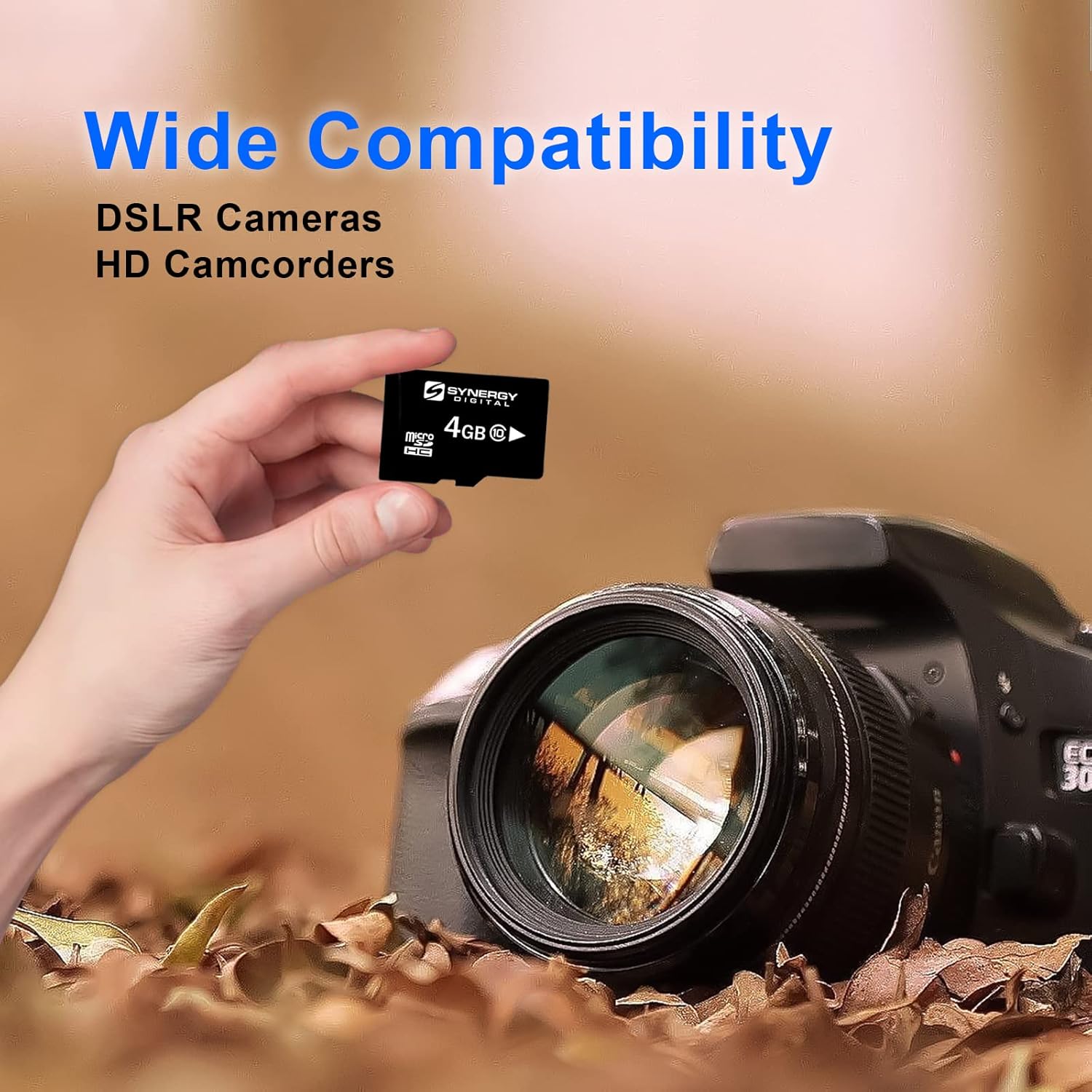
Image: The microSDHC card shown with a DSLR camera, highlighting its wide compatibility with various electronic devices.
Garanzia e supporto
Per informazioni sulla garanzia e supporto tecnico, fare riferimento al sito ufficiale Transcend website or contact their customer service directly. Details regarding warranty periods and support procedures are typically provided with the product packaging or on the manufacturer's websito.
Trascendere ufficiale Websito: www.transcend-info.com