
Introduzione e chiusuraview
The Logitech Bluetooth Audio Adapter allows you to wirelessly stream audio from your Bluetooth-enabled smartphone or tablet to any speaker system with RCA or 3.5mm inputs. This adapter is designed to bring modern wireless capabilities to your existing audio equipment.
Le caratteristiche principali includono:
- Multipoint Bluetooth Connectivity: Simultaneously pair your smartphone and tablet and stream music from either one.
- Easy Pairing and Automatic Re-pairing: Pair your device to the adapter once with a single button press, and it will automatically re-connect when in range.
- Long Range Wireless: Stream music from up to 15 meters (50 feet) away from your speakers.
- Ampia compatibilità: Plugs into most powered PC speakers, home stereo systems, and A/V receivers using RCA or 3.5 mm jacks. Note: This product is a receiver ONLY, not a transmitter.

Image: The Logitech Bluetooth Audio Adapter, a compact black device with a blue illuminated Bluetooth symbol on top, designed for wireless audio streaming.
Cosa c'è nella scatola
La confezione del prodotto contiene i seguenti articoli:
- Logitech 980-000910 Bluetooth Audio Adapter
- Cavo audio da RCA a 3.5 mm
- Adattatore di alimentazione

Image: All components included with the Logitech Bluetooth Audio Adapter: the adapter unit, an RCA audio cable, and a power supply.
Impostare
Follow these steps to set up your Logitech Bluetooth Audio Adapter:
- Collegamento agli altoparlanti: Use the provided RCA to 3.5mm audio cable or your own RCA cables to connect the Bluetooth Audio Adapter to your powered PC speakers, home stereo system, or A/V receiver.

Image: The Bluetooth Audio Adapter positioned next to a speaker, illustrating a typical connection setup.
- Connetti alimentazione: Plug the power adapter into the Bluetooth Audio Adapter's power input, then plug the power adapter into a wall outlet. The adapter will power on automatically.
- Associazione del dispositivo:
- Press the Bluetooth pairing button located on the top of the adapter. The LED indicator around the button will begin to blink rapidly, indicating that the adapter is in pairing mode.
- Sul tuo dispositivo abilitato Bluetooth (ad esempio, smartphone, tablet), vai alle impostazioni Bluetooth.
- Select "Logitech Bluetooth Audio" from the list of available devices.
- Once successfully connected, the LED indicator on the adapter will glow a solid blue.
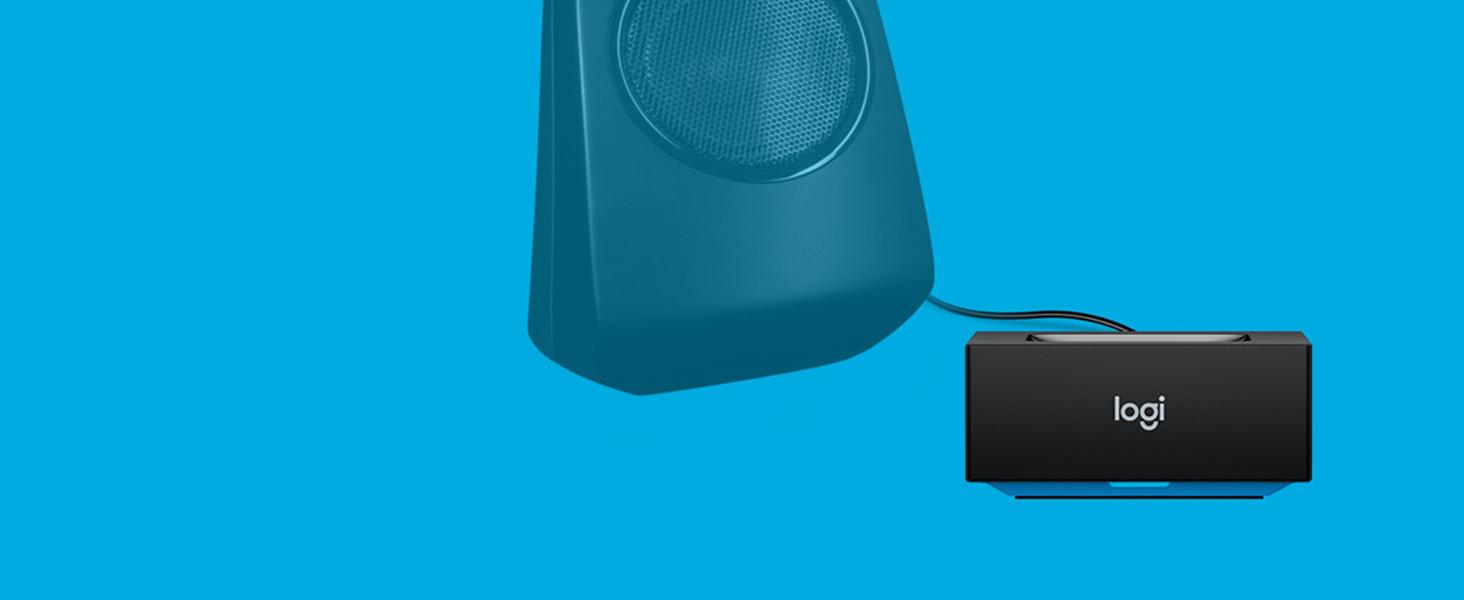
Image: A hand pressing the central Bluetooth pairing button on the adapter, initiating the pairing process.
Funzionamento dell'adattatore
Once set up, using your Logitech Bluetooth Audio Adapter is straightforward:
- Audio in streaming: After successful pairing, any audio played on your connected Bluetooth device will stream wirelessly to your speakers. Control playback and volume directly from your device.
- Connettività multipunto: The adapter supports simultaneous connection of up to two Bluetooth devices. To switch between devices, simply pause audio playback on the currently active device and begin playing audio on the second connected device. The adapter will automatically switch the audio source.
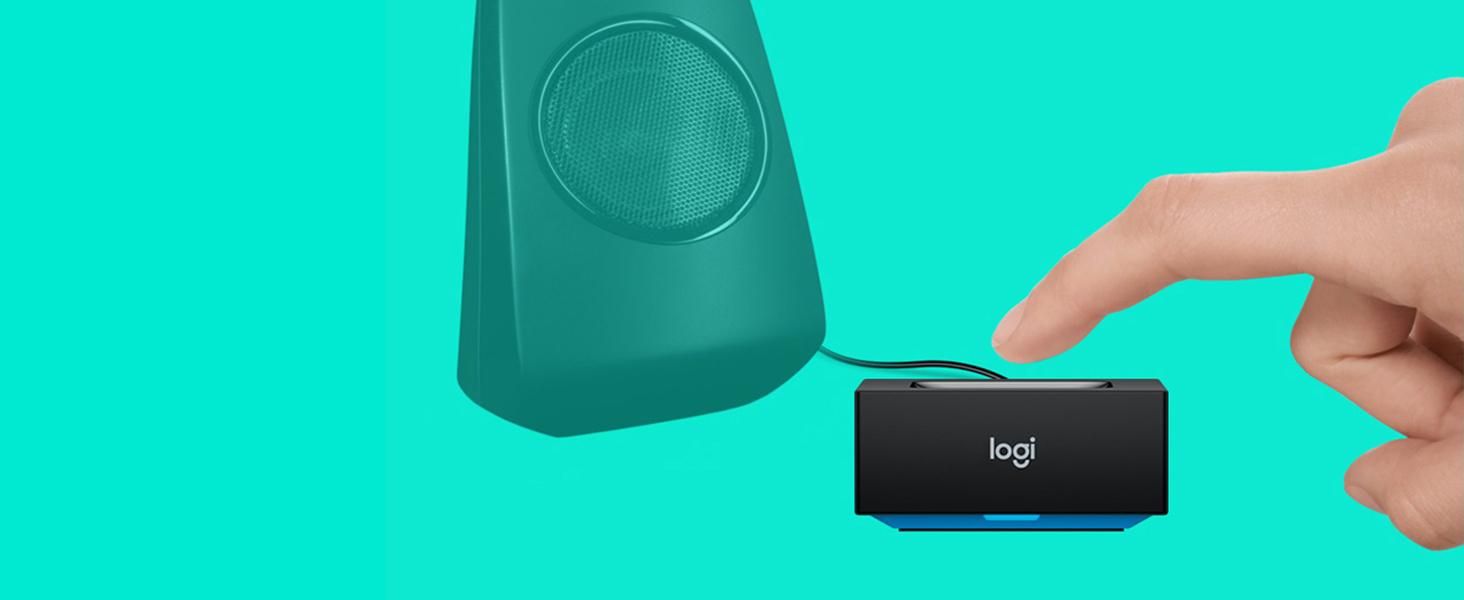
Image: The adapter facilitating audio streaming from both a laptop and a smartphone to a speaker, showcasing its multipoint connection capability.
- Riassociazione automatica: Once a device has been paired with the adapter, it will automatically re-connect when it is within range and its Bluetooth function is enabled.
Manutenzione
To ensure the longevity and optimal performance of your Logitech Bluetooth Audio Adapter, follow these simple maintenance guidelines:
- Pulizia: Gently wipe the adapter with a soft, dry cloth to remove dust or smudges. Do not use liquid cleaners or abrasive materials.
- Ambiente: Evitare di esporre il dispositivo a umidità eccessiva, temperature estreme o luce solare diretta.
- Gestione: Do not drop the adapter or subject it to strong impacts. Do not attempt to disassemble or repair the adapter yourself, as this will void any potential warranty and may cause damage.
Risoluzione dei problemi
If you encounter issues with your Logitech Bluetooth Audio Adapter, refer to the following common problems and solutions:
Nessuna uscita audio:
- Ensure the adapter is powered on and the LED indicator is solid blue, indicating a successful connection.
- Verify that all audio cables are securely connected between the adapter and your speaker system.
- Confirm that your speaker system is turned on and the correct input source (e.g., AUX, RCA) is selected.
- Check the volume levels on both your Bluetooth device and your speaker system.
- Ensure your Bluetooth device is actively playing audio.
Impossibile associare il dispositivo:
- Make sure the adapter is in pairing mode (LED blinking rapidly). If not, press the Bluetooth pairing button.
- Ensure Bluetooth is enabled on your device and it is within the adapter's range (up to 15 meters/50 feet).
- Try turning off and then turning on Bluetooth on your device, or restart your device.
- If you have previously paired many devices, try "forgetting" the "Logitech Bluetooth Audio" from your device's Bluetooth list and then attempt to re-pair.
Interference or Poor Audio Quality:
- Move your Bluetooth device closer to the adapter.
- Avoid placing the adapter near other wireless devices such as Wi-Fi routers, cordless phones, or microwave ovens, which can cause interference.
- Ensure there are no large metal objects or thick walls between the adapter and your device that could obstruct the Bluetooth signal.
Specifiche
| Caratteristica | Dettaglio |
|---|---|
| Dimensioni del prodotto | 0.91 x 1.97 x 1.97 pollici |
| Peso dell'articolo | 6.2 once (0.39 libbre) |
| Numero di modello | 980-000910 |
| Tecnologia di connettività | Bluetooth |
| Fonte di alimentazione | Elettrico con cavo |
| Materiale | Acrilonitrile Butadiene Stirene (ABS) |
| wireless Range | Fino a 15 metri (50 piedi) |
Informazioni sulla sicurezza
Si prega di leggere e rispettare le seguenti linee guida sulla sicurezza:
- Evitare di posizionare l'adattatore vicino ad altri dispositivi wireless per ridurre al minimo le potenziali interferenze.
- Non esporre il dispositivo a temperature o umidità estreme.
- To prevent hearing damage, do not set the volume too high when using the adapter with speakers.
Garanzia e supporto
Garanzia: According to the provided legal disclaimer, there is no explicit warranty provided for this product when purchased new. Please refer to your retailer's return policy for details on returns or exchanges.
Supporto: For further assistance, product updates, or general inquiries, please visit the official Logitech support websito o la pagina del loro negozio Amazon:Negozio Logitech su Amazon.
Note: No official product videos with "Seller" creator type were available in the provided data to embed in this manual.