
Desiderio HTC 612
Manuale utente HTC Desire 612
Model: Desire 612
1. Introduzione
This manual provides comprehensive instructions for the operation and maintenance of your HTC Desire 612 smartphone. The HTC Desire 612 is designed to offer a robust mobile experience with its advanced features and connectivity options.
It operates on the Verizon 4G LTE network, providing fast data speeds. Please note that a SIM card is not included with the device and must be acquired separately.
2. Caratteristiche principali
- Display: 4.7-inch Super LCD2 Display with 540 x 960 pixel resolution (234 PPI).
- Processore: 1.2 GHz Quad-Core Processor for efficient performance.
- Telecamera: 8MP Rear Camera with f/2.4 Aperture, Auto Flash, Auto Focus, HDR, and 1080p HD Video Capture.
- Connettività: Wi-Fi 802.11 b/g/n/ac (2.4 and 5GHz only) and Bluetooth 4.0.
- Sistema operativo: Runs on Android OS with HTC Sense UI.
- Magazzinaggio: 8 GB internal storage, expandable via microSD card slot.
- Audio: Front-facing BoomSound speakers for enhanced audio experience.
3. Guida all'installazione
3.1. Inserimento della scheda SIM e della batteria
The HTC Desire 612 features a unibody design with a non-removable battery. The SIM card slot is located on the edge of the phone. Use the provided SIM ejector tool to open the tray and insert your Nano-SIM card. Ensure the card is correctly oriented as indicated on the tray.
3.2. Accensione iniziale e configurazione
Press and hold the Power key located on the side of the device until the HTC logo appears. Follow the on-screen prompts to complete the initial setup, including language selection, Wi-Fi connection, Google account setup, and time zone settings.
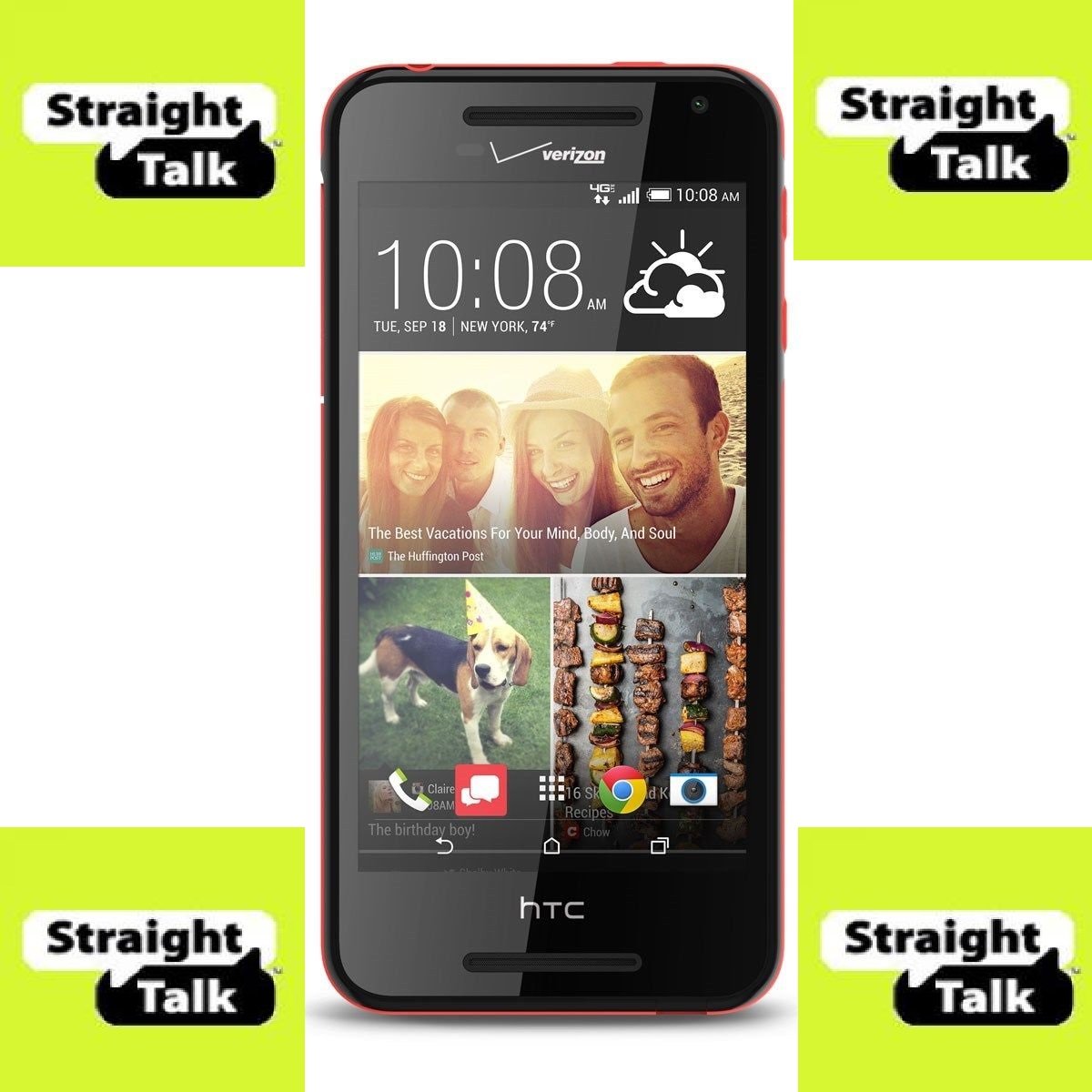
Figura 1: Fronte view of the HTC Desire 612 smartphone.
4. Istruzioni per l'uso
4.1. Navigazione nell'interfaccia
The HTC Desire 612 utilizes a touchscreen interface. Swipe left or right to navigate between home screens. Tap icons to open applications. Use pinch-to-zoom gestures for zooming in and out of content. Virtual on-screen controls are located at the bottom of the display for navigation (Back, Home, Recent Apps).
4.2. Effettuare chiamate e inviare messaggi
Tap the Phone icon to access the dialer. Enter the number or select a contact from your address book. Tap the Messages icon to compose and send text messages. The device supports standard cellular communication over the Verizon 4G LTE network.
4.3. Utilizzo della fotocamera
Open the Camera application to capture photos and videos. The 8MP rear camera supports auto-focus and features an LED flash for low-light conditions. Select HDR mode for improved dynamic range in photos. Video recording is supported at 1080p HD resolution.
4.4. Connessione alle reti
Access Wi-Fi settings through the Settings menu to connect to available wireless networks. For Bluetooth devices, enable Bluetooth in settings and pair with compatible accessories such as headphones or speakers. The device supports Bluetooth 4.0.
4.5. Riproduzione audio
The HTC Desire 612 features front-facing BoomSound speakers, providing stereo audio output. Connect wired headphones via the 3.5mm headphone jack for private listening. Volume controls are located on the side of the device.
5. Manutenzione
5.1. Aggiornamenti software
Regularly check for software updates in the Settings menu to ensure your device has the latest features, security patches, and performance improvements. Updates can enhance the overall stability and functionality of the Android OS and Sense UI.
5.2. Pulizia del dispositivo
Use a soft, lint-free cloth to clean the screen and body of your smartphone. Avoid using abrasive materials or harsh chemicals, which can damage the display or finish. Keep the charging port and headphone jack free of dust and debris.
5.3. Cura della batteria
To maximize battery lifespan, avoid extreme temperatures. While the battery is non-removable, proper charging habits, such as avoiding frequent full discharges, can help maintain its capacity over time. The device's 2000 mAh battery provides decent usage time.
6. Risoluzione Dei Problemi
6.1. Il dispositivo non risponde
If the device becomes unresponsive, press and hold the Power key for approximately 10-15 seconds to force a restart. If the issue persists, ensure the device has sufficient battery charge.
6.2. Problemi di connettività
For Wi-Fi or Bluetooth connection problems, try toggling the respective settings off and on. Restarting the device or the router/Bluetooth accessory can also resolve minor connectivity glitches. Verify that your SIM card is properly inserted for cellular network access.
6.3. Prestazioni dell'app
If applications are running slowly or crashing, try clearing the app's cache through the App settings. Excessive background apps can consume RAM and affect performance. Close unused applications to free up resources. For persistent issues, consider a factory reset (backup data first).
7. Specifiche tecniche
| Caratteristica | Specificazione |
|---|---|
| Marca | HTC |
| Nome del modello | Desiderio 612 |
| Sistema operativo | Sistema operativo Android |
| Dimensioni dello schermo | 4.7 pollici |
| Risoluzione dello schermo | 540 x 960 pixel |
| Velocità della CPU | Quad-core da 1.2 GHz |
| Memoria RAM | 1 GB |
| Memoria interna | 8 GB (espandibile tramite microSD) |
| Telecamera posteriore | 8 MP |
| Comunicazione senza fili | Bluetooth, cellulare, Wi-Fi |
| Tecnologia cellulare | 4G LTE (Verizon) |
| Dimensioni del prodotto | 2.77 x 0.37 x 5.66 pollici |
| Peso dell'articolo | 5.2 once |
| Colore | Nero |
| Capacità della batteria | Approx. 2000 mAh (non-removable) |
8. Garanzia e supporto
Specific warranty details for the HTC Desire 612 are not provided in this manual. For detailed warranty information, technical support, or service inquiries, please refer to the official HTC websito or contact Verizon customer support. Keep your proof of purchase for warranty claims.
Online resources, including FAQs and troubleshooting guides, may also be available on the manufacturer's or carrier's support pages.
Ask a question about this manual
Ask about setup, troubleshooting, compatibility, parts, safety, or missing instructions. Manuals+ will review the question and use this page’s manual context to help answer it.