
Introduzione
This manual provides instructions for the Datalogic Barcodescanner Touch TD1100 90 Light, model TD1120-BK-90K1. It covers essential information for setting up, operating, maintaining, and troubleshooting your device to ensure optimal performance. Please read this manual thoroughly before using the scanner.
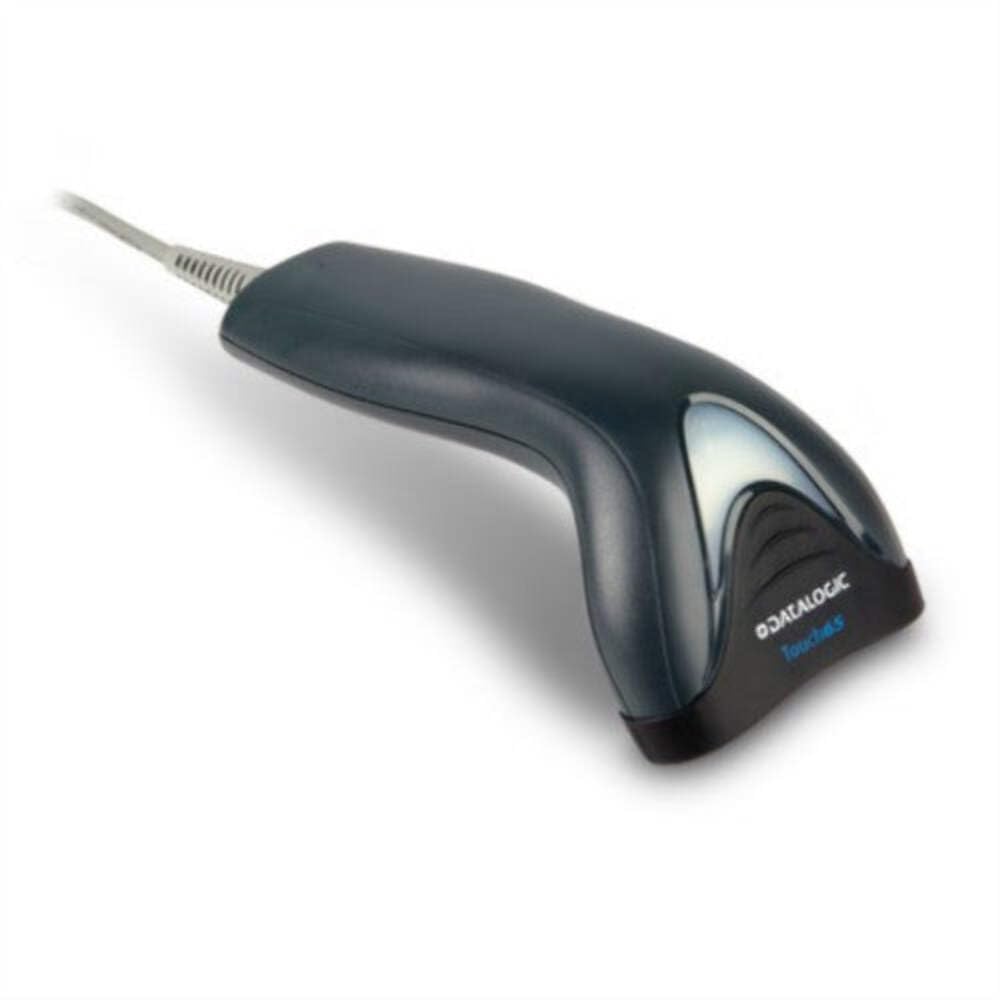
Image: The Datalogic Touch TD1100 90 Light barcode scanner, showing its ergonomic design and integrated cable.
Impostare
1. Disimballaggio
Rimuovere con attenzione tutti i componenti dall'imballaggio. Verificare che siano presenti tutti gli elementi:
- Datalogic Touch TD1100 90 Light Barcode Scanner
- Cavo USB (integrato)
- Guida rapida (se inclusa)
2. Collegamento dello scanner
The TD1120-BK-90K1 model connects via a USB interface. Follow these steps:
- Individua una porta USB disponibile sul tuo computer (desktop o laptop).
- Insert the USB connector of the scanner's cable firmly into the USB port.
- The operating system should automatically detect the new hardware and install the necessary drivers. This process may take a few moments.
- Once drivers are installed, the scanner will typically emit a short beep or an indicator light will illuminate, signifying it is ready for use.
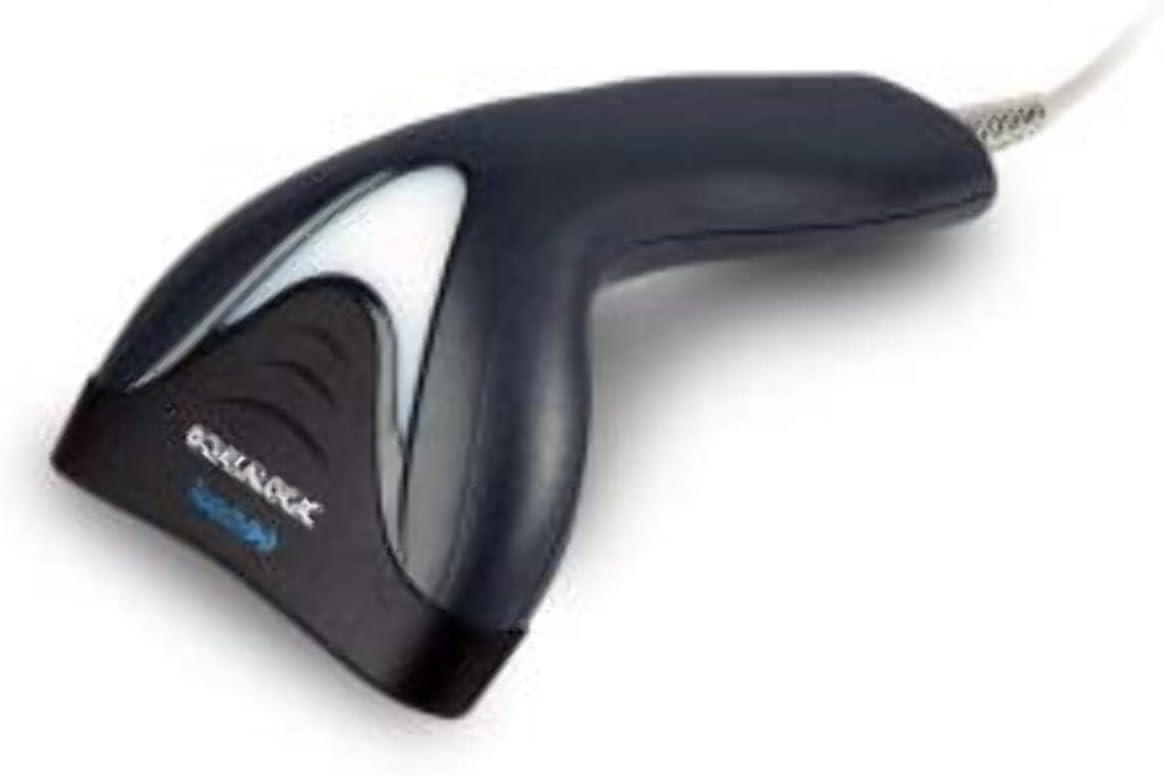
Immagine: Lato view of the Datalogic Touch TD1100 90 Light barcode scanner, highlighting the integrated cable for connection.
Istruzioni per l'uso
1. Procedura di scansione di base
Per scansionare un codice a barre:
- Assicurarsi che lo scanner sia collegato e acceso.
- Open an application on your computer where you want the scanned data to appear (e.g., a text editor, spreadsheet, or POS software).
- Tenere lo scanner con la finestra di scansione rivolta verso il codice a barre.
- Press and hold the trigger button. A red aiming line or light will project from the scanning window.
- Posizionare la linea di mira sull'intero codice a barre.
- Once the barcode is successfully read, the scanner will emit a beep and/or the indicator light will flash green. The data will then appear in your active application.
- Rilasciare il pulsante di attivazione.
2. Scanning Techniques
- Distanza ottimale: Hold the scanner at an appropriate distance from the barcode, typically between 2-10 cm (1-4 inches), depending on the barcode size and density.
- Angolo: Scan barcodes at a slight angle to avoid direct reflection, which can interfere with reading.
- Codici a barre danneggiati: Per codici a barre stampati male o danneggiati, provare a scansionarli da angolazioni o distanze diverse.
Manutenzione
1. Pulizia dello scanner
Una pulizia regolare aiuta a mantenere prestazioni di scansione ottimali.
- Finestra di scansione: Utilizzare un panno morbido e privo di lanugine dampened with a mild, non-abrasive cleaner (e.g., isopropyl alcohol or glass cleaner) to gently wipe the scanning window. Avoid harsh chemicals or abrasive materials.
- Esterno: Pulisci l'esterno casing con un morbido, damp cloth. Do not allow liquids to enter the scanner.
- Prima di procedere alla pulizia, assicurarsi che lo scanner sia scollegato dalla fonte di alimentazione.
2. Conservazione
When not in use, store the scanner in a clean, dry environment, away from direct sunlight, extreme temperatures, and corrosive materials.
Risoluzione dei problemi
If you encounter issues with your Datalogic TD1100 scanner, refer to the following common problems and solutions:
| Problema | Possibile causa | Soluzione |
|---|---|---|
| Lo scanner non si accende o non risponde. | Collegamento del cavo allentato, porta USB difettosa, problema di alimentazione. |
|
| Lo scanner non legge i codici a barre. | Incorrect scanning technique, damaged barcode, dirty scanning window, incompatible barcode type, application not ready. |
|
| I dati scansionati vengono visualizzati in modo errato. | Keyboard wedge settings, incorrect language settings. |
|
Specifiche
Key technical specifications for the Datalogic Touch TD1100 90 Light (TD1120-BK-90K1):
- Numero modello: TD1120-BK-90K1
- Marca: Dati logici
- Tasso di scansione: 90 fotogrammi al secondo (fps)
- Tecnologia di connettività: Bluetooth
- Dispositivi compatibili: Desktop, portatile
- Fonte di energia: Alimentato a batteria
- Peso dell'articolo: 153 grammi
- Angolo reale di View: 3.5 gradi
- Produttore: Dati logici
Note: Some specifications like "Battery Powered" and "Bluetooth" might be generic for the TD1100 series. The TD1120-BK-90K1 is primarily a wired USB scanner.
Garanzia e supporto
Informazioni sulla garanzia
Datalogic products are covered by a standard manufacturer's warranty. For specific warranty terms and conditions, please refer to the warranty card included with your product or visit the official Datalogic websito. Conservare la prova d'acquisto per eventuali reclami in garanzia.
Supporto tecnico
For technical assistance, troubleshooting beyond this manual, or to inquire about repairs, please contact Datalogic customer support. You can typically find contact information on the Datalogic websito o nella documentazione fornita con lo scanner.
- Funzionario Datalogic Websito: www.datalogic.com
- Risorse di supporto: Check the support section of the website for FAQs, drivers, and additional documentation.