
Introduzione
The Rocketek FBA_RT-CR7 is a versatile USB 3.0 7-in-1 multi-memory card reader designed for efficient data transfer from various memory card types to your computer. It supports simultaneous reading and writing of up to 5 cards, offering high-speed performance and broad compatibility across multiple operating systems.
Caratteristiche del prodotto
- Lettore di schede 7 in 1: Supports CF, XD, MS, SD, and Micro SD card types.
- Lettura/scrittura simultanea: Capable of reading and writing to 5 different memory cards concurrently.
- USB 3.0 SuperSpeed: Achieves data transfer speeds up to 5Gbps, significantly faster than USB 2.0.
- Ampia compatibilità: Works with Mac OS, Linux, Chrome OS, and Windows XP/Vista/7/8/8.1/10.
- Collega e usa: Non sono richiesti driver per l'installazione.
- Design compatto: Portable and easy to carry, ideal for travel.
- Protezione integrata: Features over-current, over-voltagee protezione da cortocircuito.
- Indicatore LED: A blue LED light indicates connection and data activity.
Contenuto della confezione
- 1 x Rocketek FBA_RT-CR7 USB 3.0 7-in-1 Multi Memory Card Reader
- 1 x USB 3.0 Cable (with USB-C to USB-A adapter)
Istruzioni di installazione
- Collegare il lettore di schede: Plug the USB 3.0 cable from the card reader into an available USB port on your computer. If your computer has a USB-C port, use the provided USB-C to USB-A adapter.
- Indicatore di alimentazione: The blue LED indicator on the card reader will light up when successfully connected to your computer.
- Inserire la scheda di memoria: Carefully insert your memory card into the corresponding slot on the card reader. Ensure the card is inserted correctly according to its orientation. The LED indicator will flicker during data transfer.
- Dati di accesso: Your computer will automatically detect the card reader and the inserted memory card. You can then access the card's contents through your file explorer (Windows) or Finder (Mac OS).

Figura 1: Oltreview of card reader slots and supported card types.
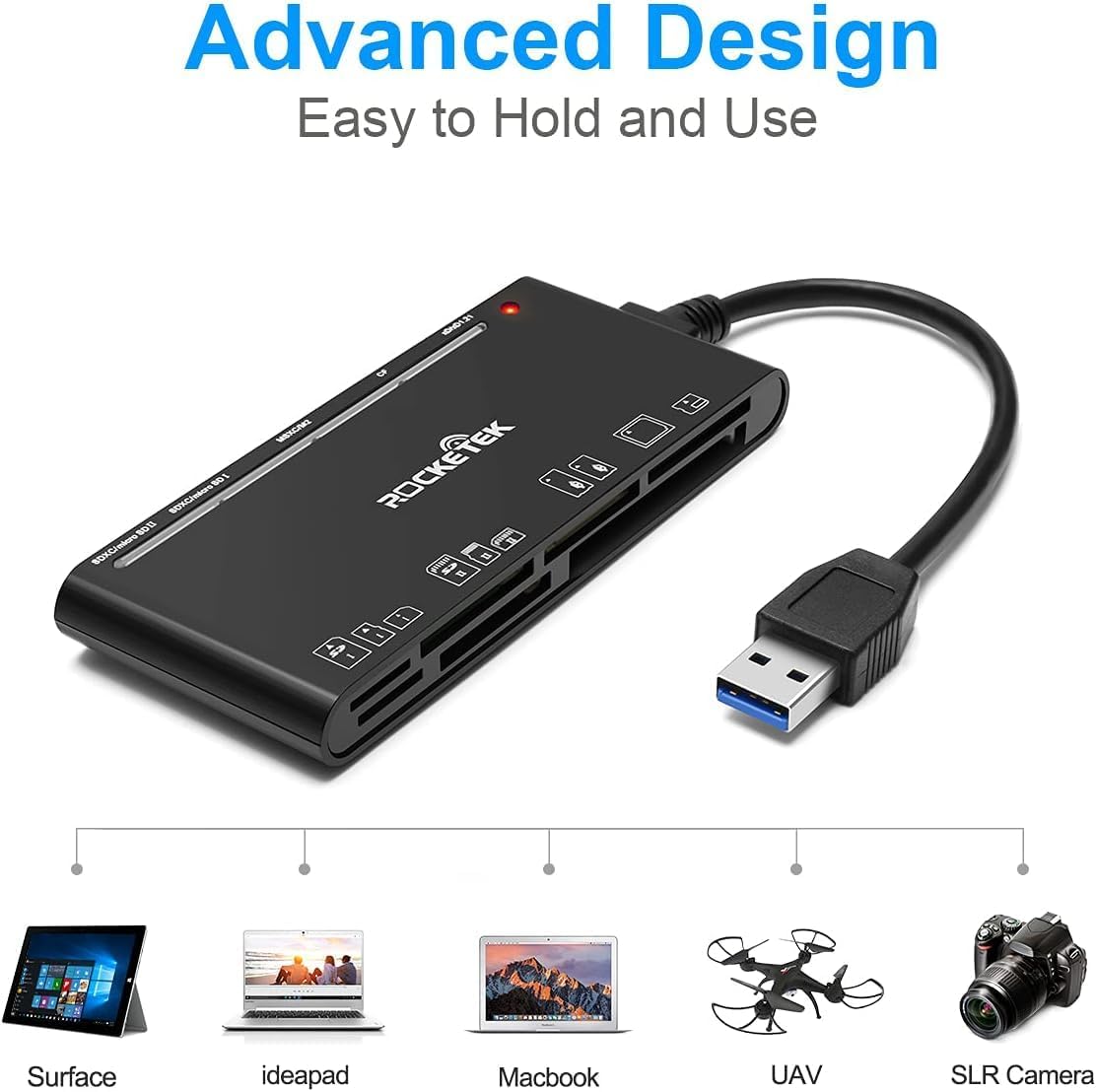
Figure 2: Card reader connected to a laptop, showing operating system compatibility.
Video 1: Demonstration of the Rocketek 7-in-1 Multi Memory Card Reader, showcasing its various card slots, USB 3.0 connectivity, and LED indicator light during operation.
Istruzioni per l'uso
- Inserimento delle carte: Gently push the memory card into the appropriate slot until it clicks into place. Do not force the card.
- Dati di lettura/scrittura: Once the card is inserted and detected, you can drag and drop files to and from the card. The blue LED indicator will blink during active data transfer.
- Uso simultaneo: The card reader supports reading and writing to multiple cards simultaneously. Ensure proper file management to avoid data conflicts.
- Espulsione delle carte: Before removing a memory card, always safely eject it from your computer's operating system to prevent data corruption.

Figure 3: Multiple memory cards inserted into the reader, demonstrating simultaneous access.
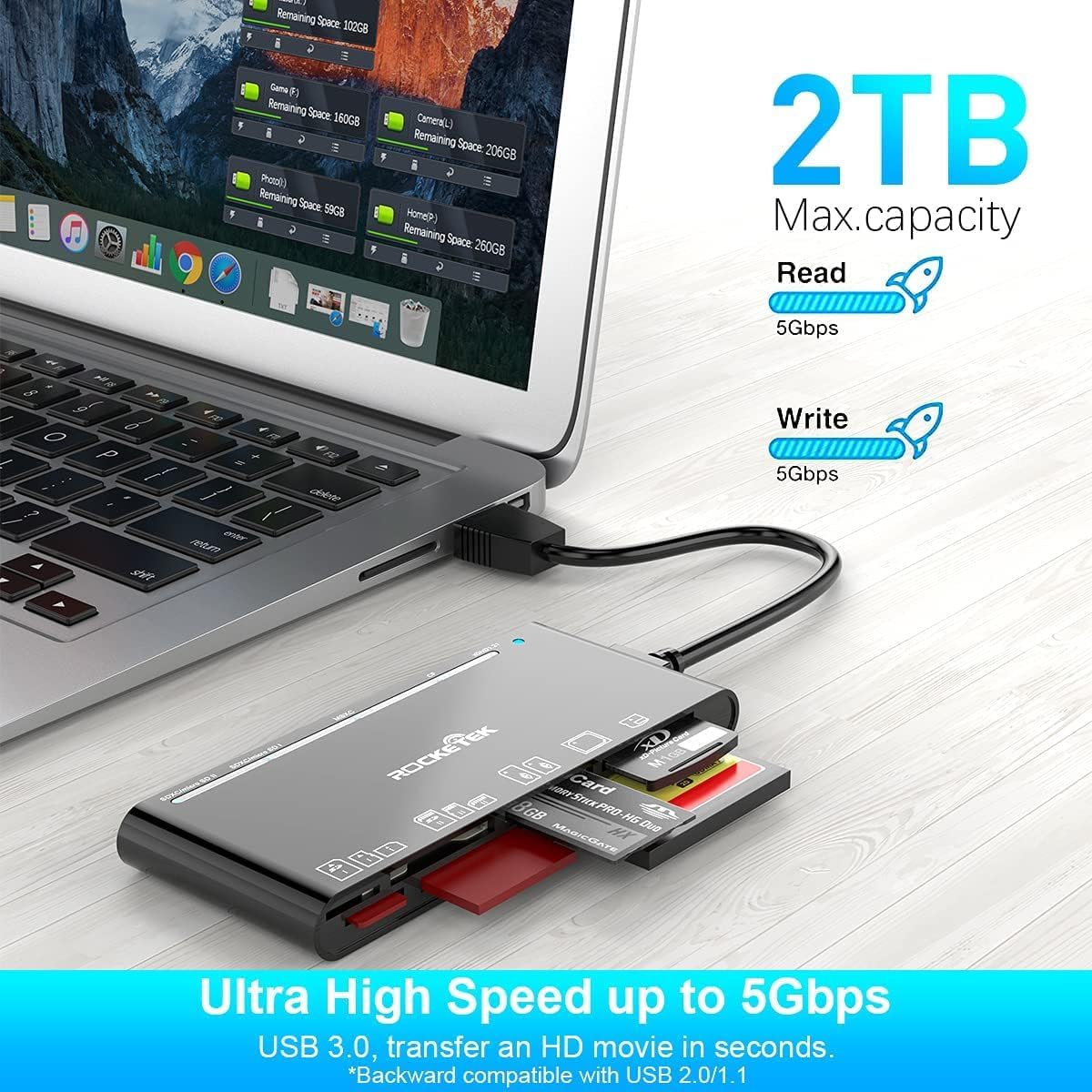
Figure 4: Highlighting the 5Gbps data transfer speed and 2TB maximum capacity.
Compatibilità
Sistemi operativi supportati:
- Windows XP / Vista / 7 / 8 / 8.1 / 10
- Mac OS (including MacBook Pro/Air)
- Linux
- Sistema operativo Chrome
Tipi di media supportati:
- CompactFlash (CF card, high-speed CF UDMA)
- SD Card (SD, SDXC up to 2TB, SDHC, RS-MMC, miniSD)
- Micro SD (Micro SD, Micro SDXC, Micro SDHC)
- Memory Stick (MS, M2, MSXC, Memory Stick PRO Duo, Memory Stick Pro)
- xD Picture Card
Specifiche
| Marca | Rocketek |
| Nome del modello | FBA_RT-CR7 |
| Tecnologia di connettività | USB tipo A |
| Interfaccia Hardware | USB 3.0 |
| Velocità di trasferimento dati | 5 Gbps |
| Slot Count | 7 (supporting 5 simultaneous reads/writes) |
| Colore | Nero |
| Dimensioni articolo (L x P x A) | 6.1" x 2.9" x 0.4" |
| Peso dell'articolo | 9.07 grammi |
Manutenzione e cura
- Pulizia: Utilizzare un panno morbido e asciutto per pulire l'esterno del lettore di carte. Evitare l'uso di detergenti liquidi o solventi.
- Magazzinaggio: Conservare il lettore di schede in un luogo fresco e asciutto, lontano dalla luce solare diretta e da temperature estreme.
- Gestione: Avoid dropping the device or subjecting it to strong impacts. Do not bend or twist the cable excessively.
- Protezione del porto: Keep the card slots free from dust and debris.
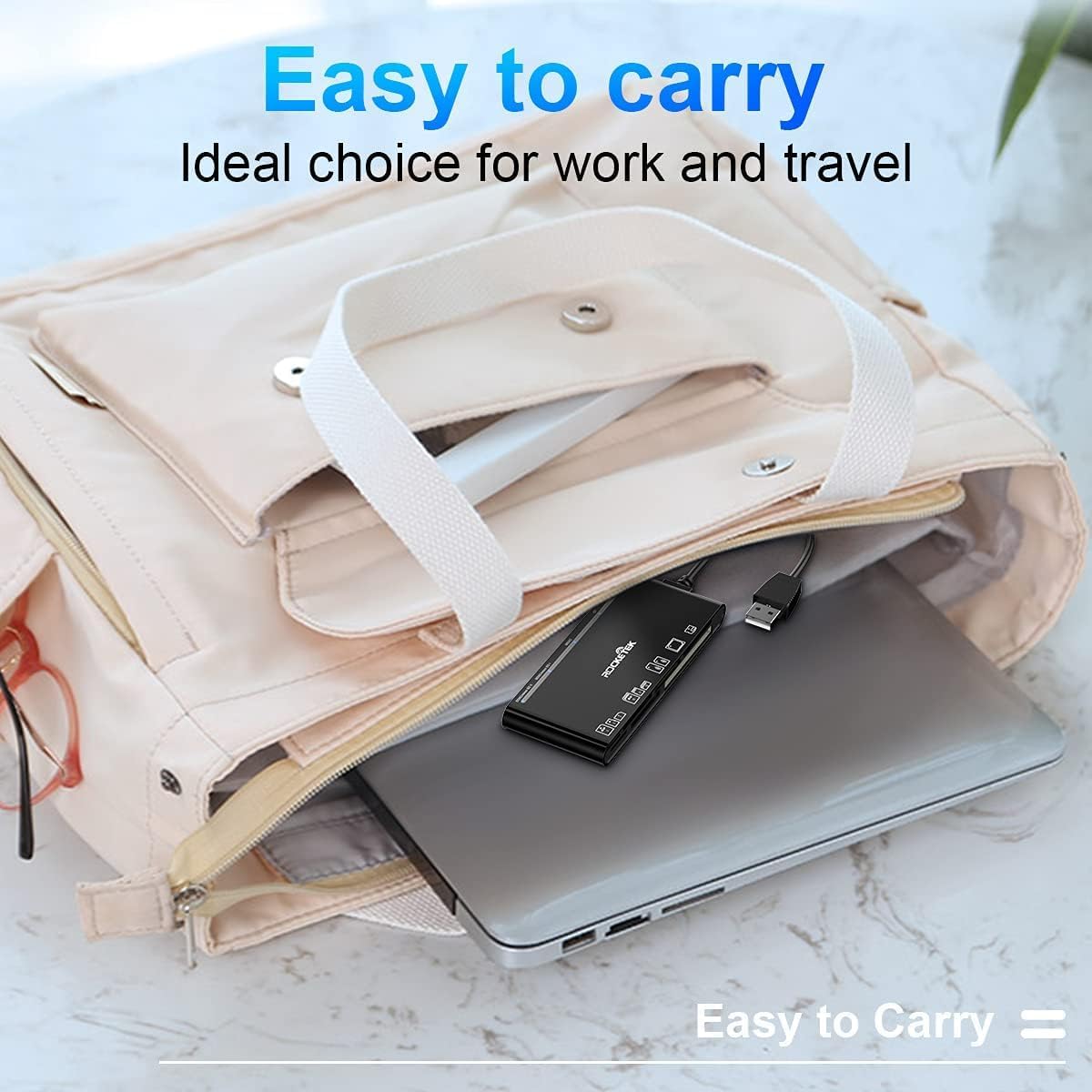
Figure 5: The card reader's compact size, suitable for portability.
Risoluzione dei problemi
- Dispositivo non rilevato:
- Ensure the USB cable is securely connected to both the card reader and your computer.
- Prova a connetterti a un'altra porta USB del tuo computer.
- Riavvia il computer.
- Scheda di memoria non riconosciuta:
- Verify that the memory card is fully inserted into the correct slot.
- Controlla se la scheda di memoria è danneggiata o corrotta. Se possibile, provala su un altro dispositivo.
- Ensure your operating system supports the file sistema della scheda di memoria.
- Trasferimento dati lento:
- Ensure the card reader is connected to a USB 3.0 port on your computer for optimal speed.
- Verify that your memory card itself supports high-speed data transfer.
- Evitare di eseguire più applicazioni impegnative durante grandi file trasferimenti.
- L'indicatore LED non si accende:
- Confirm the card reader is properly connected to a powered USB port.
- If using a USB hub, ensure it is powered.
Garanzia e supporto
The Rocketek FBA_RT-CR7 USB 3.0 7-in-1 Multi Memory Card Reader comes with a Garanzia di 2 anno dalla data di acquisto. La presente garanzia copre i difetti di fabbricazione e garantisce che il prodotto funzioni come descritto in condizioni di utilizzo normale.
For technical support, warranty claims, or any inquiries regarding your product, please contact Rocketek customer service through the retailer's platform or visit the official Rocketek websito per le informazioni di contatto.