
YI 86002
Manuale utente della telecamera di sicurezza per esterni YI
Modello: 86002
Marca: YI
1. Introduzione
The YI Outdoor Security Camera is a 1080p Cloud Cam IP Waterproof Night Vision Surveillance System designed for robust outdoor monitoring. It features two-way audio, motion detection with activity alerts, and a deterrent alarm to enhance your property's security. This manual provides essential information for setting up, operating, maintaining, and troubleshooting your camera.

Image: The YI Outdoor Security Camera, a white cylindrical camera with a black lens, mounted on a wall bracket.
2. Cosa c'è nella scatola
Si prega di controllare il contenuto della confezione per assicurarsi che siano presenti tutti gli articoli:
- YI Outdoor Security Camera
- Adattatore di alimentazione USB
3. Guida all'installazione
3.1. Download dell'app e creazione dell'account
- Download the YI Home app from your smartphone's app store (iOS or Android).
- Create a new YI account or log in with an existing one.
3.2. Associazione della fotocamera
- Plug in the camera using the provided USB power adapter. Ensure you use a standard extension cord if needed, as USB extension cords may cause improper function.
- Open the YI Home app and follow the on-screen instructions to add a new camera.
- Seleziona la tua rete Wi-Fi e inserisci la password quando richiesto.
- Scansiona il codice QR visualizzato sul tuo telefono con l'obiettivo della fotocamera.
- Wait for the camera to confirm successful pairing.
3.3. Montaggio della fotocamera
The YI Outdoor Security Camera is designed for wall mounting. Choose a location that provides the desired viewing angle and has access to a power source. The camera is weather-resistant (IP65 rated) for outdoor use.

Image: The YI Outdoor Security Camera mounted on an exterior wall, with water droplets on its surface, illustrating its IP65 weatherproof rating.
4. Utilizzo della fotocamera
4.1. Vivere View e Registrazione
Access the live feed of your camera through the YI Home app. The camera records in 1080p Full HD resolution, providing clear images. You can also view multiple cameras simultaneously using the YI Home Desktop App.

Image: The YI Outdoor Security Camera with icons highlighting its features: 1080P HD, 110° View, Weatherproof, Two-way Audio, and Nightvision.

Image: A laptop displaying the YI Home Desktop App interface, showing live feeds from up to nine cameras simultaneously.
4.2. Visione notturna
Equipped with 12 infrared LED beads, the camera provides excellent night vision up to 50 feet, ensuring clear surveillance even in low-light conditions.
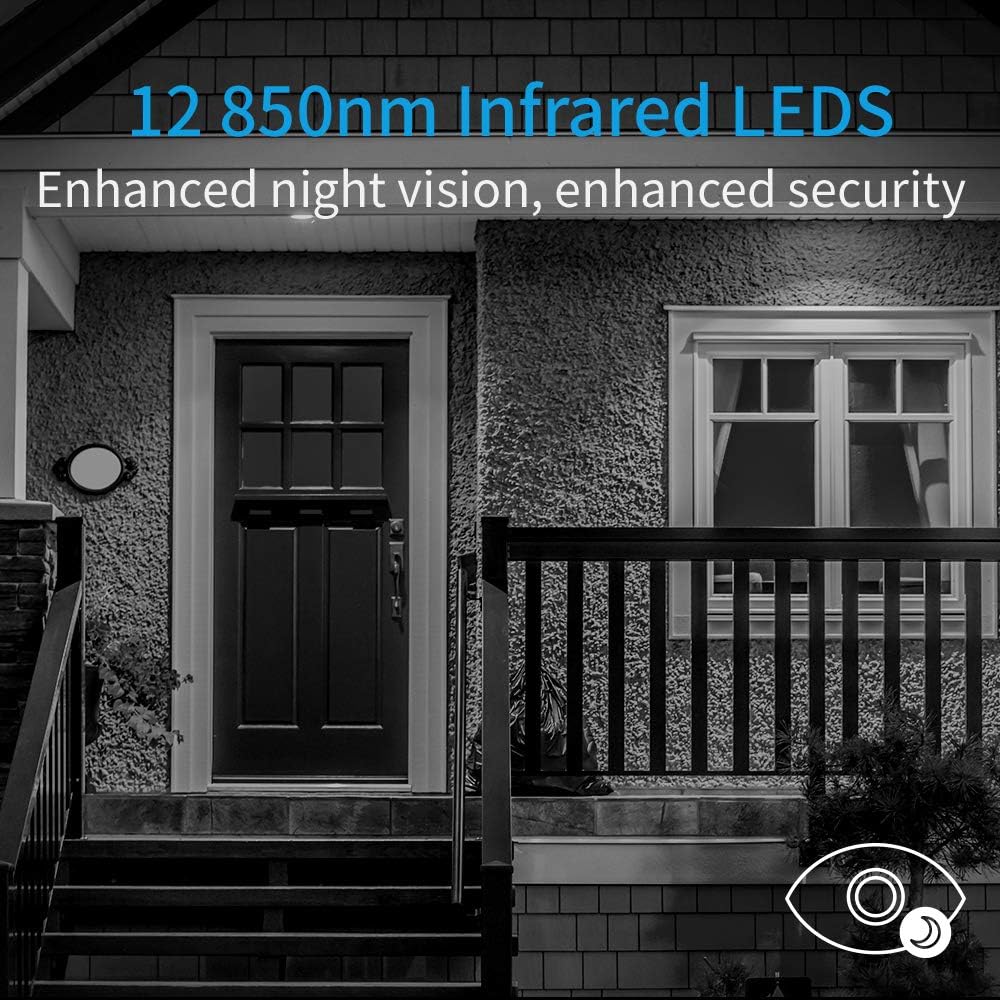
Image: A house exterior at night, demonstrating the enhanced night vision capabilities provided by the camera's 12 850nm infrared LEDs.
4.3. Audio bidirezionale
The integrated 360° noise-canceling hypersensitive microphone and speaker allow for clear two-way communication. You can communicate with welcomed guests or deter unwanted visitors.

Image: A hand holding a smartphone showing the YI camera app's live view, with a microphone icon indicating the two-way audio feature.
4.4. Rilevamento del movimento e zone di attività
The camera features motion-activated alerts that send notifications directly to your phone when movement is detected. You can define specific 'Activity Zones' within the app to focus on areas of importance and reduce false alerts.
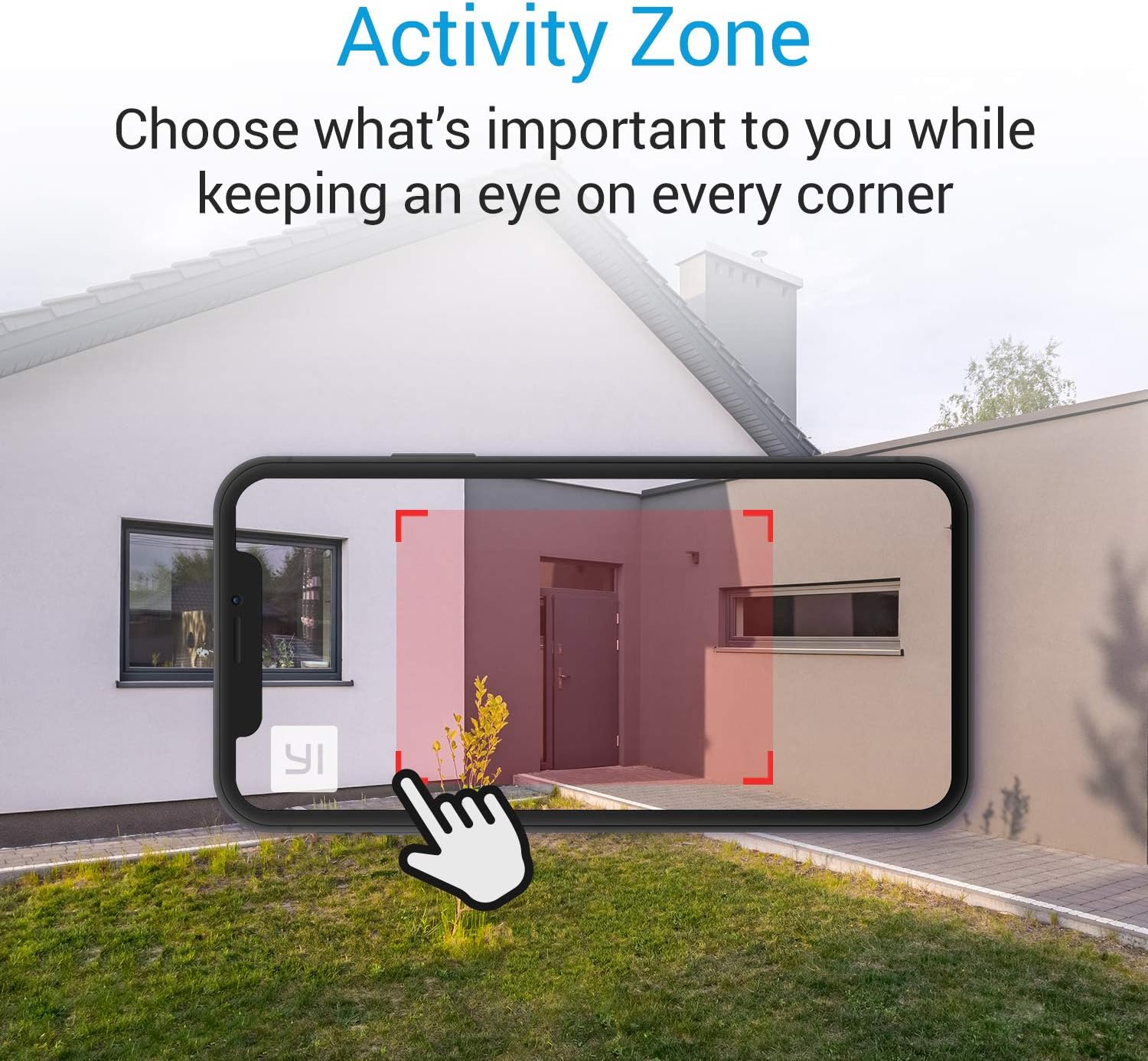
Image: A smartphone screen overlayed on a house exterior, demonstrating how to select an 'Activity Zone' for motion detection within the camera's view.
4.5. Deterrent Alarm
Utilize the deterrent alarm feature to scare off unwanted guests when motion is detected or manually activated through the app.
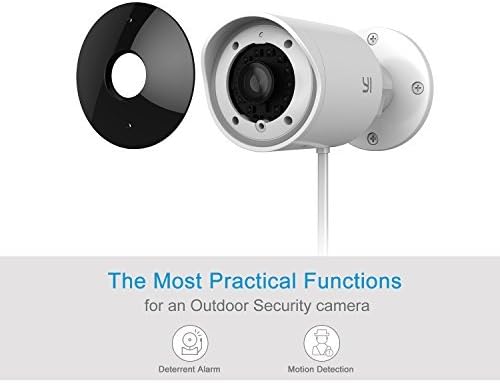
Image: The YI Outdoor Security Camera shown alongside icons representing its key functions: Deterrent Alarm and Motion Detection.
4.6. YI Cloud Service and Local Storage
The camera supports YI Cloud for secure video storage, providing efficient compression and data protection. A free trial is often included. Alternatively, you can use a local SD card for storage (sold separately). If using an SD card, note that a 64GB card will typically fill up and begin rewriting after about one week of continuous recording.
4.7. Optional 24/7 Emergency Response Service
YI offers an optional 24/7 Emergency Response Service, which allows Noonlight's Certified Emergency Dispatchers to coordinate with police, fire, and EMS agencies on your behalf based on motion alerts and live video feeds.
4.8. Video ufficiale del prodotto
For a visual guide on setting up and using an outdoor camera, please watch the official video below:
Video: An official YI Technology video titled "Introducing KAMI OUTDOOR CAM", demonstrating the features and setup of an outdoor security camera.
5. Manutenzione
- Pulizia: Pulire delicatamente l'obiettivo e il corpo della fotocamera con un panno morbido e asciutto.amp stoffa. Evitare l'uso di prodotti chimici aggressivi o materiali abrasivi.
- Collegamento elettrico: Periodically check the power cable and adapter for any signs of damage. Ensure connections are secure.
- Aggiornamenti del firmware: Keep your camera's firmware updated through the YI Home app to ensure optimal performance and access to new features.
6. Risoluzione Dei Problemi
| Problema | Possibile causa/soluzione |
|---|---|
| Camera not powering on or working properly | Ensure you are using the standard USB power adapter and a standard extension cord if needed. USB extension cords may cause issues. Check power outlet. |
| No motion alerts or inconsistent alerts | Check the YI Home app settings for motion detection sensitivity and activity zones. Ensure app notifications are enabled on your phone and check your phone's battery optimization settings, as they can sometimes prevent instant notifications. Ensure camera has a stable Wi-Fi connection. |
| Scarsa qualità video | Assicurati che l'obiettivo della fotocamera sia pulito. Controlla la potenza del segnale Wi-Fi: un segnale debole può influire sulla qualità dello streaming. |
| Problemi audio bidirezionali | Ensure microphone and speaker permissions are granted to the YI Home app on your device. Check volume settings on both the app and your phone. |
| Camera disconnects frequently | Verify your Wi-Fi network is stable and the camera is within range of the router. Consider using an Ethernet connection if Wi-Fi is unreliable. Restart the camera and your router. |
7. Specifiche
| Caratteristica | Dettaglio |
|---|---|
| Numero di modello | 86002 |
| Uso interno/esterno | All'aperto |
| Risoluzione di acquisizione video | Formato: 1080p |
| Viewangolo di ing | 110 gradi |
| Gamma di visione notturna | 50 piedi |
| Tecnologia di connettività | Wired (Wi-Fi, Ethernet) |
| Fonte di alimentazione | Elettrico con cavo |
| Livello di resistenza all'acqua | Impermeabile (IP65) |
| Dimensioni articolo (L x P x A) | 7 x 7 x 4 pollici |
| Peso dell'articolo | 1.2 libbre |
| Componenti inclusi | Adattatore di alimentazione USB |
| Dispositivi compatibili | Smartphone |
| Tipo di controllore | Vera, Amazon Alexa |
| Tipo di montaggio | Montaggio a parete |
| Tipo di avviso | Solo movimento |
8. Garanzia e supporto
For detailed warranty information, technical support, or service inquiries, please visit the official YI Technology webo contattare direttamente l'assistenza clienti. Conservare la ricevuta d'acquisto per eventuali reclami in garanzia.
You can also find additional resources and community support on the YI Technology forums.
Ask a question about this manual
Ask about setup, troubleshooting, compatibility, parts, safety, or missing instructions. Manuals+ will review the question and use this page’s manual context to help answer it.