
1. Introduzione e oltreview
The Panduit TX6-28 Cat 6 UTP Patch Cord is engineered for high-performance network connectivity. This 25-foot, 0.150-inch (3.8mm) diameter, black cord features 28 AWG unshielded, twisted pair, stranded copper, and CM/LSZH cable with high-performance modular plugs. Its compact 28 AWG design facilitates easier installation and cable management in dense environments. The cord is equipped with a tangle-free latch for secure connections and quick release, simplifying network modifications. Additionally, it is RapidID enabled, featuring pre-installed barcodes for streamlined port mapping using RapidID software.
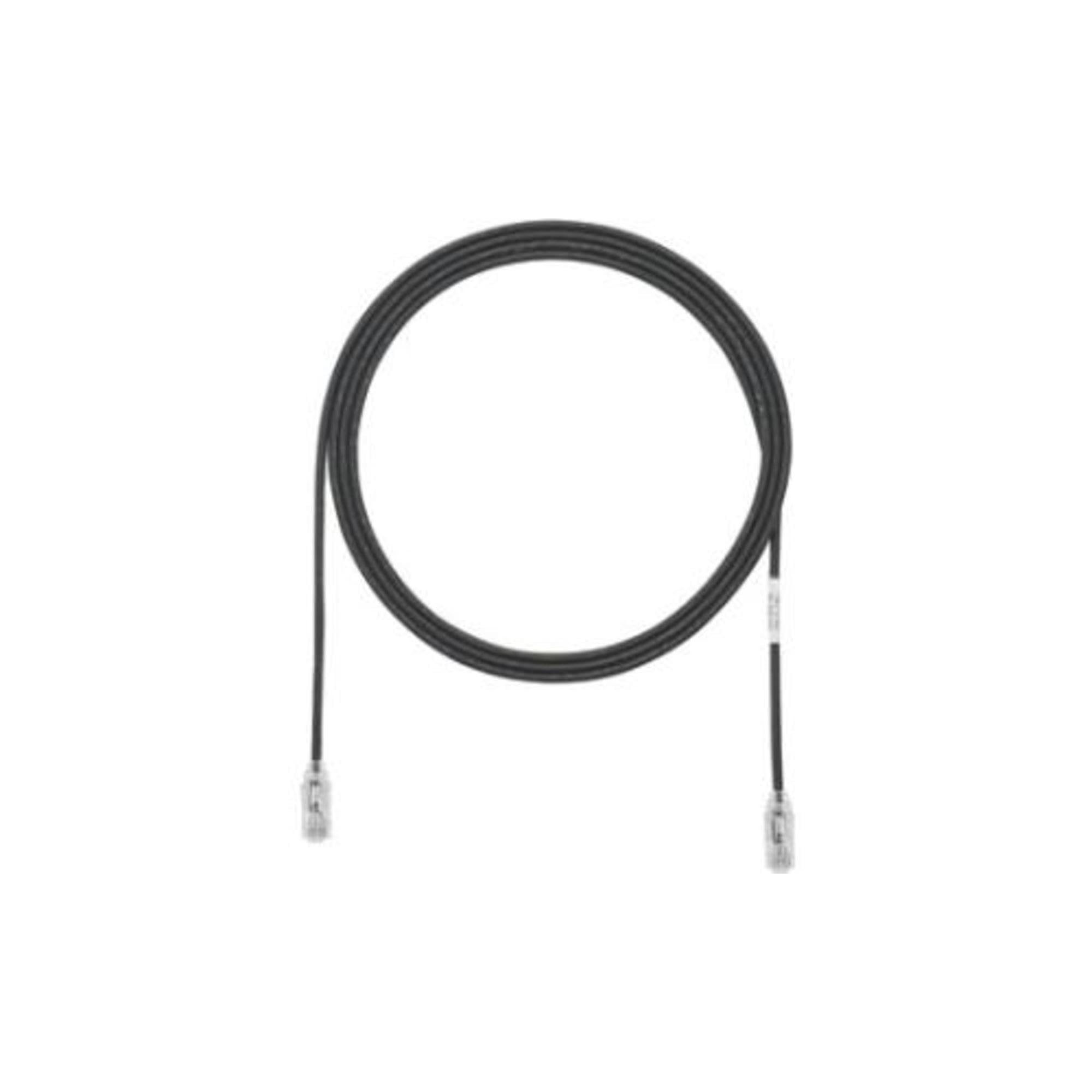
Figure 1: Panduit TX6-28 Cat 6 Patch Cord. This image displays the black patch cord coiled, with an RJ45 connector visible at each end.
2. Caratteristiche principali
- Performance Tested: 100% performance tested for wire map, Near-End Crosstalk (NEXT), and return loss to ensure reliable data transmission.
- Centered De-embedded Plug: Designed for optimal signal integrity and reduced interference.
- Integral Pair Manager: Enhances cable performance and consistency.
- Patented Tangle-Free Latch: Prevents snags during installation and removal, ensuring a fast and easy release.
- Smaller Diameter, Flexible Cable Design: The 28 AWG construction offers increased flexibility and a smaller footprint, ideal for high-density installations.
- RapidID Enabled: Features pre-installed barcodes for simplified port mapping and asset management with RapidID software.
3. Configurazione e installazione
- Identificare le porte: Locate the RJ45 Ethernet ports on the devices you intend to connect (e.g., computer, router, switch, wall jack).
- Connetti prima estremità: Gently insert one end of the Panduit TX6-28 Cat 6 Patch Cord into the RJ45 port of the first device until the latch clicks into place. Ensure a secure connection.
- Collega la seconda estremità: Insert the other end of the patch cord into the RJ45 port of the second device, ensuring it clicks securely.
- Gestione dei cavi: Utilize the smaller diameter and flexibility of the 28 AWG cable to route it neatly, avoiding sharp bends or excessive tension.
- RapidID Integration (Optional): If using RapidID software, scan the pre-installed barcodes on the cable ends to facilitate automated port mapping and documentation.
- Verifica connessione: Check the network status indicators on your devices to confirm a successful connection.
4. Funzionamento
Once properly connected, the Panduit TX6-28 Cat 6 Patch Cord operates passively to facilitate network communication between connected devices. It transmits data signals according to the Cat 6 Ethernet standard, supporting speeds up to 1 Gigabit Ethernet over its specified length. No user interaction is required for its operation beyond initial connection.
5. Manutenzione
- Ispezione fisica: Periodically inspect the cable for any signs of damage, such as cuts, kinks, or frayed insulation.
- Cura del connettore: Keep the RJ45 connectors clean and free of dust or debris. Use a lint-free cloth if cleaning is necessary. Avoid touching the metal contacts directly.
- Evita lo stress: Do not bend the cable sharply or place heavy objects on it, as this can damage the internal conductors and impair performance.
- Conservazione corretta: When not in use, store the cable in a clean, dry environment, preferably coiled loosely to prevent kinks.
6. Risoluzione Dei Problemi
- Nessuna connessione di rete:
- Ensure both ends of the patch cord are securely plugged into their respective RJ45 ports. Listen for a click.
- Verify that the network devices (e.g., router, switch) are powered on and functioning correctly.
- Test with a different, known-good Ethernet cable to rule out issues with the cable itself.
- Check device network settings.
- Bassa velocità di rete:
- Ensure all connected devices support Cat 6 speeds.
- Check for physical damage to the cable that might degrade performance.
- Minimize electromagnetic interference by routing the cable away from power lines or other sources of interference.
- Connessione intermittente:
- Inspect connectors for bent pins or debris.
- Ensure the cable is not under tension or being repeatedly flexed at the connection points.
7. Specifiche
| Specificazione | Valore |
|---|---|
| Marca | Pandotto |
| Numero di modello | UTP28SP25BL |
| Tipo di cavo | Cat 6 UTP Ethernet |
| Calibro del conduttore | 28 AWG Stranded Copper |
| Lunghezza | 25 piedi |
| Colore | Nero |
| Tipo di connettore | RJ45 maschio-maschio |
| Caratteristica speciale | Tangle Free Latch, RapidID Ready |
| Valutazione della giacca | CM/LSZH |
| Dimensioni del prodotto | 17.5 x 10.3 x 4.5 pollici (confezione); 6.4 once |
8. Garanzia e supporto
Panduit products are manufactured to high-quality standards. For specific warranty information pertaining to your TX6-28 Cat 6 Patch Cord, please refer to the documentation included with your purchase or visit the official Panduit website. For technical support or further assistance, please contact Panduit customer service through their official channels.