
DIGITNOW M125
Manuale utente dello scanner per pellicole e diapositive DIGITNOW! M125
Modello: M125
1. Introduzione
The DIGITNOW! M125 Film and Slide Scanner is designed to convert your old 35mm/135 film negatives and mounted slides into digital JPEG images. This standalone device features a 2.4-inch LCD screen, allowing you to preview and adjust images without the need for a computer. Digital files can be saved directly to an SD card for easy transfer and archiving.

Image: The DIGITNOW! M125 Film and Slide Scanner converting film, with a vintage camera and film rolls in the background.
2. Informazioni sulla sicurezza
- Non esporre il dispositivo a umidità o temperature estreme.
- Evitare di smontare l'unità; per la manutenzione rivolgersi a personale qualificato.
- Per evitare danni, utilizzare solo l'adattatore di alimentazione fornito.
- Tenere fuori dalla portata dei bambini.
- Pulire il dispositivo con un panno morbido e asciutto. Non utilizzare detergenti liquidi.
3. Contenuto della confezione
Verificare che tutti gli articoli siano presenti nel pacco:
- DIGITNOW! M125 Film and Slide Scanner
- Supporto per pellicola da 35 mm
- Porta diapositive
- Cavo USB
- Adattatore di alimentazione
- Spazzola per la pulizia
- Manuale d'uso

Image: The complete package contents of the DIGITNOW! M125 Film and Slide Scanner.
4. Prodotto finitoview
The M125 scanner features a compact design with intuitive controls and a built-in LCD screen for easy operation.

Immagine: Frontale view of the DIGITNOW! M125 Film and Slide Scanner, highlighting the LCD screen and control panel.
4.1. Pannello frontale
- Schermo LCD: 2.4-inch TFT LCD for previewvisualizzazione di immagini e navigazione nei menu.
- Pulsanti di controllo: Power, Menu, Capture, Up/Down/Left/Right navigation.
- Luci di segnalazione: SD (SD card status), Power (power status), PC (PC connection status).

Immagine: Un dettaglio view of the scanner's screen and buttons, showing the 'FILM SCANNER' label.
4.2. Pannello posteriore
- Slot per scheda SD: For inserting an SD/MMC card (up to 8GB SDHC, not included) to save scanned images.
- Uscita USB: Connects to a computer for data transfer or power.
- Ingresso TV: Connects to a TV for viewing images on a larger screen (NTSC/PAL compatible).

Image: The back of the scanner, clearly labeling the SD card slot, USB output, and TV input ports.
5. Impostazione
- Connetti alimentazione: Plug the power adapter into the scanner's USB port and then into a power outlet.
- Inserisci la scheda SD: Insert an SD or SDHC memory card (up to 8GB, not included) into the SD card slot on the rear of the scanner. The SD indicator light will illuminate.
- Accensione: Press the Power button on the front panel to turn on the scanner.
- Collegamento alla TV (facoltativo): If desired, connect the scanner to a TV using the provided video cable to view immagini su uno schermo più grande.

Image: An SD card being inserted into the scanner, with a message on the screen indicating to insert a memory card.
6. Istruzioni per l'uso
6.1. Loading Film and Slides
- Per strisce di pellicola da 35 mm: Open the 35mm film holder, insert the film strip into the designated grooves, and close the holder. Slide the loaded holder into the scanner's film slot.
- For Mounted Slides: Open the slide holder, place a mounted slide into the opening, and close the holder. Slide the loaded holder into the scanner's film slot.

Image: A mounted slide being pushed into the slide holder, which is then inserted into the scanner.
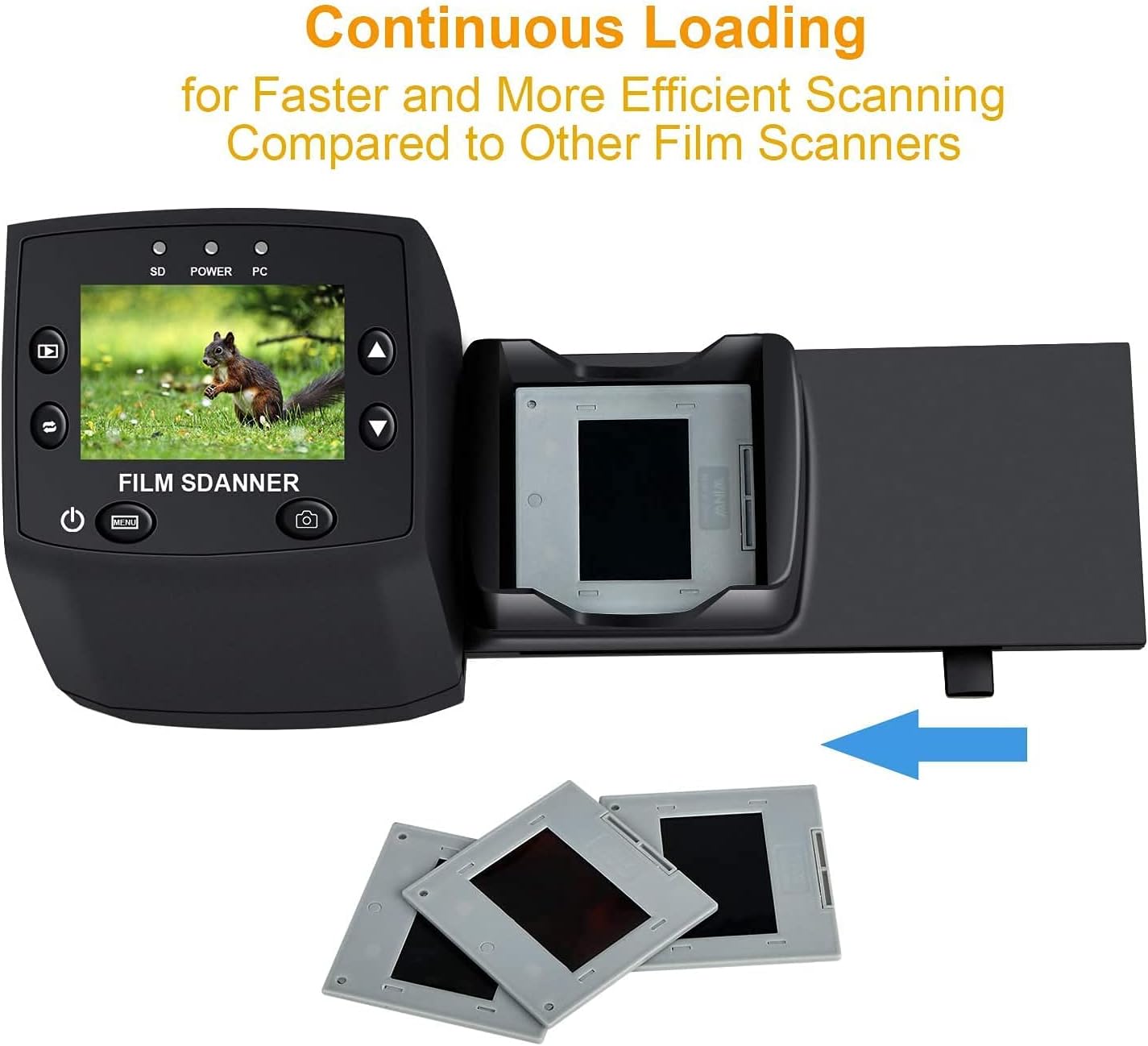
Image: The continuous loading tray for slides, designed for faster scanning.
6.2. Processo di scansione
- Preview: Once the film or slide is loaded, the image will appear on the LCD screen.
- Regola le impostazioni (facoltativo):
- Premere il tasto Menu pulsante per accedere alle impostazioni.
- Utilizzare il Su/Giù buttons to navigate through options like Esposizione EV, Risoluzione, E Lingua.
- Premere OK per selezionare un'opzione.
- Utilizzo Su/Giù to adjust values (e.g., exposure compensation from -2 to +2, resolution between 5M and 10M).
- Premere OK to confirm changes or EXIT per tornare al preview schermo.
- Cattura immagine: When satisfied with the preview, premere il tasto Catturare button (camera icon) to scan and save the image to the SD card.
Video: A demonstration of the DIGITNOW! M125 Film and Slide Scanner's setup and operation, including connecting cables, inserting an SD card, loading film, adjusting settings like exposure and resolution, and capturing images.
6.3. Collegamento a un PC
To transfer images to your computer:
- Collegare lo scanner al PC tramite il cavo USB.
- On the scanner's menu, select MSDC USB (Mass Storage Device Class) and press OK.
- Your computer will recognize the scanner as a removable disk. You can then access the saved JPEG images on the SD card.

Image: The scanner connected to a laptop, demonstrating the USB connection for data transfer.
6.4. Cambiare lingua
To change the menu language:
- Premere il tasto Menu pulsante.
- Vai a Lingua option using the Su/Giù pulsanti e premere OK.
- Select your desired language (e.g., English, Français, Deutsch, Italiano) and press OK per confermare.
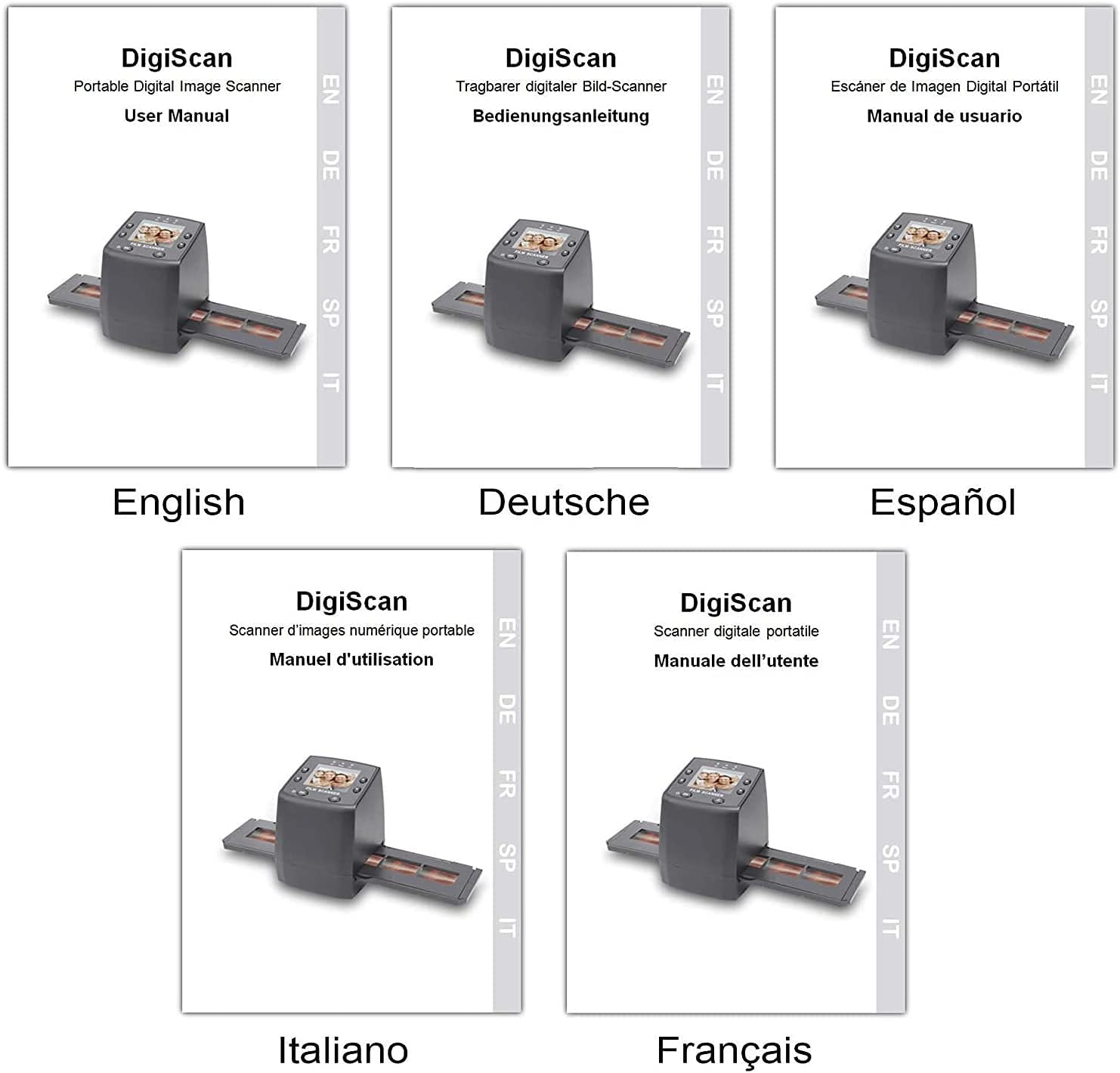
Image: Covers of user manuals in various languages, indicating multi-language support.
7. Manutenzione
- Cleaning the Film/Slide Holders: Regularly inspect and clean the film and slide holders to ensure no dust or debris interferes with scanning.
- Pulizia della lente dello scanner: Use the provided cleaning brush to gently remove dust from the scanner's lens and light source. Avoid touching the lens directly with your fingers.
- Magazzinaggio: Quando non lo si utilizza, conservare lo scanner in un ambiente asciutto e privo di polvere.
8. Risoluzione Dei Problemi
- Nessun potere: Ensure the power adapter is securely connected to both the scanner and a working power outlet.
- Image Quality Issues (Blurry/Dusty): Clean the film/slides and the scanner lens using the provided brush. Adjust the focus if available (not explicitly mentioned for this model, but a general tip).
- Scheda SD non riconosciuta: Ensure the SD card is inserted correctly and is not damaged. Try formatting the card (this will erase all data) or using a different SD card.
- Impossibile trasferire Files al PC: Ensure the USB cable is properly connected and the scanner is in "USB MSDC" mode. Check your computer's device manager to see if the scanner is recognized.
- Image Color Issues: Adjust the EV Exposure settings in the scanner's menu.
9. Specifiche
| Caratteristica | Specificazione |
|---|---|
| Numero di modello | Numero di modello: M125 |
| Marca | DIGITNOW |
| Tipi di film supportati | 35mm Film Negatives, 135 Mounted Slides |
| Schermo LCD | 2.4-inch TFT LCD (480 * 234) |
| Risoluzione | 5/10 Megapixel (interpolated to 10M) |
| DPI | 3600 DPI |
| Formato di output | Formato JPEG |
| Magazzinaggio | SD/MMC Card (up to 8GB SDHC, not included) |
| Interfaccia | USB 2.0, Video Out (NTSC/PAL) |
| Dimensioni | Dimensioni: 8.6 x 8.6 x 11.2 cm |
| Peso | 270 grammi |
| Energia | 5 Watt |
| Supporto del sistema operativo | Windows XP, Vista, 7, 8; Mac OS |

Image: Diagram illustrating the dimensions of the DIGITNOW! M125 Film and Slide Scanner.
10. Garanzia e supporto
This product comes with a standard manufacturer's warranty. For specific warranty details, please refer to the warranty card included in your package or contact DIGITNOW! customer support. For technical assistance or further inquiries, please visit the official DIGITNOW! websito o contattare il team di supporto tramite le informazioni di contatto fornite con l'acquisto.
Ask a question about this manual
Ask about setup, troubleshooting, compatibility, parts, safety, or missing instructions. Manuals+ will review the question and use this page’s manual context to help answer it.