
Introduzione
Welcome to your new Targus Compact Wireless Mouse. This manual provides essential information for proper setup, operation, and maintenance of your device. Please read these instructions carefully before use.
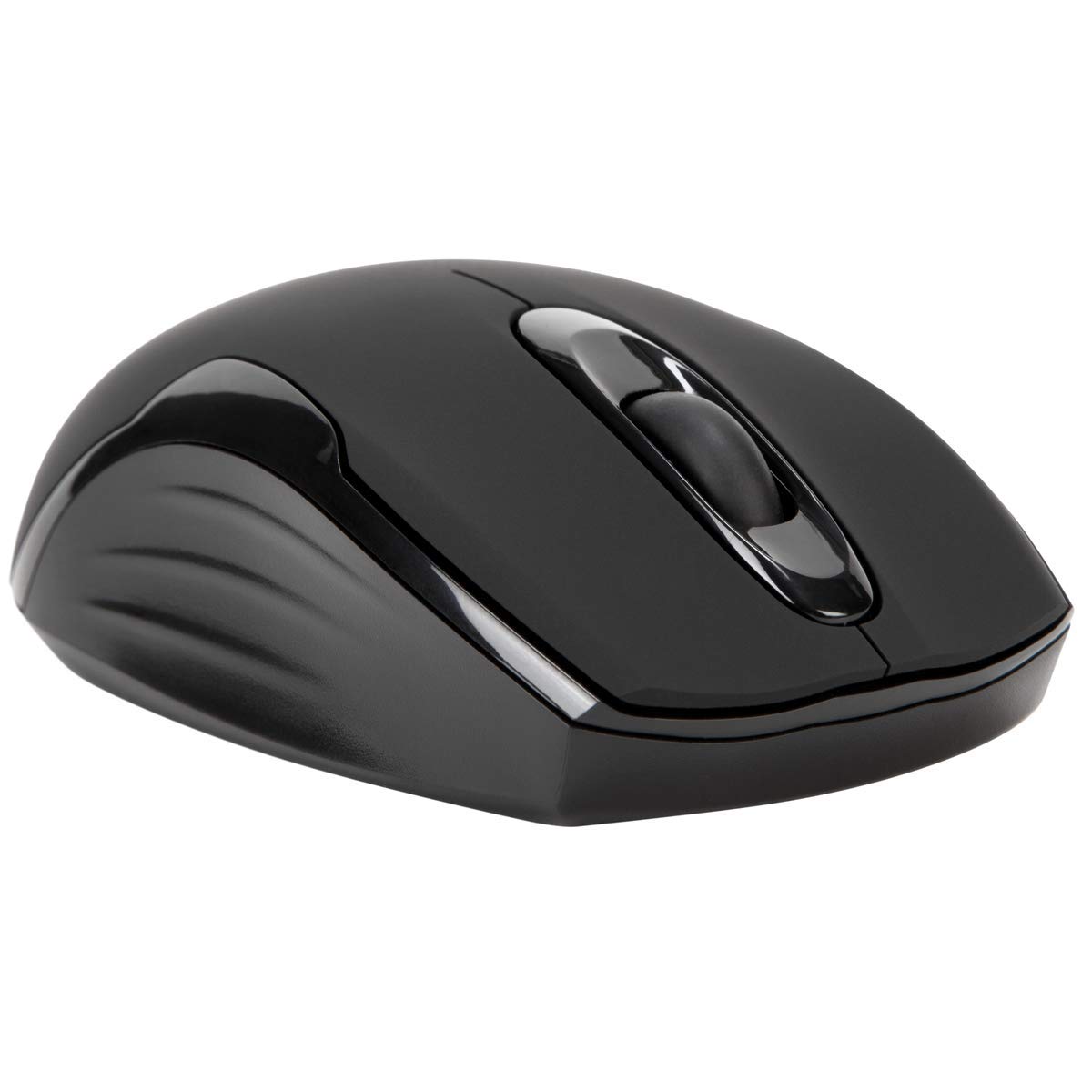
Contenuto della confezione
- Targus Compact Wireless Mouse
- Ricevitore USB
- 1 batteria AA
- Manuale di istruzioni (questo documento)
Impostare
1. Installare la batteria
Locate the battery compartment on the underside of the mouse. Insert the provided 1 x AA battery, ensuring correct polarity (+/-). Close the battery compartment cover securely.

2. Collegare il ricevitore USB
Remove the USB receiver from its storage compartment, typically located near the battery. Plug the USB receiver into an available USB port on your computer.


3. Accensione
Turn on the mouse using the power switch, usually located on the underside. The mouse should automatically connect to the receiver, and you can begin using it.
Operazione
Funzioni di base
- Clic sinistro: Use for primary selection, opening items, and activating functions.
- Clic destro: Access contextual menus and additional options.
- Rotella di scorrimento: Navigare tra documenti e web pages vertically. Pressing the scroll wheel typically functions as a middle-click.
Blue Trace Technology
The Targus Compact Wireless Mouse features Blue Trace Technology, which allows it to track accurately on a wider variety of surfaces compared to standard optical mice, including glass, granite, and wood.
Sensibilità DPI
The mouse is equipped with a 1,600 DPI (Dots Per Inch) optical sensor, providing a precise and responsive cursor movement for various tasks.
Manutenzione
Sostituzione della batteria
When the mouse performance degrades or if it stops responding, it may be time to replace the AA battery. The average battery life is approximately 6 months, but this can vary based on usage.
Pulizia
Per pulire il mouse, utilizzare un panno morbido e asciutto. Per lo sporco ostinato, un panno leggermenteamp cloth can be used, ensuring no moisture enters the internal components. Avoid using harsh chemicals, solvents, or abrasive cleaners, as these can damage the mouse's surface or internal parts.
Ricevitore USB di archiviazione
For convenient transport or storage, the USB receiver can be securely stored inside a dedicated compartment within the mouse itself. This helps prevent loss of the small receiver.
Risoluzione dei problemi
Il mouse non risponde
- Ensure the mouse is powered on using the switch on its underside.
- Check the battery level and replace the AA battery if necessary.
- Verificare che il ricevitore USB sia collegato saldamente a una porta USB funzionante del computer.
- Prova a collegare il ricevitore USB a una porta USB diversa del computer.
- Restart your computer to refresh the connection.
Movimento irregolare del cursore
- Pulire il sensore ottico sul lato inferiore del mouse con un panno morbido e asciutto.
- Ensure the surface you are using the mouse on is clean, flat, and suitable for optical tracking. Avoid highly reflective or transparent surfaces.
- Move the mouse closer to the USB receiver to reduce potential wireless interference.
Problemi di connettività
The mouse uses 2.4 GHz wireless technology designed for stable connection. If you experience persistent connectivity issues, try to minimize other wireless devices operating in close proximity that might cause interference.
Specifiche
| Marca | Targa |
| Nome del modello | AMW575TT |
| Tecnologia di connettività | USB (senza fili 2.4 GHz) |
| Rilevamento del movimento | Optical (Blue Trace Technology) |
| Quantità del pulsante | 3 |
| Orientamento della mano | Ambidestro |
| Dispositivi compatibili | Universal (Windows® 10/8.1/8/7/Vista/XP/2000, Mac OS® X 10.6-10.12.4) |
| Fonte di alimentazione | Battery Powered (1 AAA battery required, included) |
| Mouse Maximum Sensitivity | 1600 Dots per Inch (DPI) |
| wireless Range | 33.0 piedi (10 metri) |
| Durata media della batteria | 6 mesi |
| Peso dell'articolo | 0.14 libbre |
| Dimensioni dell'articolo (L x P) | 4.4"L x 2.3"W |
| Materiale di recinzione | Plastica |
| Caratteristiche aggiuntive | 128-bit AES-CCM encryption |
Garanzia e supporto
Informazioni sulla garanzia
This Targus product is covered by a Garanzia del produttore di 1 annoSi prega di conservare la prova d'acquisto per eventuali reclami in garanzia. La garanzia copre difetti di materiali e fabbricazione in normali condizioni d'uso.
Assistenza clienti
For further assistance, technical support, or to inquire about warranty services, please visit the official Targus weboppure contattare il servizio clienti. Le informazioni di contatto sono in genere reperibili sul sito Targus websito.
Nota: Avvertenza sulla Proposta 65: questo prodotto potrebbe contenere sostanze chimiche che lo Stato della California ritiene possano causare cancro, difetti alla nascita o altri danni riproduttivi.