
1. Prodotto finitoview
The Arlo SmartHub Plus (model VMB5000) is a central control unit designed to securely connect your Arlo cameras to the internet via your home router. It enhances the connectivity range and improves battery life for compatible Arlo cameras. This SmartHub supports local video storage via a microSD card and offers high-resolution video recording up to 4K.
It is compatible with a wide range of Arlo cameras, including Ultra, Ultra 2, Ultra 2 XL, Pro, Pro2, Pro3, Pro 4, Pro4XL, Pro5, Essential 1, Essential 1 XL, Essential Indoor, Essential 1 Doorbell, and Floodlight cameras.
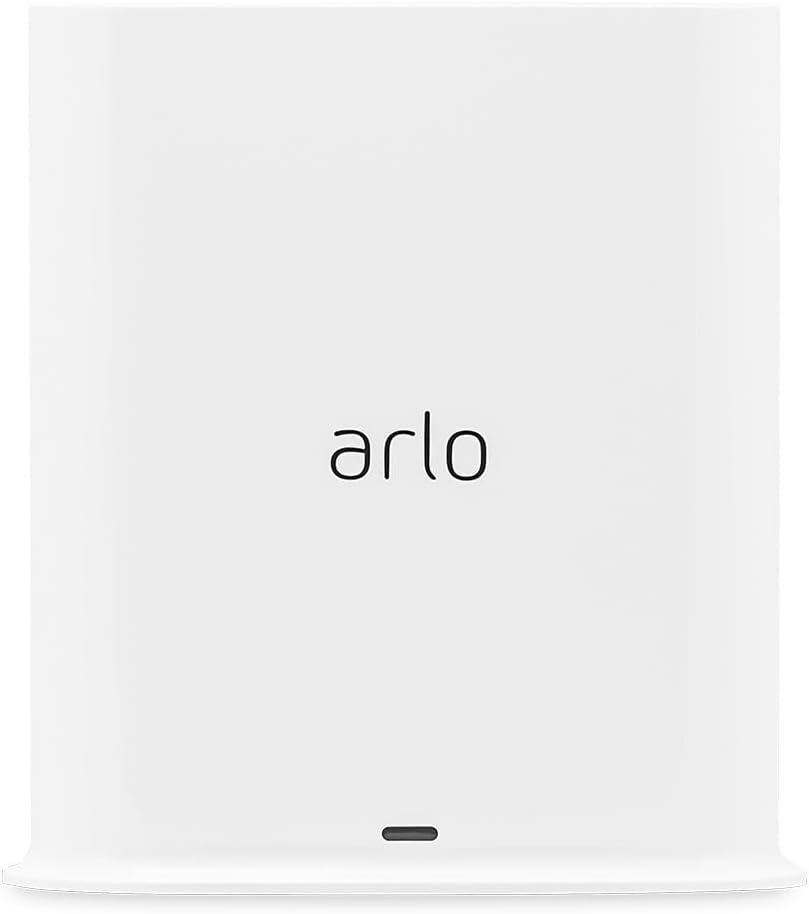
Figura 1.1: Fronte view of the Arlo SmartHub Plus. This image displays the sleek, white design of the SmartHub with the Arlo logo prominently displayed on its front face.

Figure 1.2: Arlo SmartHub Plus in a home environment. The SmartHub is shown on a desk, illustrating its compact size and how it blends into typical home decor.
2. Guida all'installazione
Follow these steps to set up your Arlo SmartHub Plus:
- Disimballare il contenuto: Ensure you have the Arlo SmartHub Plus (VMB5000), power adapter, and Ethernet cable.
- Connettiti all'alimentazione: Plug the power adapter into the SmartHub's power port and then into a wall outlet.
- Connetti al router: Use the provided Ethernet cable to connect the SmartHub's LAN port to an available Ethernet port on your home router.
- Scarica l'app Arlo: If you haven't already, download the Arlo app from your mobile device's app store (iOS or Android).
- Aggiungi dispositivo nell'app: Open the Arlo app, log in or create an account, and follow the on-screen instructions to add your new SmartHub. The app will guide you through the pairing process with your Arlo cameras.
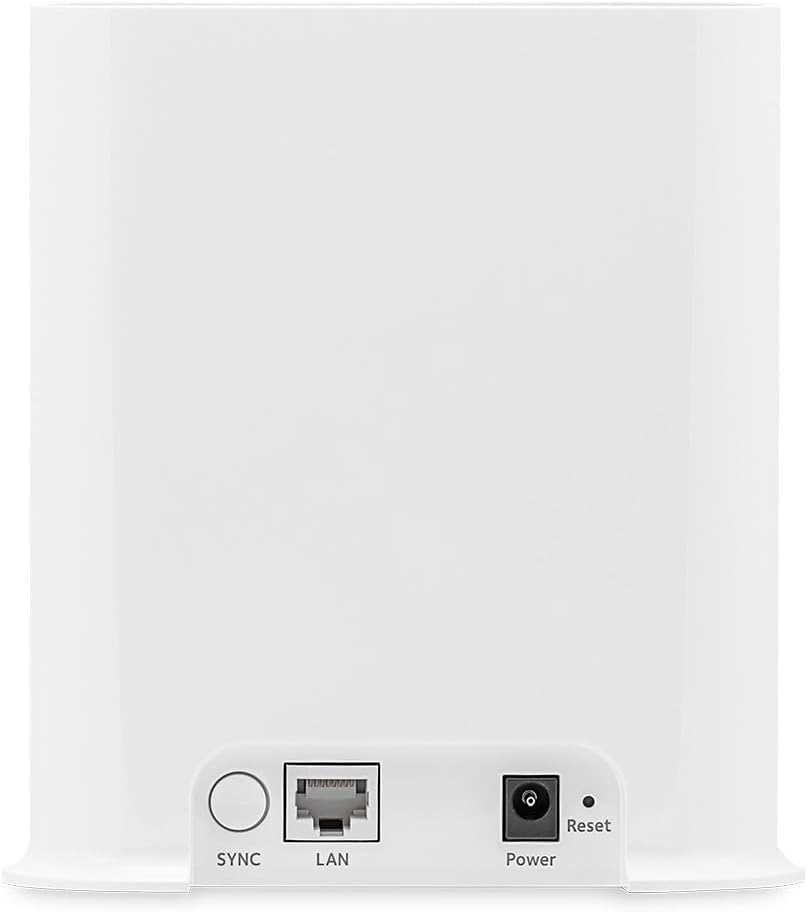
Figure 2.1: Rear ports of the Arlo SmartHub Plus. This image highlights the connectivity options on the back of the device, including the SYNC button, LAN port for Ethernet connection, Power port, and Reset button.
3. Funzionamento
3.1 Camera Connectivity
The SmartHub Plus securely connects your Arlo cameras to the internet, providing extended range and improved battery life for your cameras. It supports dual-band Wi-Fi (2.4 GHz and 5 GHz) for a stable and secure connection.
- Fotocamere supportate: Arlo Ultra, Ultra 2, Ultra 2 XL, Pro, Pro2, Pro3, Pro 4, Pro4XL, Pro5, Essential 1, Essential 1 XL, Essential Indoor, Essential 1 Doorbell, and Floodlight.
- Video ad alta risoluzione: View and record videos in high resolution, up to 4K, depending on your connected camera model.
3.2 Archiviazione locale
The SmartHub Plus features a microSD card slot for local video storage. This allows you to store recordings directly on the device, providing a backup or primary storage solution without relying solely on cloud services.
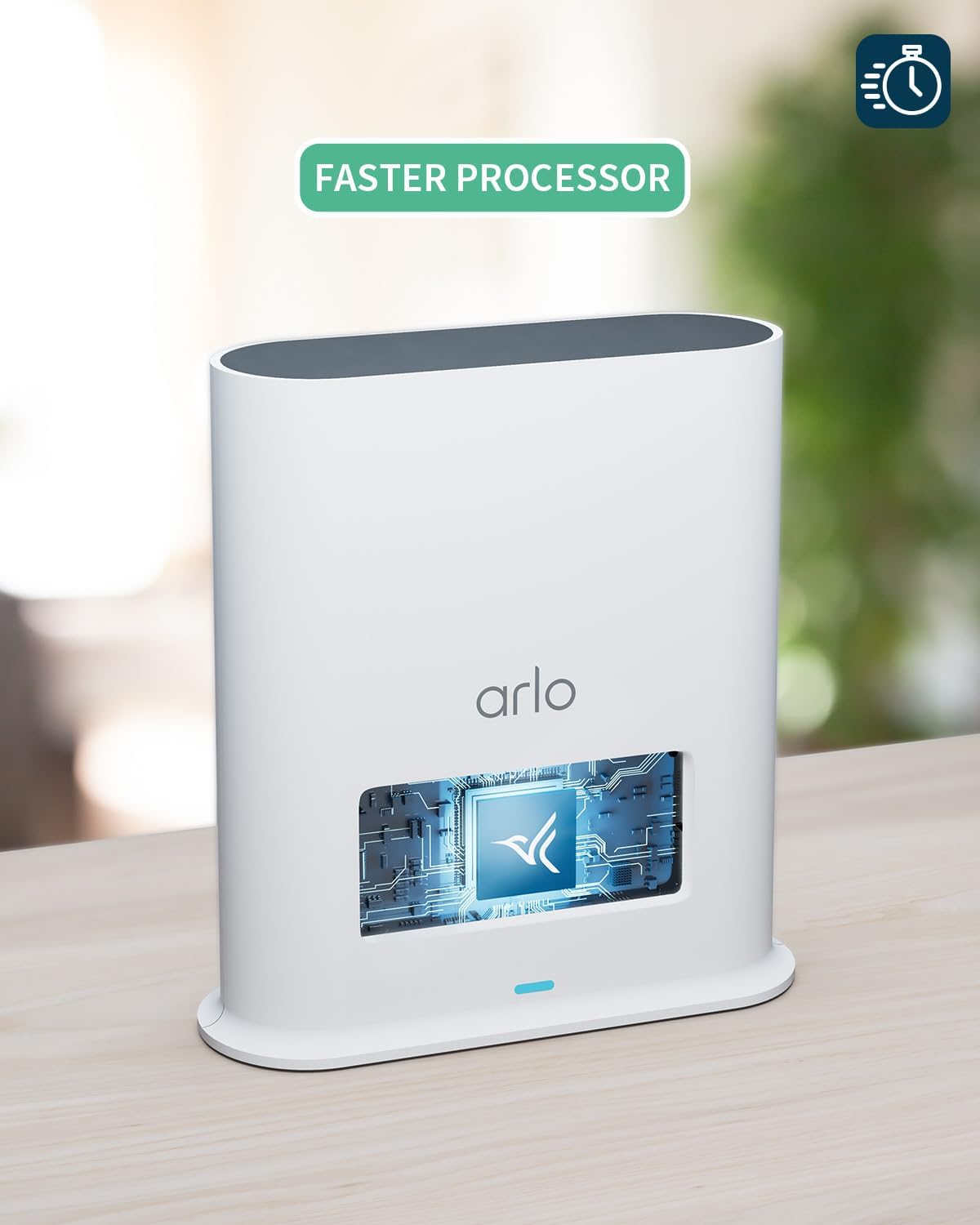
Figure 3.1: MicroSD card insertion. This image demonstrates how to insert a microSD card into the dedicated slot on the SmartHub for local video storage.
3.3 Integrazione della casa intelligente
The SmartHub Plus offers additional connectivity with popular smart home platforms when connected to certain Arlo cameras:
- Apple HomeKit: Integrate your Arlo system with Apple HomeKit for seamless control and automation within your Apple ecosystem.
- Amazon Alexa: Use voice commands via Amazon Alexa-enabled devices to control your Arlo cameras.
- Assistente Google: Control your Arlo system using Google Assistant voice commands.
- IFTTT (Se questo allora quello): Create custom automations and connections with other smart devices and services.

Figure 3.2: Smart Home Integration. This image illustrates the compatibility of the Arlo system with various smart home platforms, including Google Assistant, Amazon Alexa, and Apple HomeKit.
4. Manutenzione
4.1 Cura generale
- Keep the SmartHub in a dry, well-ventilated area, away from direct sunlight and extreme temperatures.
- Pulire l'esterno con un panno morbido e asciutto. Non utilizzare detergenti liquidi o spray.
- Assicurarsi che tutti i cavi siano collegati saldamente e non siano danneggiati.
4.2 Gestione della scheda MicroSD
To ensure optimal performance and prevent data loss, regularly manage your microSD card:
- Inserimento: Gently insert a compatible microSD card into the designated slot until it clicks into place.
- Rimozione: To remove, gently push the microSD card inward until it springs out, then pull it out. Always ensure the SmartHub is powered off or safely unmounted the card via the Arlo app before removal to prevent data corruption.
- Formattazione: Format the microSD card through the Arlo app for best compatibility and performance.
- Capacità: The SmartHub supports various microSD card capacities. Refer to Arlo's official support for maximum supported size.
5. Risoluzione Dei Problemi
If you encounter issues with your Arlo SmartHub Plus, try the following troubleshooting steps:
| Problema | Possibile causa | Soluzione |
|---|---|---|
| SmartHub not powering on | Adattatore di alimentazione non collegato o presa difettosa. | Ensure the power adapter is securely plugged into the SmartHub and a working wall outlet. Try a different outlet. |
| Cameras not connecting to SmartHub | SmartHub not connected to internet, cameras out of range, or pairing issue. |
|
| No local recording to microSD card | MicroSD card not inserted correctly, not formatted, or full. |
|
| Scarsa qualità video | Segnale Wi-Fi debole o congestione della rete. |
|
If these steps do not resolve the issue, please refer to the Supporto sezione per ulteriore assistenza.
6. Specifiche tecniche
| Caratteristica | Dettaglio |
|---|---|
| Numero di modello | VMB5000-100EUS |
| Dimensioni (L x P x A) | 5.3 x 14 x 15.2 cm (2.09 x 5.51 x 5.98 pollici) |
| Peso | 316 grammi (0.7 libbre) |
| Energia | 18 Watts (Power adapter included) |
| Tecnologia senza fili | Wi-Fi (2.4 GHz & 5 GHz dual-band) |
| Connettività | Cablato (Ethernet) |
| Dispositivi compatibili | Arlo Ultra, Ultra 2, Ultra 2 XL, Pro, Pro2, Pro3, Pro 4, Pro4XL, Pro5, Essential 1, Essential 1 XL, Essential Indoor, Essential 1 Doorbell, Floodlight cameras |
| Archiviazione locale | Slot per scheda MicroSD (scheda non inclusa) |
| Risoluzione di registrazione video | Up to 4K (with compatible cameras) |
| Caratteristiche speciali | Integrated Alarm |
| Componenti inclusi | Arlo VMB500-100EUS SmartHub, Power adapter, Ethernet cable, Quickstart guide, Window decal |
| Produttore | Arlo |
| Paese di origine | Vietnam |
7. Garanzia e supporto
7.1 Informazioni sulla garanzia
Arlo products typically come with a limited manufacturer's warranty. For specific warranty terms and conditions applicable to your region and product, please refer to the warranty card included with your product or visit the official Arlo support websito.
7.2 Assistenza clienti
For technical assistance, product registration, or to access frequently asked questions and detailed guides, please visit the official Arlo support websito o contattare il servizio clienti Arlo.
Puoi trovare maggiori informazioni e risorse di supporto visitando il Arlo Brand Store on Amazon.