
1. Prodotto finitoview
Grand Theft Auto: San Andreas is an action-adventure video game developed by Rockstar North and published by Rockstar Games. Set in the fictional state of San Andreas, which is based on California and Nevada, the single-player story follows Carl "CJ" Johnson, who returns home to Los Santos after his mother's murder and is drawn back into his former gang and a life of crime while clashing with corrupt authorities and powerful criminals. The game features an open-world environment where players can freely roam the cities and countryside.

Image 1.1: Front cover of the Grand Theft Auto San Andreas game for Xbox 360. The cover art features various characters and scenes from the game, including the protagonist Carl Johnson, vehicles, and cityscapes.
This manual provides essential information for installing, playing, and maintaining your Grand Theft Auto San Andreas game on the Xbox 360 console.
2. Informazioni importanti sulla sicurezza
Before playing this game, please read the printed instruction manual provided with your Xbox 360® console, as well as any accessory manuals, for important health and safety information. Please keep all manuals for future reference. For replacement console and accessory manuals, visit www.xbox.com/support.
2.1 Precautions for Video Game Use
- Avoid playing if you are tired or lack sleep.
- Ensure you play in a well-lit room, moderating your screen's brightness.
- When using a video game connected to a screen, play at a good distance from the television or computer screen.
- Avoid overexertion. During use, take breaks of at least 15 minutes every hour.
2.2 Warning about Epilepsy
Some individuals are susceptible to epileptic seizures, potentially involving loss of consciousness, when exposed to certain types of light stimuli such as rapid successions of images, simple geometric patterns, flashes, or explosions. These individuals are at risk of seizures when playing certain video games that include such stimuli, even if they have no history of epilepsy or have never been informed that they are prone to epilepsy.
If you or a family member has experienced symptoms related to epilepsy (seizure or loss of consciousness) in the presence of light stimuli, consult your doctor before any use.
Parents should also be particularly attentive to their children when they play video games. Symptoms to watch for include: dizziness, vision disturbance, eye or muscle twitching, disorientation, involuntary movement or convulsion, or temporary loss of consciousness. Stop playing immediately and consult a doctor.

Image 2.1: Back of the game manual insert, displaying PEGI age ratings (3, 7, 12, 16, 18) and various content descriptors, along with important health and safety warnings regarding video game use and epilepsy.
3. Configurazione e installazione
3.1 Console Preparation
- Assicurati che la console Xbox 360 sia correttamente collegata a una fonte di alimentazione e a un dispositivo di visualizzazione (TV/monitor).
- Accendi la tua console Xbox 360.
- Ensure you have sufficient storage space on your console's hard drive or a connected storage device for game saves and potential updates.
3.2 Game Disc Installation
- Apri il vassoio del disco sulla tua console Xbox 360.
- Carefully place the Grand Theft Auto San Andreas game disc into the tray with the label side facing up.
- Chiudere il vassoio del disco.
- The console should automatically detect the game disc. Follow any on-screen prompts to install the game to your hard drive if desired. Installing the game can reduce loading times and disc drive noise.
- Once installation is complete (if applicable), select the game from the Xbox 360 dashboard to begin playing.
4. Gameplay di base
4.1 Obiettivo del gioco
As Carl "CJ" Johnson, players navigate the fictional state of San Andreas, completing missions to advance the storyline. Missions involve various tasks such as driving, shooting, stealth, and other activities. Beyond the main story, players can explore the open world, engage in side activities, and interact with the environment.
4.2 Controls (Standard Xbox 360 Controller)
While specific in-game controls are detailed within the game's pause menu, here are some common actions:
- Levetta analogica sinistra: Move character / Steer vehicle
- Levetta analogica destra: Camera control / Aim weapon
- Un bottone: Sprint / Accelerate (vehicle) / Enter vehicle
- Pulsante B: Attack / Exit vehicle
- Pulsante X: Jump / Handbrake (vehicle)
- Pulsante Y: Action / Reload weapon
- Left Trigger (LT): Aim weapon / Brake (vehicle)
- Right Trigger (RT): Fire weapon / Accelerate (vehicle)
- Left Bumper (LB): Cycle weapons / Look left
- Right Bumper (RB): Cycle weapons / Look right
- Pulsante di avvio: Pause menu / Map
- Pulsante Indietro: Change camera view
4.3 Salvataggio dei progressi
Game progress is typically saved by entering safe houses or completing specific missions. Look for on-screen prompts indicating when your game has been saved. It is recommended to save frequently to avoid losing progress.
5. Manutenzione e cura
5.1 Disc Handling and Storage
- Always hold the disc by its edges to avoid touching the playing surface.
- Mantenere il disco pulito e privo di polvere, impronte digitali e graffi. Utilizzare un panno morbido e privo di lanugine per pulire delicatamente il disco dal centro verso l'esterno, se necessario.
- Quando non lo si utilizza, conservare il disco nella sua custodia originale per proteggerlo da eventuali danni.
- Evitare di esporre il disco alla luce solare diretta, a temperature estreme o a elevata umidità.

Immagine 5.1: Lato view of the Grand Theft Auto San Andreas Xbox 360 game case, showing the title and Xbox logo on the spine. Proper storage in its case helps protect the disc.
5.2 Console Environment
- Assicurati che la console Xbox 360 sia posizionata in un luogo ben ventilato per evitare il surriscaldamento.
- Keep the console and game area free from dust and debris.
6. Risoluzione Dei Problemi
6.1 Errori di lettura del disco
- If the console displays a "Disc Read Error" or fails to recognize the game:
- Remove the disc and inspect it for scratches, smudges, or dirt. Clean the disc gently with a soft, lint-free cloth if necessary.
- Ensure the disc is inserted correctly into the disc tray.
- Try restarting your Xbox 360 console.
- If the issue persists, try another game disc to determine if the problem is with the console's disc drive or the game disc itself.
6.2 Blocco o arresto anomalo del gioco
- If the game freezes or crashes during gameplay:
- Riavvia la console Xbox 360.
- Ensure your console has adequate ventilation to prevent overheating.
- Clear the Xbox 360 system cache (refer to your Xbox 360 console manual for instructions).
- If the game is installed to the hard drive, try deleting and reinstalling it.
7. Specifiche del prodotto
| Specificazione | Dettaglio |
|---|---|
| ASIN | B075NT29T2 |
| Dimensioni del prodotto | 6 x 1 x 8 pollici |
| Peso dell'articolo | 2.53 once |
| Produttore | STELLA DELLA ROCCIA |
| Data prima disponibilità | 18 settembre 2017 |
| Tipo di articolo | Videogioco |
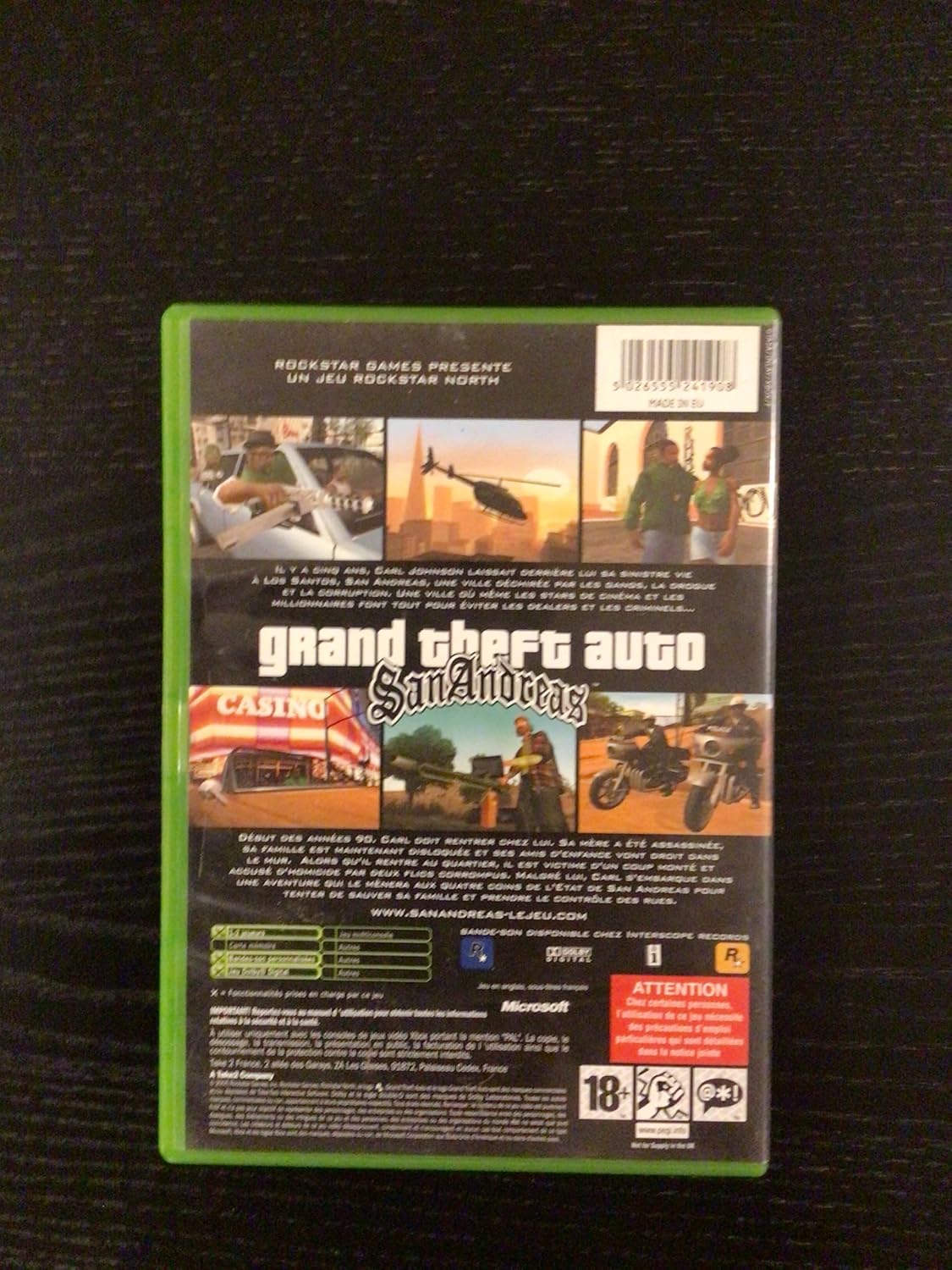
Image 7.1: Back cover of the Grand Theft Auto San Andreas Xbox 360 game case, showing game screenshots, a brief description, and various legal and rating information.
8. Informazioni sulla garanzia
This product is typically covered by a manufacturer's warranty against defects. Specific warranty terms and conditions are usually provided by the game publisher, Rockstar Games, or the retailer at the time of purchase. Please refer to any documentation included with your game or contact the point of purchase for detailed warranty information.
9. Assistenza clienti
For technical assistance, gameplay questions, or other support inquiries related to Grand Theft Auto San Andreas, please visit the official Rockstar Games Support websito:
You may also find helpful information and community forums on the official Xbox support websito.