
Introduzione
Grazie per l'acquistoasing the MAJORITY Histon Portable DAB/DAB+ Digital Radio. This manual provides essential information for setting up, operating, and maintaining your radio. Please read it thoroughly before use to ensure optimal performance and longevity of your device.
Cosa c'è nella scatola
- MAJORITY Histon Radio
- Cavo di alimentazione di rete
- Manuale del proprietario (questo documento)

Image: The contents of the product packaging, including the Histon radio, its mains power cable, and the user manual.
Prodotto finitoview
The MAJORITY Histon radio is designed for portable and mains-powered listening, offering both DAB/DAB+ and FM radio reception. It features a clear LED display, dual alarm functionality, and a sleep timer.
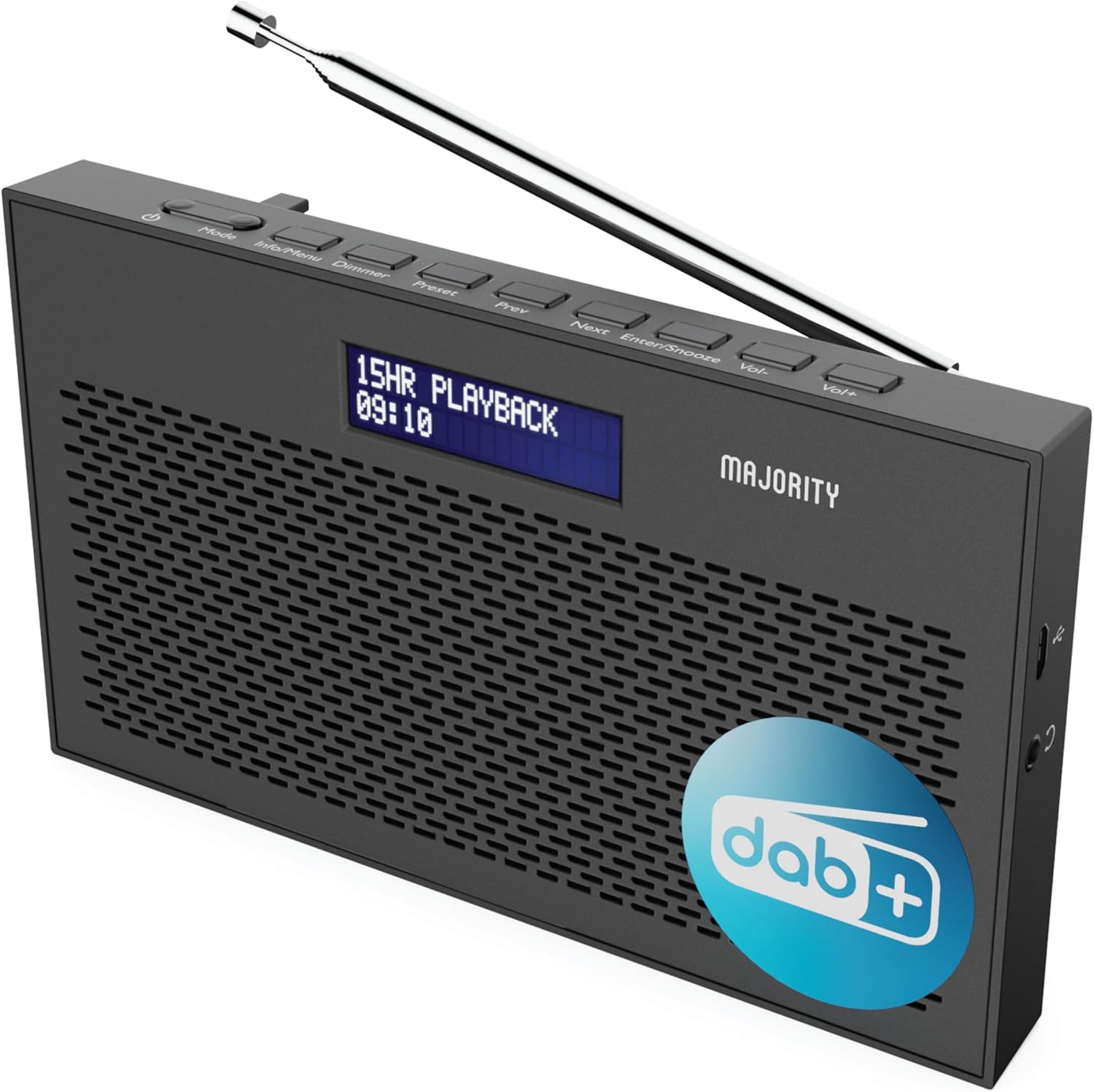
Immagine: Un dettaglio view of the Majority Histon radio, highlighting its compact design and front speaker.
Controlli e display
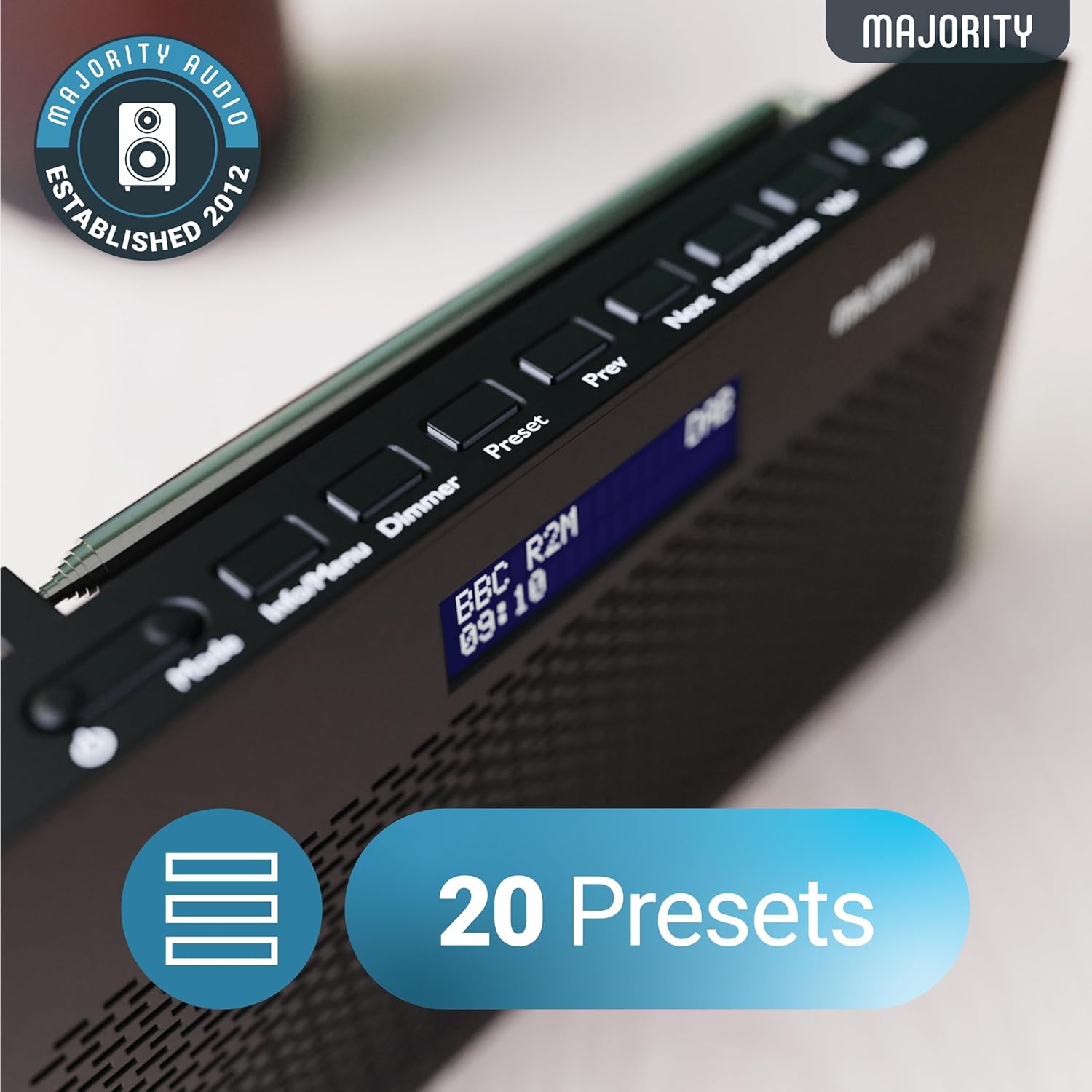
Image: A close-up of the radio's top panel, illustrating the various control buttons and the LED display showing station information.
- Modalità: Passa tra DAB, FM e altre modalità.
- Informazioni/Menù: Displays station information or accesses menu settings.
- dimmer: Regola la luminosità del display.
- Preimpostato: Accesses or saves preset stations.
- Precedente/Successivo: Consente di navigare tra le stazioni o le opzioni del menu.
- Invio/Posticipa: Confirms selections or activates snooze during an alarm.
- Vol-/Vol+: Regola il volume.
Porte e Connessioni
- Porta CC IN: For connecting the mains power cable.
- Jack per cuffie da 3.5 mm: Per l'ascolto privato.
- Vano batteria: Located on the rear for 4 AA batteries (not included).
- Antenna telescopica: Extendable for optimal signal reception.
Impostare
Accensione
The Histon radio can be powered by either the included mains power cable or 4 x AA batteries (not supplied).
- Alimentazione di rete: Connect the mains power cable to the DC IN port on the radio and plug the adapter into a wall socket.
- Potenza della batteria: Open the battery compartment on the rear of the radio and insert 4 x AA batteries, ensuring correct polarity.

Image: The radio in a portable setting, emphasizing its 15-hour battery life capability.
Regolazione dell'antenna
Extend the telescopic antenna fully for the best possible signal reception, especially for DAB/DAB+ and FM broadcasts.
Initial Scan (DAB/DAB+)
Upon first power-on, the radio will automatically perform a full scan for DAB/DAB+ stations. This process may take a few minutes. Once complete, the radio will tune to the first available station.
- If no stations are found, ensure the antenna is fully extended and reposition the radio, then perform a manual scan (see Operating Instructions).
Istruzioni per l'uso
Funzionamento radio DAB/DAB+
- Selecting DAB Mode: Premere il tasto Modalità finché non viene visualizzato "DAB".
- Selezione della stazione: Utilizzare il Precedente or Prossimo buttons to scroll through available DAB stations. Press Entrare per selezionare una stazione.
- Scansione completa: To perform a full scan for new stations, press and hold the Info/Menù button to enter the menu, then navigate to "Full Scan" and press Entrare.
- Stazioni preimpostate:
- Salvataggio di un preset: Durante l'ascolto di una stazione, tenere premuto il tasto Preimpostato pulsante. Uso Precedente/Successivo per selezionare un numero preimpostato (1-20), quindi premere Entrare per salvare.
- Richiamo di un preset: Premere brevemente il tasto Preimpostato pulsante. Uso Precedente/Successivo to scroll through saved presets, then press Entrare per sintonizzare.
Image: The radio's control panel, highlighting the capability to store up to 20 preset radio stations.
Funzionamento della radio FM
- Selecting FM Mode: Premere il tasto Modalità finché non viene visualizzato "FM".
- Scansione automatica: Premere e tenere premuto Entrare to automatically scan for the next available FM station.
- Sintonizzazione manuale: Premere brevemente Precedente or Prossimo to fine-tune the frequency in 0.05 MHz steps.
- Stazioni preimpostate: La procedura per salvare e richiamare le preselezioni FM è la stessa di quella per le preselezioni DAB.
Impostazione degli allarmi
The Histon radio features a dual alarm function.

Image: The radio displaying "DUAL ALARM" on its screen, illustrating its dual alarm capability.
- Premere e tenere premuto Info/Menù per accedere al menù.
- Utilizzo Precedente/Successivo to navigate to "System Settings" and press Entrare.
- Navigate to "Alarm" and press Entrare.
- Selezionare "Sveglia 1" o "Sveglia 2" e premere Entrare.
- Configure the alarm time, duration, source (Buzzer, DAB, FM), frequency (Daily, Once, Weekends, Weekdays), and volume using Precedente/Successivo E Entrare.
- To activate/deactivate an alarm, select "On" or "Off" for the chosen alarm.
- Quando suona un allarme, premere Invio/Posponi to snooze for 9 minutes, or press the Energia pulsante per disattivare l'allarme.
Timer di spegnimento
Il timer di spegnimento automatico consente alla radio di spegnersi automaticamente dopo un periodo di tempo impostato.
- Premere e tenere premuto Info/Menù per accedere al menù.
- Navigate to "System Settings" and press Entrare.
- Vai su "Sospensione" e premi Entrare.
- Utilizzo Precedente/Successivo to select the desired sleep duration (e.g., 15, 30, 45, 60, 90, 120 minutes) or "Off". Press Entrare per confermare.
Luminosità dello schermo
Regola la luminosità del display LED.
- Premere brevemente il tasto Oscuratore pulsante per scorrere i livelli di luminosità.
Uso delle cuffie
For private listening, connect standard 3.5mm headphones to the headphone jack on the side of the radio. The internal speaker will automatically mute when headphones are connected.
Risoluzione dei problemi
| Problema | Possibile causa/soluzione |
|---|---|
| Nessuna alimentazione / La radio non si accende. |
|
| Ricezione DAB/FM scadente o nessuna stazione trovata. |
|
| Il suono è distorto o intermittente. |
|
| L'allarme non suona. |
|
| Il display è vuoto o illeggibile. |
|
Specifiche
- Modello: Histon 2
- Dimensioni del prodotto: 18 x 4.5 x 11 cm (L x P x A)
- Peso: 249 grammi
- Fonte di energia: Mains (via included adapter) or 4 x AA Batteries (not included)
- Bande radio supportate: DAB/DAB+, FM
- Preselezioni: 20 (DAB) / 20 (FM)
- Connettività: 3.5mm Headphone Jack, DC IN Port
- Caratteristiche speciali: Portable, Lightweight, Automatic and Manual Tuning, Dual Alarm Clock, Sleep Timer, LED Display, Mono/Auto Switching in FM Mode

Image: A visual representation of the radio's dimensions for reference.
Manutenzione
- Pulizia: Utilizzare un panno morbido e asciutto per pulire la superficie della radio. Non utilizzare detergenti abrasivi o solventi.
- Magazzinaggio: Se si conserva la radio per un periodo prolungato, rimuovere le batterie per evitare perdite. Conservare in un luogo fresco e asciutto.
- Esposizione all'acqua: Questa radio non è impermeabile. Evitare l'esposizione all'acqua o a umidità elevata.
- Cura dell'antenna: Maneggiare con cura l'antenna telescopica per evitare che si pieghi o si rompa.
Garanzia e supporto
The MAJORITY Histon radio comes with a Garanzia di 3 anno. To activate your warranty and for further support, please refer to the registration instructions provided with your purchase or visit the official MAJORITY websito.
For technical assistance or warranty claims, please contact MAJORITY customer support through their official channels. Keep your proof of purchase for warranty validation.

Image: A graphic highlighting the 3-year warranty provided with Majority audio products.