
VTech 80-507103
VTech Kidizoom Duo Camera 5.0
Manuale di istruzioni
Introduzione
The VTech Kidizoom Duo Camera 5.0 is a durable and feature-rich digital camera designed specifically for children aged 3 and up. It allows young users to capture photos and videos, apply fun effects, and even record their voices. With its dual-lens design, it makes taking selfies and group photos effortless. This manual provides detailed instructions for setting up, operating, maintaining, and troubleshooting your Kidizoom Duo Camera.
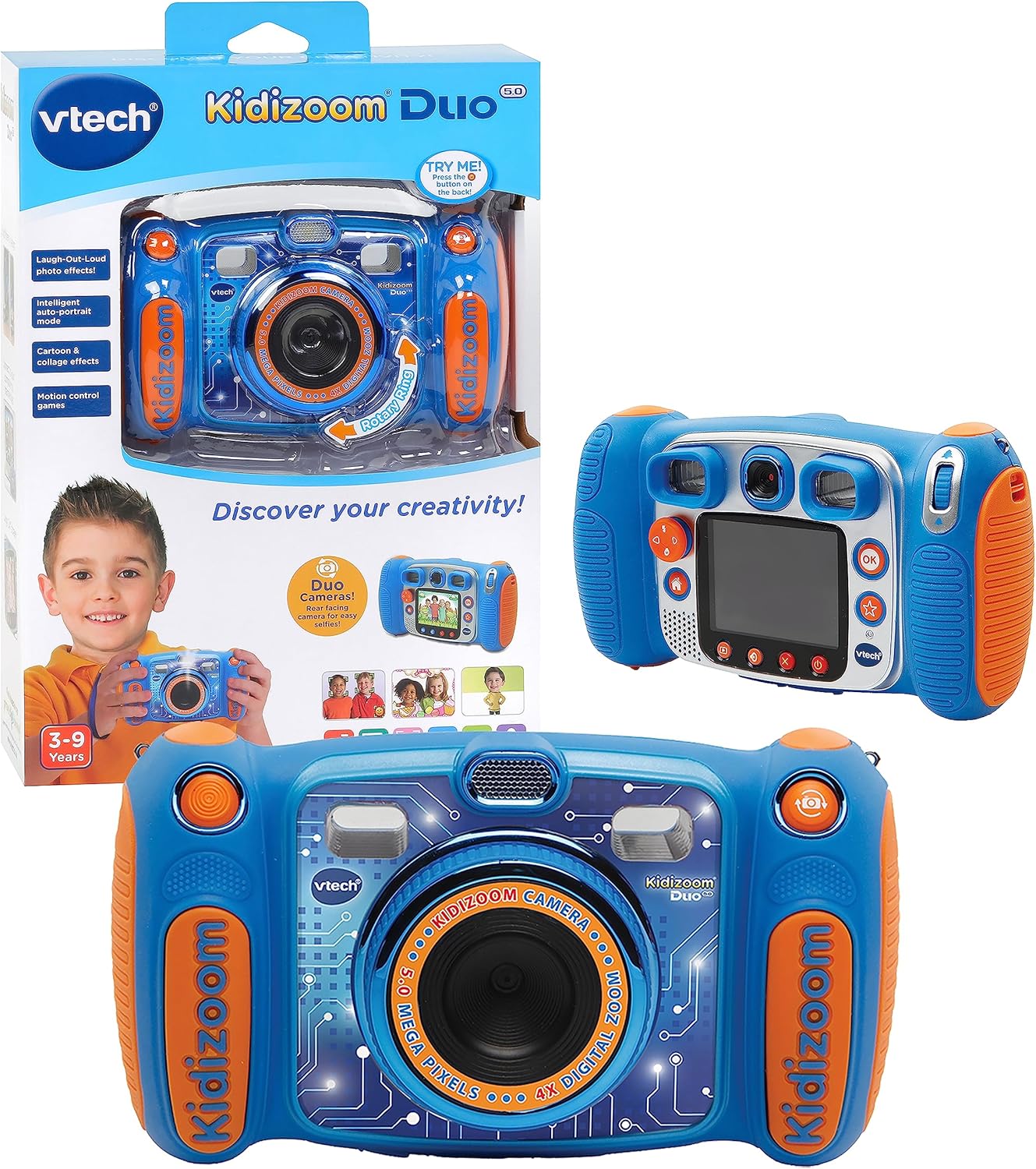
Image: The VTech Kidizoom Duo Camera 5.0, shown both in its retail packaging and as the standalone blue and orange camera unit, highlighting its design and presentation.
Caratteristiche principali:
- Doppia lente: Easily switch between front and rear lenses for photos and videos.
- 5-Megapixel Camera: Cattura foto e video di alta qualità.
- Effetti creativi: Add fun effects, stamps, and frames to photos and videos.
- Registratore vocale: Record voices and apply funny effects.
- Design durevole: Built to withstand drops and rough handling.
- Schermo LCD a colori da 2.4 pollici: Large screen for easy viewing e navigazione.
- Giochi di apprendimento: Includes fun, educational games.
- Zoom digitale 4X: Zoom in on subjects for closer shots.
Impostare
1. Unboxing e contenuti
Carefully remove all contents from the packaging. Ensure all components are present. The package should contain the VTech Kidizoom Duo Camera 5.0 and 4 AA batteries (included).
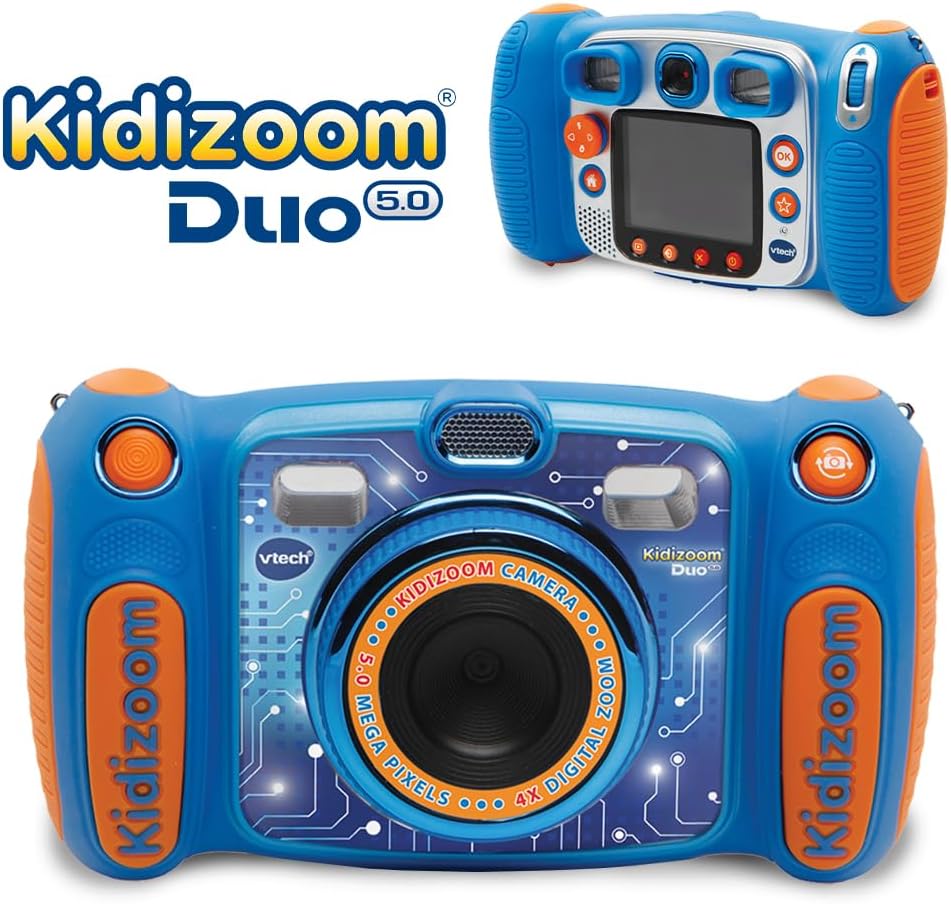
Image: The VTech Kidizoom Duo Camera 5.0 displayed within its retail packaging, ready for unboxing.
2. Installazione della batteria
- Individuare il vano batteria sulla fotocamera.
- Utilizzando un piccolo cacciavite a croce, allentare la vite sul coperchio del vano batteria.
- Togliere il coperchio.
- Inserire 4 batterie AA nuove, assicurandosi che la polarità (+/-) sia corretta, come indicato all'interno del vano.
- Riposizionare il coperchio e serrare la vite.
Nota: For optimal performance and to save on replacement costs, rechargeable AA batteries are recommended.
3. Inserimento di una scheda di memoria (facoltativo)
The Kidizoom Duo Camera has internal memory, but for extended storage of photos and videos, a microSD card (not included) can be inserted. Locate the microSD card slot, typically near the battery compartment, and gently insert the card until it clicks into place.
Utilizzo della fotocamera
1. Accensione/spegnimento
Press and hold the Power button (usually marked with a circle and a line) to turn the camera on or off. The 2.4-inch color LCD screen will illuminate.

Immagine: Una parte posteriore dettagliata view of the VTech Kidizoom Duo Camera 5.0, highlighting its LCD screen and the various control buttons for navigation and operation.
2. Navigazione nei menu
Use the directional pad (D-pad) and the OK button to navigate through the camera's menus and select options displayed on the LCD screen.
3. Scattare foto
- Cambio lenti: The Kidizoom Duo features two lenses. Use the dedicated lens switch button (often a rotating ring or a button near the lens) to toggle between the front-facing lens and the rear-facing lens. This is ideal for selfies or taking photos of others.
- Inquadratura dello scatto: Guarda attraverso il viewfinder or use the LCD screen to compose your picture.
- Capturing the Photo: Press the Shutter button (usually a large, prominent button) to take a picture.

Immagine: un primo piano view of the VTech Kidizoom Duo Camera 5.0, illustrating the large 2.4-inch color LCD screen, the 5-megapixel lens with 4X digital zoom, and the mechanism for switching between the two lenses.
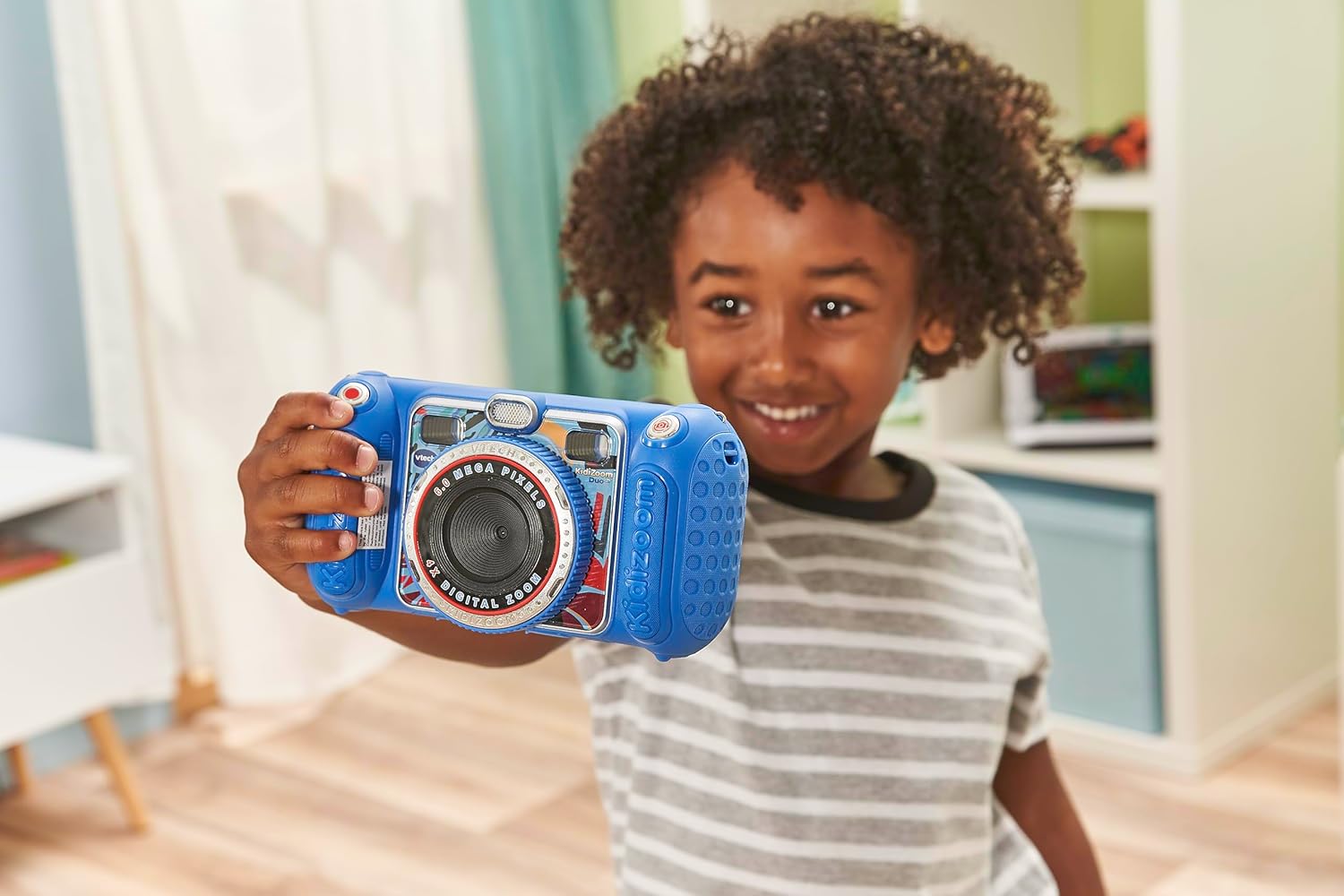
Image: A child holding the VTech Kidizoom Duo Camera 5.0, demonstrating its use for taking a selfie with the front-facing lens.
4. Registrazione di video
Select the video recording mode from the main menu. Press the Record button to start and stop recording. The camera will capture both video and audio.
5. Applying Effects and Editing
The camera offers various built-in effects, stamps, and frames to personalize your photos and videos. Access these features through the editing menu. You can also use the auto-portrait feature for automatic photo capture.

Immagine: Un collage mostraasing various fun effects, stamps, and frames that can be added to photos using the VTech Kidizoom Duo Camera 5.0, demonstrating creative possibilities.
6. Registrazione vocale
Navigate to the voice recorder function to record your voice. You can then apply funny effects to the recorded audio.
7. Giocare
The Kidizoom Duo Camera includes several pre-loaded learning games. Select the Games icon from the main menu to access and play them.
Manutenzione
1. Pulizia della fotocamera
- Per pulire il corpo della fotocamera, utilizzare un panno morbido e asciutto.
- For the screen and lenses, use a microfiber cloth specifically designed for electronics. Do not use abrasive cleaners or solvents.
- Evitare che l'umidità penetri nelle aperture.
2. Cura della batteria
- Se si prevede di non utilizzare la fotocamera per un periodo prolungato, rimuovere le batterie per evitare perdite.
- Always use fresh, high-quality batteries.
- Se si utilizzano batterie ricaricabili, assicurarsi che siano completamente cariche prima dell'uso.
3. Conservazione
Store the camera in a cool, dry place away from direct sunlight and extreme temperatures. Consider using a protective case to prevent scratches and damage.
Risoluzione dei problemi
| Problema | Possibile causa | Soluzione |
|---|---|---|
| La fotocamera non si accende. | Le batterie sono scariche o installate in modo errato. | Replace with fresh batteries or ensure correct polarity. |
| Pictures/Videos are blurry. | Lens is dirty; insufficient lighting; subject too close/far. | Clean the lens; ensure adequate lighting; adjust distance to subject. |
| Cannot save more photos/videos. | Internal memory is full; no microSD card inserted or card is full. | Elimina vecchio files; insert a microSD card; transfer files a un computer. |
| La fotocamera si blocca o non risponde più. | Problema software. | Remove and reinsert batteries to perform a hard reset. |
Specifiche
| Caratteristica | Dettaglio |
|---|---|
| Dimensioni del prodotto | 1.57 x 4.49 x 3.35 pollici |
| Peso dell'articolo | 7.1 once |
| Numero modello articolo | 80-507103 |
| Età consigliata dal produttore | 3 anni e oltre |
| Batterie | Sono necessarie 4 batterie AA (incluse) |
| Data di rilascio | 31 ottobre 2019 |
| Produttore | Elettronica Vtech |
| Tecnologia del sensore fotografico | MOSC |
| Supportato File Formato | JPEG, GREZZO |
| Stabilizzazione dell'immagine | Digitale |
| Zoom ottico | 4X |
Garanzia e supporto
VTech products are manufactured to high standards and are designed to provide a fun and enriching experience. For information regarding warranty coverage, please refer to the warranty card included with your product or visit the official VTech websito.
For technical support, frequently asked questions, or to purchase accessories, please visit the VTech support section on their official website or contact their customer service department. Keep your model number (80-507103) handy when contacting support.
Risorse online:
- VTech Official Websito: www.vtechkids.com
- Product Support Page: (Check VTech websito per la pagina di supporto del prodotto specifico)
Ask a question about this manual
Ask about setup, troubleshooting, compatibility, parts, safety, or missing instructions. Manuals+ will review the question and use this page’s manual context to help answer it.