
Introduzione
The VTech VM3261 2.8" Digital Video Baby Monitor provides a secure and reliable connection to your baby. With features like pan and tilt camera control, two-way talk, soothing sounds, and automatic night vision, you can monitor your little one with peace of mind. This manual will guide you through the setup, operation, and maintenance of your baby monitor.
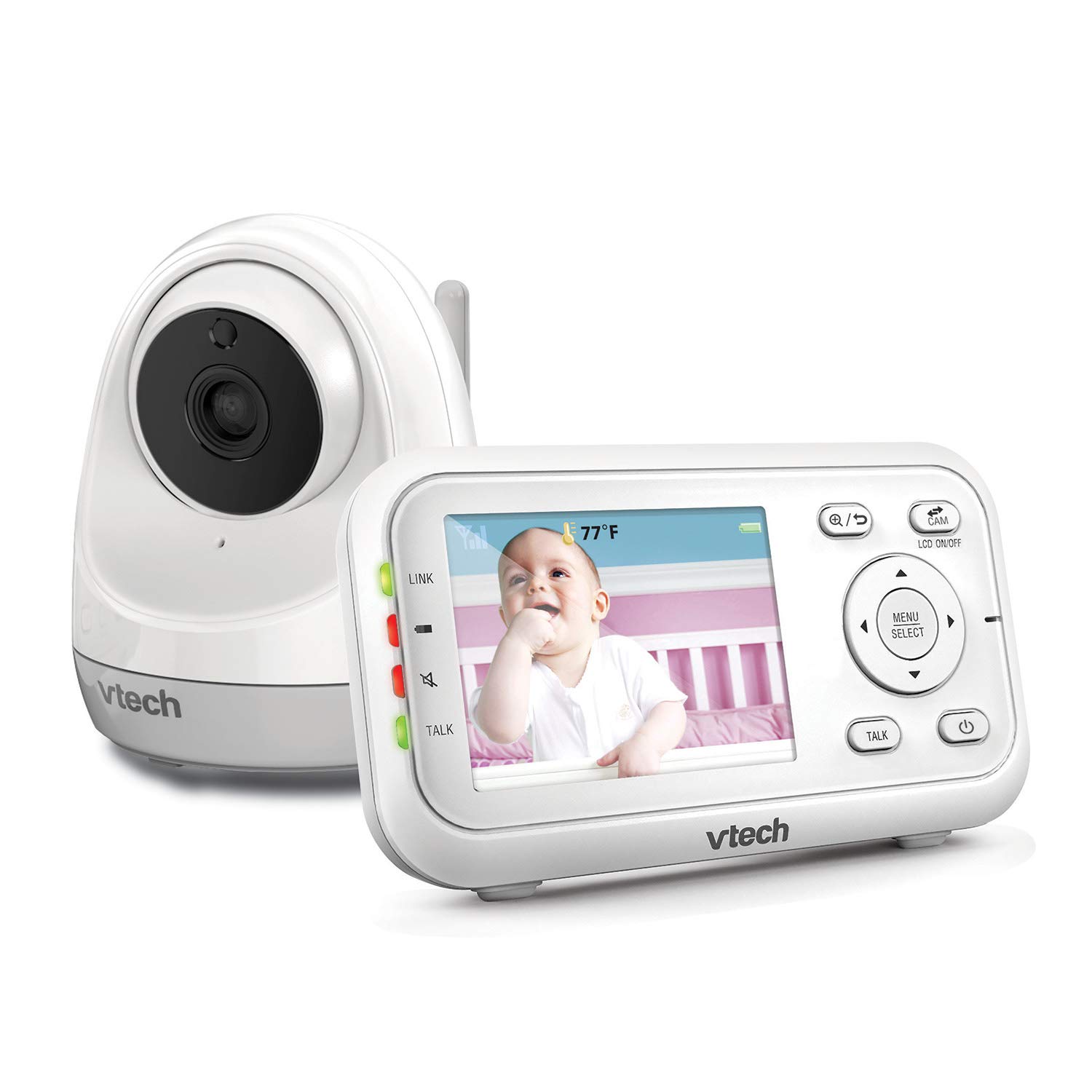

Caratteristiche del prodotto
- Collega e usa: The monitor’s parent unit and the camera are pre-configured for local monitoring, requiring no complex setup.
- Fully Motorized Pan & Tilt with 2X Zoom: Remotely control the camera to pan 260-degrees side to side and tilt 23-degrees up and down, with 2x digital zoom for a closer look.
- Lungo raggio: Maintain connection with your baby from up to 1000 feet away.
- Conversazione bidirezionale: Comfort your baby from another room using the built-in talk-back intercom.
- Suoni rilassanti e ninne nanne: Choose from 5 calming melodies and 4 ambient sounds (including white noise and trickling stream) to help your baby sleep.
- Night Vision, Sound, and Temperature Sensor: Fornisce cibo chiarotage in low light, alerts you to sounds, and displays the nursery temperature on the LCD screen.
- Modalità di attivazione sonora: Conserve battery by having the parent unit screen turn off until noise is detected, with visual and audio alerts.
Impostare
Contenuto della confezione
- VM3261 Parent Unit
- VM3261 Baby Unit (Camera)
- Adattatori di alimentazione (2)
- Batteria ricaricabile per unità genitore (preinstallata)
- Manuale dell'utente
Passaggi di configurazione iniziale
- Caricare l'unità genitore: Connect the small plug of the power adapter to the parent unit's power jack and the large end to a wall outlet. The battery icon will indicate charging. For optimal performance, charge the parent unit for at least 12 hours before first use.
- Alimentare l'unità bambino: Connect the small plug of the power adapter to the baby unit's power jack and the large end to a wall outlet. The baby unit will power on automatically.
- Posizionare l'unità bambino: Posizionare l'unità bambino in un luogo che fornisca una vista libera view of your baby, such as on a dresser or shelf. Ensure it is at least 3 feet (1 meter) away from the baby to avoid potential hazards. Do not place the camera within reach of the baby.
- Prova la connessione: Once both units are powered on, the parent unit should automatically connect to the baby unit and display the video feed. If no connection is established, ensure both units are within range and properly powered.
Istruzioni per l'uso
Controlli dell'unità genitore
- Accensione/spegnimento: Premere e tenere premuto il tasto ACCESO/SPENTO pulsante sull'unità genitore.
- Controllo del volume: Utilizzare il Alza il volume E Abbassa il volume pulsanti per regolare il volume di ascolto.
- Controllo della luminosità: Adjust the screen brightness via the menu settings.
- Menù/Seleziona: Premere il tasto MENU/SELEZIONA button to access settings and confirm selections.
- Pulsanti di navigazione: Utilizzare i pulsanti freccia (Su giù sinistra destra) to navigate through menus and control camera pan/tilt.
- Pulsante di conversazione: Premere e tenere premuto il tasto PARLARE button to speak to your baby through the baby unit. Release to listen.
Camera Control (Pan, Tilt, Zoom)
The VM3261 allows you to remotely adjust the camera's view from the parent unit.

- Panoramica/Inclinazione: Mentre viewing the live feed, press the Sinistra/Destra arrow buttons to pan the camera horizontally (up to 260 degrees). Press the Su/Giù arrow buttons to tilt the camera vertically (up to 23 degrees).
- Ingrandisci: Premere il tasto Ingrandire button (magnifying glass icon) to digitally zoom in or out (2x zoom).
Conversazione bidirezionale
Communicate with your baby or partner in the nursery using the two-way talk feature.

To use, press and hold the PARLARE button on the parent unit. Speak clearly into the microphone. Release the button to hear your baby's sounds.
Soothing Sounds and Lullabies
Help your baby relax and fall asleep with built-in melodies and ambient sounds.

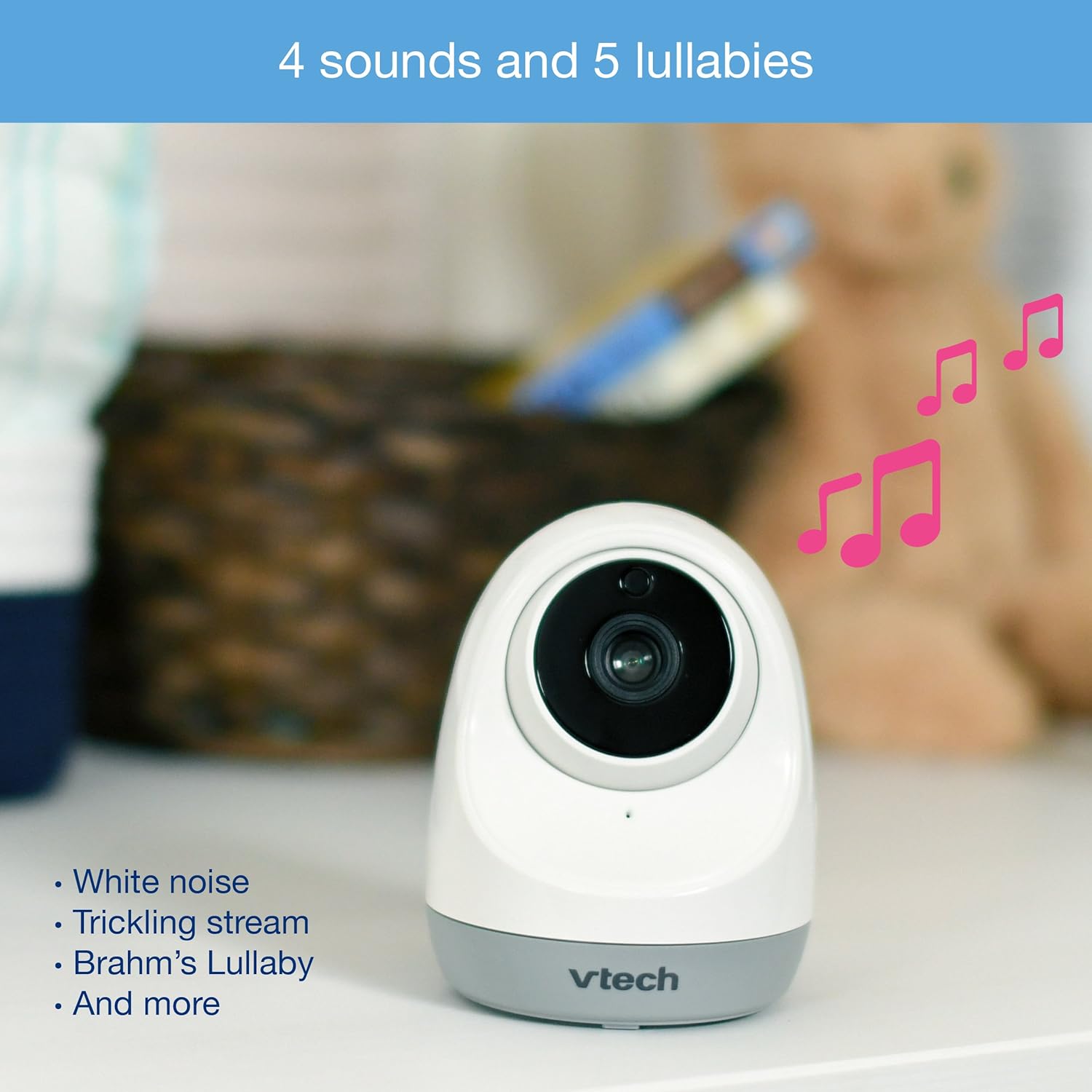
Access the lullaby menu from the parent unit to select from 5 melodies and 4 ambient sounds, including white noise and a trickling stream. You can set a timer for how long the sounds play.
Night Vision and Temperature Monitoring
The monitor automatically switches to infrared night vision in low light conditions, providing a clear black and white image. The baby unit also includes a temperature sensor.

The current room temperature is displayed on the parent unit's LCD screen. You can set temperature alerts to be notified if the room becomes too hot or too cold.
Sound Activation Mode (VOX)
To save power, especially during nap times, enable the sound activation mode.

When activated, the parent unit screen will turn off to conserve battery. It will automatically turn back on and provide audio/visual alerts when noise is detected in the baby's room.
Video finitoview
Watch this official product video for a visual guide to the VTech VM3261's features and operation.
Official VTech VM3261 Video Baby Monitor overview, mostraasing its pan, tilt, zoom, long range, and night vision capabilities.
Manutenzione
- Pulizia: Clean the monitor and camera units with a soft, damp panno. Non utilizzare spray detergenti o detergenti liquidi.
- Cura della batteria: To prolong battery life, fully charge the parent unit before initial use and avoid completely draining the battery frequently.
- Magazzinaggio: If storing the unit for an extended period, remove the battery from the parent unit and store both units in a cool, dry place.
Risoluzione dei problemi
| Problema | Possibile causa | Soluzione |
|---|---|---|
| No link/Poor connection | Units are too far apart or out of range. Obstructions between units. | Move parent unit closer to baby unit. Reduce obstructions (walls, electronics). |
| Nessuna immagine/audio | Baby unit or parent unit is off or not powered. | Ensure both units are plugged in and powered on. Check battery level of parent unit. |
| Screen is black in VOX mode | Sound activation mode is enabled and no sound is detected. | This is normal operation. The screen will activate when sound is detected. Disable VOX mode in settings if continuous display is desired. |
| La lettura della temperatura sembra imprecisa | Camera placed near heat source/vent or in direct sunlight. | Relocate the baby unit to a more central location in the room, away from direct heat or cold sources. |
| Statico o interferenza | Other electronic devices nearby. | Move the monitor away from other electronic devices like cell phones, Wi-Fi routers, or microwaves. |
Specifiche
| Caratteristica | Dettaglio |
|---|---|
| Numero di modello | VM3261 |
| Dimensioni dello schermo | 2.8 pollici |
| Panoramica della fotocamera | 260 gradi in orizzontale |
| Inclinazione della fotocamera | 23 degrees vertical |
| Ingrandire | Zoom digitale 2x |
| Allineare | Fino a 1000 piedi (linea di vista) |
| Fonte di alimentazione | Alimentato a batteria (unità genitore), adattatore CA (unità bambino) |
| Tecnologia di connettività | Senza fili (2.4 GHz FHSS) |
| Visione notturna | Infrarossi automatici |
| Caratteristiche speciali | Two-Way Talk, Lullabies, Temperature Sensor, Sound Activation |
| Dimensioni (unità genitore) | Circa. 4.89 x 4.13 x 3.36 pollici |
| Peso | Circa 1.41 libbre |
Garanzia e supporto
VTech products are manufactured with high-quality components and are designed to provide years of reliable performance. For detailed warranty information, please refer to the warranty card included in your product packaging or visit the official VTech website. If you encounter any issues or require technical assistance, please contact VTech customer support.
VTech Customer Support:
- Fare riferimento alle informazioni di contatto fornite sulla confezione del prodotto.
- Visita il VTech ufficiale website for FAQs, troubleshooting guides, and contact options: www.vtechphones.com/support