
1. Introduzione
The Picun H12 Bluetooth Neckband Headset offers a comfortable and high-quality audio experience for various activities, including sports and daily use. Featuring Bluetooth 4.1 connectivity, a 13mm driver for clear sound, and IPX6 water resistance, these earphones are designed for durability and convenience. The magnetic earbuds and lightweight neckband design enhance portability and ease of use.
2. Cosa c'è nella scatola
- Picun H12 Bluetooth Neckband Headset
- Cavo di ricarica USB
- Earbuds Covers (various sizes)
- Manuale d'uso
3. Prodotto finitoview
The Picun H12 headset is engineered for superior sound and extended battery life, ensuring an immersive audio experience.

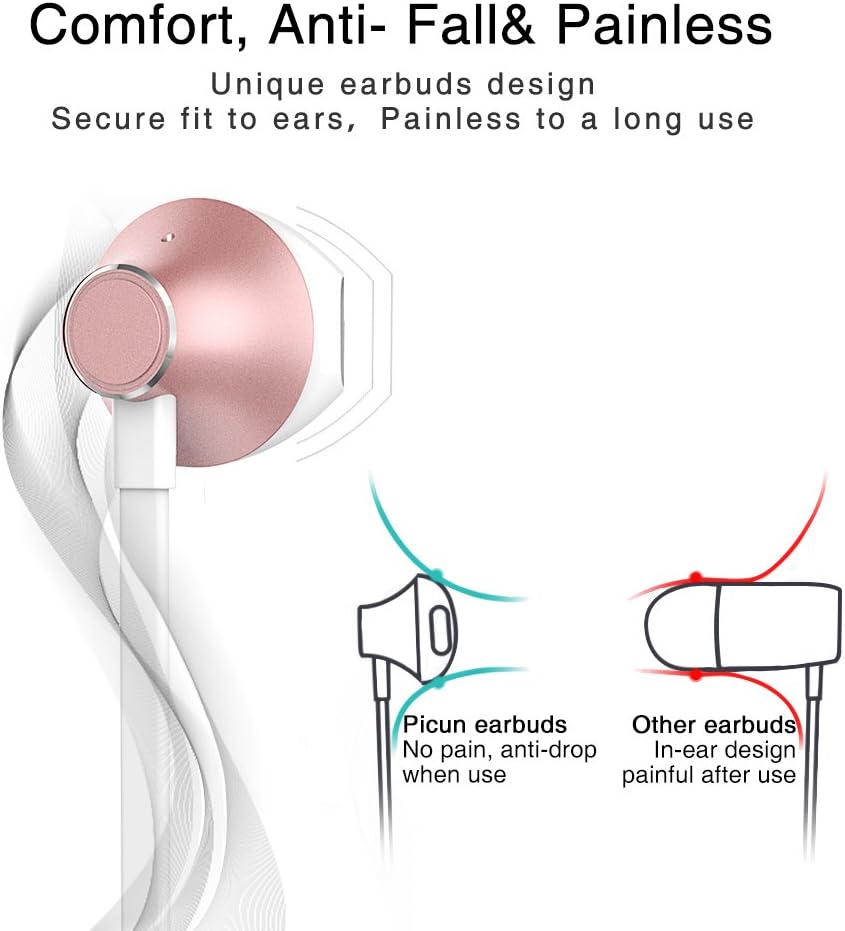
Designed for comfort, the unique earbud shape provides a secure fit without causing discomfort, even during prolonged use.
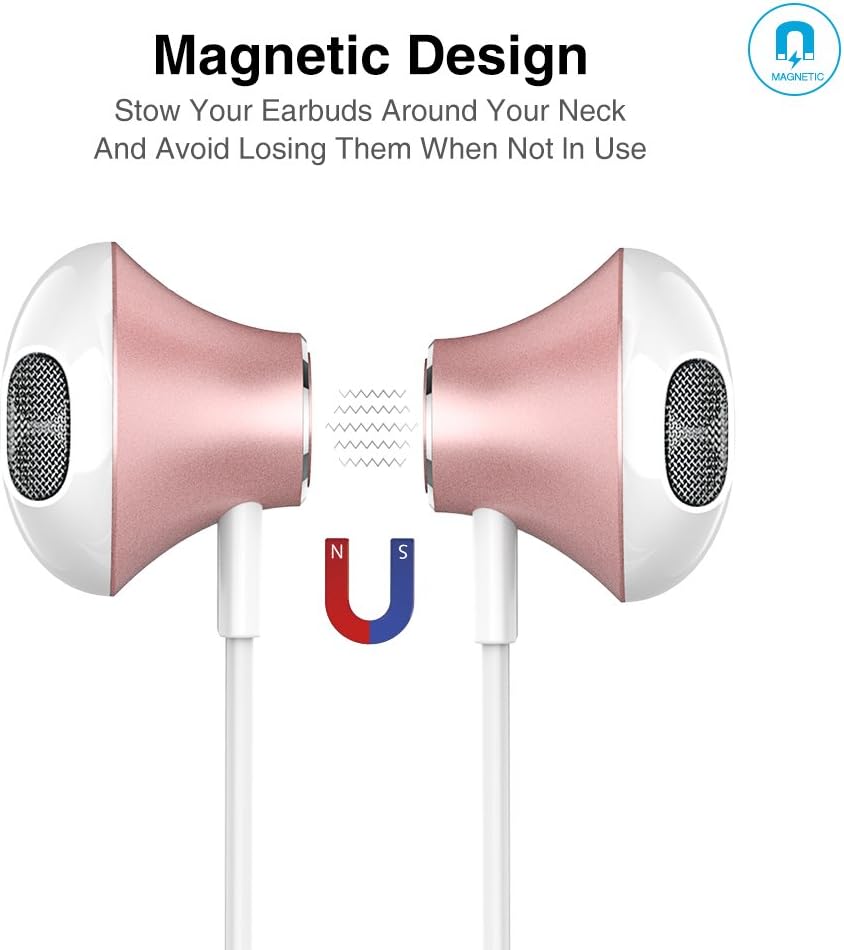
The magnetic design allows the earbuds to clip together when not in use, preventing tangles and making them easy to carry around your neck.
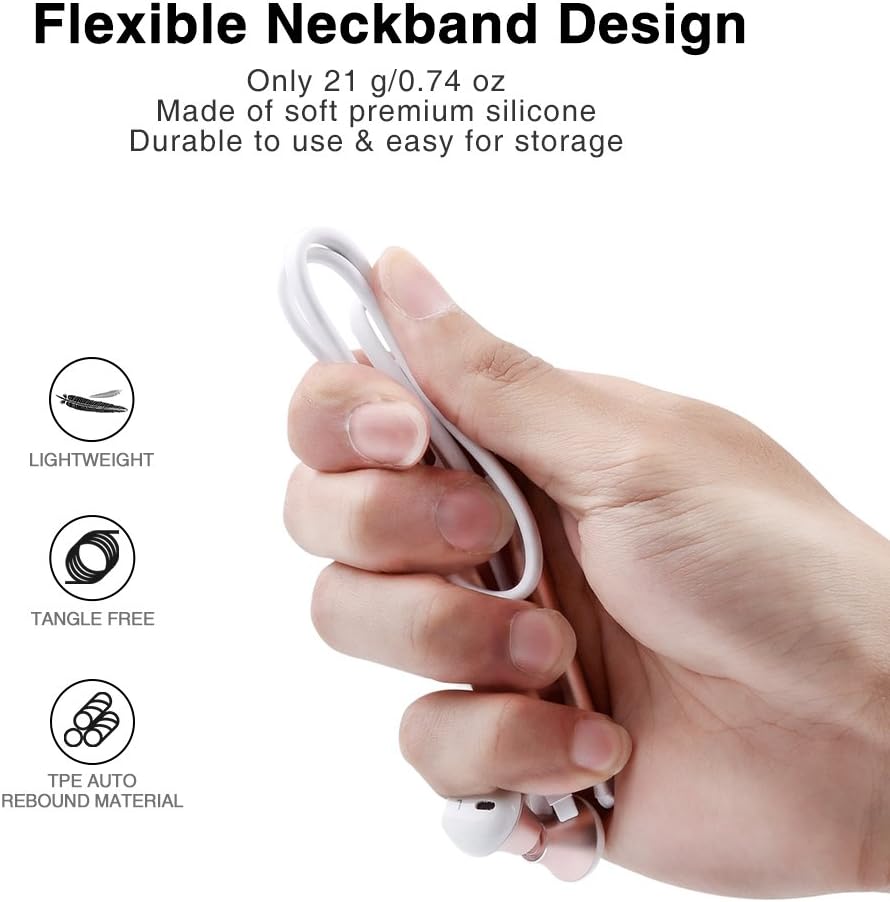
The flexible neckband is lightweight and made from TPE auto-rebound material, ensuring durability and tangle-free storage.
Control your audio and calls effortlessly with the integrated in-line remote and HD noise reduction microphone.

With an IPX6 water-resistant nano-coating, the headset is protected against sweat and rain, making it ideal for workouts.

Guarda questo video per una panoramica visivaview of the Picun H12 Bluetooth Neckband Headset's features and design.
4. Impostazione
4.1 Ricarica dell'auricolare
- Connect the micro USB charging cable to the charging port on the headset.
- Collega l'altra estremità del cavo a una fonte di alimentazione USB (ad esempio, computer, adattatore a muro).
- The indicator light will show charging status. A full charge takes approximately 1 hour and provides up to 10 hours of playtime.
4.2 Associazione Bluetooth
- Assicurarsi che l'auricolare sia completamente carico.
- Press and hold the multi-function button (usually the center button on the in-line remote) until the indicator light flashes red and blue, indicating pairing mode.
- Sul tuo dispositivo (smartphone, tablet, ecc.), attiva il Bluetooth e cerca i dispositivi disponibili.
- Select "Picun H12" from the list of found devices.
- Once paired, the indicator light will typically turn solid blue or flash blue slowly. A voice prompt may confirm successful connection.
5. Istruzioni per l'uso
5.1 Accensione/spegnimento
- Accensione: Press and hold the multi-function button for approximately 3 seconds until the indicator light flashes blue and a voice prompt confirms power on.
- Spegni: Press and hold the multi-function button for approximately 3-5 seconds until the indicator light flashes red and a voice prompt confirms power off.
5.2 Riproduzione di musica
- Riproduci/Pausa: Premere brevemente il pulsante multifunzione.
- Prossima canzone: Premere a lungo il pulsante "V+".
- Canzone precedente: Premere a lungo il pulsante "V-".
- Aumenta volume: Premere brevemente il pulsante "V+".
- Volume basso: Premere brevemente il pulsante "V-".
5.3 Gestione delle chiamate
- Rispondi alla chiamata: Premere brevemente il pulsante multifunzione quando si riceve una chiamata.
- Termina chiamata: Premere brevemente il pulsante multifunzione durante una chiamata.
- Rifiuta chiamata: Quando arriva una chiamata, tieni premuto a lungo il pulsante multifunzione.
- Ricomponi l'ultimo numero: Premere due volte il pulsante multifunzione.
6. Manutenzione
- Pulizia: Per pulire le cuffie, utilizzare un panno morbido e asciutto. Non utilizzare detergenti abrasivi o solventi.
- Resistenza all'acqua: The headset is IPX6 water-resistant, meaning it can resist high-pressure, heavy sprays of water. It is not designed for submersion. Dry thoroughly if exposed to water or sweat.
- Magazzinaggio: When not in use, store the headset in a cool, dry place. The magnetic earbuds help prevent tangling.
- Cura della batteria: Per prolungare la durata della batteria, evitare di scaricarla completamente frequentemente. Caricare regolarmente le cuffie, anche se non vengono utilizzate per periodi prolungati.
7. Risoluzione Dei Problemi
| Problema | Possibile soluzione |
|---|---|
| L'auricolare non si accende | Assicurati che le cuffie siano completamente cariche. Collegale a una fonte di alimentazione e riprova. |
| Impossibile associare il dispositivo | Ensure the headset is in pairing mode (flashing red and blue light). Turn off and on Bluetooth on your device. Move closer to the headset. |
| Nessun suono o volume basso | Check volume levels on both the headset and your connected device. Ensure the headset is properly paired. Try re-pairing. |
| Connessione intermittente | Ensure no obstacles are between the headset and your device. Stay within the 33-foot (10-meter) Bluetooth range. Avoid strong electromagnetic interference. |
| Problema di ricarica | Check the charging cable and USB power source. Try a different cable or power adapter. Ensure the charging port is clean and free of debris. |
8. Specifiche
- Marca: Piccione
- Modello: H12
- Tecnologia di connettività: Wireless (Bluetooth)
- Versione Bluetooth: 4.1
- Portata wireless: Fino a 33 piedi (10 metri)
- Tempo di gioco: Fino a 10 ore
- Tempo di ricarica: Circa 1 ora
- Dimensioni del driver: 13 MM Neodymium
- Risposta in frequenza: 20 Hz - 20 kHz
- Resistenza all'acqua: IPX6 (resistente al sudore e agli schizzi)
- Posizionamento dell'orecchio: Nell'orecchio
- Fattore di forma: Fascia per il collo
- Tipo di controllo: In-line Volume Control, Multi-function button
- Microfono: Built-in HD noise reduction mic
- Peso: 0.05 libbre (circa 21 g)
- Materiale: Silicone, elastomero termoplastico (TPE)
9. Garanzia e supporto
The Picun H12 Bluetooth Neckband Headset comes with a 10-month guarantee period from the date of purchase. For any product-related inquiries, technical support, or warranty claims, please contact Picun customer service. Refer to the contact information provided on the product packaging or the official Picun websito per assistenza.