
Introduzione
Thank you for choosing the BOBLOV PD50 Body Camera. This manual provides detailed instructions for the setup, operation, and maintenance of your device. Please read this manual thoroughly before using the camera to ensure proper functionality and to maximize its performance.
The BOBLOV PD50 is a high-definition body-worn camera designed for various applications, featuring 1296P WDR recording, night vision capabilities, a wide-angle lens, and a durable design. It is equipped with a 2400mAh battery for extended recording times and supports a dashcam mode for vehicle use.
Contenuto della confezione
Si prega di controllare il contenuto della confezione una volta disimballata per assicurarsi che siano presenti tutti gli articoli:
- BOBLOV PD50 Body Camera (32GB internal memory)
- Fermaglio per spalla
- Clip per cintura
- Caricabatterie (adattatore di alimentazione)
- Cavo dati USB
- Manuale d'uso

Image: BOBLOV PD50 Body Camera and its included accessories.
Prodotto finitoview
Familiarize yourself with the various components and controls of your BOBLOV PD50 Body Camera:

Image: Detailed diagram of the BOBLOV PD50 Body Camera's components and controls.
- Microfono: Cattura l'audio durante la registrazione.
- Luce LED: Fornisce illuminazione.
- Indicatore di carica: Mostra lo stato di carica.
- Indicatore di lavoro: Indicates device operation status.
- Location Pointing Light: Laser pointer for aiming.
- Luce IR: LED a infrarossi per la visione notturna.
- Oratore: Per la riproduzione audio.
- Pulsante di reset: Per ripristinare il dispositivo.
- Schermo LCD: Displays menu, live viewe riproduzione.
- Pulsante Menu: Accede alle impostazioni del dispositivo.
- Playback/Confirm Button: Initiates playback or confirms selections.
- Pulsante di ritorno: Torna indietro nei menu.
- Pulsante di registrazione video: Avvia/interrompe la registrazione video.
- Pulsante di registrazione audio: Starts/stops audio recording.
- Pulsanti su/giù: Esplora le opzioni del menu.
- Photo Shooting Button: Cattura immagini fisse.
- Porta HDMI: Per il collegamento a display esterni.
- Porta USB: Per la ricarica e il trasferimento dei dati.
- Interruttore di alimentazione: Accende/spegne il dispositivo.
Impostare
1. Carica della batteria
Before first use, fully charge the camera's battery. The 2400mAh battery supports approximately 6 hours of continuous 1080p recording. Using the original cable and 3.8V DC adapter, a full charge takes about 1 hour with Qualcomm Quick Charge 3.0 technology.
- Connect the USB data cable to the camera's USB port.
- Collegare l'altra estremità del cavo USB al caricabatterie fornito.
- Collegare il caricabatterie a una presa di corrente.
- The charging indicator will illuminate. It will turn off or change color once charging is complete.

Image: Charging the BOBLOV PD50 Body Camera.
2. Accensione/Spegnimento
To power on the camera, press and hold the Power Switch until the screen illuminates. To power off, press and hold the Power Switch again until the device shuts down.
3. Connessione a un computer
The camera supports plug-and-play functionality with Windows 7/8/10 and Mac operating systems for easy data transfer.
- Assicurati che la fotocamera sia accesa.
- Collegare la fotocamera al computer utilizzando il cavo dati USB in dotazione.
- The camera will be recognized as a removable disk. You can then access and transfer recorded files.

Image: Connecting the BOBLOV PD50 Body Camera to a computer.
Istruzioni per l'uso
1. Registrazione video
The camera supports 1296P, 1080P, and 720P HD resolutions with a 150-degree wide-angle lens and WDR for clear video capture.
- To start video recording, press the dedicated Video Recording button.
- The working indicator will change to indicate recording is in progress.
- Per interrompere la registrazione, premere nuovamente il pulsante Registrazione video.
- You can select video resolution (1296P, 1080P, 720P) through the camera's menu settings.
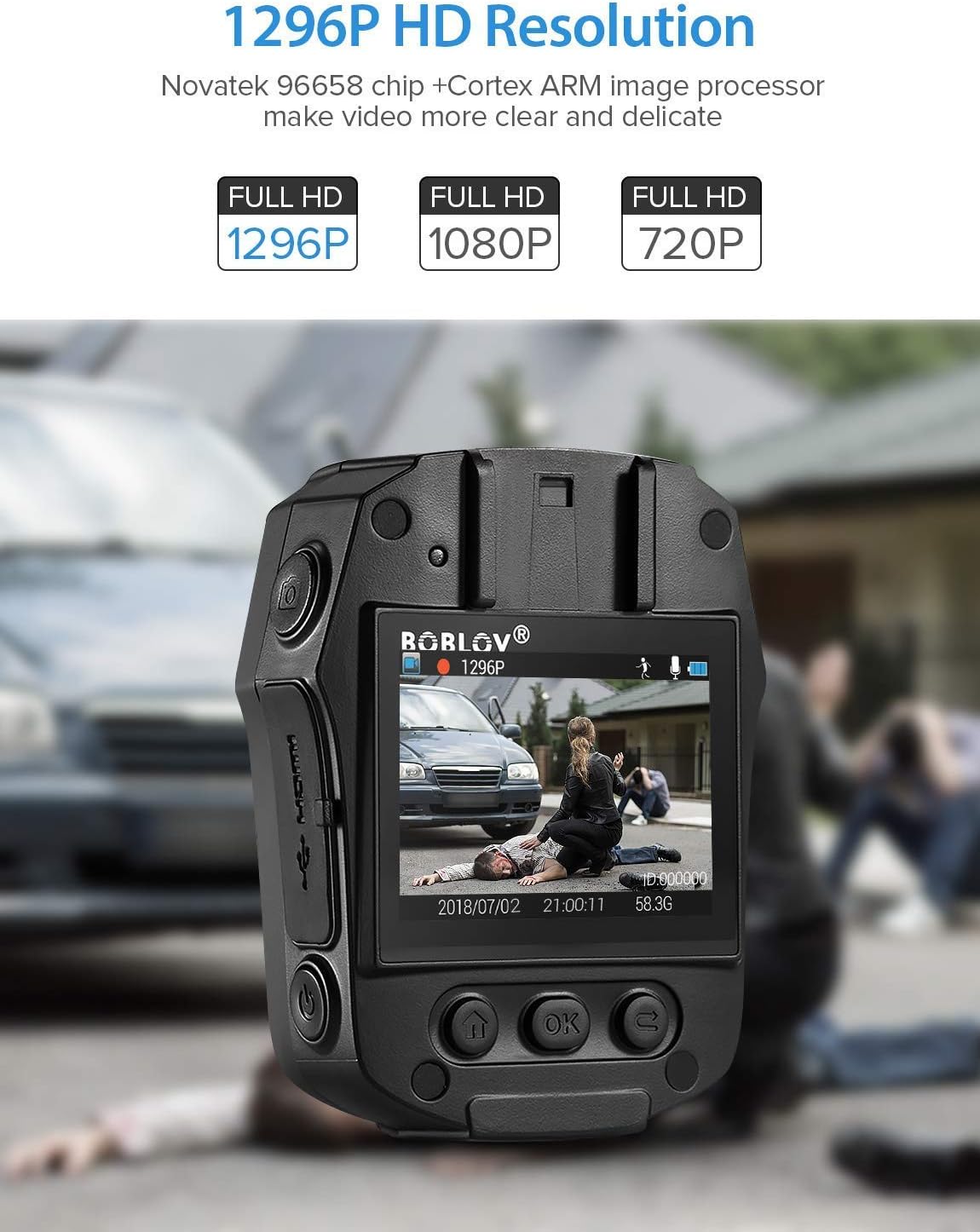
Image: High-definition video recording at 1296P resolution.

Image: The camera's 150-degree wide-angle lens capturing a broad field of view.
2. Registrazione audio
Per registrare solo l'audio:
- Press the dedicated Audio Recording button to start.
- Premerlo di nuovo per interrompere.
3. Servizio fotografico
Per catturare immagini fisse:
- Press the dedicated Photo Shooting button.
- The camera will capture a still image.
4. Night Vision (IR LED)
The camera features 850nm high-intensity dual infrared LEDs for night vision, allowing recording up to 30-40 feet in total darkness.
- To activate or deactivate IR night vision, press the IR Light button.
- The IR LEDs will illuminate when active.
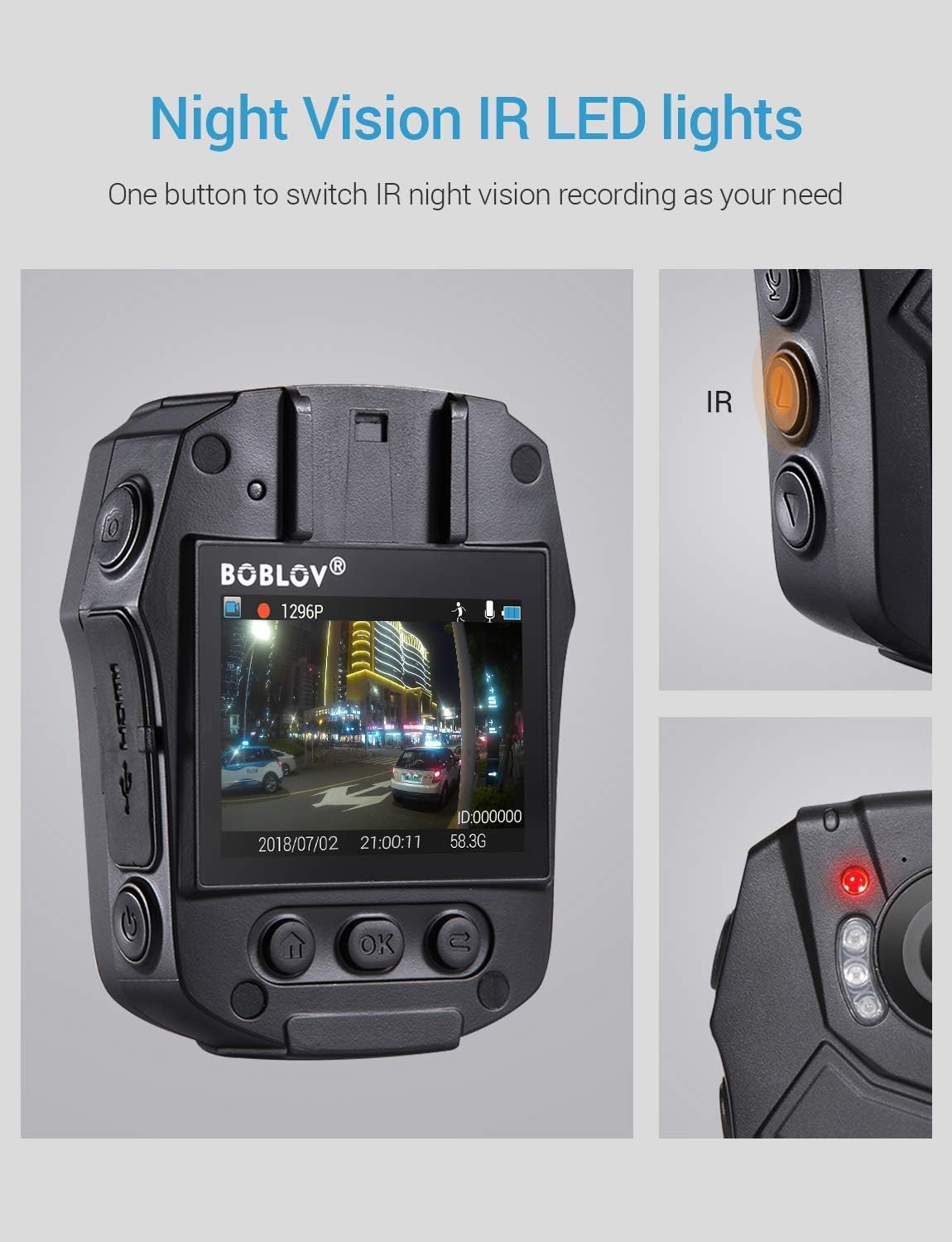
Image: Activating night vision with IR LED lights.
5. Modalità Dashcam
In Dashcam mode, the camera automatically starts recording when powered on and saves videos when the engine is turned off (when connected to a vehicle's power supply).
- Enable Dashcam mode in the camera's menu settings.
- Mount the camera securely in your vehicle.
- Connect the camera to your vehicle's power supply.
6. Riproduzione
per riview registrato footage and photos:
- Press the Playback/Confirm button to enter playback mode.
- Use the Up/Down buttons to navigate through files.
- Press Playback/Confirm again to view un selezionato file.
- Press the Return button to exit playback mode.
7. Navigazione nel menu
To access and adjust camera settings:
- Premere il pulsante Menu per accedere al menu delle impostazioni.
- Utilizzare i pulsanti Su/Giù per scorrere le opzioni.
- Press the Playback/Confirm button to select an option or enter a sub-menu.
- Press the Return button to go back to the previous menu or exit the menu.
Manutenzione
1. Pulizia
Regularly clean the camera lens and body to ensure optimal performance. Use a soft, dry cloth for the body and a lens cleaning cloth for the lens. Avoid abrasive materials or harsh chemicals.
2. Conservazione
Store the camera in a cool, dry place away from direct sunlight and extreme temperatures. Ensure the battery is partially charged (around 50%) if storing for extended periods to prolong battery life.
3. Antivirus Protection
The camera features an antivirus design to detect and destroy viruses within the internal memory. Regularly check for firmware updates from the manufacturer to ensure the latest protection.
Risoluzione dei problemi
| Problema | Possibile causa/soluzione |
|---|---|
| La fotocamera non si accende. |
|
| La registrazione si interrompe inaspettatamente. |
|
| Scarsa qualità video. |
|
| Il computer non riconosce la fotocamera. |
|
| La visione notturna non funziona. |
|
Specifiche
| Caratteristica | Dettaglio |
|---|---|
| Chip di controllo | Modello Novatek 96658 |
| Sensore CMOS | Modello: Sony IMX291 |
| Pixel | 32 MP |
| Video Recording Frame Rate | 30 FPS / 60 FPS |
| Formato di registrazione video | MOV / H.264 |
| Formato audio supportato | CAA |
| Synchronous Sound Recording | Supportato |
| Schermo | LCD ad alta definizione da 2.0 pollici |
| Registrazione video in loop | Supportato |
| Capacità di memoria interna | 32 GB |
| Capacità della batteria | 2400 mAh |
| Tempo di ricarica | Approx. 1 hour (Quick Charge 3.0) |
| Durata della registrazione video | Approx. 6 hours (continuous 1080p) |
| Modalità Dashcam | Supportato |
| Caratteristiche speciali | Infrared Night Vision, LED Light Compensation, Laser Positioning, Portable |
| Dimensioni del prodotto (L x P x A) | 80 mm x 60 mm x 32 mm (Body only) |
| Peso corporeo principale | 112 grammi |
| Tecnologia di connettività | Cablato (USB) |

Image: Compact size and lightweight design of the BOBLOV PD50 Body Camera.
Garanzia e supporto
For warranty information and technical support, please refer to the official BOBLOV webo contattare direttamente il servizio clienti. Conservare la ricevuta d'acquisto come prova d'acquisto per eventuali reclami in garanzia.
Nota: al momento non sono disponibili informazioni sulla disponibilità dei pezzi di ricambio.