
1. Introduzione
Grazie per l'acquistoasing the Jam HX-P202 Chill Out Bluetooth Speaker. This manual provides essential information for setting up, operating, and maintaining your speaker. Please read these instructions carefully before use to ensure optimal performance and longevity of your device.
The Jam Chill Out speaker is designed for portability and durability, featuring a compact design, Bluetooth connectivity, and water and dust resistance, making it suitable for various environments.
2. Prodotto finitoview e Caratteristiche
The Jam HX-P202 Chill Out speaker offers a range of features for an enhanced audio experience:
- Connettività Bluetooth: Easily connect your device wirelessly within a 100 ft (30 m) range.
- Cavo USB integrato: A convenient built-in charging cable ensures you always have a way to power your speaker.
- Mono Speaker: Despite its compact size, the 3W driver with passive radiator delivers clear sound.
- Water and Dust Proof (IP67): Designed to withstand dirt and submersion in water up to one meter for 30 minutes.
- Fino a 8 ore di riproduzione: Goditi lunghe sessioni di ascolto con una sola carica.
- Funzionalità vivavoce: Answer calls directly through the speaker without disconnecting your phone. The music pauses automatically for incoming calls and resumes when the call ends.

Compatibile con Bluetooth: Connect wirelessly up to 100 ft (30 m).

Water & Dust Proof (IP67): Built for durability in various conditions.

Vivavoce: Answer calls directly through the speaker.

Cavo USB integrato: Convenient built-in charging solution.
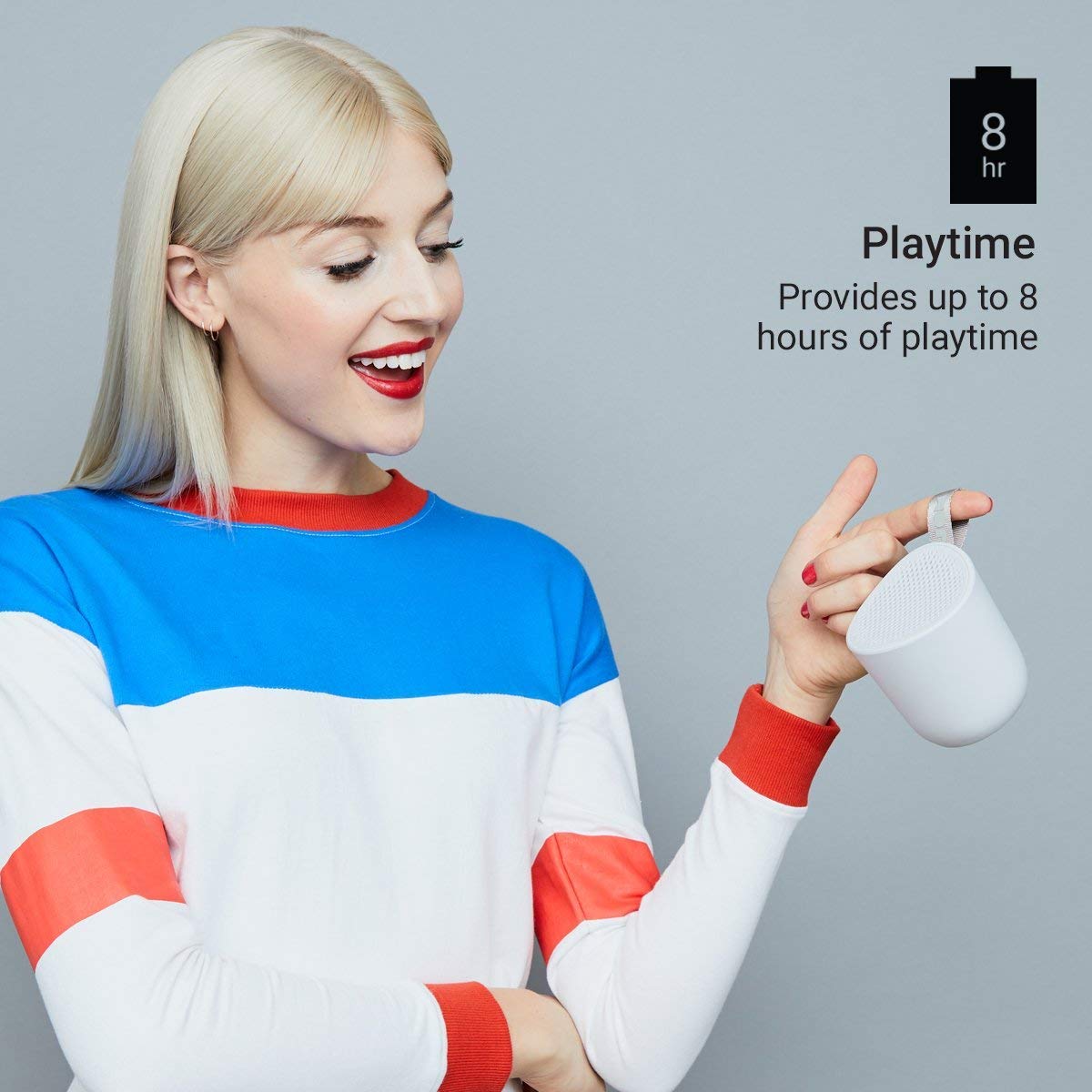
Fino a 8 ore di riproduzione: Enjoy music for longer periods.
3. Impostazione
3.1 Ricarica dell'altoparlante
- Locate the integrated USB charging cable on your Jam Chill Out speaker.
- Plug the USB end of the cable into a powered USB port (e.g., computer, USB wall adapter).
- La spia di carica si illuminerà. Una volta completata la carica, la spia cambierà colore o si spegnerà (per i dettagli, consultare la sezione relativa agli indicatori LED).
- Una carica completa richiede in genere meno di 2 ore.
3.2 Accensione/Spegnimento
- Per accendere: Press and hold the power button (usually marked with a circle or power symbol) for a few seconds until you hear an audible tone or see the LED indicator light up.
- Per spegnere: Press and hold the power button again for a few seconds until you hear an audible tone or the LED indicator turns off.
3.3 Associazione Bluetooth
- Assicurati che l'altoparlante sia acceso e nelle immediate vicinanze del tuo dispositivo abilitato Bluetooth (ad esempio, smartphone, tablet).
- The speaker will automatically enter pairing mode, indicated by a flashing LED light (typically blue).
- Sul tuo dispositivo, vai alle impostazioni Bluetooth e attiva Bluetooth.
- Cercare available devices. You should see "Jam Chill Out" or a similar name appear in the list.
- Selezionare l'altoparlante dall'elenco per avviare l'associazione.
- Once successfully paired, the speaker will emit an audible confirmation tone, and the LED light will become solid blue.
- If pairing fails, power off the speaker and your device, then repeat the steps.
4. Istruzioni per l'uso
4.1 Riproduzione di musica
- Dopo aver eseguito correttamente l'associazione Bluetooth, apri l'applicazione musicale preferita sul dispositivo connesso.
- Select and play your desired audio. The sound will be streamed through the Jam Chill Out speaker.
- Use the volume controls on your connected device or the speaker's physical buttons (if available) to adjust the playback volume.
4.2 Funzionalità vivavoce
- When an incoming call is received on your paired device, the music playback will automatically pause, and the speaker will ring.
- Press the designated call answer button (often the play/pause button or a specific phone icon button) on the speaker to answer the call.
- Speak into the speaker for hands-free communication.
- To end the call, press the call answer button again. Music playback will resume automatically.
- To make a call, initiate dialing from your phone; the speaker will automatically switch to hands-free mode.
5. Manutenzione
5.1 Pulizia
- Before cleaning, ensure the speaker is powered off and disconnected from any charging source.
- Pulisci l'esterno dell'altoparlante con un panno morbido eamp cloth. Do not use harsh chemicals, cleaning solvents, or abrasive cleaners.
- Ensure all ports are dry before charging or using the speaker after cleaning.
5.2 Resistenza all'acqua e alla polvere (IP67)
- The speaker is rated IP67, meaning it is dirt-proof and can be submerged in water up to one meter for 30 minutes.
- Assicurarsi sempre che il coperchio della porta di ricarica sia ben chiuso prima di esporre l'altoparlante all'acqua o alla polvere.
- After exposure to water, gently shake off excess water and allow the speaker to air dry completely before charging or opening any port covers.
- Non immergere intenzionalmente l'altoparlante per periodi prolungati o oltre la profondità specificata.
5.3 Cura della batteria
- To preserve battery life, avoid fully discharging the speaker frequently.
- If storing the speaker for an extended period, charge it to approximately 50% and store it in a cool, dry place. Recharge every few months to prevent deep discharge.
- Non esporre l'altoparlante a temperature estreme.
6. Risoluzione Dei Problemi
If you encounter issues with your Jam Chill Out speaker, refer to the following common solutions:
| Problema | Possibile soluzione |
|---|---|
| L'altoparlante non si accende. | Ensure the battery is charged. Connect the integrated USB cable to a power source and allow it to charge for at least 15 minutes before attempting to power on again. |
| Impossibile accoppiarsi con il dispositivo Bluetooth. | Ensure the speaker is in pairing mode (flashing blue LED). Turn off and on your device's Bluetooth. Move the speaker closer to your device. Forget the speaker from your device's Bluetooth list and try pairing again. |
| Nessun suono o volume basso. | Check the volume levels on both the speaker and your connected device. Ensure the speaker is properly paired and connected. Try playing a different audio source. |
| Distorsione del suono. | Reduce the volume on both the speaker and your device. Ensure the speaker is not too far from your device, causing signal interference. |
| Il vivavoce non funziona. | Ensure the speaker is paired and connected to your phone. Check your phone's call audio routing settings to ensure audio is directed to the Bluetooth speaker. |
Se questi passaggi non risolvono il problema, consultare la sezione Garanzia e supporto per ulteriore assistenza.
7. Specifiche
| Specificazione | Dettaglio |
|---|---|
| Marca | Jam audio |
| Numero di modello | HX-P202-GY |
| Tecnologia di connettività | Bluetooth, USB |
| Tipo di tecnologia wireless | Bluetooth |
| Modalità di uscita audio | Mono |
| Tipo di altoparlante | All'aperto |
| Caratteristiche del prodotto | Bluetooth, senza fili |
| Metodo di controllo | Tocco, pulsante |
| Colore | Grigio |
| Durata media della batteria | 8 ore |
| Livello di resistenza all'acqua | Impermeabile (IP67) |
| Peso dell'articolo | 294 grammi |
| Dispositivi compatibili | Smartphone, Tablet |
| Fonte di alimentazione | Alimentato a batteria (1 batteria agli ioni di litio inclusa) |
8. Garanzia e supporto
8.1 Informazioni sulla garanzia
The Jam HX-P202 Chill Out Bluetooth Speaker comes with a Garanzia di 1 anno forniti dal produttore a partire dalla data di acquisto. Si prega di conservare la prova d'acquisto per eventuali reclami in garanzia.
8.2 Assistenza clienti
For further assistance, technical support, or warranty inquiries, please contact Jam Audio customer service through their official websito o rivenditore presso cui è stato acquistato il prodotto.