
symcode 6543841919
Symcode USB Laser Barcode Scanner User Manual
Model: 6543841919 | Brand: symcode
1. Introduzione
This manual provides detailed instructions for the Symcode USB Laser Barcode Scanner. This handheld wired barcode scanner is designed for efficient and accurate data capture in various environments, including businesses, shops, and warehouses. It offers plug-and-play functionality and broad compatibility with multiple operating systems.
2. Contenuto della confezione
Si prega di verificare che tutti gli articoli elencati di seguito siano inclusi nel pacchetto:
- 1 x Laser Barcode Scanner
- 1 cavo USB (1.5 m/5 piedi)
- 1 x Manuale utente

Figure 2.1: Contents of the product package, including the barcode scanner, USB cable, and user manual.
3. Configurazione e installazione
3.1 Connessione USB
The Symcode Barcode Scanner is a plug-and-play device, requiring no driver installation. Simply connect the scanner to your computer via the provided USB cable.
- Collegare il cavo USB alla porta dello scanner.
- Plug the other end of the USB cable into an available USB port on your computer (Laptop, Desktop).
- The scanner will be automatically recognized by your operating system (Windows, Mac, Linux, Android, iOS).

Figure 3.1: The barcode scanner connected to a laptop via its USB cable, demonstrating compatibility with various operating systems.
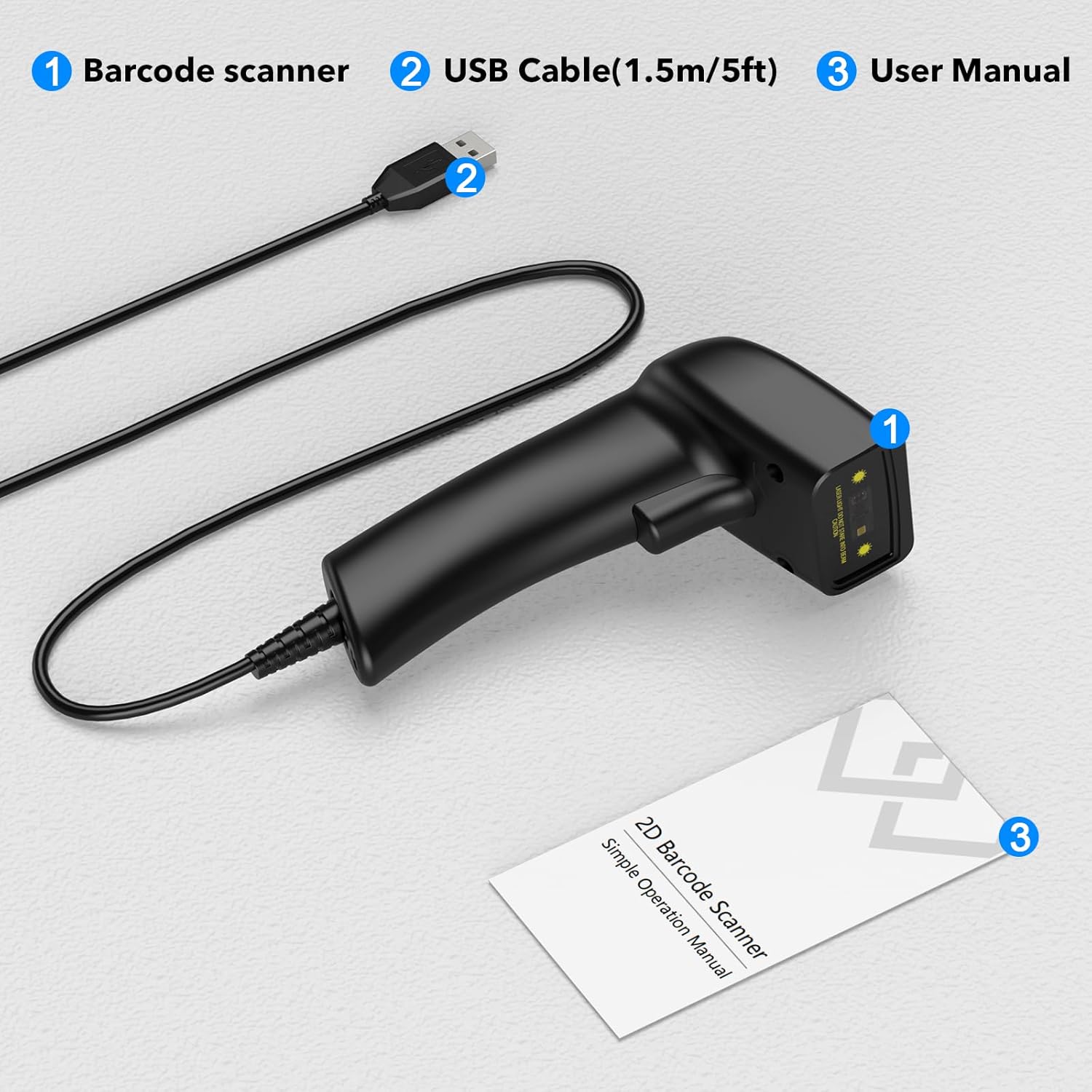
Figure 3.2: The USB cable serves as both a charging cable and a data transmission cable, highlighting its plug-and-play design.
4. Istruzioni per l'uso
4.1 Scansione dei codici a barre
To scan a barcode, aim the laser beam at the center of the barcode and press the trigger button. A successful scan will typically be indicated by a beep and/or a light indicator.
The scanner supports a wide range of 1D barcode types, including but not limited to:
- UPC / EAN
- Codice EAN 128
- Code 39/93/128
- Codabar
- Interlacciato 2 di 5
- Discreto 2 di 5
- MSI
- Codice 11
- varianti RSS
- Cinese 2 di 5
It features new 32-bit digit laser decoding technology for faster scanning speed and can decode even blurring or incomplete 1D codes.

Figure 4.1: The scanner's super decoding ability for various 1D and 2D barcode types, even if blurred or incomplete.
4.2 Impostazioni audio e vibrazione
The scanner provides options to customize sound and vibration feedback according to your preferences. Refer to the included user manual for specific barcode configurations to enable or disable these features.
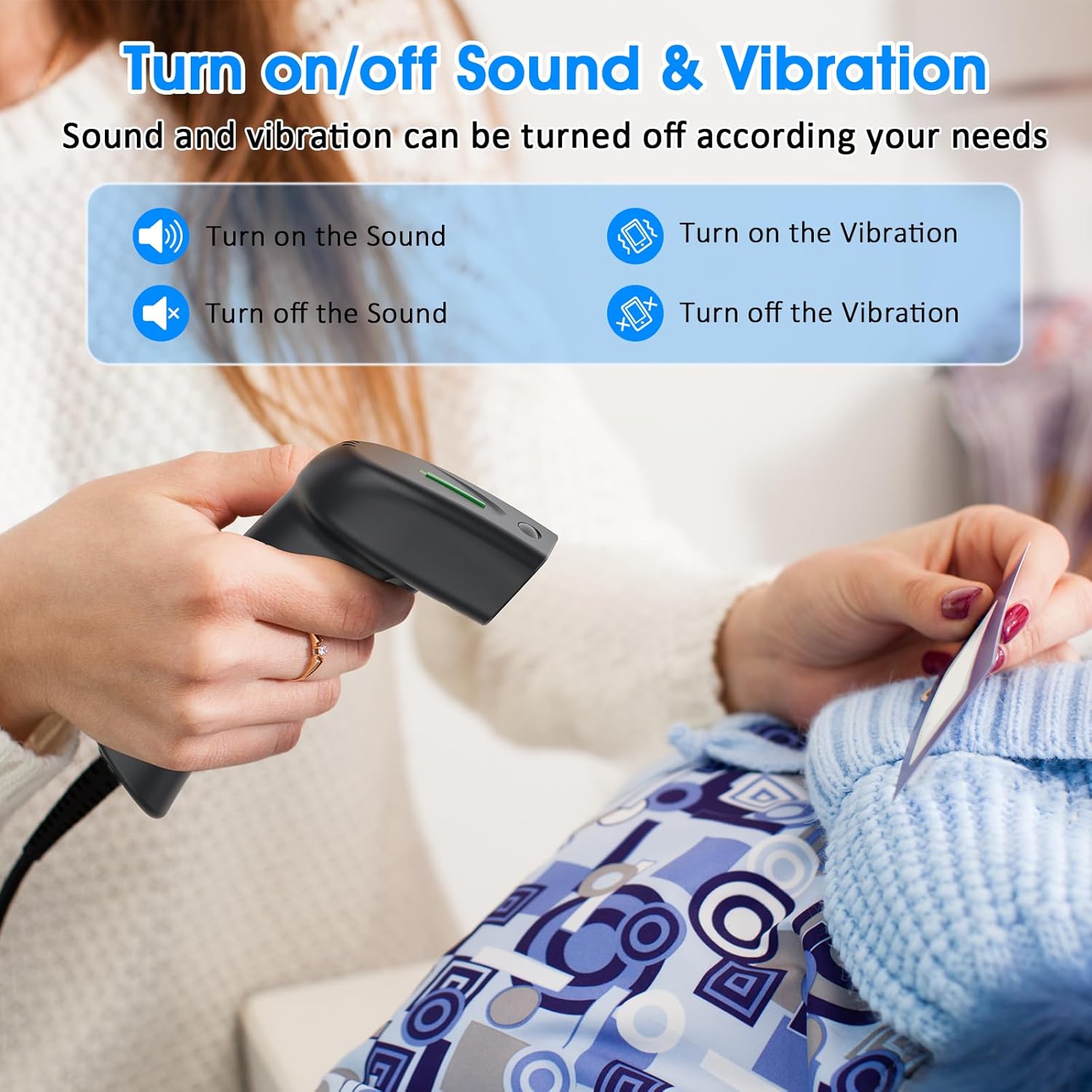
Figure 4.2: Options for enabling or disabling sound and vibration feedback on the scanner.
5. Product Design and Ergonomics
The Symcode barcode scanner features a small, exquisite, and streamlined design, making it comfortable to hold and easy to use for extended periods. Its lightweight construction contributes to a better user experience compared to bulkier alternatives.

Figure 5.1: The scanner's compact and comfortable design, contrasting with larger, less practical designs.
6. Specifiche
Detailed technical specifications for the Symcode USB Laser Barcode Scanner:
| Caratteristica | Descrizione |
|---|---|
| Dimensioni | 165*63*87 mm (6.5 x 2.48 x 3.43 pollici) |
| Peso | 156 g (4.2 once) |
| Sorgente luminosa | 650nm~670nm Visible Laser |
| Velocità di scansione | 100 scans/sec (150 scans per second mentioned in feature bullets) |
| Read Preciseness | 0.1 mm (4 mil) |
| Contrasto di stampa | 30% minimo |
| Profondità di campo | 0~600mm (0.33mm, PCS 90%) |
| Ambito di scansione | 10mm~250mm |
| Distanza di lettura | 2.5~600mm (100% UPC/EAN) |
| Capacità di decodifica | EAN-8/13, UPC-A/E, Code 39/93/128, EAN-128, Codabar, Industrial 2 of 5, Interleave 2 of 5, Matrix 2 of 5, MSI etc. |
| Tasso di errore di bit | 1 / 5 milioni |
| Attuale | 85mA (working), 36mA (storage) |
| Interfaccia | USB |
| Temperatura di esercizio | 0℃~45℃ |
| Temperatura di conservazione | -20℃~60℃ |
| Umidità | 5%~95% senza condensa |
| Materiale | ABS+PC |
| Dispositivi compatibili | Laptop (and other devices with USB host capability) |
| Fonte di alimentazione | Elettrico con cavo (tramite USB) |
| Volume di eserciziotage | 4.7 Volt |
7. Risoluzione Dei Problemi
7.1 No Output After Scanning
If the scanner appears to be working (laser light, beep) but no data appears on your computer screen, ensure you have an active text input field or application open. The scanner acts like a keyboard, inputting scanned data directly into the active application. Try opening a simple text editor like Notepad (Windows), TextEdit (Mac), or a word processing document (Word, Excel) and then scan a barcode.
7.2 Scanner Not Recognized
If the scanner is not recognized by your computer:
- Ensure the USB cable is securely connected to both the scanner and the computer's USB port.
- Prova a collegare lo scanner a una porta USB diversa del computer.
- Riavvia il computer.
- Verificare che il cavo USB non sia danneggiato.
7.3 Output di dati errati
If the scanned data is incorrect or garbled, refer to the full user manual for programming barcodes that reset the scanner to factory defaults or configure specific data formats.
8. Manutenzione
Per garantire la longevità e le prestazioni ottimali del tuo scanner di codici a barre, segui queste semplici linee guida per la manutenzione:
- Pulizia: Utilizzare un panno morbido e asciutto per pulire l'esterno dello scanner. Per la finestra di scansione, utilizzare un panno privo di lanugine leggermenteampcon un detergente delicato e non abrasivo. Evitare prodotti chimici aggressivi o materiali abrasivi che potrebbero graffiare la lente.
- Magazzinaggio: Conservare lo scanner in un luogo fresco e asciutto, lontano dalla luce solare diretta e da temperature estreme.
- Gestione: Avoid dropping the scanner or subjecting it to strong impacts, as this can damage internal components. The cable is non-removable, so handle it with care to prevent damage at the connection point.
9. Garanzia e supporto
Symcode is committed to providing high-quality products and excellent after-sales service. For specific warranty information, including terms and conditions, please refer to the documentation included with your purchase or visit the official Symcode website. For technical support or inquiries, please contact Symcode customer service through the contact information provided on the product packaging or the brand's official channels.
Ask a question about this manual
Ask about setup, troubleshooting, compatibility, parts, safety, or missing instructions. Manuals+ will review the question and use this page’s manual context to help answer it.