
Introduzione
Thank you for choosing Brightown Smart Fairy Lights. These 33-foot string lights feature 100 LED beads, offering a versatile and energy-efficient lighting solution. Control your lights via a dedicated app, remote control, or the integrated USB button. Designed for both indoor and outdoor use, these lights are perfect for creating various lighting effects for any occasion.

Image: The flexible design of the Brightown Smart Fairy Lights allows them to be easily shaped for diverse decorative purposes, such as wrapping around plants or filling glass jars.
Contenuto della confezione
- 2 x 33FT 100LEDs Smart Fairy Lights with USB Controller
- 1 x telecomando
- Manuale d'uso
Specifiche
| Lunghezza | 33 Feet (per string) |
| Conteggio LED | 100 LEDs (per string) |
| Fonte di alimentazione | USB (elettrico con cavo) |
| Connettività | Bluetooth |
| Metodi di controllo | App Control, Remote Control, USB Button Control |
| Caratteristiche speciali | Adjustable, Timer, Twinkling, Dimmable (1-100%), Music Sync, Group Control |
| Resistenza all'acqua | IP44 (Water-resistant) |
| Colore chiaro | Multicolore |
| Materiale | Copper, LED |
| Cosatage | 5 watt |
Impostare
- Disimballare le luci: Carefully uncoil the string lights. The copper wire is delicate, so avoid excessive pulling or tangling.
- Collegamento elettrico: Connect the USB plug of the fairy lights to a compatible USB power source. This can be a USB wall adapter (not included), a power bank, a computer USB port, or a USB socket.
- Installazione dell'app: Download the "Hello Fairy" app from your smartphone's app store (iOS or Android).
- Accoppiamento Bluetooth:
- Assicurati che il Bluetooth sia abilitato sul tuo smartphone.
- Open the "Hello Fairy" app.
- The app should automatically detect nearby Brightown Smart Fairy Lights. Follow the in-app instructions to pair your device.

Image: Illustration of compatible USB power sources for the fairy lights, including a power bank, USB wall socket, computer, and a standard USB adapter.
Istruzioni per l'uso
Your Brightown Smart Fairy Lights can be controlled using three methods: the Hello Fairy app, the included remote control, or the button on the USB controller.
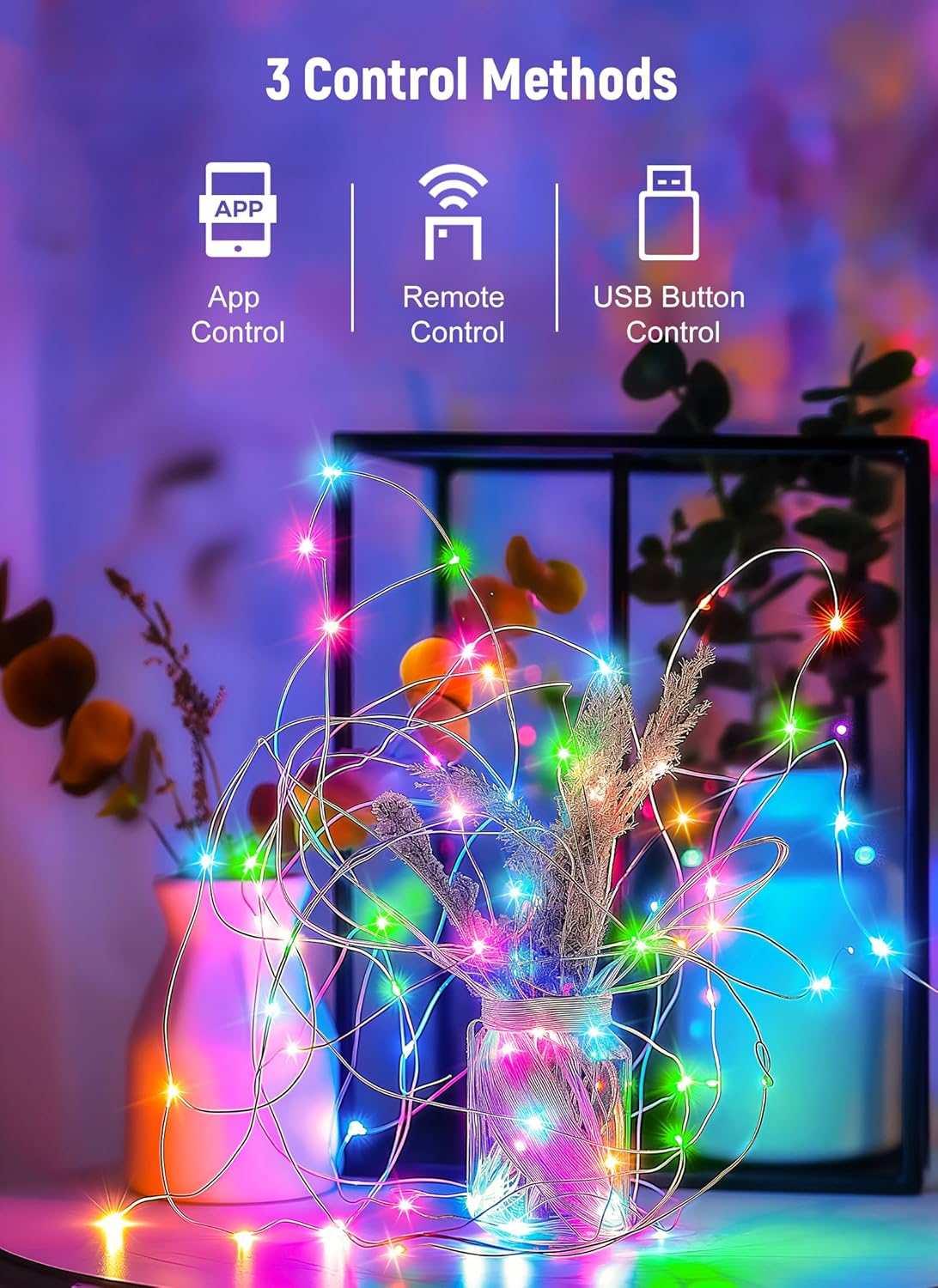
Image: Visual representation of the three available control methods: smartphone app, dedicated remote, and the button located on the USB connector.
Controllo dell'app
The "Hello Fairy" app provides the most comprehensive control over your lights.
- Accensione/spegnimento: Accendi o spegni le luci direttamente dall'app.
- Color Options & Modes: Select from various preset color options and lighting modes (e.g., flashing, running, wave, twinkle).
- Regolazione della luminosità: Regola la luminosità dall'1% al 100%.
- Schedule & Timer: Set custom schedules for the lights to turn on/off automatically. Utilize the countdown function for specific durations.
- Sincronizzazione musicale: Activate the music sync feature to make the lights react to sound and music.
- Controllo di gruppo: If you have multiple sets of Brightown Smart Fairy Lights, create groups within the app to control them simultaneously.

Image: A visual comparison of the fairy lights at different brightness levels (25%, 50%, 75%, 100%), illuminating a small decorative house.

Image: A person playing a guitar in a room, with the fairy lights actively syncing to music, creating a dynamic light display.

Image: A bedroom illuminated by fairy lights, with a smartphone screen demonstrating the app's group control feature for managing multiple light sets.
Telecomando
The included remote control offers convenient access to essential functions.

Immagine: Un dettaglio view of the remote control, highlighting buttons for power, timer settings (2H, 4H, 6H, 8H), eight distinct lighting modes, and brightness adjustments.
- ACCESO/SPENTO: Premere il tasto ON or SPENTO buttons to power the lights.
- TIMER: Select a timer duration (2H, 4H, 6H, 8H) for automatic shut-off.
- MODALITÀ (1-8): Cycle through 8 different lighting modes: Combination, In Waves, Sequential, Slo-Glo, Chasing/Flash, Dissolvenza lenta, Scintillio/Flash e Acceso fisso.
- Luminosità +/-: Adjust the light intensity using the Luminosità + E Luminosità - pulsanti.
USB Button Control
A small button on the USB controller allows for basic mode cycling.
- Press the button repeatedly to cycle through the available lighting modes.
- Hold the button down for a few seconds to turn the lights off. Press again to turn them back on to the last selected mode.
Manutenzione
- Pulizia: Disconnect power before cleaning. Gently wipe the lights with a soft, dry cloth. Do not use harsh chemicals or abrasive cleaners.
- Magazzinaggio: When not in use, carefully coil the lights to prevent tangling. Store them in a cool, dry place away from direct sunlight and extreme temperatures.
- Resistenza all'acqua: The lights are IP44 water-resistant, suitable for outdoor use in light rain. However, avoid submerging them in water or exposing the USB connector to moisture.
Risoluzione dei problemi
| Problema | Soluzione |
| Le luci non si accendono. |
|
| Il telecomando non funziona. |
|
| Impossibile connettersi all'app. |
|
| La funzione timer non funziona. |
|
| Le luci non sono così luminose come previsto. |
|
Garanzia
Brightown products are manufactured with quality and care. For specific warranty information regarding your Smart Fairy Lights, please refer to the product packaging or contact Brightown customer support.
Supporto
If you encounter any issues or have questions not covered in this manual, please contact Brightown customer support through their official websito o le informazioni di contatto fornite al momento dell'acquisto. Si prega di tenere a portata di mano il modello del prodotto e i dettagli dell'acquisto quando si contatta l'assistenza.