
Codice articolo: 920-009437
Logitech MK470 Slim Wireless Keyboard and Mouse Combo
Modello: 920-009437
Introduzione
The Logitech MK470 Slim Combo is a minimalist, modern, and ultra-thin keyboard and mouse bundle designed for efficient and quiet work, even in confined desk spaces. Its sleek profile and contemporary design enhance any workspace. This manual provides essential information for setting up, operating, maintaining, and troubleshooting your new device.
Cosa c'è nella scatola
- MK470 Slim Wireless Combo (Keyboard and Mouse)
- 2 x AAA Batteries (Pre-Installed in Keyboard)
- 1 x AA Battery (Pre-Installed in Mouse)
- Ricevitore USB
- Documentazione utente
Impostare
Setting up your Logitech MK470 Slim Combo is quick and easy thanks to its plug-and-play connectivity.
1. Inserire le batterie
The keyboard requires two AAA batteries and the mouse requires one AA battery. These are pre-installed, but ensure the protective tabs are removed if present.
2. Locate the USB Receiver
The compact USB nano receiver is typically found inside the mouse (under the battery cover) or within the product packaging. This single receiver connects both the keyboard and the mouse.

The USB receiver is conveniently located within the product packaging or inside the mouse.
3. Connettiti al tuo computer
Plug the USB nano receiver into an available USB port on your Windows computer. The keyboard and mouse will automatically connect and be ready for use. No additional software installation is required for basic functionality.
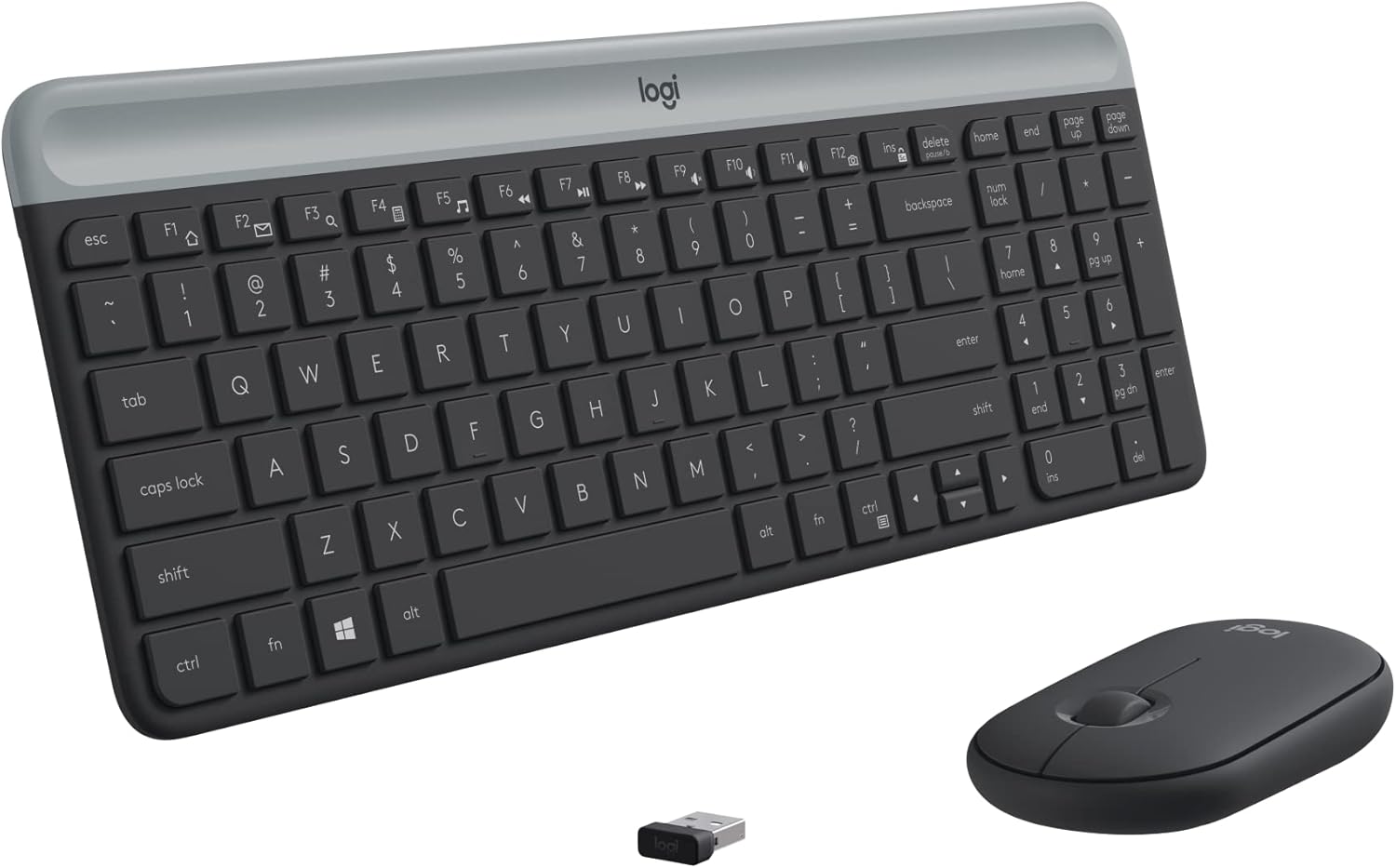
The Logitech MK470 Slim Combo, ready for use after simple plug-and-play setup.
Utilizzo del dispositivo
Caratteristiche della tastiera
- Compact Modern Layout: The keyboard features a full-size layout with low-profile scissor keys and a number pad, optimized for Windows.
- Ultra-Quiet Typing: Enjoy a whisper-quiet typing experience, ideal for shared workspaces or quiet environments.
- Tasti funzione: Access multimedia controls and shortcuts using the function (Fn) keys.

The compact layout of the MK470 keyboard provides all necessary keys in a space-saving design.
Caratteristiche del mouse
- Design ambidestro: The comfortable 3-button mouse is designed for both left and right-handed users.
- High Precision Optical Tracking: Experience smooth and accurate cursor control with 1000 DPI sensor resolution.
- Mechanical Scroll Wheel: Navigare tra documenti e web pages with ease using the precise mechanical scroll wheel.
- Noise-Reduced Clicks: The mouse is lab-tested for noise reduction, ensuring quiet operation.
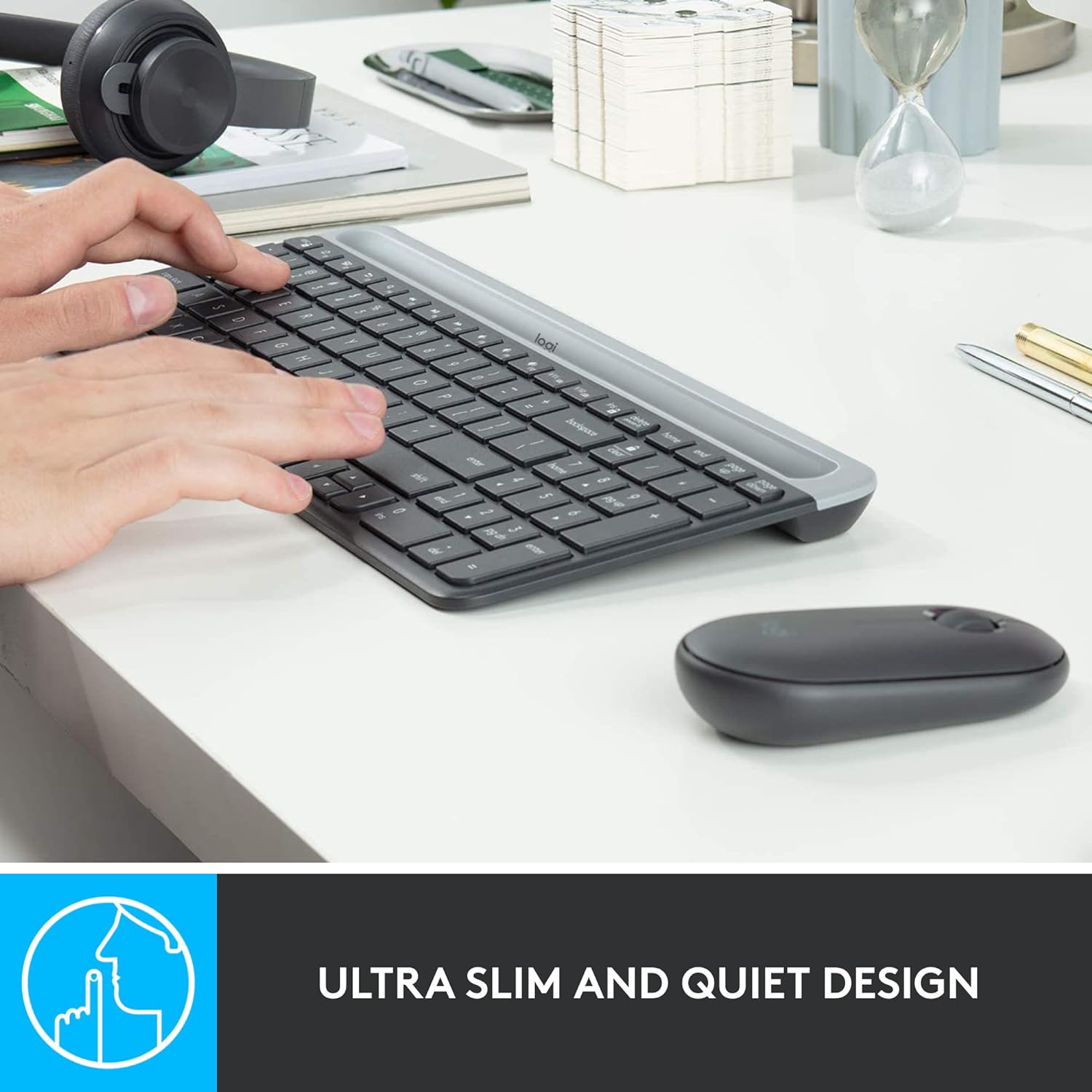
The ultra-slim and quiet design of the MK470 combo ensures a peaceful work environment.
Connettività wireless
The combo utilizes a strong and reliable 2.4 GHz wireless connection with a range of up to 10 meters (33 feet). Wireless range may vary based on environmental and computing conditions.
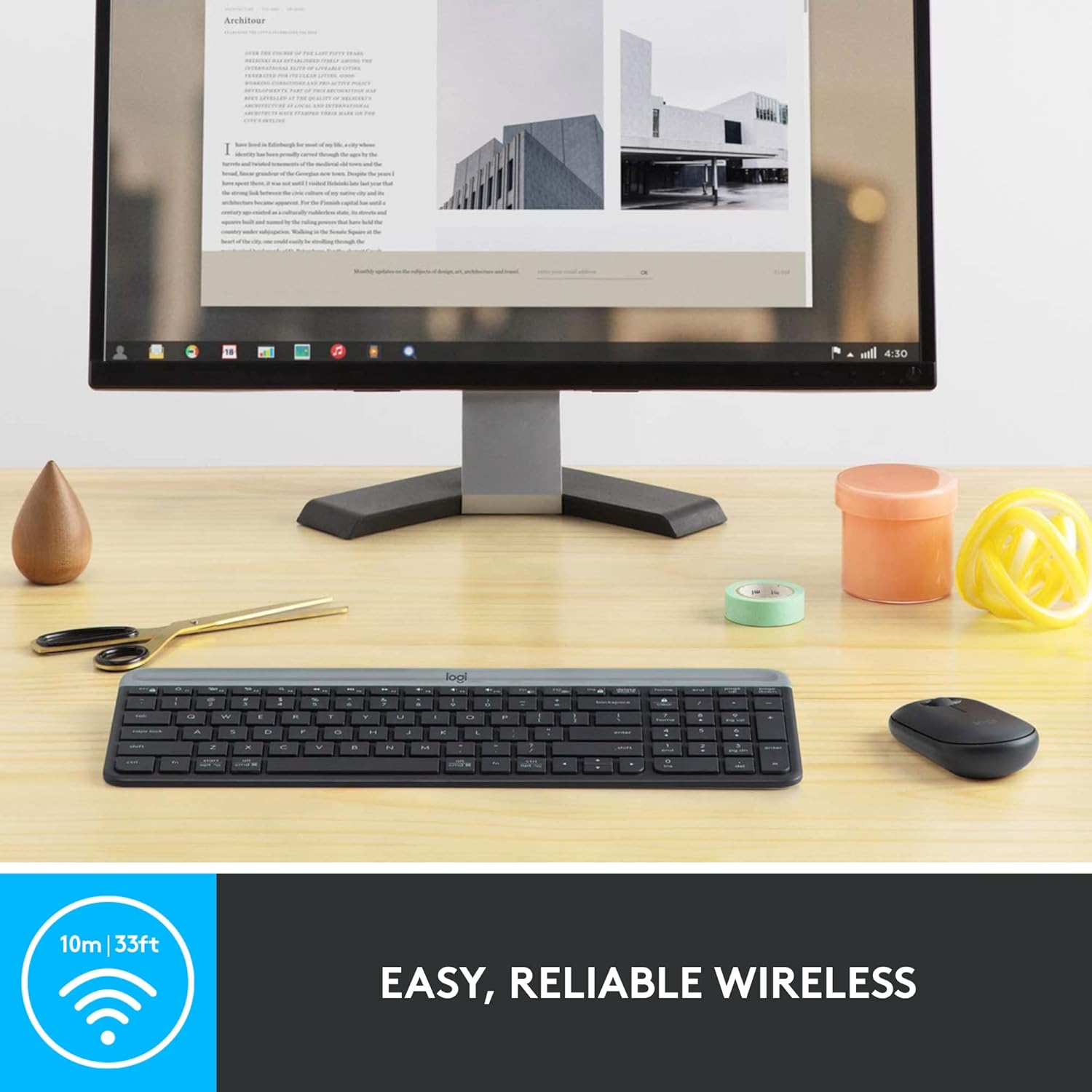
Enjoy easy and reliable wireless connectivity with your MK470 combo.
Manutenzione
Durata della batteria
The MK470 combo is designed for long-lasting battery performance:
- Tastiera: Up to 36 months of battery life (requires 2 AAA batteries).
- Topo: Up to 18 months of battery life (requires 1 AA battery).
La durata della batteria può variare in base all'utente e alle condizioni di elaborazione.
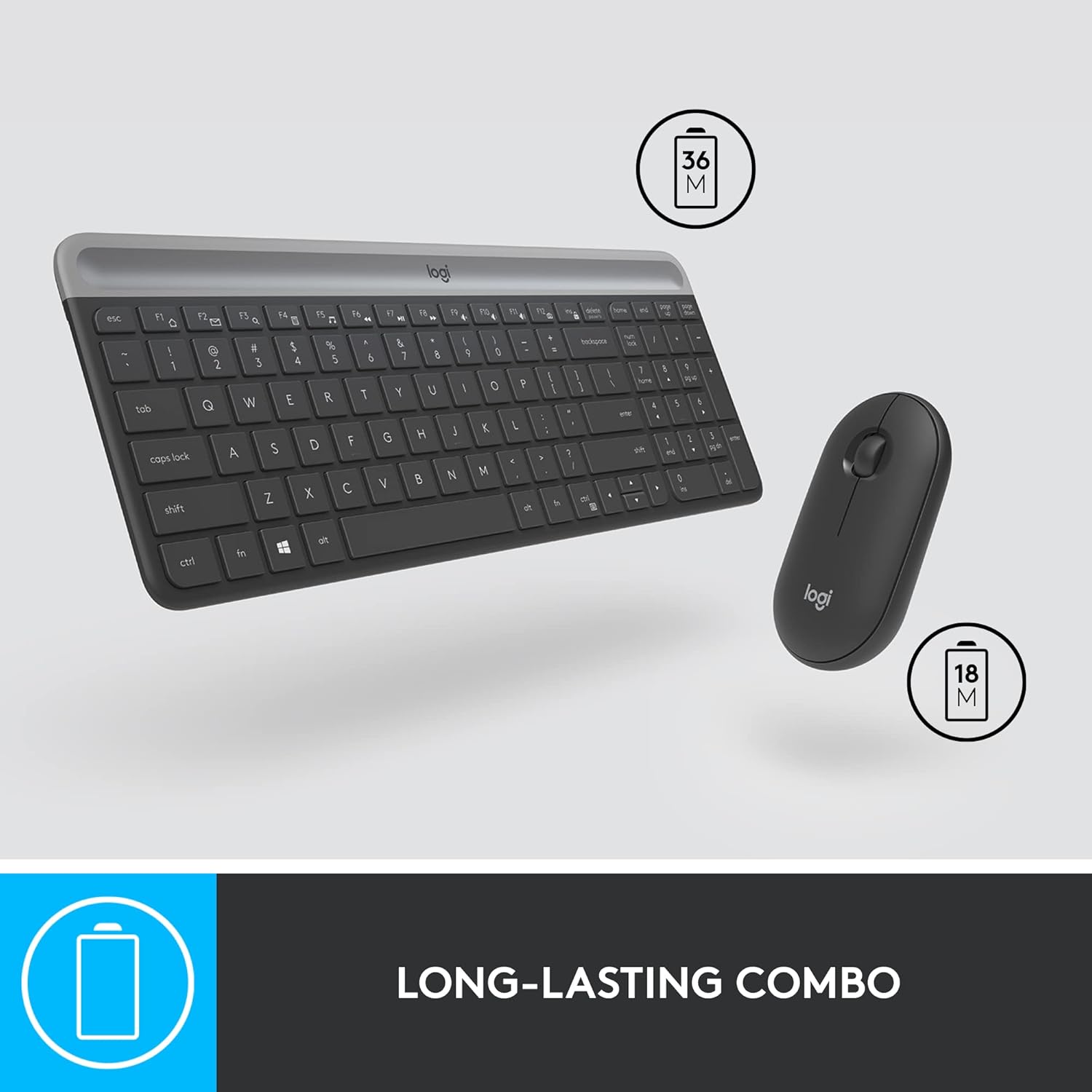
The MK470 combo offers long-lasting battery life for extended use.
Auto-Sleep Feature
An auto-sleep feature is integrated to conserve battery life when the devices are not in use. This allows for extended periods between battery replacements.
Risoluzione dei problemi
Problemi di connettività
- Ensure the USB nano receiver is securely plugged into a working USB port on your computer.
- Verify that the batteries in both the keyboard and mouse are correctly installed and have sufficient charge.
- Prova a collegare il ricevitore USB a una porta USB diversa del computer.
- Restart your computer to refresh the connection.
No Indicator Lights
The MK470 keyboard does not feature indicator lights for Caps Lock or Num Lock. This is by design to maintain its minimalist aesthetic and conserve battery life. Functionality remains unaffected.
No On/Off Switch on Keyboard
The keyboard does not have a manual on/off switch. It relies on its auto-sleep feature to manage power consumption. The mouse, however, does have an on/off switch on its underside.
Specifiche
| Caratteristica | Dettaglio |
|---|---|
| Marca | Logitech |
| Numero di modello | 920-009437 |
| Tecnologia di connettività | Ricevitore nano USB da 2.4 GHz |
| wireless Range | Fino a 10 metri (33 piedi) |
| Durata della batteria della tastiera | 36 months (2 AAA batteries) |
| Durata della batteria del mouse | 18 months (1 AA battery) |
| Dimensioni della tastiera (LxWxH) | 14.7 x 5.6 x 0.76 pollici (373.5 x 143.9 x 19.4 mm) |
| Dimensioni del mouse (LxWxH) | 1 x 2.3 x 4.2 pollici (26.5 x 59 x 107 mm) |
| Keyboard Weight (with battery) | 19.9 once (566 g) |
| Mouse Weight (with battery) | 3.5 once (100 g) |
| Risoluzione sensore | 1000 DPI |
| Sistemi operativi compatibili | Windows 10 o successivo, Windows 8, Windows 7, Chrome OS |
Garanzia e supporto
Logitech products are designed for durability and reliability. For detailed warranty information and technical support, please refer to the official Logitech website or the user documentation included in your product packaging.
You can also find the official User Guide in PDF format Qui.
This product is typically covered by a 30-day refund/replacement policy from Amazon.
Ask a question about this manual
Ask about setup, troubleshooting, compatibility, parts, safety, or missing instructions. Manuals+ will review the question and use this page’s manual context to help answer it.