
1. Introduzione
The Unitek Y-3036 is a tool-free external enclosure designed for 2.5-inch SATA I/II/III Hard Disk Drives (HDDs) and Solid State Drives (SSDs). It provides a convenient solution for connecting your 2.5-inch drives to a computer via USB 3.0, offering fast data transfer speeds and easy portability. This manual provides detailed instructions for the proper installation, operation, and maintenance of your Unitek Y-3036 enclosure.
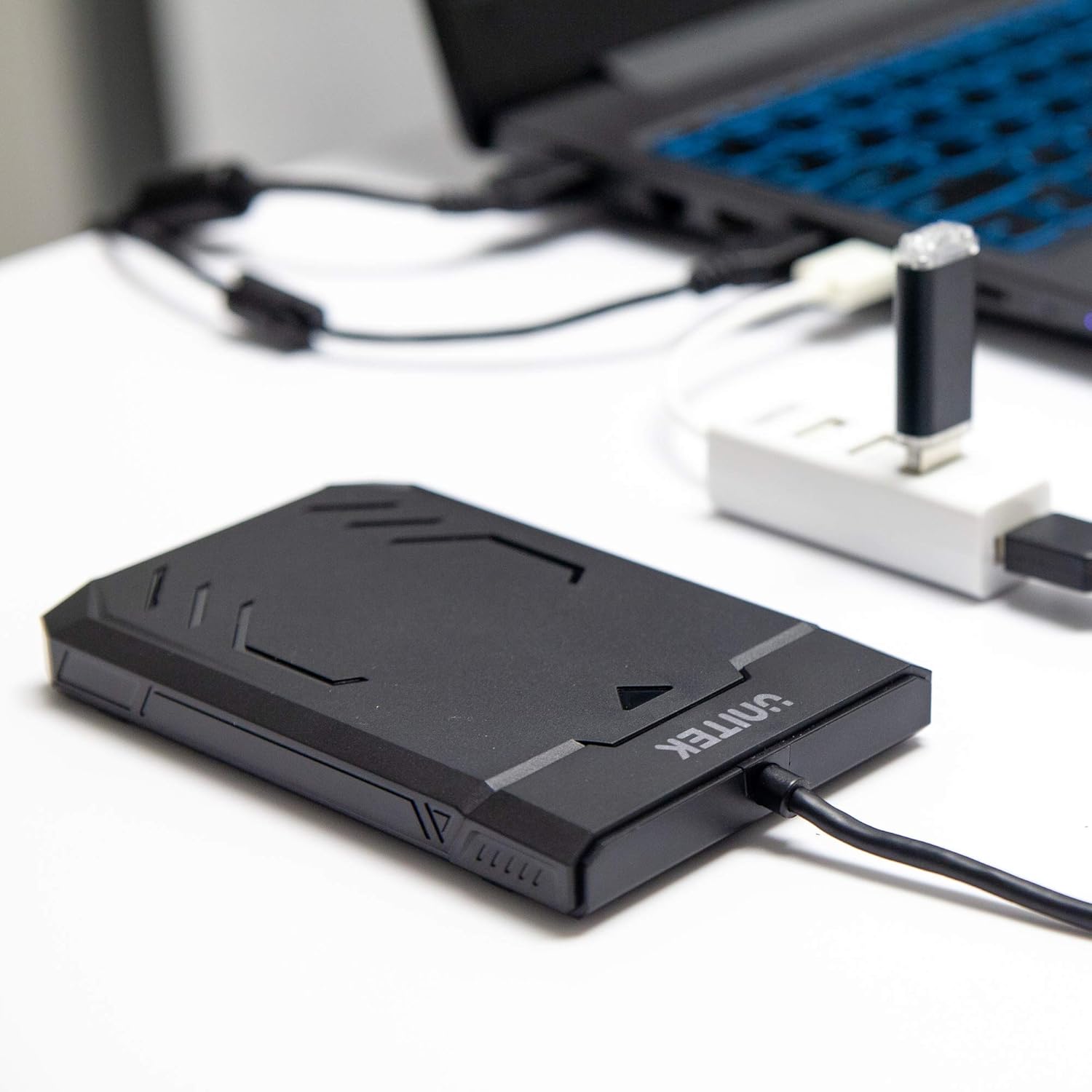
Image 1.1: Unitek Y-3036 enclosure connected to a laptop.
2. Contenuto della confezione
Si prega di verificare che tutti gli articoli siano presenti nel pacco:
- Unitek Y-3036 2.5-inch Hard Drive Enclosure with integrated USB 3.0 cable
- Foam pad for drive stability
- Manuale di istruzioni (questo documento)

Image 2.1: Enclosure with integrated cable and foam pad.
3. Specifiche
| Modello | Unitek Y-3036 |
| Tipo di unità compatibile | 2.5-inch SATA I/II/III HDD/SSD (up to 9.5mm thickness) |
| Interfaccia | USB 3.0 (retrocompatibile con USB 2.0) |
| Velocità di trasferimento dati | Up to 6Gbps (SATA III), supports UASP |
| Dimensioni (L x P x A) | 130mm x 85mm x 15mm (5.12 "x 3.27" x 0.59 ") |
| Materiale | Plastica |
| Caratteristiche | Tool-free assembly, Plug & Play, LED indicator, Sleep function, Built-in USB cable |

Immagine 3.1: Dimensioni del prodotto.
4. Configurazione e installazione
The Unitek Y-3036 enclosure features a tool-free design for easy installation of your 2.5-inch HDD or SSD.
- Aprire l'involucro: Per aprire il contenitore, far scorrere delicatamente il coperchio superiore.
- Inserisci l'unità: Allineare l'HDD o SSD SATA da 2.5 pollici con il connettore SATA all'interno del case. Spingere con cautela l'unità nel connettore fino a quando non è saldamente inserita. Assicurarsi che l'unità sia orientata correttamente.
- Add Foam Pad (Optional): If your drive is thinner than 9.5mm, you may use the included foam pad to secure it snugly within the enclosure and prevent movement. Place the foam pad on top of the drive before closing the cover.
- Chiudere l'involucro: Slide the top cover back into place until it clicks securely.

Image 4.1: Enclosure open with a 2.5-inch HDD inserted.

Immagine 4.2: Dettagliata view of drive insertion.
5. Istruzioni per l'uso
Once your drive is installed in the enclosure, follow these steps to use it with your computer:
- Connessione al computer: Plug the integrated USB 3.0 cable from the enclosure into an available USB port on your computer. For optimal performance, use a USB 3.0 port.
- Indicatore LED: The enclosure features an LED indicator. When connected, the LED will illuminate, indicating power. It will flash during data transfer activity.
- Riconoscimento dell'unità: Your operating system should automatically detect the new drive. If it's a new drive, you may need to initialize and format it through your operating system's disk management utility before it appears in 'My Computer' or 'Finder'.
- Rimozione sicura: Prima di scollegare il cavo USB, espellere sempre in modo sicuro l'unità dal sistema operativo per evitare il danneggiamento dei dati.
6. Manutenzione
To ensure the longevity and optimal performance of your Unitek Y-3036 enclosure:
- Pulizia: Utilizzare un panno morbido e asciutto per pulire l'esterno dell'involucro. Evitare l'uso di detergenti liquidi o solventi.
- Magazzinaggio: Quando non in uso, conservare il contenitore in un luogo fresco e asciutto, lontano dalla luce solare diretta e da temperature estreme.
- Gestione: Handle the enclosure with care to avoid drops or impacts, which could damage the internal drive or the enclosure itself.
7. Risoluzione Dei Problemi
If you encounter issues with your Unitek Y-3036 enclosure, refer to the following common problems and solutions:
- Unità non rilevata:
- Assicurarsi che il cavo USB sia collegato saldamente sia all'alloggiamento che al computer.
- Prova a connetterti a un'altra porta USB del tuo computer.
- Verify that the 2.5-inch HDD/SSD is properly seated in the enclosure's SATA connector.
- Controlla Gestione disco (Windows) o Utility Disco (macOS) del tuo computer per verificare se l'unità è riconosciuta ma non inizializzata o non formattata.
- Test the enclosure with a different 2.5-inch SATA drive, or test your drive directly with another enclosure/adapter if available.
- Velocità di trasferimento lente:
- Assicurati di essere collegato a una porta USB 3.0 del tuo computer. Le porte USB 2.0 funzioneranno a velocità inferiori.
- Verifica che il sistema operativo e i driver siano aggiornati.
- The actual speed depends on the performance of the installed HDD/SSD.
- L'indicatore LED non si accende:
- Confirm the USB cable is fully plugged into a powered USB port.
- Prova un'altra porta USB.
8. Informazioni sulla sicurezza
Si prega di osservare le seguenti linee guida di sicurezza:
- Do not expose the enclosure to water, moisture, or extreme temperatures.
- Avoid dropping or subjecting the enclosure to severe impacts.
- Do not attempt to open or modify the enclosure beyond the intended drive installation. This may void any warranty and could cause damage.
- Tenere fuori dalla portata dei bambini.
9. Garanzia e supporto
Unitek products are designed for reliability and performance. For warranty information or technical support, please refer to the official Unitek webo contattare il rivenditore locale. Conservare la ricevuta d'acquisto come prova d'acquisto per eventuali reclami in garanzia.