
1. Introduzione
This manual provides instructions for the setup, operation, and basic maintenance of your Easytry123 replacement remote control. This remote is designed to be compatible with specific Mitsubishi air conditioner models, including MSH-07RV, MSH-09RV, MS-09TW, MS-12TN, MS-15TN, MSY-GC71VA, MSY-GC25VA, MSY-GC35VA, and MSZ-GC71VA.
Please note that while this remote is a functional replacement, some advanced or specific functions of your original air conditioner remote may not be supported. Refer to your air conditioner's original manual for detailed information on its specific features.
2. Impostazione
2.1 Installazione della batteria
Il telecomando richiede due (2) batterie AAA per funzionare. Le batterie non sono incluse nel telecomando.
- Individuare il coperchio del vano batterie sul retro del telecomando.
- Far scorrere il coperchio verso il basso o premere il fermo (se presente) per aprire il vano.
- Inserire due batterie AAA, assicurandosi che i terminali positivo (+) e negativo (-) siano allineati correttamente con le marcature all'interno del vano.
- Riposizionare il coperchio del vano batteria finché non scatta in posizione.
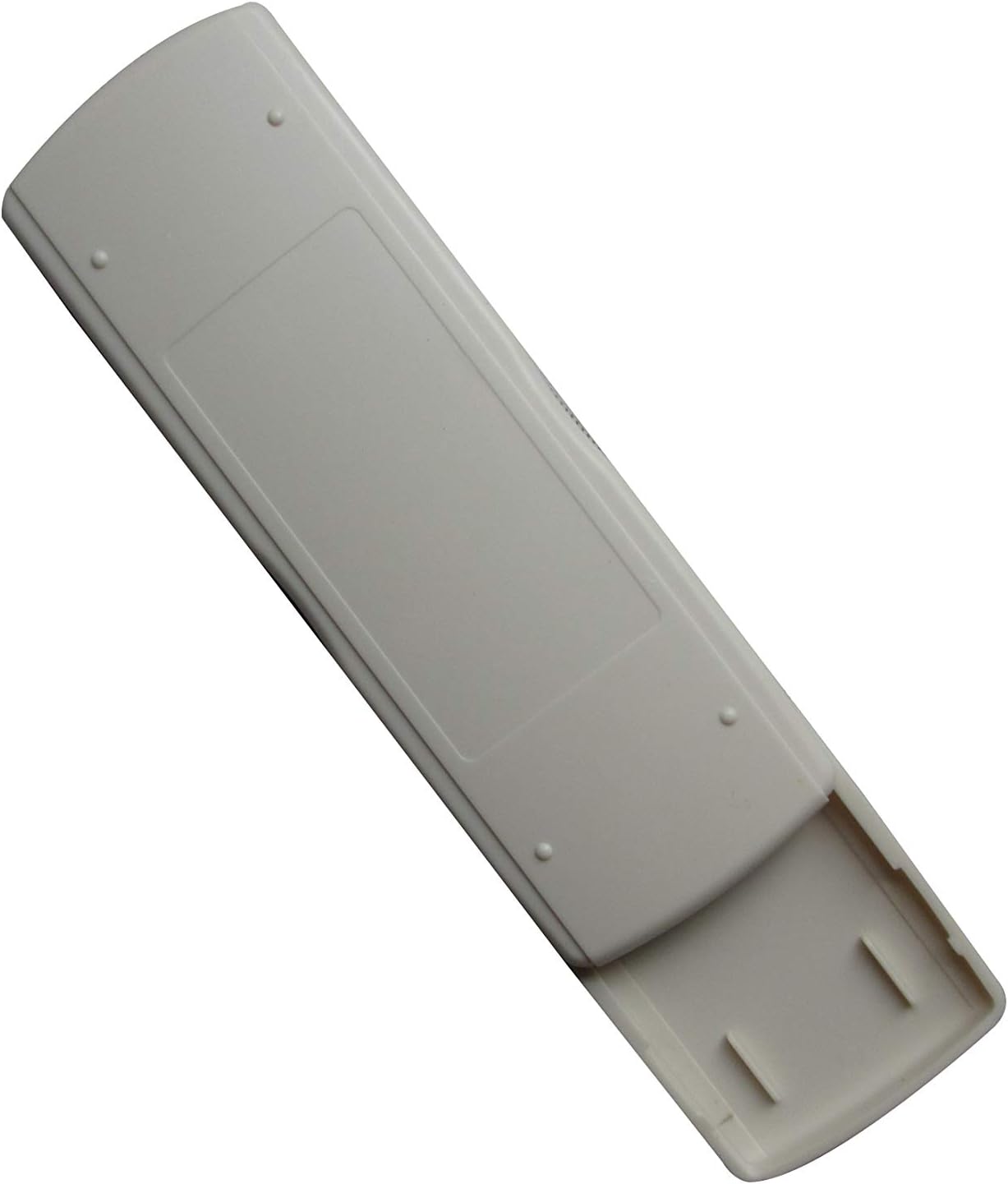
Image: Back of the remote control with the battery compartment. This view illustrates where to insert the AAA batteries.
2.2 Uso iniziale
After installing the batteries, the remote control is generally ready for immediate use. No complex pairing or programming is typically required. Point the remote control towards your Mitsubishi air conditioner unit and press the ON/OFF button to test functionality.
3. Istruzioni per l'uso
This section describes the primary functions of the remote control buttons.

Immagine: Frontale view of the remote control. This image displays the layout of the buttons and the LCD screen.
- Pulsante ON/OFF (): Press this button to turn the air conditioner unit ON or OFF.
- Pulsanti TEMP (▲ / ▼): Use these buttons to increase or decrease the desired temperature setting.
- Pulsante MODE (MODALITÀ): Press this button to cycle through the available operating modes of your air conditioner (e.g., Cool, Heat, Fan, Dry, Auto). The active mode will typically be displayed on the remote's LCD screen.
- Altri pulsanti: Depending on the specific model of the remote, there may be additional buttons for fan speed, swing, timer, etc. Refer to the remote's display and your air conditioner's manual for their specific functions.
4. Manutenzione
4.1 Sostituzione della batteria
Replace batteries when the remote control's range decreases, or if the display becomes dim or unresponsive. Always replace both AAA batteries at the same time with new ones. Do not mix old and new batteries, or different types of batteries.
4.2 Pulizia
Per pulire il telecomando, strofinarlo delicatamente con un panno morbido e asciutto. Non utilizzare detergenti liquidi, spugnette abrasive o solventi chimici, poiché potrebbero danneggiare la superficie o i componenti interni del telecomando.
4.3 Conservazione
Se il telecomando non verrà utilizzato per un periodo prolungato, rimuovere le batterie per evitare perdite e potenziali danni al dispositivo.
5. Risoluzione Dei Problemi
Se riscontri problemi con il telecomando, fai riferimento ai seguenti problemi comuni e alle relative soluzioni:
- Remote is unresponsive or has limited range:
- Controllare che le batterie siano inserite correttamente, rispettando la polarità corretta.
- Sostituire le batterie con nuove batterie AAA.
- Ensure there are no obstructions between the remote control and the air conditioner unit's infrared receiver.
- Confirm you are within the effective operating range of the air conditioner's receiver.
- Alcune funzioni non funzionano:
- As a replacement remote, some advanced or specific functions present on your original air conditioner remote may not be fully supported. This is a common characteristic of universal or replacement remotes.
- Verify that the function you are trying to use is available on your specific air conditioner model.
- Air conditioner does not respond to any commands:
- Ensure the air conditioner unit is powered on and receiving electricity.
- Try manually operating the air conditioner from its control panel to confirm it is functioning.
6. Specifiche
| Marca | Easytry123 |
| Dispositivi compatibili | Mitsubishi Air Conditioners (MSH-07RV, MSH-09RV, MS-09TW, MS-12TN, MS-15TN, MSY-GC71VA, MSY-GC25VA, MSY-GC35VA, MSZ-GC71VA) |
| Tecnologia di connettività | Infrarossi |
| Tipo di controllore | Controllo dei pulsanti |
| Fonte di alimentazione | 2 x batterie AAA (non incluse) |
| Caratteristica speciale | Design ergonomico |
7. Garanzia e supporto
Information regarding product warranty is not provided in this manual. For warranty details, technical support, or further assistance, please contact the seller or manufacturer directly through your purchase platform.