
Introduzione
Thank you for choosing the DEPSTECH D04 1080P HD Webcam. Questo manuale fornisce informazioni essenziali per l'impostazione, il funzionamento e la manutenzione del tuo webcam to ensure optimal performance. The D04 webcam is designed to deliver sharp, crystal-clear video and natural audio for various applications, including video conferencing, online teaching, streaming, and gaming.
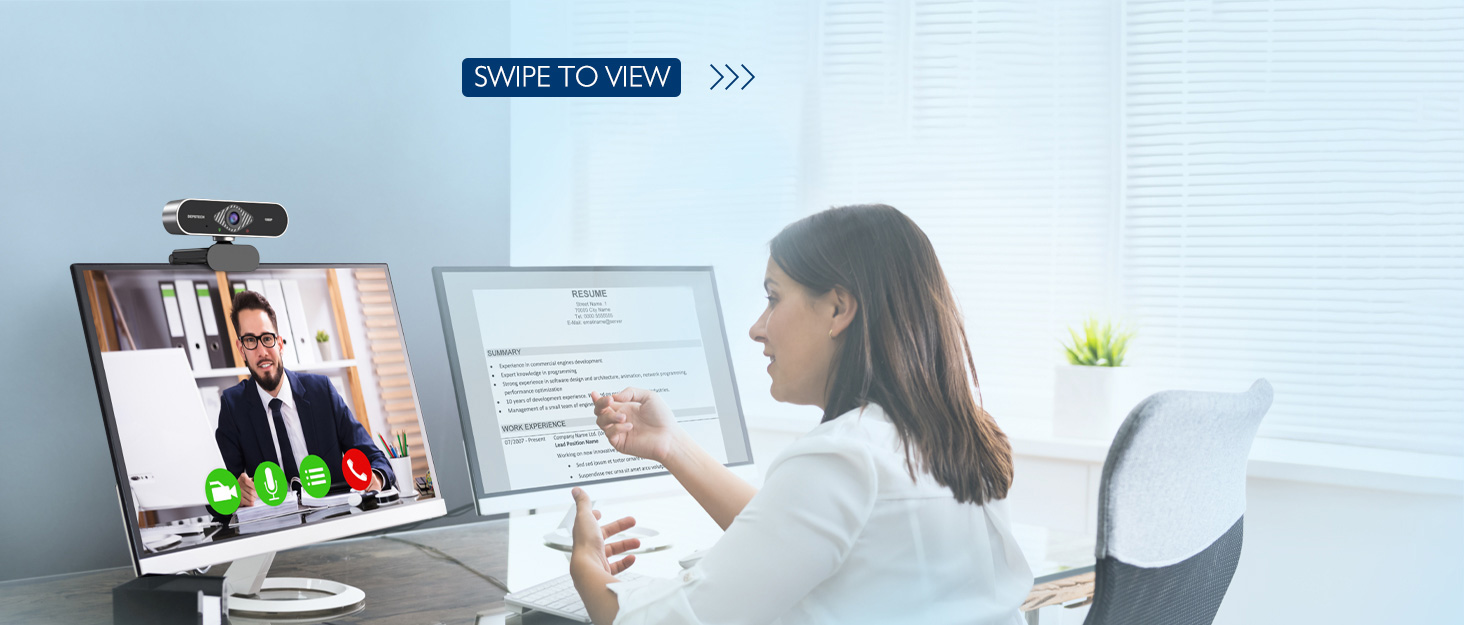
Image: DEPSTECH D04 Webcam in use for a video conference.
Caratteristiche principali:
- Video Full HD 1080P: Delivers sharp and crystal-clear video at 30 frames per second with a 6-layer glass HD lens and 1/2.9” CMOS image sensor.
- Stereo Microphone with Noise Reduction: Features an automatic noise reduction function for clearer and more natural sound, even in noisy environments.
- Correzione automatica della luce e HDR: Ensures excellent video quality even in dimly lit conditions.
- Collega e usa: Per la maggior parte dei sistemi operativi non sono richiesti driver o software aggiuntivi.
- Ampia compatibilità: Works with MAC OS, Windows XP/7/8/10, and popular applications like Skype, YouTube, Yahoo!, and Zoom.
Contenuto della confezione
- DEPSTECH D04 Webcamma
- Mini treppiede
- Copertura per la privacy
- Manuale d'uso
Istruzioni di installazione
1. Placement of the Webcamma
Il DEPSTECH D04 webcam features a flexible mounting clip that allows it to be placed on various devices or surfaces.
- Su uno schermo monitor/laptop: Aprire la clip e posizionare il webcam on top of your monitor or laptop screen. Adjust the angle so the camera is stable and facing you.
- Su un treppiede: Allega il webcam to the included mini tripod using the universal screw mount at the bottom of the clip. Place the tripod on a flat surface.
- Su una superficie piana: The clip can also be folded to create a stand, allowing the webcam to sit directly on your desk or shelf.

Immagine: Webcam mounted on a laptop screen.

Immagine: Webcam mounted on a tripod.
2. Collegamento del Webcamma
Il DEPSTECH D04 webcam è un dispositivo plug-and-play che non richiede l'installazione di driver aggiuntivi per la maggior parte dei sistemi operativi.
- Collegare il cavo USB dal webcam to an available USB port on your computer (desktop or laptop).
- Wait for your operating system to automatically detect and install the device. This usually takes a few seconds.
- Once detected, the webcam is ready for use with your preferred video communication or recording software.
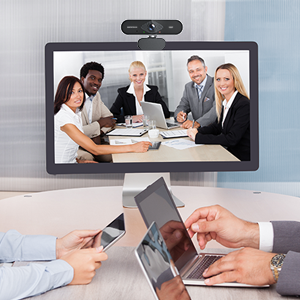
Image: USB connection for the webCamera.
Istruzioni per l'uso
1. Utilizzando il Webcam with Software
After connecting, your DEPSTECH D04 webcam will be recognized as a standard video and audio input device by most applications.
- Open your desired video conferencing, streaming, or recording application (e.g., Zoom, Skype, OBS, YouTube, Facetime).
- Navigate to the application's settings or preferences, usually under 'Audio' and 'Video' sections.
- Select "DEPSTECH D04 Webcam" or "USB 2.0 Camera" as your video input device.
- Select "USB 2.0 Camera Audio" as your microphone input device.
- Regolare le impostazioni video e audio secondo necessità all'interno dell'applicazione.

Image: User engaged in a video call with the webCamera.
2. Copertura privacy
IL webcam includes a privacy cover for enhanced security and peace of mind. Slide the cover over the lens when the webcam is not in use to prevent accidental recordings or unauthorized access.

Immagine: Webcam with the privacy cover closed.
3. Spie luminose
IL webcam features indicator lights to show its status:
- Luce verde: Indicates the camera is active and in use by an application.
- Luce rossa: Indica il webcam is powered on and connected.
Manutenzione
To ensure the longevity and optimal performance of your DEPSTECH D04 webcamma, seguire queste linee guida per la manutenzione:
- Pulizia della lente: Pulisci delicatamente la lente con un panno morbido e privo di lanugine. Evita di utilizzare prodotti chimici aggressivi o materiali abrasivi che potrebbero graffiare la lente.
- Pulizia del corpo: Utilizzare un panno morbido e asciutto per pulire la parte esterna del webCamera.
- Magazzinaggio: Quando non in uso, soprattutto per periodi prolungati, conservare il webcam in a clean, dry place. Use the privacy cover to protect the lens.
- Evitare condizioni estreme: Non esporre il webesposto a temperature estreme, umidità o luce solare diretta.
Risoluzione dei problemi
If you encounter issues with your DEPSTECH D04 webcam, fare riferimento alle seguenti soluzioni comuni:
- Webcam non rilevata:
- Prova a collegare il webcam su una porta USB diversa del computer.
- Riavvia il computer.
- Assicurarsi che il cavo USB sia collegato saldamente.
- Controlla il gestore dispositivi del tuo sistema operativo (Windows) o le Informazioni di sistema (Mac) per vedere se webla cam è elencata.
- Nessun video/schermo nero:
- Assicurarsi che la copertura per la privacy sia aperta.
- Verificare che il webcam è selezionato come dispositivo di input video nelle impostazioni dell'applicazione.
- Chiudere e riaprire l'applicazione.
- Nessun audio/Qualità audio scarsa:
- Ensure "USB 2.0 Camera Audio" is selected as the microphone input in your application's settings.
- Controlla le impostazioni audio del tuo computer per assicurarti che il microfono sia attivato e non disattivato.
- Adjust the microphone input volume in your application or system settings.
- Scarsa qualità video:
- Ensure you have adequate lighting in your environment. The webcam has auto light correction, but good ambient light helps.
- Pulisci il weblente della camma.
- Check your internet connection speed if streaming or video conferencing.
Specifiche
| Marca | DEPSTECH |
| Numero di modello | D04 |
| Risoluzione di acquisizione video | Formato: 1080p |
| Velocità di acquisizione dell'immagine | 30 fotogrammi al secondo |
| Tecnologia del sensore fotografico | CMOS (1/2.9” CMOS image sensor) |
| Tipo di messa a fuoco | Messa a fuoco fissa |
| Tipo di lente | Grandangolo |
| Tecnologia di connettività | USB |
| Formato audio supportato | Stereo |
| Caratteristiche speciali | Auto Light Correction, Noise Canceling Microphone, Tripod and Privacy Cover Included |
| Compatibilità del sistema operativo | Mac OS, Windows XP/7/8/10 |
| Colore | Nero |
Informazioni sulla garanzia
Il DEPSTECH D04 Webla cam è dotata di un Garanzia di 1 anni from the date of purchase. This warranty covers manufacturing defects and ensures the product is free from defects in material and workmanship under normal use. Please retain your proof of purchase for warranty claims. The warranty does not cover damage caused by misuse, accident, unauthorized modification, or external causes.
Supporto
For further assistance, technical support, or warranty inquiries, please contact DEPSTECH customer service. You can typically find contact information on the official DEPSTECH websito o tramite il rivenditore presso cui hai acquistato il prodotto.
Please have your model number (D04) and proof of purchase ready when contacting support.