
1. Prodotto finitoview
The HENEX HC-6032 is a desktop hands-free 2D barcode scanner designed for efficient and automatic scanning of 1D, 2D, and QR codes. Its omnidirectional scanning capability and intelligent detection features make it suitable for various commercial and industrial applications.
2. Contenuto della confezione
Verificare che tutti gli articoli siano presenti nel pacco:
- 1 x HC-6032 Barcode Scanner
- 1 cavo USB da 1.8 m
- 1 x Manuale utente
Video: Unboxing and initial setup of the HENEX HC-6032 barcode scanner, demonstrating package contents and basic connection.
3. Istruzioni per l'installazione
3.1. Collegamento dello scanner
The HC-6032 barcode scanner is designed for plug-and-play operation, requiring no additional drivers or software installation. It is compatible with Windows XP/7/8/10, Android, and Linux systems.
- Connect the provided USB cable to the data transmission port on the back of the scanner.
- Collegare l'altra estremità del cavo USB a una porta USB disponibile sul computer o sul dispositivo host.
- Lo scanner si accenderà automaticamente e sarà pronto per l'uso.

Image: The HC-6032 scanner connected to a laptop, highlighting its plug-and-play functionality across various operating systems.
4. Funzionamento dello scanner
4.1. Automatic Scanning
The scanner features an induction trigger for automatic detection and scanning. When in standby mode, it will activate and read barcodes placed within its scan window.
4.2. Tipi di codici a barre supportati
The HC-6032 supports a wide range of 1D and 2D barcodes, including QR codes, from both physical labels and digital screens (mobile phones, computer monitors).
- Capacità di decodifica 1D: EAN-8, EAN-13, ISSN, ISBN, UPC-A, UPC-E, Code 32, Code 39, Code 93, Code 128, Interleaved 2/5, Matrix 2/5, ISBT-128, GS1-128, GS1 Databar Limited, GS1 Databar Expanded.
- Capacità di decodifica 2D: PDF417, MicroPDF417, QR Code, MicroQR, Data Matrix, Azte.

Image: Visual representation of the diverse 1D and 2D barcode symbologies supported by the scanner.
Video: Demonstration of the scanner's ability to quickly read various 1D and 2D barcodes from different surfaces, including product packaging and mobile phone screens.
4.3. Reading Mode Switching
The scanner allows switching between different reading modes. Press the button on the top of the scanner to toggle between one-dimensional (1D) and one-dimensional + two-dimensional (1D+2D) scanning modes. The indicator light will change color to reflect the active mode.

Image: Illustration of the reading mode switch button and corresponding indicator light colors for 1D and 1D+2D modes.
5. Caratteristiche e design del prodotto
5.1. Angolo regolabile
The compact design of the scanner allows for an adjustable angle, providing flexibility for various scanning positions and optimizing space on cash registers or workstations. It features an elevation of 6 degrees and a tilt angle of 10 degrees.
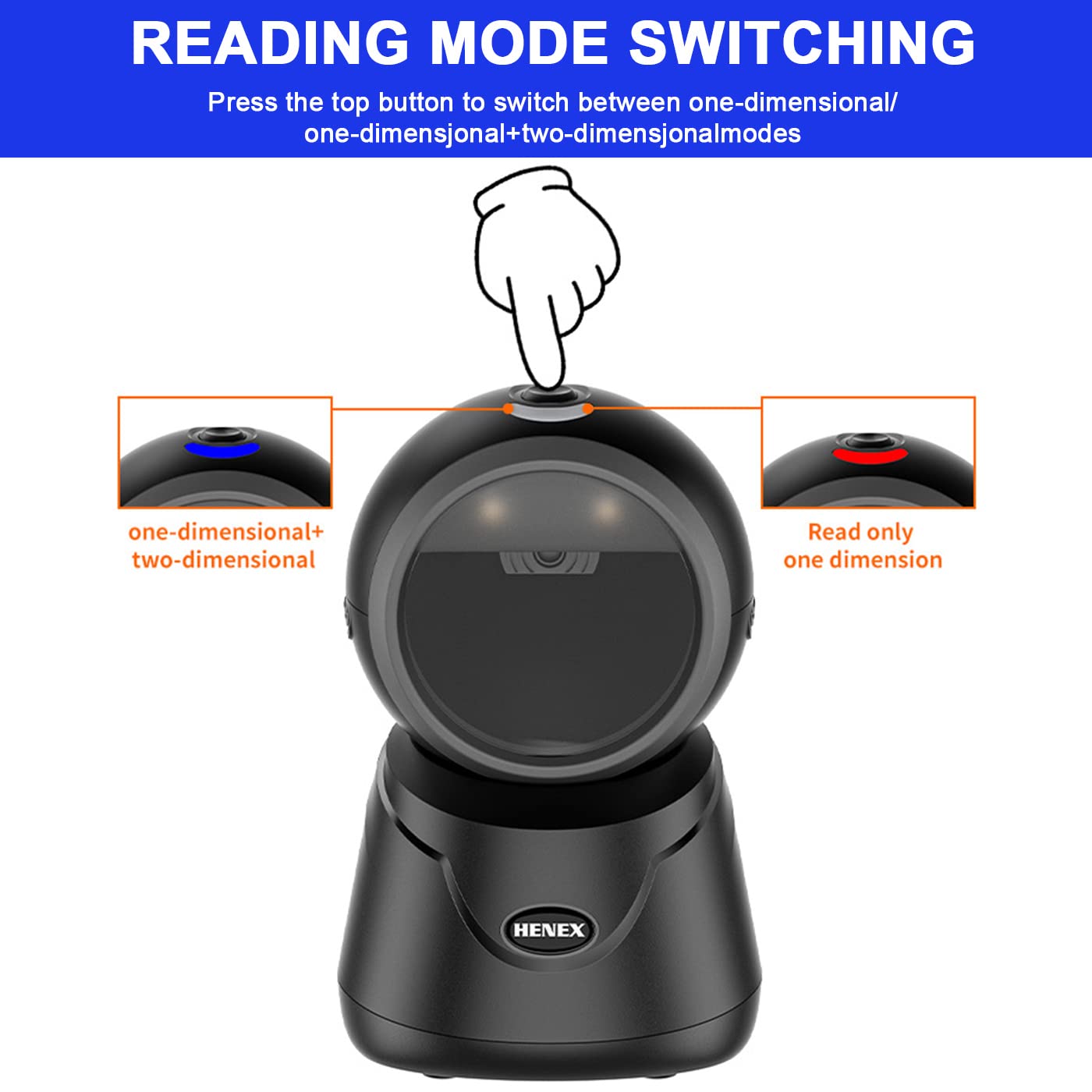
Image: Diagram detailing the adjustable elevation and tilt angles of the scanner.
5.2. Appearance Details
The scanner's design includes an indicator light, a mode-switching button, a fill-in light for low-light conditions, a prominent scan window, and a data transmission port for connectivity.

Immagine: Primo piano view of the scanner, labeling its key external features.
6. Scenari applicativi
The HENEX HC-6032 barcode scanner is versatile and suitable for a variety of environments requiring efficient barcode and QR code scanning:
- Supermercati e negozi al dettaglio
- Negozi di alimentari
- Biblioteche
- Farmacie
- Hotel Services
- Magazzini e logistica

Immagine: Examples of the scanner's use in different commercial settings.
7. Specifiche
| Caratteristica | Dettaglio |
|---|---|
| Marca | HENEX |
| Numero di modello | HC-6032 |
| Colore | Nero |
| Peso dell'articolo | 290 grammi |
| Dimensioni del prodotto | 10D x 10W x 15.9H centimetri |
| Tecnologia di connettività | Cavo USB |
| Fonte di alimentazione | Elettrico con cavo |
| Compatibilità del sistema operativo | Windows XP/7/8/10, Android, Linux, Mac OS |
| Capacità di decodifica | 1D, 2D, QR codes (from paper and screen) |
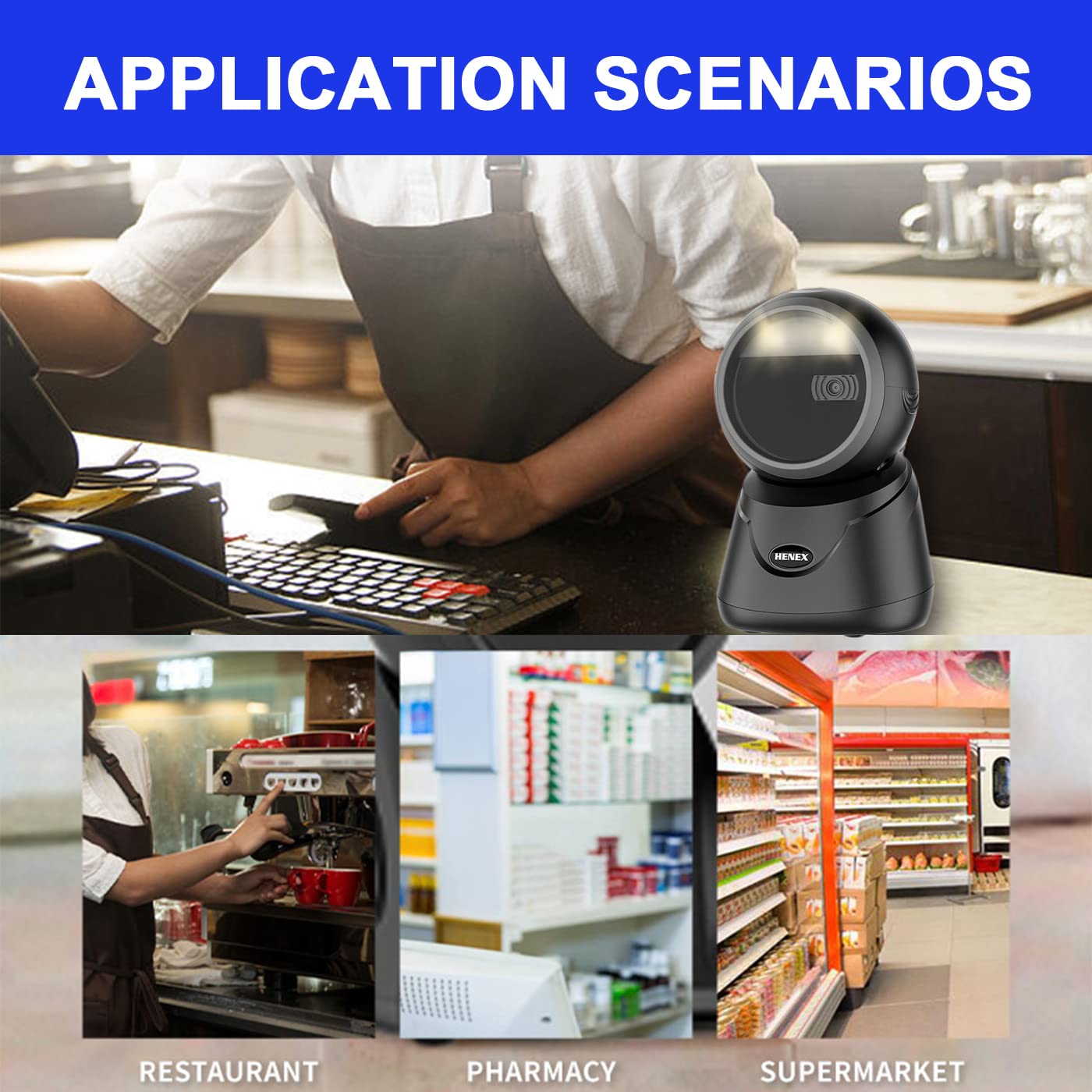
Image: Detailed dimensions of the HC-6032 barcode scanner.
8. Risoluzione Dei Problemi
- Lo scanner non risponde: Assicurarsi che il cavo USB sia collegato saldamente sia allo scanner che al dispositivo host. Provare una porta USB diversa.
- Impossibile leggere i codici a barre:
- Verify the scanner is in the correct reading mode (1D or 1D+2D) by pressing the top button.
- Assicurarsi che il codice a barre sia pulito, integro e all'interno del campo di lettura dello scanner. view.
- Regolare la distanza e l'angolazione tra lo scanner e il codice a barre.
- For screen barcodes, ensure screen brightness is adequate.
- Dati di output errati: Check if any custom prefixes or suffixes have been accidentally enabled. Refer to the full user manual for advanced configuration.
- System compatibility issues: While compatible with most systems, ensure your operating system is updated. If issues persist, contact technical support.
9. Garanzia e supporto
HENEX is committed to providing high-quality products and professional support. For any questions, technical assistance, or warranty claims, please contact our support team.
- Politica di garanzia: Information regarding the product warranty can be found Qui.
- Politica sui resi: Details on product returns are available Qui.
- Supporto tecnico:
- Email: support@lenvii.net, support@lenvii.in
- Telefono: +86 13316203488, +91 9100763594
- Websito: www.lenvii.net, www.lenvii.in

Image: Contact information for HENEX technical support.