
1. Prodotto finitoview
The LETIANPAI 100ft Smart LED Strip Lights provide versatile and vibrant lighting for various indoor applications. These RGB LED strips feature multiple control options including a Bluetooth-enabled mobile application and an IR remote control, allowing for color changing, music synchronization, timing functions, and brightness adjustment. The lights are designed for easy installation with strong adhesive backing and can be cut to desired lengths.

Immagine: Oltreview of the LETIANPAI 100ft Smart LED Strip Lights, showing the coiled strip, control box, remote, and smartphone app interface.
2. Informazioni sulla sicurezza
AVVERTIMENTO:
- PERICOLO DI SOFFOCAMENTO: Parti piccole. Non adatto ai bambini di età inferiore ai 3 anni.
- Be careful of BORDI TAGLIENTI during installation or handling.
- Ensure the power adapter is properly connected and not covered to prevent overheating. The adapter may become warm during operation; this is normal. However, if it becomes unusually hot, disconnect immediately.
- Questo prodotto è progettato per Solo per uso internoNon esporre all'acqua o a elevata umidità.
- Do not connect the LED strip to the power supply while it is still coiled on the reel. Unspool the entire strip before powering on to prevent overheating.
- Non tentare di riparare o modificare il prodotto. Per qualsiasi intervento di assistenza, rivolgersi a personale qualificato.
- Smaltire i rifiuti elettronici in modo responsabile. Seguire le normative locali per il riciclaggio.

Image: Safety symbols and manufacturing information, including choking hazard warning and recycling instructions.
3. Contenuto della confezione
Si prega di controllare il contenuto della confezione per assicurarsi che tutti gli articoli siano presenti e in buone condizioni:
- 1 striscia luminosa a LED da 100 piedi
- 1 x adattatore di alimentazione
- 1 x IR Telecomando
- 1 x Control Box (integrated with the LED strip)
4. Configurazione e installazione
Per una corretta installazione delle strisce luminose a LED, segui questi passaggi:
- Preparare la superficie: Assicurarsi che la superficie di installazione sia pulita, asciutta e liscia. Polvere, sporco o umidità possono compromettere l'efficacia dell'adesivo.
- Unspool the Strip: Completely unroll the LED strip from its reel before connecting it to power. This prevents heat buildup and potential damage to the lights.

Image: Illustration of peeling the adhesive backing from the LED strip.
- Collegare i componenti:
- Connect the LED strip to the control box, ensuring the arrows on both connectors align.
- Collegare l'alimentatore alla scatola di controllo.

Image: Step-by-step diagram illustrating the connection of the LED strip, control box, and power adapter, emphasizing arrow alignment.
- Applicare la striscia: Carefully peel off the adhesive backing from the LED strip and press it firmly onto the desired surface. Work in small sections to ensure a smooth application.
- Accensione: Collega l'alimentatore a una presa elettrica standard.

Image: Close-up of the certified power supply unit.
- Scarica l'app (facoltativo ma consigliato): For full functionality, download the "HiLighting" app. Scan the QR code on the control box or search for "HiLighting" in your device's app store.

Image: Instructions for downloading the "HiLighting" app via QR code, along with a visual of the app's color control interface.
Relevant link for app download: http://www.easytrack.net.cn/download/233AOLESHENG
5. Istruzioni per l'uso
5.1. App Control (HiLighting App)
The "HiLighting" app offers comprehensive control over your LED strip lights via Bluetooth. Ensure Bluetooth is enabled on your smartphone and the app is connected to the device.
- Selezione del colore: Use the color wheel to choose from 16 million vivid colors.
- Modalità dinamiche: Select from 29 dynamic modes such as flash, strobe, fade, and smooth.
- Regolazione della luminosità: Adjust the light brightness from 0% to 100%.
- Modalità Musica: Sync the lights to music playing on your phone.
- Modalità microfono: The lights will pulsate and change colors in response to sounds picked up by your phone's microphone.
- Funzione di temporizzazione: Imposta orari per l'accensione e lo spegnimento automatico delle luci.
- Gestione del gruppo: Control multiple sets of LETIANPAI LED lights simultaneously or individually.

Image: The "HiLighting" app interface displaying the color selection wheel and various control options.
5.2. Telecomando IR
The included IR remote control provides convenient access to basic functions:
- ACCESO/SPENTO: Accendere o spegnere le luci.
- Regolazione luminosità/velocità: Increase or decrease brightness, or adjust the speed of dynamic modes.
- Pulsanti colorati: Directly select preset colors (Red, Green, Blue, White, etc.).
- Modalità dinamiche: Activate various effects like Flash, Strobe, Fade, and Smooth.

Image: The IR remote control with labeled buttons for color selection, brightness, and dynamic modes.
5.3. Music and MIC Mode
Enhance your environment with sound-reactive lighting:
- Sincronizzazione musicale: When Music Mode is active in the app, the lights will change color and pattern according to the rhythm of the music playing on your device.
- Modalità microfono: The built-in microphone in your smartphone (when MIC Mode is selected in the app) allows the lights to pulsate and change colors along with ambient sounds or your voice.
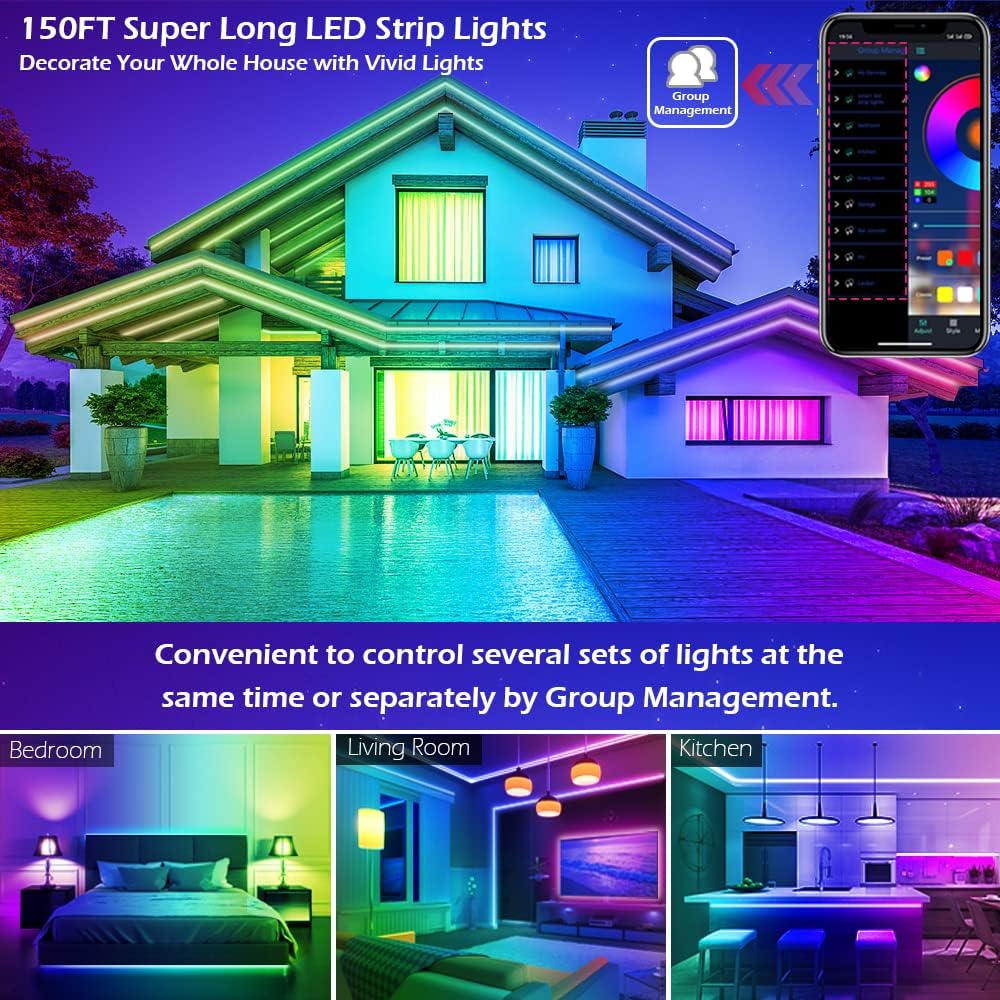
Image: A group of people enjoying LED lights that are synchronized with music, demonstrating the Music and MIC modes.
5.4. Funzione di temporizzazione
Automate your lighting with the timing function:
- Set specific times for the LED lights to automatically turn on or off. This can be used as an "alarm clock" in the morning or to turn off lights at bedtime.
- Access this feature within the "HiLighting" app's schedule settings.

Image: Visual representation of the timing function, showing lights turning off at 11:00 PM and on at 7:00 AM.
5.5. Regolazione della luminosità
Adjust the intensity of the lights to suit your mood or activity:
- Brightness can be adjusted from 0% (off) to 100% (full brightness) using either the "HiLighting" app or the IR remote control.
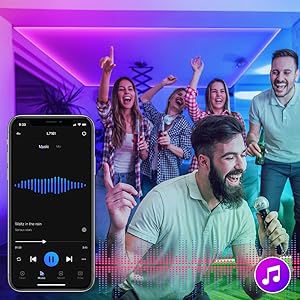
Image: The "HiLighting" app interface with a brightness adjustment slider.
5.6. Gestione del gruppo
For installations with multiple LETIANPAI LED light sets, the app allows for centralized control:
- Conveniently control several sets of lights at the same time or manage them separately by creating groups within the "HiLighting" app.
Image: A house illuminated with LED lights in different areas, illustrating the concept of group management for controlling multiple light sets.
6. Manutenzione
Per garantire la longevità e le prestazioni ottimali delle strisce luminose a LED, seguire queste linee guida per la manutenzione:
- Pulizia: Pulire delicatamente le strisce LED con un panno asciutto e morbido per rimuovere la polvere. Non utilizzare detergenti liquidi o materiali abrasivi.
- Adesivo: If the adhesive begins to lose its grip, ensure the surface is clean. For long-term adhesion, consider using additional mounting clips (not included) if necessary.
- Magazzinaggio: If storing the lights for an extended period, ensure they are clean, dry, and coiled loosely to prevent damage to the strip or wiring.
- Adattatore di alimentazione: Regularly check the power adapter and cables for any signs of damage (fraying, cuts, exposed wires). Discontinue use if damage is found.
7. Risoluzione Dei Problemi
If you encounter issues with your LED strip lights, refer to the following common problems and solutions:
| Problema | Possibile causa | Soluzione |
|---|---|---|
| Le luci non si accendono. |
|
|
| Telecomando non funzionante. |
|
|
| L'app non riesce a connettersi alle luci. |
|
|
| I colori sono errati o incoerenti. |
|
|
| Adhesive not sticking well. |
|
|
8. Specifiche
| Marca | LETIANPAI |
| Modello | 100FT LED Strip Lights (Item model number: 50FT) |
| Tipo di sorgente luminosa | LED (5050 LED) |
| Colore chiaro | RGB (rosso, verde, blu) |
| Lunghezza | 100 piedi (30 metri) |
| Fonte di alimentazione | Elettrico con cavo |
| Voltage | 12 Volt |
| Cosatage | 24 watt |
| Metodo di controllo | Remote Control, Bluetooth App (HiLighting) |
| Tecnologia di connettività | Bluetooth |
| Uso interno/esterno | Al chiuso |
| Caratteristiche speciali | Cuttable, Strong self-adhesive, Flexible for easy install, Music Sync, MIC Mode, Timing Function, Brightness Adjustable, Group Management |
| Materiale | Plastica |
| Peso dell'articolo | 7.1 once |
| Dimensioni del prodotto | 4.84 x 4.61 x 2.17 pollici (confezione) |
| Livello di resistenza all'acqua | Non resistente all'acqua |
9. Garanzia e supporto
LETIANPAI is committed to providing quality products and customer satisfaction. All accessories included with our LED rope lights are officially certified, and the power adapter has undergone rigorous testing for safety.
- Garanzia di qualità: Full refund or free replacement is provided for quality-related issues.
- Assistenza clienti: If you encounter any issues during installation or operation, please contact LETIANPAI customer service directly. We aim to resolve all inquiries within 24 hours.