
1. Introduzione
Grazie per l'acquistoasing the Salora SBO680 Soundbar. This manual provides essential information for the safe and efficient operation of your new audio system. Please read it thoroughly before use and retain it for future reference.
The Salora SBO680 is a sophisticated audio solution designed to enhance your home entertainment experience. Featuring 2.1 audio output channels, it delivers immersive sound with a 60W RMS rated power, ensuring crystal-clear audio reproduction. The soundbar speaker has an RMS power of 40W and a 6.35 cm (2.5 inch) tweeter diameter, providing crisp highs and detailed mid-range frequencies. Its active subwoofer, with an RMS power of 20W, adds rich, deep bass to your audio, improving the overall listening experience. The product is available in an elegant black color, complementing any interior decor, and is ideal for home use. Volume control is conveniently managed via buttons, offering ease of use. With wired and wireless connectivity technology, the Salora SBO680 offers versatile options for seamless integration into your entertainment setup.

Image: Front cover of the Salora SBO680 Soundbar instruction manual.
2. Informazioni importanti sulla sicurezza
- Leggi le istruzioni: Prima di utilizzare il prodotto, leggere tutte le istruzioni di sicurezza e di funzionamento.
- Conservare le istruzioni: Conservare le istruzioni di sicurezza e operative per riferimento futuro.
- Attenzione alle avvertenze: Rispettare tutte le avvertenze sul prodotto e nelle istruzioni per l'uso.
- Seguire le istruzioni: Seguire tutte le istruzioni per l'uso e il funzionamento.
- Pulizia: Scollegare il prodotto dalla presa a muro prima di pulirlo. Non utilizzare detergenti liquidi o spray. Utilizzare adamp panno per la pulizia.
- Allegati: Non utilizzare accessori non consigliati dal produttore del prodotto poiché potrebbero causare pericoli.
- Acqua e umidità: Non utilizzare questo prodotto vicino all'acqua, ad esempioampad esempio, vicino a una vasca da bagno, a un lavandino, a un lavello della cucina, a una tinozza per la lavanderia, in una cantina umida o vicino a una piscina.
- Ventilazione: Slots and openings in the cabinet are provided for ventilation to ensure reliable operation of the product and to protect it from overheating. These openings must not be blocked or covered.
- Fonti di energia: Operate this product only from the type of power source indicated on the marking label. If you are not sure of the type of power supply to your home, consult your product dealer or local power company.
- Protezione del cavo di alimentazione: Power-supply cords should be routed so that they are not likely to be walked on or pinched by items placed upon or against them.
- Fulmine: Per una maggiore protezione di questo prodotto durante un temporale o quando viene lasciato incustodito e inutilizzato per lunghi periodi di tempo, scollegarlo dalla presa a muro.
- Manutenzione: Non tentare di riparare questo prodotto da soli poiché l'apertura o la rimozione delle coperture potrebbe esporvi a pericolitage o altri pericoli. Affidare tutti gli interventi di assistenza a personale qualificato.
3. Contenuto della confezione
Si prega di verificare che tutti gli articoli siano presenti e in buone condizioni.
- Salora SBO680 Soundbar
- Telecomando (richiede 2 batterie AAA, non sempre incluse)
- Manuale dell'utente (questo documento)
- Cavo di alimentazione
4. Prodotto finitoview
4.1 Fronte e lato View
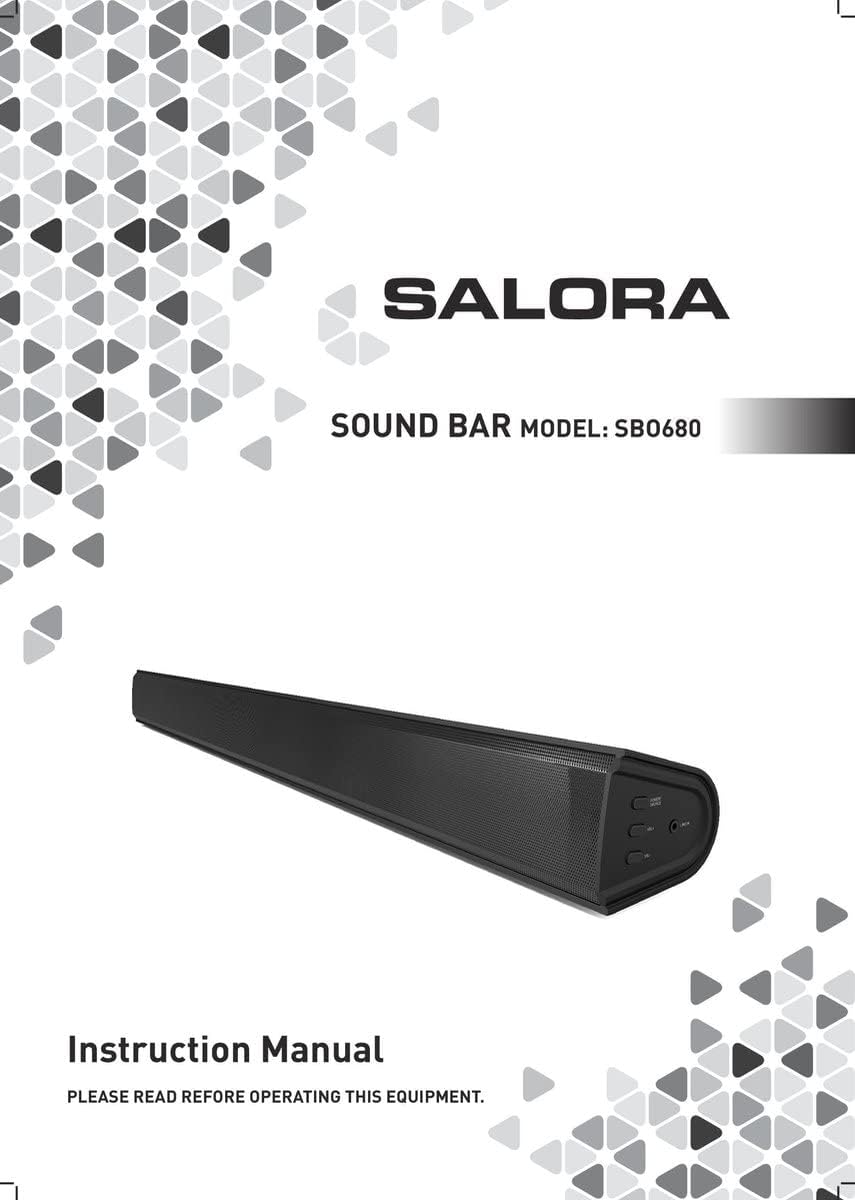
Immagine: Frontale view of the Salora SBO680 Soundbar, showing the speaker grille.

Image: Close-up of the side panel controls, including Power/Source, Volume Up, Volume Down, and Line In port.
- Pulsante di accensione/sorgente: Press to turn on/off or switch input modes.
- Volume su (+): Aumentare il volume.
- Volume basso (-): Diminuire il volume.
- LINEA IN Porto: Ingresso audio da 3.5 mm per dispositivi esterni.
4.2 Posteriore View e connessioni

Immagine: Posteriore view of the Salora SBO680 Soundbar, showing various input ports and mounting points.

Image: Close-up of the rear connection panel, featuring USB, HDMI ARC, Optical, and DC 20V power input.
- Porta USB: Per riprodurre l'audio files da un'unità USB.
- Porta HDMI ARC: Connect to a TV's HDMI ARC port for audio and control.
- Porta OTTICA: Digital audio input from devices like TVs or game consoles.
- Porta CC 20V: Ingresso di alimentazione per la soundbar.
4.3 telecomando

Image: The included remote control for the Salora SBO680 Soundbar, showing various buttons for power, volume, input, and sound modes.
The remote control allows you to manage volume, bass/treble, and input selection. It requires 2 AAA batteries (not always included).
- Pulsante di accensione: Attiva o disattiva la soundbar.
- Pulsante di ingresso: Scorre le sorgenti di ingresso (HDMI ARC, ottico, AUX, Bluetooth, USB).
- Volume +/-: Regola il volume principale.
- BA+/-: Regola i livelli dei bassi.
- TR+/-: Regola i livelli degli acuti.
- Music/TV/Movie: Pre-set equalizer modes for different audio content.
- PAIO: Avvia la modalità di associazione Bluetooth.
- PREDEFINITO: Resets sound settings to factory defaults.
5. Configurazione e connessioni
Before connecting, ensure the soundbar and all devices are powered off.
5.1 Collegamento di alimentazione
- Connect the power cable to the DC 20V port on the back of the soundbar.
- Collegare l'altra estremità del cavo di alimentazione a una presa a muro.
5.2 Connecting to a TV (Recommended)
The Salora SBO680 offers multiple ways to connect to your TV. HDMI ARC is recommended for the best audio quality and ease of control.
5.2.1 Connessione HDMI ARC
HDMI ARC (Audio Return Channel) allows you to send audio from your TV to the soundbar using a single HDMI cable and control the soundbar with your TV remote.
- Connect one end of an HDMI cable (not included) to the HDMI ARC port on the soundbar.
- Connect the other end of the HDMI cable to the HDMI ARC port on your TV. (Look for a port labeled "HDMI ARC" or "HDMI IN (ARC)").
- Turn on the soundbar and select the HDMI ARC input using the remote or the Power/Source button.
- Ensure your TV's audio output settings are configured for HDMI ARC or external speakers.
5.2.2 Connessione ottica
Se il televisore non supporta HDMI ARC, utilizzare un cavo ottico per un audio digitale di alta qualità.
- Collegare un'estremità di un cavo ottico (non incluso) alla porta OPTICAL della soundbar.
- Connect the other end of the optical cable to the optical digital output port on your TV or other audio source.
- Turn on the soundbar and select the OPTICAL input.
- Ensure your TV's audio output settings are configured for optical output.
5.3 Connessione Bluetooth
Stream audio wirelessly from your smartphone, tablet, or other Bluetooth-enabled devices. The soundbar remembers up to 8 devices.
- Turn on the soundbar and select the BLUETOOTH input using the remote or the Power/Source button. The indicator light will flash, indicating pairing mode.
- Sul tuo dispositivo Bluetooth, attiva il Bluetooth e cerca i dispositivi disponibili.
- Select "Salora SBO680" from the list of devices.
- Once paired, the indicator light on the soundbar will stop flashing and remain solid.
- Ora puoi riprodurre l'audio dal tuo dispositivo tramite la soundbar.
- To disconnect, disable Bluetooth on your device or select a different input on the soundbar.
5.4 AUX (Line In) Connection
Connect older devices or devices without digital audio outputs using a 3.5mm audio cable.
- Connect one end of a 3.5mm audio cable (not included) to the LINE IN port on the side of the soundbar.
- Collegare l'altra estremità al jack delle cuffie o all'uscita audio del dispositivo esterno.
- Turn on the soundbar and select the AUX input.
- Riproduci l'audio dal tuo dispositivo.
5.5 Riproduzione USB
Riproduci audio fileÈ direttamente da un'unità flash USB.
- Insert a USB flash drive (containing compatible audio files) into the USB port on the back of the soundbar.
- Turn on the soundbar and select the USB input.
- La soundbar inizierà automaticamente a riprodurre l'audio files dall'unità USB. Usa il telecomando per navigare tra le tracce.
6. Istruzioni per l'uso
6.1 Funzionamento di base
- Accensione/spegnimento: Press the Power button on the remote or the Power/Source button on the soundbar.
- Regolazione del volume: Use the Volume +/- buttons on the remote or the soundbar.
- Selezione input: Press the Input button on the remote or the Power/Source button on the soundbar to cycle through available inputs (HDMI ARC, Optical, AUX, Bluetooth, USB).
- Disattiva audio: Press the Mute button on the remote to temporarily silence the audio. Press again to unmute.
6.2 Modalità audio ed equalizzatore
The Salora SBO680 offers pre-set equalizer modes and manual bass/treble adjustments to optimize your listening experience.
- Modalità preimpostate: Use the MUSIC, TV, or MOVIE buttons on the remote to select an optimized sound profile per i tuoi contenuti.
- Regolazione dei bassi: Use the BA+/- buttons on the remote to increase or decrease bass levels.
- Regolazione degli acuti: Use the TR+/- buttons on the remote to increase or decrease treble levels.
- Impostazioni predefinite: Press the DEFAULT button on the remote to reset all sound settings to their factory defaults.

Image: Illustration showing the soundbar and remote control, with sound waves emanating from the soundbar, symbolizing immersive audio.
7. Manutenzione
7.1 Pulizia
- Prima di pulire la soundbar, scollegarla sempre dalla presa di corrente.
- Utilizzare un panno morbido e asciutto per pulire le superfici esterne.
- Do not use liquid cleaners, abrasive cleaners, or chemical solvents, as these may damage the finish.
- Per la griglia dell'altoparlante, utilizzare una spazzola morbida o un aspirapolvere con spazzola per rimuovere delicatamente la polvere.
7.2 Conservazione
- If storing the soundbar for an extended period, unplug it from the power source.
- Conservare in un luogo fresco e asciutto, lontano dalla luce solare diretta e da temperature estreme.
- It is recommended to keep the original packaging for storage and transport.
8. Risoluzione Dei Problemi
If you encounter issues with your Salora SBO680 Soundbar, refer to the following common problems and solutions.
| Problema | Possibile causa | Soluzione |
|---|---|---|
| Nessun potere | Cavo di alimentazione non collegato o presa di corrente non attiva. | Assicurarsi che il cavo di alimentazione sia collegato saldamente alla soundbar e a una presa di corrente funzionante. |
| Nessun suono | Incorrect input selected, volume too low, or incorrect TV audio settings. |
|
| L'associazione Bluetooth non riesce | Soundbar non in modalità di associazione, dispositivo troppo lontano o interferenza. |
|
| Il telecomando non funziona | Batteries depleted or remote not aimed correctly. |
|
| Suono distorto | Volume too high, poor audio source, or incorrect equalizer settings. |
|
9. Specifiche
| Nome del modello | Salora SBO680 |
| Marca | SALORA |
| Potenza in uscita (RMS) | 60W (Soundbar: 40W, Subwoofer: 20W) |
| Tipo di altoparlante | Soundbar con subwoofer integrato |
| Modalità di uscita audio | Stereo (2.1 canali) |
| Tecnologia di connettività | Bluetooth, HDMI ARC, Optical, USB, AUX (3.5mm Line In) |
| Comunicazione senza fili | Bluetooth |
| Dispositivi compatibili | Smartphone, Tablet, Television |
| Metodo di controllo | Telecomando, pulsanti sul dispositivo |
| Dimensioni del prodotto (L x P x A) | 81 x 9 x 7.85 cm (31.9 x 3.5 x 3.1 pollici) |
| Peso dell'articolo | 2.6 chilogrammi (5.73 libbre) |
| Colore | Nero |
| Materiale | Plastica |
| Fonte di alimentazione | Electric Cable (DC 20V) |
| Batterie remote | 2 x AAA (not always included) |
| Portata massima (Bluetooth) | 12 metri |
| Caratteristiche speciali | Supporto audio ad alta risoluzione |
10. Garanzia e supporto
For warranty information, please refer to the warranty card included with your product or contact your local retailer.
If you require technical support or have questions not covered in this manual, please visit the official SALORA websito o contattare il loro servizio clienti.