
1. Introduzione
Thank you for choosing the OMOTON T5 Adjustable Tablet Stand. This manual provides essential information for the proper setup, operation, and maintenance of your new tablet stand. Please read these instructions carefully before use and retain them for future reference.
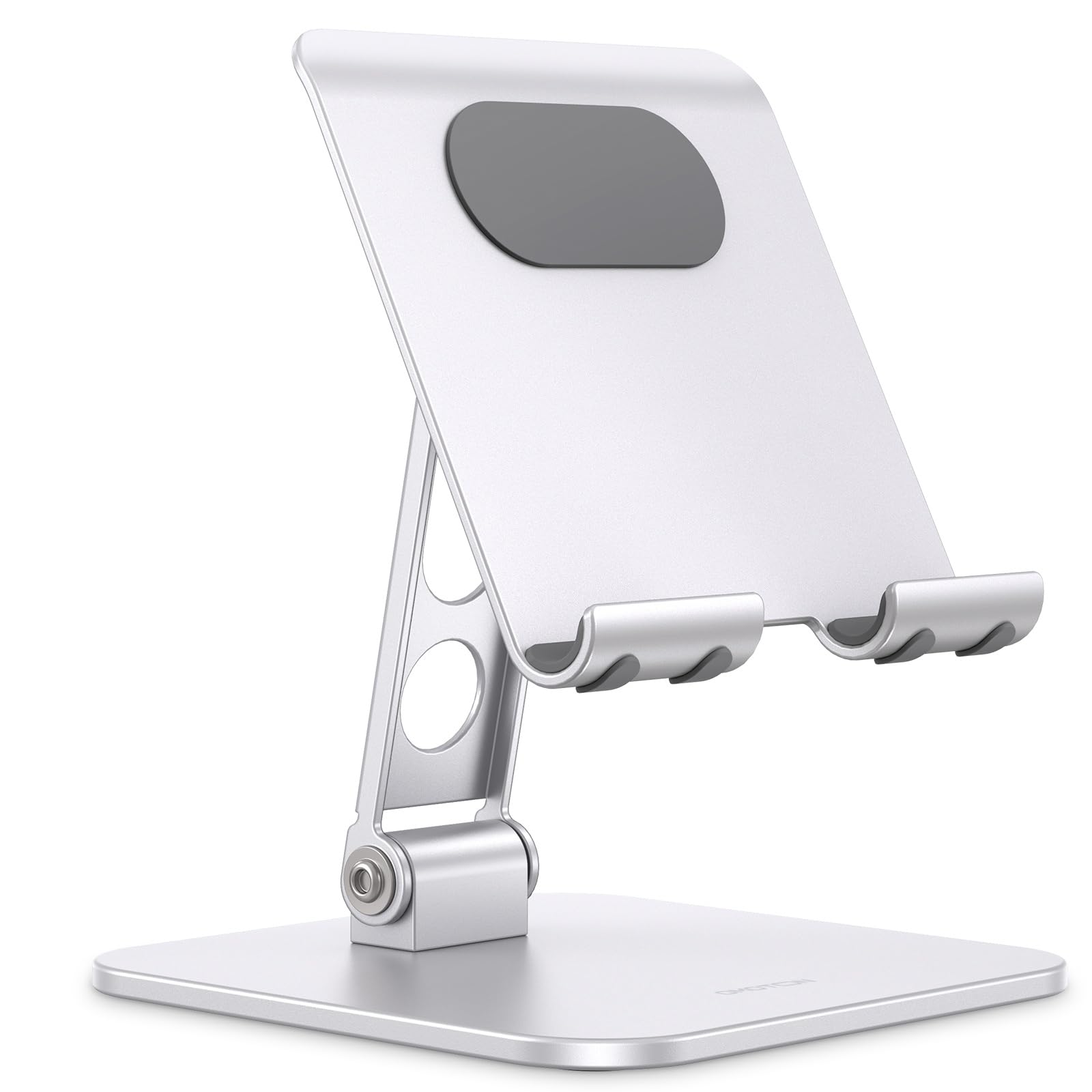
Figure 1: OMOTON T5 Adjustable Tablet Stand
2. Caratteristiche del prodotto
- Weighted & Durable Design: Features a weighted base and durable aluminum alloy body for enhanced stability and security of your device on any flat surface.
- Flessibile Viewing angoli: The dual-shaft design allows for easy adjustment to multiple viewing angles, providing optimal positioning for various activities such as watching videos, video calls, gaming, working, or following recipes.
- Protezione completa: Equipped with a soft back pad to prevent scratches on devices and non-slip rubber feet on the base to keep the stand firmly in place on tables, countertops, and nightstands.
- Ampia compatibilità: Compatible with a broad range of phones and tablets from 4.7 to 13 inches, including various iPad models (Pro, Air, Mini, 10th Gen), Kindle, and iPhone models.
- Pieghevole e portatile: Designed to fold completely flat for convenient portability, allowing it to be easily stored in a backpack or bag.

Figure 2: Stable design prevents accidental falls.

Figure 3: Dual rotating shafts for flexible angle adjustment.
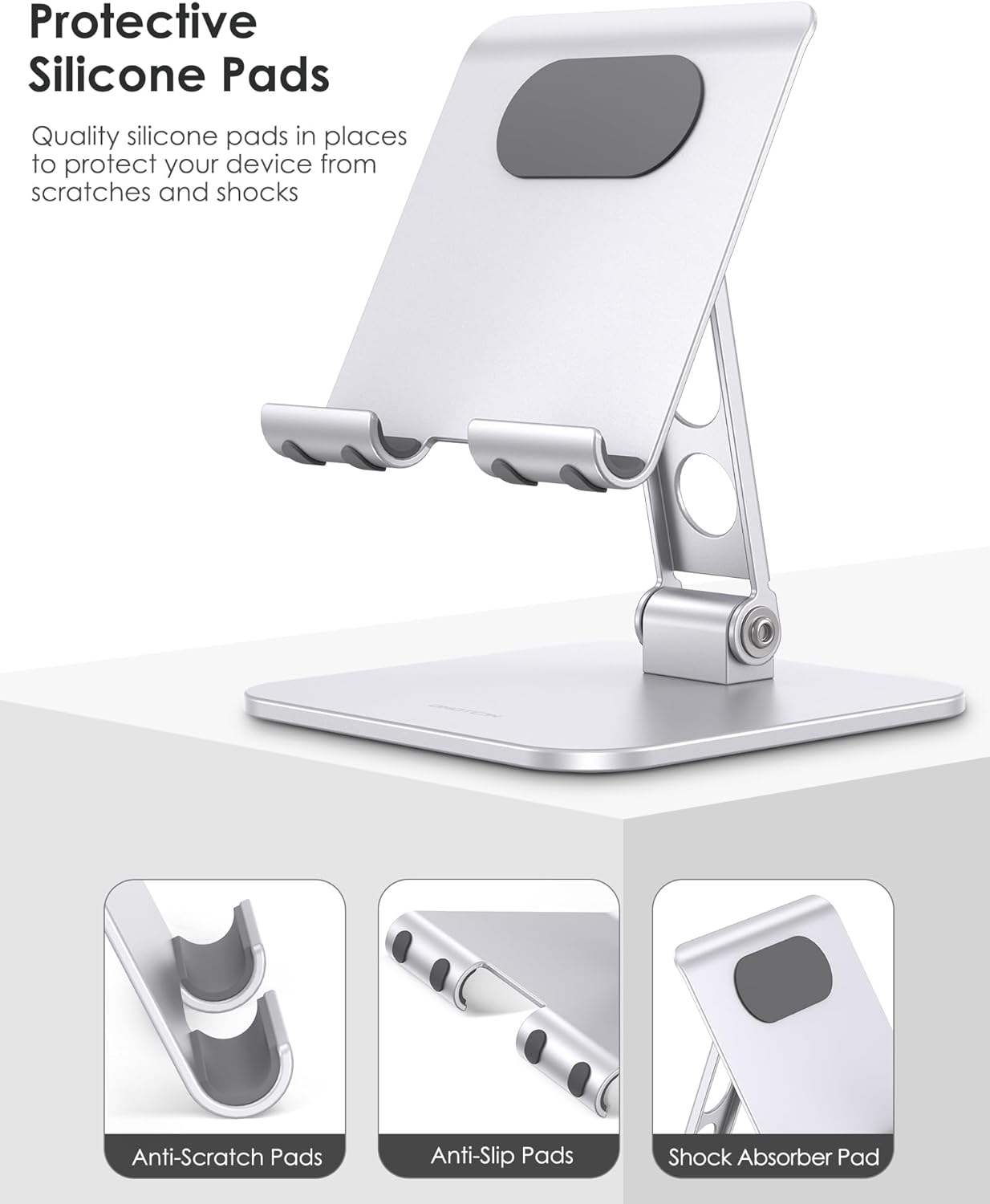
Figure 4: Protective silicone pads for device safety and stability.
3. Contenuto della confezione
- 1 x OMOTON T5 Adjustable Tablet Stand
4. Configurazione e funzionamento
4.1 Apertura del supporto
- Gently pull the top plate upwards from the base.
- Adjust the two hinged arms to your desired height and angle.
- Ensure the stand is stable on a flat surface before placing your device.
4.2 Posizionamento del dispositivo
Place your tablet or phone onto the cradle of the stand. The silicone pads will secure your device and prevent scratches. The open design allows for charging while the device is on the stand.
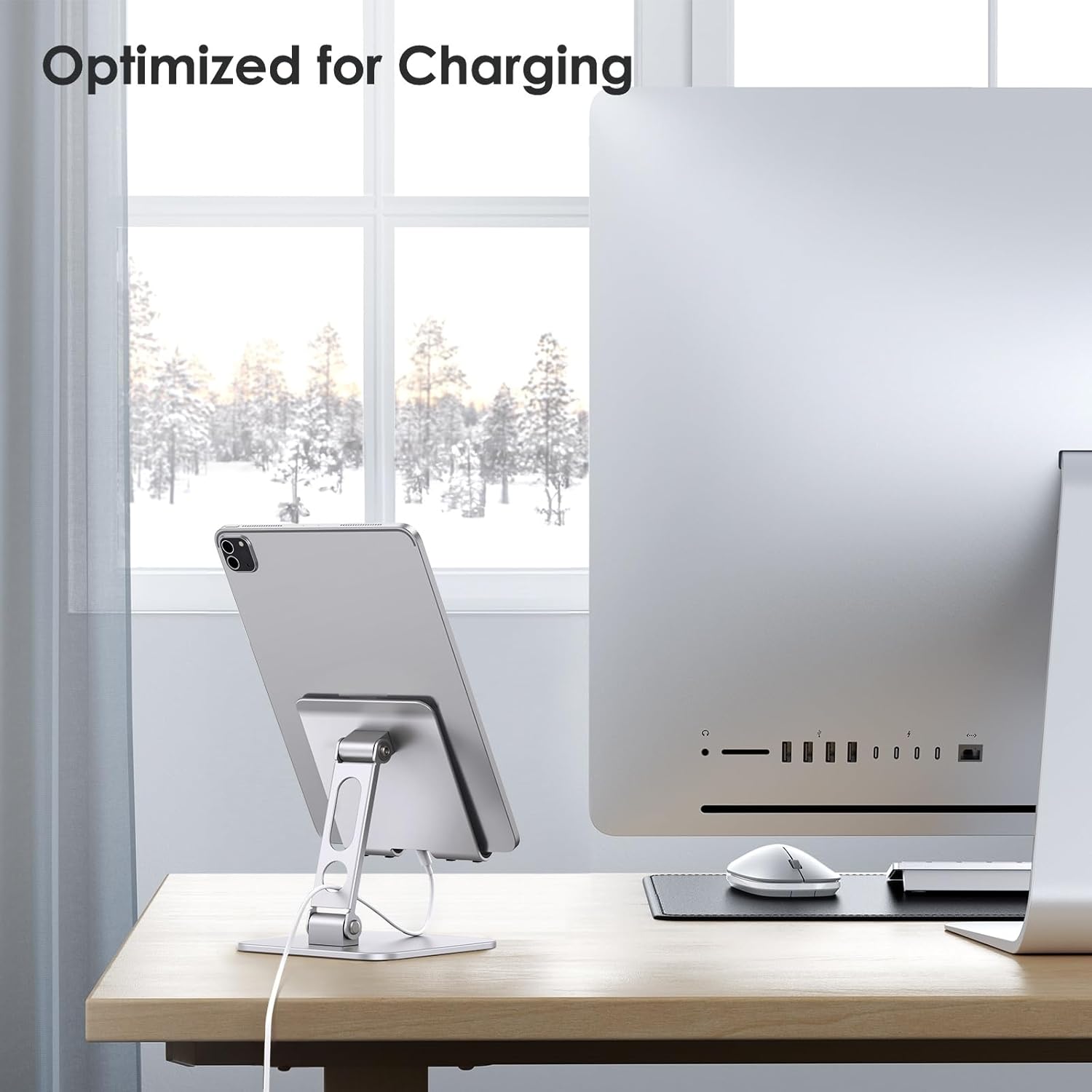
Figure 5: Stand optimized for device charging.
4.3 Regolazione Viewing angoli
The dual-shaft design allows for precise angle adjustments. Hold the base firmly and gently push or pull the device holder to achieve your preferred viewing angle. The robust hinges will maintain the set position.

Figure 6: Ideal for drawing and writing with adjustable angles.
4.4 Pieghevole per la portabilità
To fold the stand, gently push the device holder downwards until the arms are fully collapsed and the stand lies flat. This compact form factor makes it easy to transport.

Figure 7: Stand folds flat for convenient portability.
4.5 Dimostrazioni video
Adjustable Tablet Stand Holder OMOTON iPad Stand Holder
Video 1: This video demonstrates the various adjustments and uses of the OMOTON T5 tablet stand, showcasing its flexibility and stability for different devices and scenarios.
Adjustable Tablet or iPad Stand - Is It Cheaply Made?
Video 2: Un utente review highlighting the build quality and features of the adjustable tablet stand, including its ability to hold various devices securely.
OMOTON Upgraded Adjustable Tablet Stand Holder, Foldable
Video 3: This video provides a detailed look at the OMOTON T5 stand, demonstrating its foldable design and how it can be adjusted for optimal viewing e portabilità.
5. Manutenzione
To ensure the longevity and optimal performance of your OMOTON T5 Adjustable Tablet Stand, follow these simple maintenance guidelines:
- Pulizia: Pulisci il supporto con un panno morbido eamp cloth to remove dust and smudges. Avoid using abrasive cleaners or solvents, as these may damage the finish.
- Magazzinaggio: When not in use, fold the stand flat and store it in a dry, cool place to prevent any potential damage.
- Ispezione: Periodically check the hinges and rubber pads for any signs of wear or damage. If any components appear compromised, discontinue use and contact customer support.
6. Risoluzione Dei Problemi
If you encounter any issues with your OMOTON T5 Adjustable Tablet Stand, please refer to the following common troubleshooting tips:
- Il supporto sembra traballante: Ensure the stand is placed on a completely flat and stable surface. Check that the hinges are fully engaged and tightened.
- Difficoltà nella regolazione degli angoli: The hinges are designed to be stiff to hold your device securely. Apply firm, even pressure when adjusting. Do not force the hinges beyond their intended range of motion.
- Dispositivo che scivola: Verify that the silicone pads on the cradle and base are clean and free from debris. If pads are worn, contact customer support for assistance.
If these steps do not resolve your issue, please contact OMOTON customer support for further assistance.
7. Specifiche
| Caratteristica | Dettaglio |
|---|---|
| Marca | OMOTON |
| Nome del modello | T5 |
| Materiale | Alluminio |
| Colore | Argento |
| Dimensioni articolo (LxPxA) | 5.1 x 5.1 x 6.5 pollici |
| Peso dell'articolo | 395 grammi |
| Dispositivi compatibili | 4.7 - 13 inches tablets and phones (e.g., iPad Pro, Air, Mini, iPhone, Kindle, monitor) |
| Caratteristiche speciali | Adjustable, Foldable, Hands-Free |

Figura 8: Dimensioni del prodotto.
8. Garanzia e supporto
OMOTON products come with a standard manufacturer's warranty. For specific warranty details, product support, or to report any issues, please refer to the contact information provided with your purchase or visit the official OMOTON website. Please have your model number (T5) and purchase information ready when contacting support.