
1. Introduzione
Thank you for choosing the MageGee G6 Wired Gaming Mouse. This ergonomic USB optical mouse is designed to enhance your gaming and work experience with its high precision sensor, adjustable speed levels, and vibrant LED backlighting. Please read this manual thoroughly to ensure proper setup and optimal performance.
2. Impostazione
2.1 Contenuto della confezione
- MageGee G6 Wired Gaming Mouse
- Manuale di istruzioni
2.2 Requisiti di sistema
- Operating System: Windows 10, Windows 8, Windows 7, Windows XP, WinME, Vista, Linux, etc.
- Porta USB disponibile
2.3 Collegamento del mouse
- Locate an available USB port on your computer (PC, Laptop, or Desktop).
- Plug the USB connector of the MageGee G6 mouse into the USB port.
- The mouse is plug-and-play; no additional drivers or software are required for basic functionality.
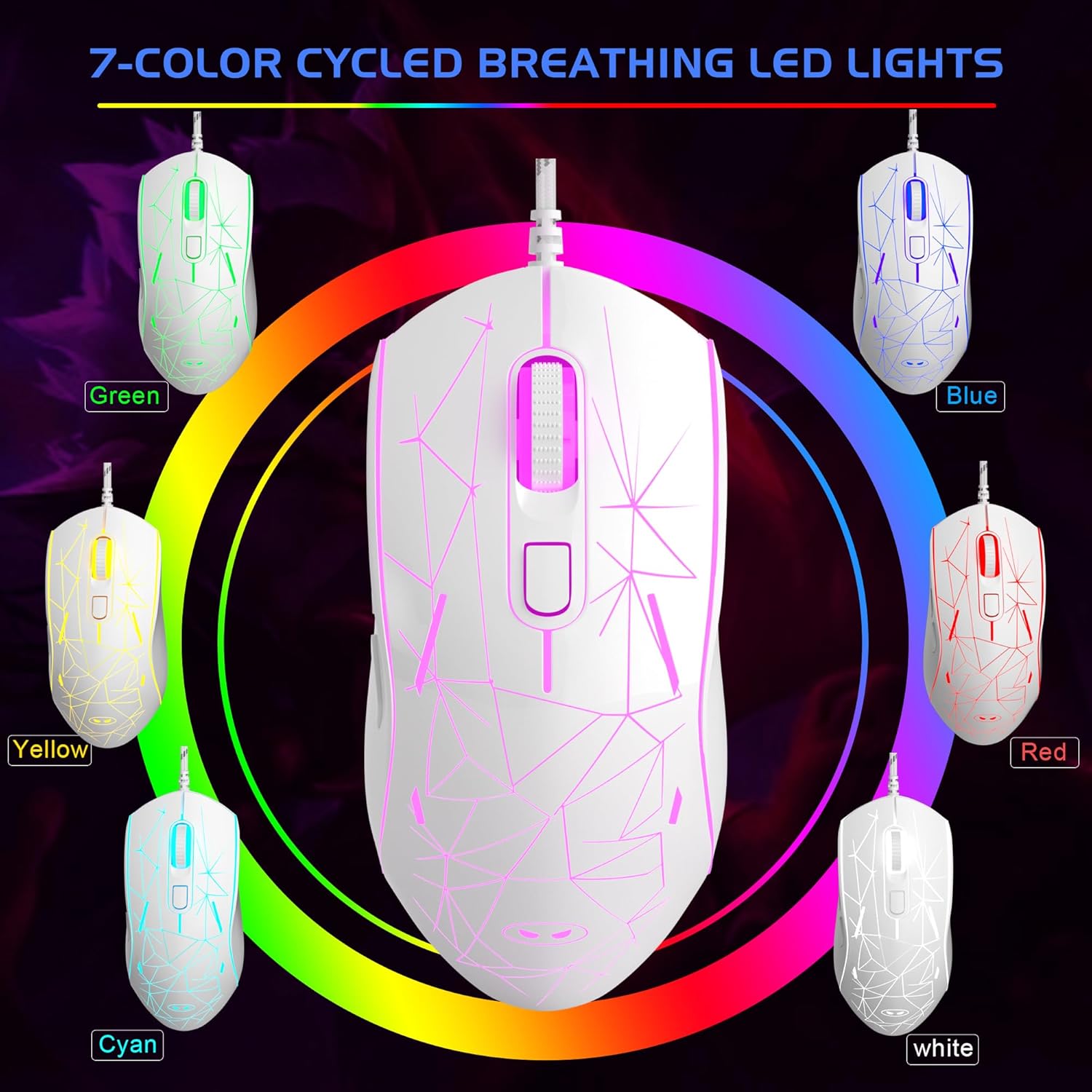
Image: The MageGee G6 Wired Gaming Mouse with its USB cable connected to a computer.
3. Istruzioni per l'uso
3.1 Funzioni dei pulsanti
The MageGee G6 offers 6 flexible buttons for versatile control:
- Pulsante sinistro: Funzione standard del clic sinistro.
- Pulsante destro: Funzione standard del clic destro.
- Rotella di scorrimento: Scorre verso l'alto/verso il basso e funziona come un pulsante centrale.
- Speed Button (DPI Button): Adjusts the DPI (Dots Per Inch) sensitivity.
- Pulsante Avanti: Naviga in avanti in web browser o applicazioni.
- Pulsante Indietro: Naviga indietro in web browser o applicazioni.
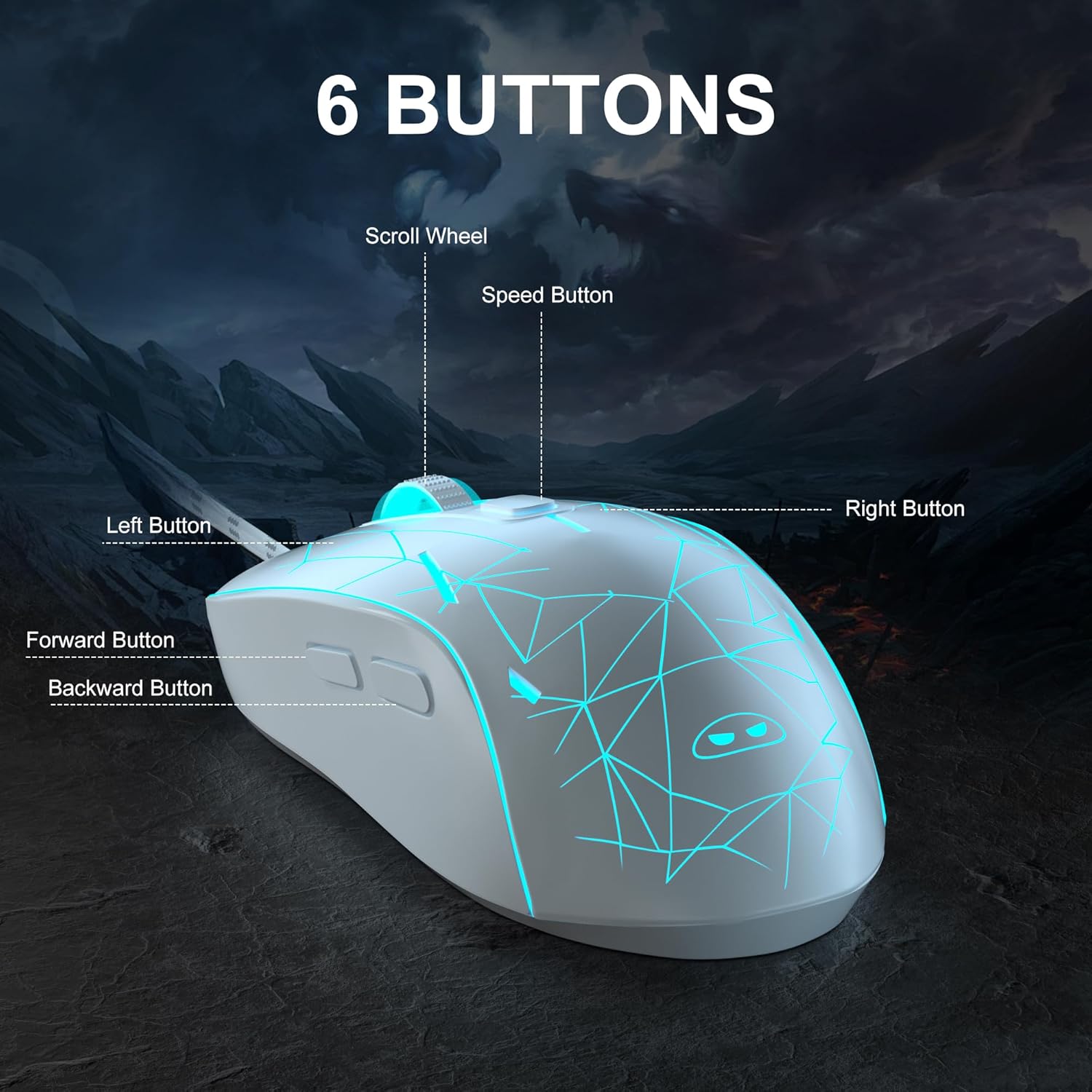
Immagine: Un dettaglio view of the MageGee G6 mouse highlighting the Left, Right, Scroll Wheel, Speed, Forward, and Back buttons.
3.2 Adjusting DPI Speed Levels
The MageGee G6 offers 6 adjustable DPI speed levels for precise cursor control:
- 600 DPI
- 800 DPI
- 1200 DPI
- 1600 DPI
- 2400 DPI
- 3200 DPI
Premere il tasto Pulsante di velocità (located below the scroll wheel) to cycle through the different DPI settings. Each press will change the sensitivity, allowing you to find the optimal speed for your tasks or games.
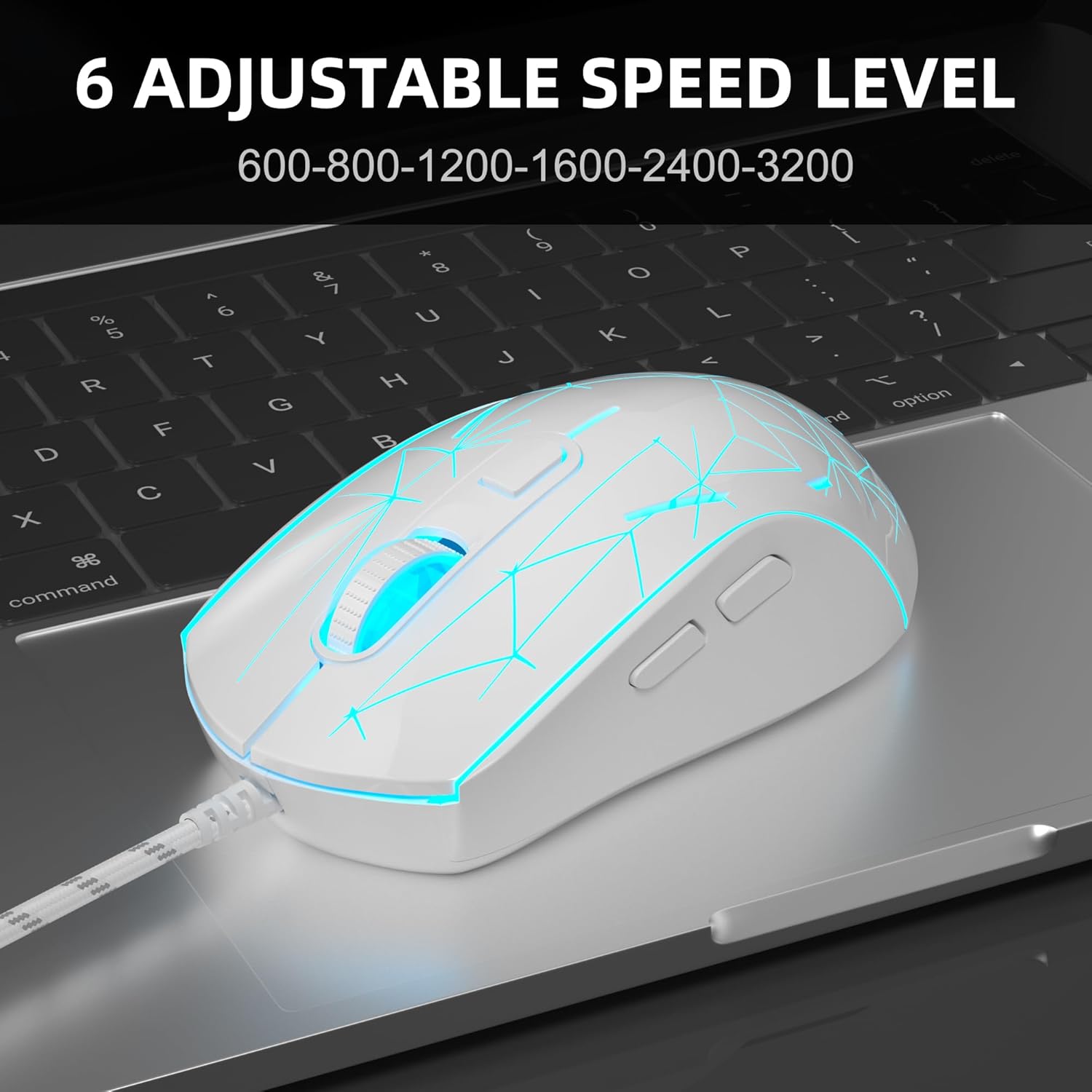
Image: The MageGee G6 mouse in use, demonstrating the adjustable DPI settings from 600 to 3200.
Controllo della retroilluminazione a LED 3.3
The MageGee G6 features 7-color breathing LED backlighting. You can control the lighting as follows:
- Cambiare colore: Premere il tasto Pulsante di velocità e il Pulsante Avanti simultaneously to cycle through and lock a specific color.
- Accensione/spegnimento delle luci: Premere e tenere premuto il tasto Pulsante di velocità for 3 seconds to toggle the LED lights on or off.
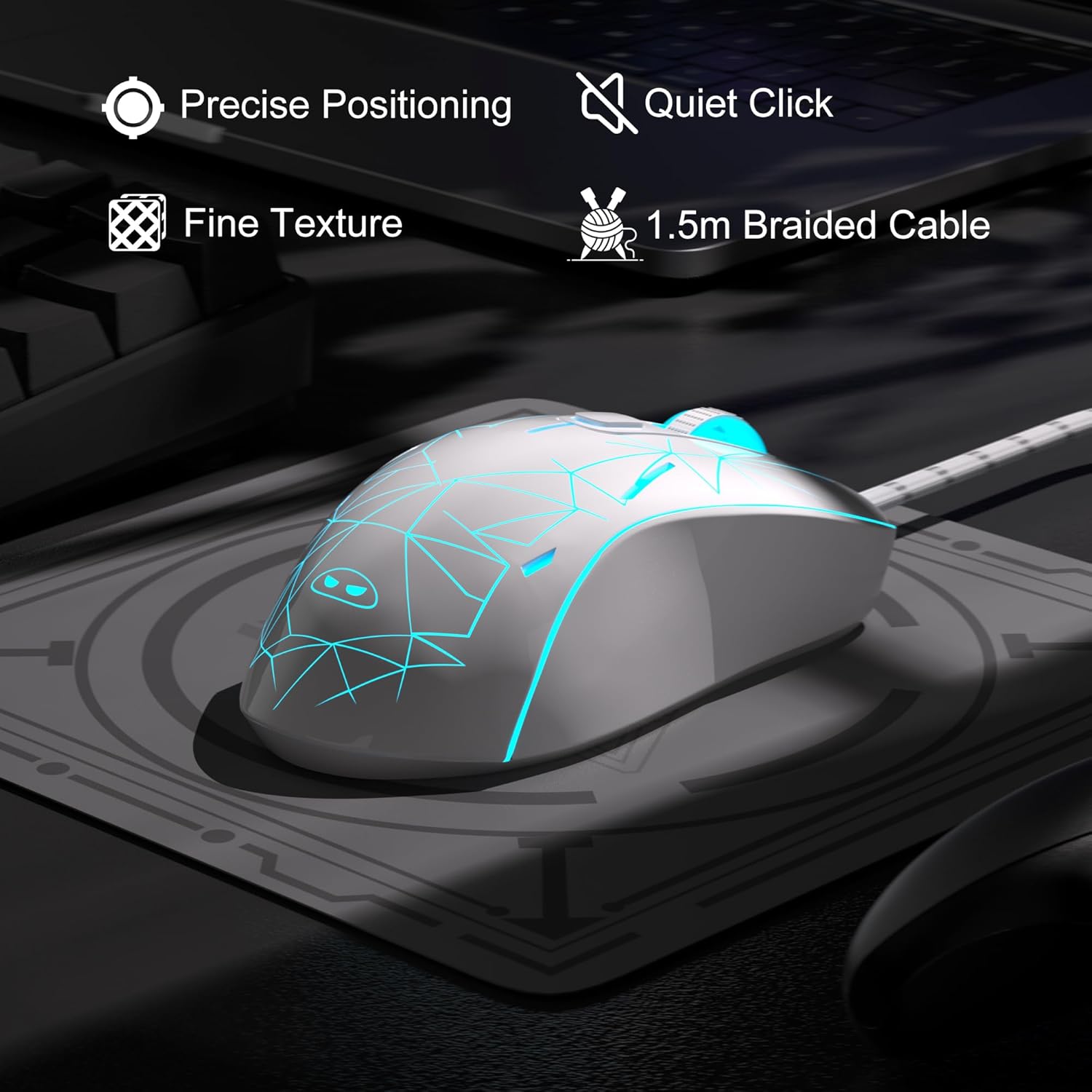
Image: The MageGee G6 mouse showcasing its 7-color breathing LED lights, including green, yellow, cyan, blue, red, and white.
4. Manutenzione
- Pulizia: Per pulire il mouse, utilizzare un panno morbido e asciutto. Evitare l'uso di prodotti chimici aggressivi o materiali abrasivi.
- Cura del cavo: Do not pull or twist the braided USB cable excessively to prevent damage.
- Magazzinaggio: Store the mouse in a dry place away from extreme temperatures.
5. Risoluzione Dei Problemi
5.1 Il mouse non risponde
- Assicurati che il cavo USB sia collegato saldamente a una porta USB funzionante del tuo computer.
- Prova a collegare il mouse a una porta USB diversa.
- Riavvia il computer.
5.2 Le luci LED non funzionano
- Assicurati che il mouse sia collegato correttamente al computer.
- Premere e tenere premuto il tasto Pulsante di velocità for 3 seconds to toggle the LED lights on or off.
5.3 Il movimento del cursore è irregolare
- Pulisci il sensore ottico nella parte inferiore del mouse con un panno morbido.
- Assicurati di utilizzare il mouse su una superficie adatta (ad esempio un tappetino per mouse).
- Adjust the DPI sensitivity using the Pulsante di velocità.
6. Specifiche
| Caratteristica | Dettaglio |
|---|---|
| Marca | MageGee |
| Modello | G6 |
| Tecnologia di connettività | USB, cablato |
| Tecnologia di rilevamento del movimento | Ottico |
| Livelli DPI | 600/800/1200/1600/2400/3200 (Adjustable) |
| Pulsanti | 6 (Left, Right, Scroll Wheel, Speed, Forward, Back) |
| retroilluminazione a LED | 7 Colors Breathing LED (Blue, Red, Green, Purple, Cyan, Yellow, White) |
| Lunghezza del cavo | 1.5 meters (Durable Braided Cable) |
| Ergonomia | Ergonomic Design with Comfortable Grip |
| Compatibilità | Windows 10, 8, 7, XP, WinME, Vista, Linux, PC, Laptop, Desktop |
| Peso dell'articolo | 5.6 once |
| Dimensioni del pacco | 5.31 x 3.62 x 1.65 pollici |
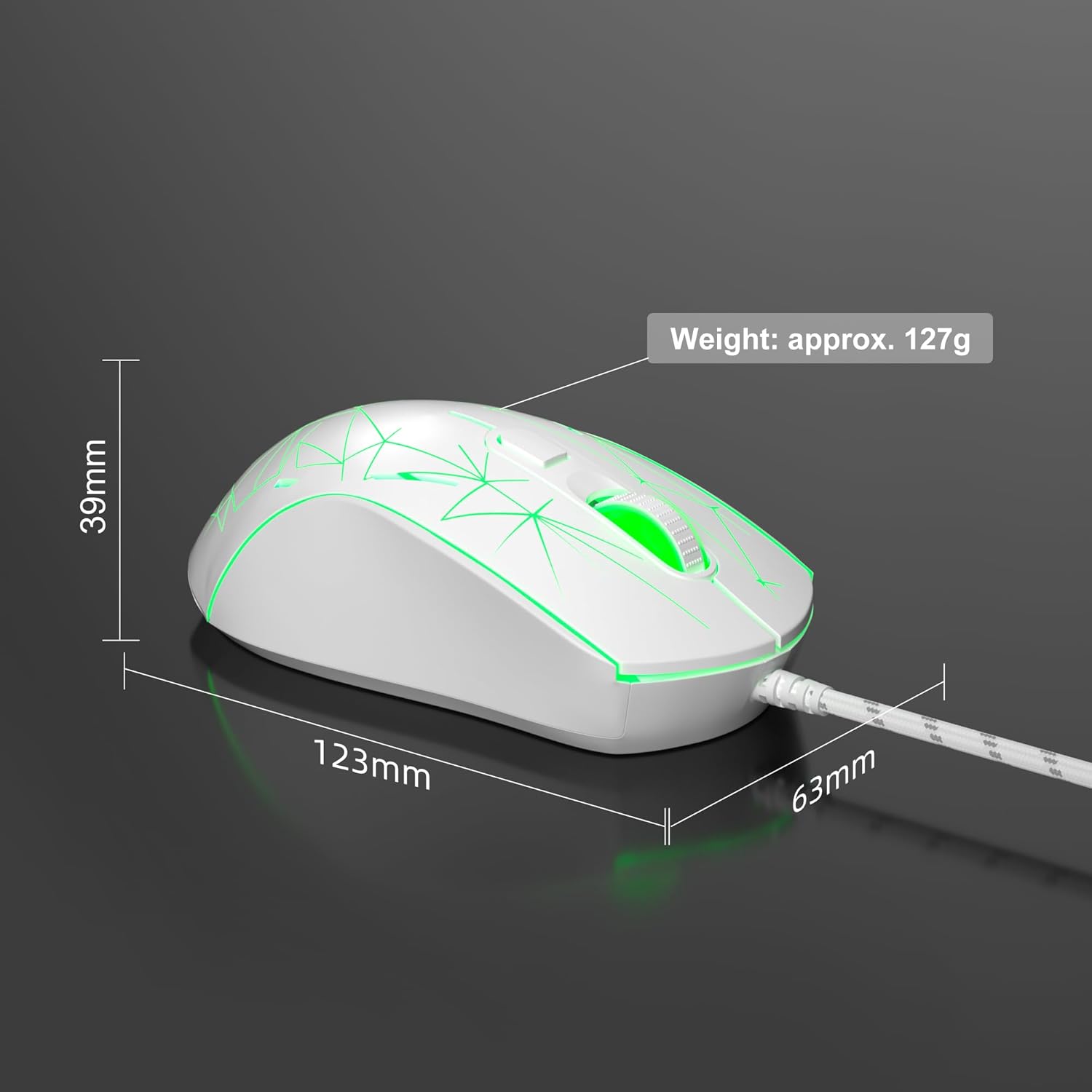
Image: Diagram illustrating the dimensions of the MageGee G6 Wired Gaming Mouse (123mm length, 63mm width, 39mm height, approx. 127g weight).
7. Garanzia e supporto
For warranty information and customer support, please refer to the official MageGee websito o contattare il rivenditore. Conservare la ricevuta d'acquisto per eventuali reclami in garanzia.
MageGee is committed to technological and product innovation, providing quality computer peripherals. Our after-sales team is available to promptly respond and solve your problems.
Visitare il MageGee Store per ulteriori prodotti e informazioni.