
1. Introduzione
This manual provides detailed instructions for the installation, operation, and maintenance of your Lorex E893AB-E 4K IP Bullet Security Camera. This camera is designed for outdoor surveillance, offering 4K resolution, smart motion detection, two-way talk, and color night vision. It requires connection to a compatible Lorex NVR for full functionality.

Image 1.1: Lorex 4K IP Bullet Security Camera and its retail packaging.
2. Contenuto della confezione
Verifica che tutti gli articoli elencati di seguito siano inclusi nel tuo pacchetto:
- 1x Lorex E893AB-E 4K IP Bullet Camera
- 1x Cat5e Ethernet Cable
- 1x Mounting Kit (screws and wall anchors)
3. Configurazione e installazione
3.1 telecamera sopraview

Immagine 3.1: Lato view of the Lorex E893AB-E camera, showing its bullet form factor and adjustable mount.
3.2 Montaggio della telecamera
- Scegli una posizione: Selezionare una posizione esterna adatta che fornisca il campo di applicazione desiderato view and is within reach of the Ethernet cable connection to your NVR. The camera is IP67 waterproof, suitable for various weather conditions.
- Preparare la superficie: Use the mounting template (if provided) to mark screw holes on the wall or ceiling.
- Fori di perforazione: Praticare dei fori pilota per le viti. Inserire i tasselli a muro se si monta su cartongesso o muratura.
- Fissare la fotocamera: Fissare la base di montaggio della telecamera alla superficie utilizzando le viti in dotazione. Regolare l'angolazione della telecamera secondo necessità.

Immagine 3.2: Es.ample of the Lorex camera securely mounted on an exterior wall.
3.3 Connecting to an NVR
This camera is an add-on unit and requires connection to a compatible Lorex Network Video Recorder (NVR). Compatible NVR series include N843, N844, N845, N846, N847, N884, and N910-series recorders.
- Collegare il cavo Ethernet: Connect one end of the provided Cat5e Ethernet cable to the camera's Ethernet port.
- Connettiti all'NVR: Connect the other end of the Ethernet cable to an available PoE (Power over Ethernet) port on your compatible Lorex NVR. The camera will receive power and data through this single cable.
- Configurazione NVR: Refer to your NVR's instruction manual for specific steps on adding and configuring new IP cameras. The camera should be automatically detected by the NVR.
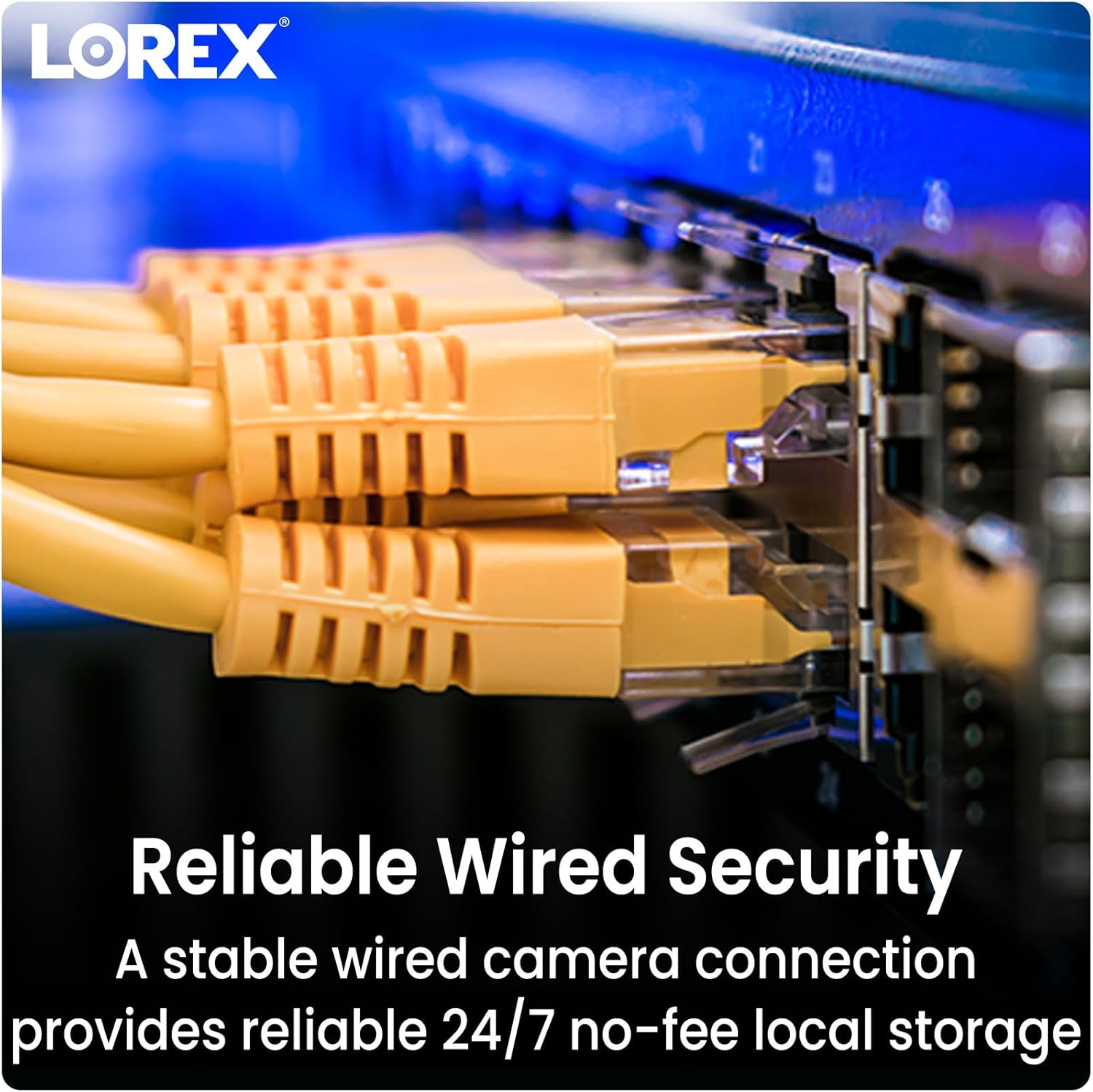
Image 3.3: Ethernet cables providing reliable wired security connection to the NVR.
4. Utilizzo della fotocamera
Risoluzione 4.1 4K Ultra HD
The camera captures video in 4K (8MP) Ultra HD resolution, providing clear and detailed images. This high resolution allows for enhanced digital zoom capabilities to view specific areas with greater clarity.

Image 4.1: Visual comparison demonstrating the sharpness and detail of 4K Ultra HD video.
4.2 Rilevamento intelligente del movimento
The camera features Smart Motion Detection Plus, which can differentiate between persons, vehicles, and faces. This reduces false alarms and ensures you receive relevant mobile push notifications through the Lorex Home app.

Image 4.2: A smartphone screen showing a notification from the Lorex Home app indicating detected motion.
4.3 Color Night Vision and IR Night Vision
La telecamera offre due modalità di visione notturna:
- Visione notturna a colori: Provides full-color video in low-light conditions with ambient light present.
- Visione notturna IR: Utilizes infrared LEDs to deliver clear black and white video in complete darkness, with a range of up to 150 feet.

Immagine 4.3: Un'immagine divisa che confronta view from infrared night vision (monochrome) and color night vision in a dark environment.

Image 4.4: The camera's integrated spotlight illuminating an area at night.
4.4 Comunicazione bidirezionale
Utilize the built-in microphone and speaker for two-way communication. This allows you to speak with visitors or deter unwanted guests directly through the Lorex Home app on your smartphone.

Image 4.5: An illustration of the two-way talk feature, showing a user communicating with a delivery person.
4.5 Smart Home Compatibility
The Lorex Home app provides hands-free voice control and integration with smart home platforms. Use simple voice commands with Amazon Alexa and Google Assistant to activate features or view feed della telecamera.
5. Manutenzione
To ensure optimal performance and longevity of your Lorex E893AB-E camera, follow these maintenance guidelines:
- Pulizia regolare: Pulire periodicamente l'obiettivo e l'alloggiamento della fotocamera con un panno morbido eamp panno per rimuovere polvere, sporco o macchie d'acqua che potrebbero ostruire il viewEvitare detergenti abrasivi.
- Controllare le connessioni: Ensure the Ethernet cable connection remains secure and free from damage.
- Aggiornamenti del firmware: Regularly check for and install firmware updates for your NVR and camera through the Lorex Home app or Lorex website to benefit from improved features and security enhancements.
5.1 Weatherproof Durability
The camera features robust metal housing and an IP67 weatherproof rating, indicating it is protected against dust ingress and immersion in water up to 1 meter for 30 minutes. This ensures reliable operation in various outdoor conditions.

Image 5.1: The camera operating effectively outdoors during a rain shower, highlighting its weatherproof construction.
6. Risoluzione Dei Problemi
If you encounter issues with your Lorex E893AB-E camera, consider the following troubleshooting steps:
- Nessun feed video:
- Verify the Ethernet cable is securely connected to both the camera and the NVR.
- Assicurarsi che l'NVR sia acceso e funzioni correttamente.
- Check if the camera's PoE port on the NVR is active.
- Confirm the camera is compatible with your specific Lorex NVR model (N843/N844/N845/N846/N847/N884/N910-series).
- Scarsa qualità video:
- Pulisci l'obiettivo della fotocamera per rimuovere sporco o macchie.
- Assicurarsi che non vi siano ostacoli nel campo di ripresa della telecamera view.
- Check network bandwidth if experiencing lag or pixelation.
- Il rilevamento del movimento non funziona:
- Review motion detection settings in your NVR or Lorex Home app.
- Assicurarsi che le zone di rilevamento siano configurate correttamente.
- Controllare eventuali ostacoli fisici che bloccano la telecamera view.
- Problemi di comunicazione bidirezionale:
- Verify microphone and speaker settings in the Lorex Home app.
- Ensure your smartphone's volume is adjusted correctly.
- Check network connectivity for real-time audio transmission.
7. Specifiche
Detailed technical specifications for the Lorex E893AB-E 4K IP Bullet Security Camera:

Image 7.1: Product label showing model number E893AB-E, serial number, and power specifications.
| Caratteristica | Specificazione |
|---|---|
| Nome del modello | E893AB-E |
| Risoluzione di acquisizione video | 4K (8MP) |
| Uso interno/esterno | All'aperto |
| Tecnologia di connettività | Cablato (Ethernet) |
| Fonte di alimentazione | Elettrico con cavo (PoE) |
| Viewangolo di ing | 108 gradi |
| Gamma di visione notturna | 150 piedi (IR) |
| Livello di resistenza all'acqua | IP67 impermeabile |
| Caratteristiche speciali | 2-Way Audio, Built-In Light, Smart Motion Sensor, Weather Proof |
| Materiale | Metallo |
| Dimensioni (L x P x A) | 6.89 x 2.87 x 2.76 pollici |
| Peso dell'articolo | 3.1 libbre |
| Codice UPC | 695529034133 |
8. Garanzia e supporto
8.1 Informazioni sulla garanzia
Lorex products typically come with a limited warranty. Please refer to the official Lorex website or your product's packaging for specific warranty terms and conditions, as these may vary by region and product.
8.2 Assistenza clienti
For technical assistance, product registration, or further inquiries, please visit the official Lorex support website or contact their customer service. You can find contact details and support resources at www.lorex.com.