
1. Introduzione
The Cryfokt Portable Pottery Wheel Machine is designed for shaping and carving clay, suitable for school ceramic teaching, pottery studios, DIY shops, or home use. Its compact and portable design makes it convenient for various users, from beginners to amateur pottery enthusiasts. This electric pottery wheel features a powerful motor, adjustable speed, and low noise operation.
The machine is equipped with an aluminum turntable, ensuring smooth and stable rotation for easy creation of various ceramic works. It is built for durability and ease of use, providing a reliable tool for your pottery projects.
2. Informazioni sulla sicurezza
- Always ensure the pottery wheel is placed on a stable, level, and dry surface before operation.
- Keep the machine away from water or excessive moisture to prevent electrical hazards.
- Unplug the power adapter from the wall outlet when the machine is not in use or during cleaning.
- Do not touch the rotating turntable with bare hands or clothing while the machine is operating.
- Children should only use this product under direct adult supervision.
- Evitare di posizionare oggetti pesanti sul cavo di alimentazione o sull'adattatore.
- If any damage is observed on the power cord, adapter, or the machine itself, discontinue use immediately and contact customer support.
- Use only the provided power adapter with the machine.
3. Contenuto della confezione
Si prega di controllare il pacco per assicurarsi che siano presenti tutti gli articoli:
- 1 x Portable Pottery Wheel Machine
- 1 x Power Adapter with Speed Control Dial
- 1 x Removable Protective Cover
- 1 x 8-Piece Pottery Tool Set

Image: The Cryfokt Portable Pottery Wheel Machine, including the main unit, power adapter, cover, and an 8-piece pottery tool set.
4. Impostazione
- Disimballare la macchina: Rimuovere con attenzione tutti i componenti dalla confezione.
- Posizionamento: Place the pottery wheel on a flat, stable, and dry surface. Ensure there is enough space around the machine for comfortable operation and to prevent accidental spills.
- Connetti alimentazione: Locate the power input port on the side of the pottery wheel. Connect the power adapter cable to this port.
- Collegare: Ensure the power switch on the machine is in the 'OFF' position. Plug the power adapter into a suitable electrical outlet.
- Preparare gli strumenti: Have your 8-piece pottery tool set and any other necessary clay tools ready for use.

Immagine: Primo piano view of the power input port located on the red base of the pottery wheel.

Immagine: Primo piano view of the toggle power switch on the side of the pottery wheel's red base.
5. Istruzioni per l'uso
- Accensione: Flip the toggle switch on the side of the machine to the 'ON' position. The turntable will begin to rotate.
- Regola la velocità: Use the speed control dial on the power adapter cord to adjust the rotation speed. The speed is continuously adjustable from 0 to 2000 RPM. Turn the dial clockwise to increase speed and counter-clockwise to decrease it.
- Cambia direzione: The toggle switch also controls the direction of rotation (forward/reverse). Flip the switch to change the spinning direction as needed for your project.
- Preparare l'argilla: Take a suitable amount of clay and knead it to remove air bubbles.
- Center the Clay: Place the clay firmly in the center of the turntable. Use wet hands and gentle pressure to center the clay as the wheel spins.
- Shaping and Carving: Once the clay is centered, use your hands and the provided tools to shape and carve your pottery piece. Keep your hands and the clay wet to maintain workability.
- Finitura: After shaping, carefully remove your pottery piece from the turntable.
- Spegni: When finished, turn the speed dial to the minimum setting, then flip the toggle switch to the 'OFF' position. Unplug the power adapter.

Image: The power adapter featuring a dial for adjusting the speed of the pottery wheel.

Video: A demonstration of the Cryfokt Portable Pottery Wheel Machine in operation, showcasing its use for shaping clay.
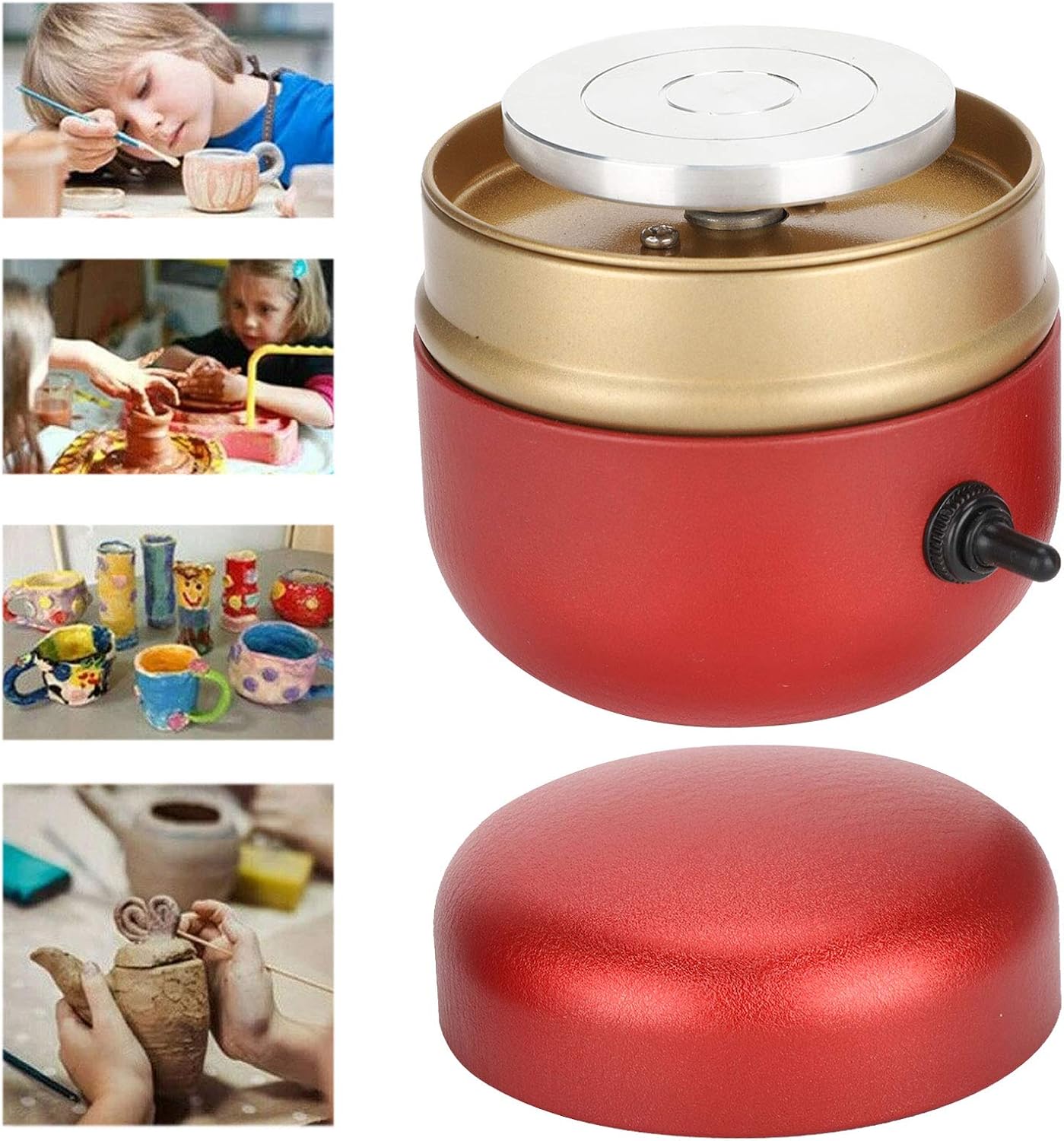
Image: A collage showing individuals, including children, engaged in pottery making using similar mini pottery wheels and tools.
6. Manutenzione
- Pulizia del giradischi: After each use, clean the aluminum turntable and the waterproof frame with a damp cloth or sponge to remove any clay residue. Ensure no water enters the motor housing.
- Cura degli utensili: Clean the 8-piece pottery tool set thoroughly after each use and store them in a dry place.
- Magazzinaggio: Store the pottery wheel in a dry, dust-free environment when not in use. You can place the protective cover over the turntable to keep it clean.
- Evitare prodotti chimici aggressivi: Non utilizzare detergenti abrasivi o solventi su nessuna parte della macchina.

Immagine: Un dettaglio view of the silver aluminum turntable, which should be cleaned after each use.

Image: The Cryfokt Portable Pottery Wheel Machine shown with its matching red protective cover.
7. Risoluzione Dei Problemi
- La macchina non si accende:
- Check if the power adapter is securely plugged into both the machine and the electrical outlet.
- Assicurarsi che l'interruttore di alimentazione sia in posizione "ON".
- Verificare che la presa elettrica funzioni testandola con un altro dispositivo.
- Turntable Speed is Inconsistent:
- Check the speed control dial on the power adapter; ensure it is not loose or damaged.
- Assicurarsi che l'adattatore di alimentazione fornisca un'alimentazione stabile.
- Rumore o vibrazioni eccessivi:
- Ensure the machine is placed on a completely flat and stable surface.
- Check for any obstructions or debris under the turntable.
- Se il rumore persiste, interrompere l'uso e contattare l'assistenza clienti.
8. Specifiche
| Marca | Cryfokt |
| Numero di modello | Cryfoktoqftndp64s-11 |
| Voltage | 240 Volt |
| Fonte di alimentazione | Elettrico con cavo |
| Potenza nominale | 30W |
| Massima velocità di rotazione | 2000 giri al minuto |
| Usi consigliati | Shaping, Carving |
| Caratteristiche speciali | Compatto, portatile |
| Materiale del giradischi | Alluminio |
| Livello di rumore | Meno di 60 dB |
| Componenti inclusi | 1 x 8-Piece Pottery Tool Set |
9. Garanzia e supporto
This Cryfokt product is supported by a 90-day return or replacement policy from the date of purchase. For any product inquiries, technical assistance, or warranty claims, please contact Cryfokt customer support through your retailer or the official Cryfokt websito.
Si prega di conservare la prova d'acquisto ai fini della garanzia.
Risorse aggiuntive
For visual guidance on using your pottery wheel, please refer to the following videos:
Video: Una panoramica completaview of the Cryfokt Portable Pottery Wheel Machine, demonstrating its features and basic operation.
Video: Un breve preview mostrareasing the Cryfokt Portable Pottery Wheel Machine in action, highlighting its compact design and ease of use.