
1. Introduzione
Thank you for choosing the LAXIHUB P2 2K/3MP Indoor Wi-Fi Security Camera. This manual provides essential information for setting up, operating, and maintaining your device. The P2 camera offers advanced features such as 2K/3MP video resolution, 360-degree pan and tilt functionality, enhanced night vision, two-way audio communication, and intelligent motion and sound detection. It is designed to help you monitor your home, pets, or children with ease and peace of mind.

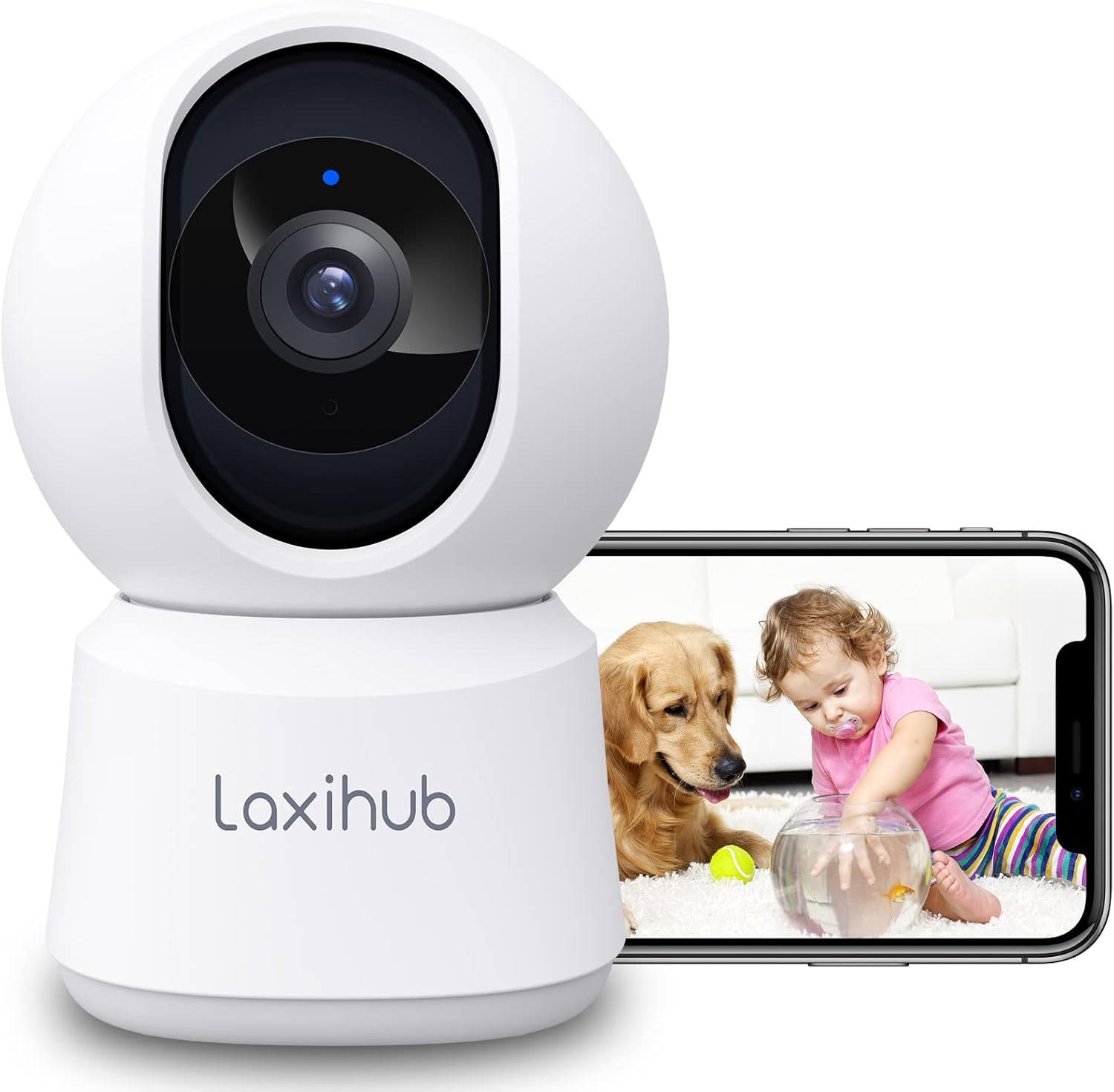
LAXIHUB P2 Indoor Security Camera showing a golden retriever and a baby, with a smartphone displaying the live feed.
2. Funzionalità finiteview
The LAXIHUB P2 camera is equipped with a range of features to enhance your home monitoring experience:
- 2K/3MP Video Resolution: Fornisce video chiari e dettagliatitage.
- Panoramica e inclinazione a 360°: Offre un'ampia viewing angle with 355° horizontal and 93° vertical rotation.
- Visione notturna migliorata: Clear visibility up to 33 feet (10 meters) in complete darkness.
- Audio bidirezionale: Microfono e altoparlante integrati per comunicazioni in tempo reale.
- Rilevamento di movimento e suono: Sends instant alerts to your smartphone upon detecting activity.
- Zone di attività personalizzabili: Definire aree specifiche per il rilevamento del movimento.
- Opzioni di archiviazione flessibili: Supports local SD card storage (up to 256GB, not included) and cloud storage.
- Modalità privacy: Turn off the camera with one click via the app.
- Controllo vocale: Compatibile con Amazon Alexa e Google Assistant.

Infographic detailing LAXIHUB P2 camera features: 2K 3MP view, customizable privacy mode, flexible 256GB storage, sharing, night vision, real-time alerts, and Alexa compatibility.
3. Contenuto della confezione
Si prega di controllare la confezione per verificare la presenza dei seguenti elementi:
- LAXIHUB P2 Camera (1)
- Alimentazione (1)
- Mounting Accessories (Screws, Wall Plugs, Mounting Plate)
- Manuale dell'utente (questo documento)
4. Guida all'installazione
4.1 Download dell'app e creazione dell'account
- Download the Arenti App from the App Store (iOS) or Google Play Store (Android).
- Apri l'app e crea un nuovo account oppure accedi se ne hai già uno.
4.2 Accensione della fotocamera
- Collegare l'alimentatore alla porta di alimentazione della telecamera.
- Collegare l'adattatore di corrente a una presa a muro.
- The camera will power on, and the indicator light will flash, indicating it's ready for pairing.
4.3 Associazione del dispositivo (connessione Wi-Fi)
- In the Arenti App, tap the "+" icon to add a new device.
- Select your LAXIHUB P2 camera model from the list.
- Segui le istruzioni sullo schermo per connettere la fotocamera alla tua rete Wi-Fi a 2.4 GHz. Assicurati che il tuo telefono sia connesso alla stessa rete Wi-Fi.
- Scan the QR code displayed on your phone screen with the camera lens. Hold the phone approximately 15-20 cm (6-8 inches) from the camera.
- Una volta effettuata la connessione, la spia luminosa della fotocamera diventerà blu fissa e verrà emesso un suono di conferma.
4.4 Posizionamento e montaggio
The LAXIHUB P2 camera can be placed on a flat surface or mounted on a wall or ceiling.
- Posizionamento sul tavolo: Simply place the camera on a stable surface with a clear view dell'area che desideri monitorare.
- Montaggio a parete/soffitto:
- Attach the mounting plate to the desired location using the provided screws and wall plugs.
- Securely attach the camera to the mounting plate by twisting it into place.
- Adjust the camera angle in the app if necessary to ensure proper orientation.
5. Istruzioni per l'uso
5.1 Vivere View e controllo Pan/Tilt
Access the live video feed from your camera through the Arenti App. Use the on-screen controls to remotely adjust the camera's viewangolo di ing.
- Pan: Ruota la telecamera orizzontalmente fino a 355 gradi.
- Inclinazione: Regolare la telecamera verticalmente fino a 93 gradi.

LAXIHUB P2 camera demonstrating 355-degree horizontal and 93-degree vertical rotation, controlled via a smartphone app.
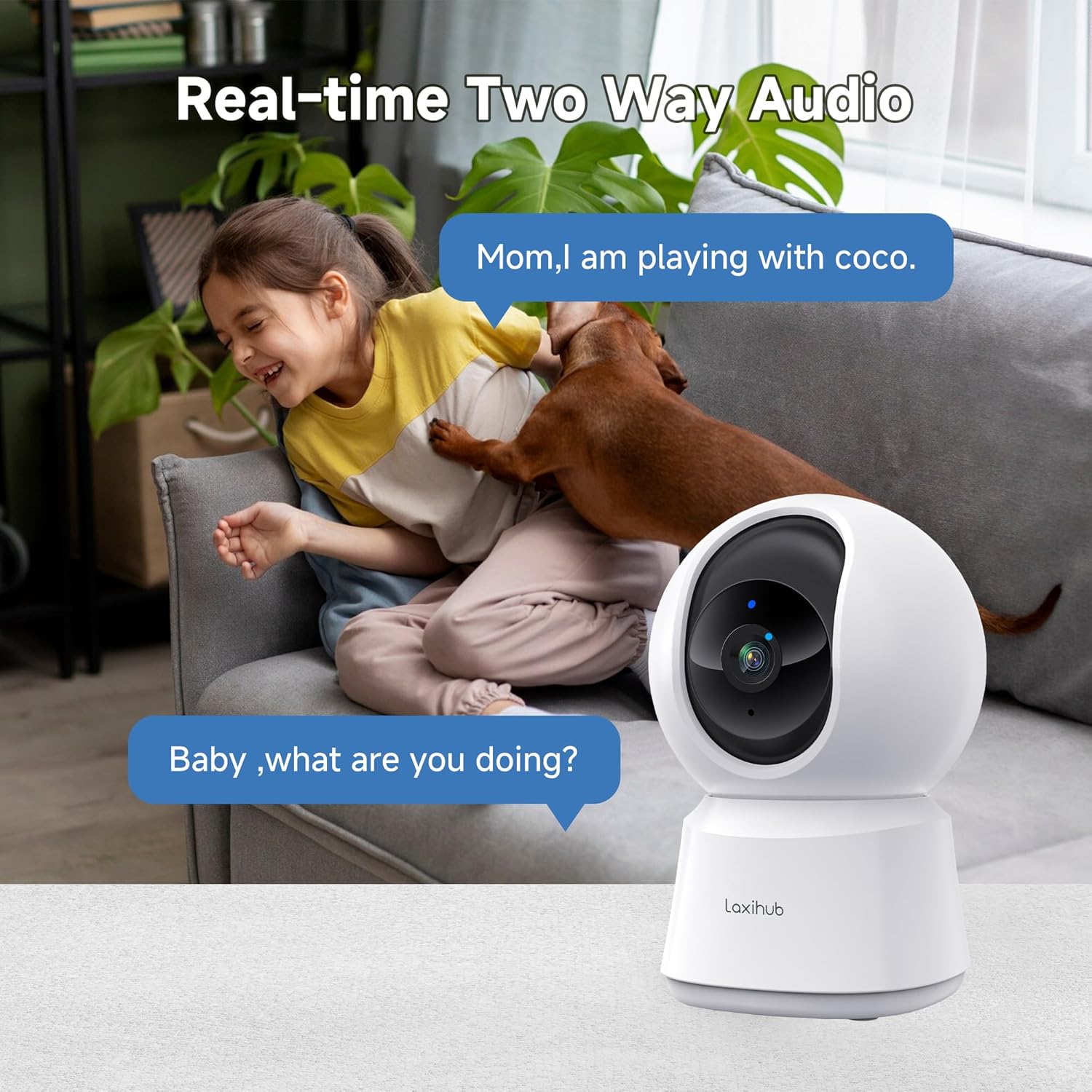
5.2 Audio bidirezionale
The camera features a built-in microphone and speaker, allowing you to listen to your environment and speak through the camera.
- Tocca l'icona del microfono nell'app per parlare. La tua voce verrà trasmessa tramite l'altoparlante della telecamera.
- Ensure the speaker icon is enabled to hear audio from the camera's location.

A child and a dog interacting in a living room, with the LAXIHUB P2 camera in the foreground, depicting two-way audio communication.
5.3 Rilevamento di movimento e suono
The camera can detect motion and sound, sending instant alerts to your smartphone.
- Tracciamento del movimento: When motion is detected, the camera can automatically track the subject to keep it in view.
- Sensibilità regolabile: Customize the sensitivity levels for both motion and sound detection in the app to minimize false alarms.
- Zone di attività: Imposta aree specifiche all'interno della telecamera view for motion detection, ignoring irrelevant areas.
LAXIHUB P2 camera tracking multiple cats in a living room, illustrating its smart motion tracking feature.

A cat on a sofa with a phone displaying a 'P2T Sound detected...' alert message, illustrating the camera's noise detection feature.
5.4 Visione notturna
The camera automatically switches to enhanced infrared night vision in low-light conditions, providing clear black and white video up to 33 feet (10 meters).

A sleeping baby in a crib, viewed through the LAXIHUB P2 camera's enhanced night vision, showing the LED IR sensor and automatic activation up to 33ft in darkness.
5.5 Archiviazione video
Your video recordings can be stored in two ways:
- Micro SD Card: Insert a Micro SD card (up to 256GB, not included) into the camera's slot for local storage. Recordings can be exported from the SD card.
- Archiviazione cloud: LAXIHUB offers a free 3-month cloud storage trial. Your data is securely stored on AWS servers.

LAXIHUB P2 camera with an inset showing an SD card being inserted, and icons for SD card and cloud storage options.
5.6 Modalità Privacy
Activate Privacy Mode via the Arenti App to temporarily turn off the camera and stop recording, ensuring your privacy when needed.
5.7 Integrazione dell'assistente vocale
The LAXIHUB P2 camera is compatible with Amazon Alexa and Google Assistant. You can use voice commands to view il feed live sui display intelligenti compatibili.
- Follow the instructions in your Alexa or Google Home app to link your Arenti account.
- Example command: "Alexa, show me the living room camera."
6. Manutenzione
6.1 Pulizia
To ensure optimal performance, keep the camera lens clean.
- Gently wipe the lens with a soft, dry, lint-free cloth.
- Evitare l'uso di prodotti chimici aggressivi o detergenti abrasivi.
6.2 Aggiornamenti firmware
Periodically check the Arenti App for available firmware updates. Keeping your camera's firmware up-to-date ensures you have the latest features and security enhancements.
- Accedi alle impostazioni della fotocamera nell'app.
- Select "Firmware Update" and follow the prompts.
7. Risoluzione Dei Problemi
| Problema | Possibile causa | Soluzione |
|---|---|---|
| Fotocamera offline | Nessuna alimentazione; Wi-Fi disconnesso; Segnale Wi-Fi debole | Controllare la connessione di alimentazione; riavviare la telecamera e il router; assicurarsi che la telecamera sia nel raggio di copertura del Wi-Fi. |
| Impossibile connettersi al Wi-Fi | Incorrect Wi-Fi password; Not 2.4GHz network; Too far from router | Verifica la password; assicurati di connetterti a una rete a 2.4 GHz; avvicina la telecamera al router. |
| Avvisi di movimento/suono non ricevuti | Notifications disabled; Sensitivity too low; App not running in background | Enable app notifications; Adjust sensitivity settings; Ensure app is allowed to run in background. |
| Scarsa qualità video | Segnale Wi-Fi debole; Lente sporca | Migliorare la potenza del segnale Wi-Fi; pulire l'obiettivo della fotocamera. |
| Problemi audio bidirezionali | Microphone/speaker muted; Network latency | Check audio settings in app; Ensure stable internet connection. |
8. Specifiche
| Caratteristica | Dettaglio |
|---|---|
| Numero di modello | P2 |
| Dimensioni (L x P x A) | Dimensioni: 7.6 x 7.3 x 11.7 cm |
| Peso | 190 grammi |
| Risoluzione video | 2K/3MP (2560 x 1080 pixels) |
| Frequenza dei fotogrammi | 25 fotogrammi al secondo |
| Pan Angle | 355 gradi in orizzontale |
| Angolo di inclinazione | 93 degrees vertical |
| Gamma di visione notturna | Fino a 33 piedi (10 metri) |
| LED IR | 2 |
| Connettività | Wi-Fi (2.4GHz only), Wired |
| Fonte di alimentazione | Electric Cable, 5V, 4.5W |
| Opzioni di archiviazione | Scheda Micro SD (fino a 256 GB), archiviazione cloud |
| Metodo di controllo | App Arenti |
| Compatibilità con l'assistente vocale | Amazon Alexa, Assistente Google |
| Ambiente di utilizzo | Al chiuso |
| Grado di protezione IP | IP65 (Note: While rated IP65, this camera is recommended for indoor use.) |
Comparison image showing the difference between 1080P and LAXIHUB P2's 2K/3MP video resolution.
9. Garanzia e supporto
9.1 Informazioni sulla garanzia
LAXIHUB products typically come with a limited warranty. Please refer to the warranty card included in your product packaging or visit the official LAXIHUB websito per termini e condizioni di garanzia dettagliati specifici per la tua regione.
9.2 Assistenza clienti
If you encounter any issues or have questions regarding your LAXIHUB P2 camera, please contact our customer support team:
- E-mail: Check the LAXIHUB official websito per l'indirizzo email di supporto più aggiornato.
- Risorse online: Visit the LAXIHUB support page for FAQs, video tutorials, and additional resources.