
Introduzione
Thank you for choosing the VOYEE Wireless Controller for PlayStation 4. This manual provides detailed instructions on how to set up, operate, maintain, and troubleshoot your new controller. Please read this manual thoroughly before use to ensure optimal performance and longevity of your device.
Prodotto finitoview
Caratteristiche principali
- Connettività wireless: Seamless connection to your PlayStation 4 console.
- Doppio feedback di vibrazione: Enhanced haptic feedback for immersive gaming.
- Sensore di movimento a 6 assi: Giroscopio e accelerometro integrati per un controllo preciso del movimento.
- Touchpad multi-touch: Interactive input for various game functions.
- Altoparlante integrato: Delivers additional sound effects directly from the controller.
- Jack per cuffie da 3.5 mm: Connect your headset for private audio and chat.
- Design ergonomico: Impugnatura comoda per sessioni di gioco prolungate.
- Porta di ricarica rapida: Efficient charging for minimal downtime.
Componenti del controller
Familiarize yourself with the various buttons and features of your VOYEE Wireless Controller:
- Pulsanti di azione: Triangle, Circle, Cross, Square.
- Pad direzionale (D-Pad): Su, giù, sinistra, destra.
- Stick analogici: Stick analogici sinistro e destro per il controllo del movimento e della telecamera.
- L1/R1 Buttons & L2/R2 Triggers: Pulsanti e grilletti dorsali.
- Pulsante PS: Powers on the controller, accesses the PS Home screen.
- Pulsante CONDIVIDI: Shares gameplay content.
- Pulsante OPZIONI: Accede ai menu e alle opzioni del gioco.
- Touchpad: Interactive surface for gestures and clicks.
- Barra luminosa: Indicates player number, health, and other game information.
- Porta micro USB: Per la ricarica e la connessione cablata.
- Porta EXT: Per collegare gli accessori.
- Oratore: Built-in mono speaker.
- Jack per cuffie: 3.5mm port for headsets.

Figura 1: Fronte view of the VOYEE Wireless Controller, highlighting its ergonomic design and button layout.

Figura 2: dettagliata view of the SHARE, OPTIONS, and VOYEE buttons, along with the D-pad and R1 trigger.
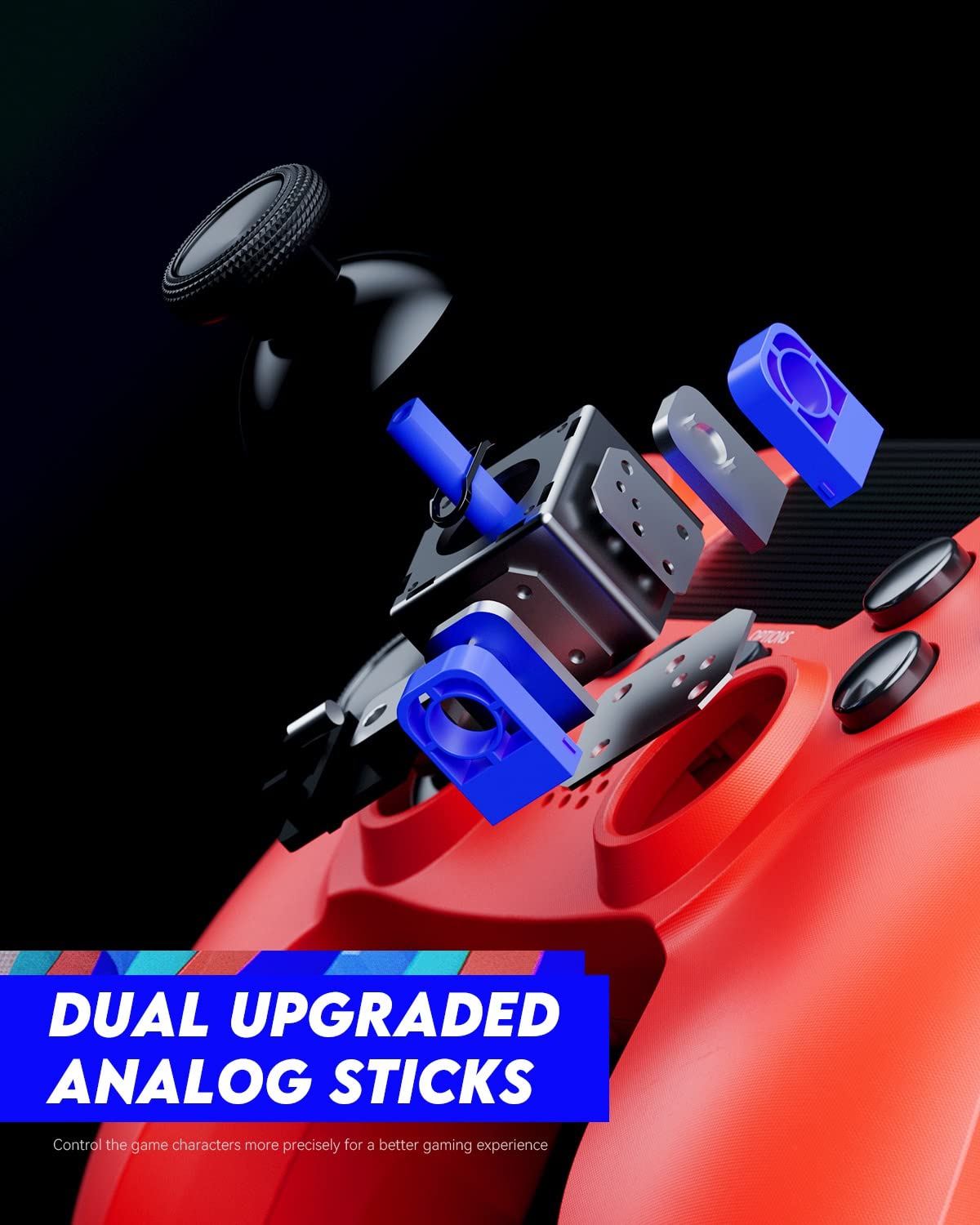
Figure 3: An exploded diagram illustrating the internal components of the dual analog sticks, emphasizing precision control.
Impostare
Caricamento del controller
Before first use, fully charge the controller. The controller features an 800mAh battery for extended playtime.
- Connect the supplied USB cable to the Micro-USB port on the controller.
- Connect the other end of the USB cable to a USB port on your PlayStation 4 console (console must be powered on or in rest mode) or a compatible USB wall charger.
- La barra luminosa sul controller lampeggerà lentamente in arancione durante la ricarica e si spegnerà quando la carica sarà completa.

Figure 4: The controller's light bar illuminates, indicating power or charging status.
Associazione con PlayStation 4
To use the controller wirelessly, it must be paired with your PlayStation 4 console.
- Assicurati che la tua console PlayStation 4 sia accesa.
- Connect the controller to the PS4 console using the USB cable.
- Premere il tasto Pulsante PS on the controller. The controller will power on and automatically pair with the console.
- Once paired, you can disconnect the USB cable and use the controller wirelessly.
- To pair additional controllers, repeat these steps for each controller. The light bar will indicate the player number (Player 1: Blue, Player 2: Red, Player 3: Green, Player 4: Pink).
Istruzioni per l'uso
Controlli di base
The VOYEE Wireless Controller functions similarly to the original PlayStation 4 controller. Refer to your game's instructions for specific button mappings.
- Stick analogici: Use for character movement, camera control, and menu navigation.
- Tasto direzionale: Per un input direzionale preciso, spesso utilizzato nei menu o nei giochi di combattimento.
- Pulsanti di azione (triangolo, cerchio, croce, quadrato): Esegui azioni di gioco come saltare, attaccare o confermare selezioni.
- Pulsanti L1/R1: Spesso utilizzato per azioni rapide o per cambiare arma.
- Trigger L2/R2: Typically used for aiming, shooting, or acceleration/braking in driving games.
- Pulsante PS: Press once to return to the PS Home screen. Press and hold to access the Quick Menu.
- Pulsante CONDIVIDI: Press to open the Share menu, allowing you to take screenshots or record video clips.
- Pulsante OPZIONI: Press to pause games or access in-game options/menus.
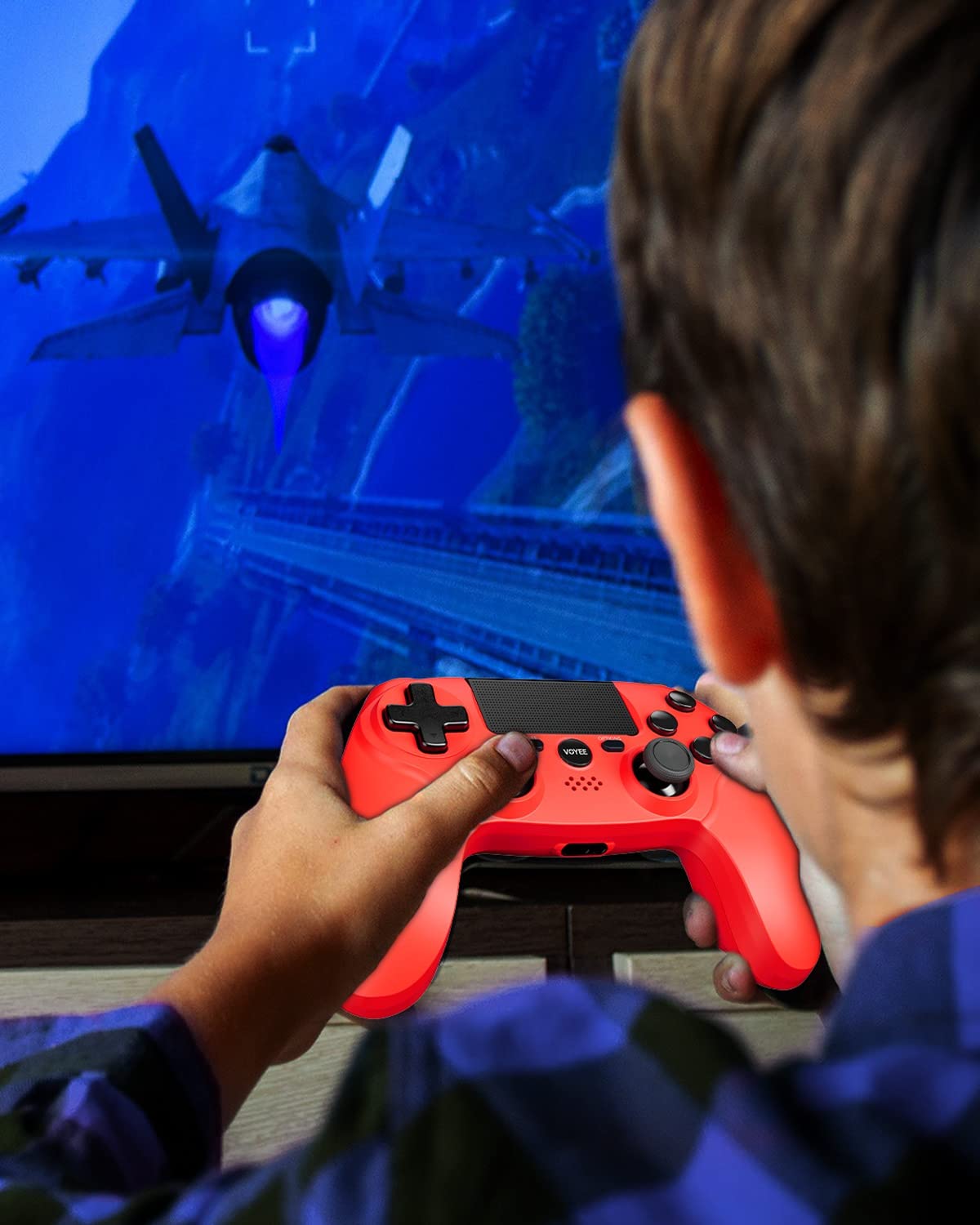
Figure 5: A user actively engaged in gameplay using the VOYEE Wireless Controller.
Utilizzo di funzionalità speciali
- Touchpad: Swipe, tap, or click the touchpad for various in-game interactions, depending on the game's design.
- Sensore di movimento: Tilt and move the controller to control certain game elements, such as steering in racing games or aiming in shooters.
- Risposte di vibrazione: The controller will vibrate to provide tactile feedback during gameplay, such as impacts, explosions, or specific in-game events.
- Jack per cuffie: Plug any standard 3.5mm headset into the jack for game audio and voice chat. Adjust audio settings via the PS4 Quick Menu.

Figure 6: Two players using VOYEE Wireless Controllers for a shared gaming experience.
Manutenzione
Pulizia
To keep your controller in optimal condition:
- Wipe the controller regularly with a soft, dry cloth.
- Per sporco ostinato, leggermente dampPulisci il panno con acqua o una soluzione detergente delicata. Evita prodotti chimici aggressivi.
- Non lasciare che liquidi entrino nelle aperture del controller.
Magazzinaggio
Quando non lo si utilizza, conservare il controller in un luogo fresco e asciutto, lontano dalla luce solare diretta e da temperature estreme.
Cura della batteria
The controller contains a rechargeable lithium-ion battery. To maximize battery life:
- Evitare di scaricare completamente la batteria frequentemente.
- Caricare regolarmente il controller, anche se non lo si utilizza costantemente.
- Do not expose the controller to temperatures above 60°C (140°F).
Risoluzione dei problemi
Problemi di connessione
- Il controller non si connette: Ensure the controller is charged. Connect it to the PS4 with a USB cable and press the PS button to re-pair.
- Disconnessioni frequenti: Ensure there are no obstructions between the controller and the PS4. Move closer to the console. Other wireless devices might cause interference.
Problemi di ricarica
- Il controller non si carica: Try a different USB cable or a different USB port on the PS4 or wall charger. Ensure the PS4 is powered on or in rest mode.
- Ricarica lenta: Use the original USB cable or a high-quality replacement. Ensure the power source provides sufficient current.
Button/Stick Unresponsiveness
- I pulsanti o gli stick analogici non rispondono: Reset the controller by inserting a small, pointed object (like a straightened paperclip) into the small hole on the back of the controller near the L2 button. Hold for 5 seconds. Then, re-pair the controller with the PS4.
- Drift in analog sticks: Perform a controller reset. If the issue persists, contact customer support.
Specifiche
| Marca | VOYEE |
| Dispositivi compatibili | PlayStation 4 |
| Tipo di controllore | Controllo di gioco |
| Connettività | Senza fili |
| Caratteristiche speciali | Ergonomic, Headphone Jack, Rumble, Touchpad, 6-Axis Motion Sensor |
| Numero di pulsanti | 16 |
| Capacità della batteria | 800 mAh (interna) |
| Dimensioni articolo (L x P x A) | 6.61 x 4.53 x 2.95 pollici |
Informazioni sulla sicurezza
Si prega di osservare le seguenti precauzioni di sicurezza:
- Non esporre il controller a temperature estreme, alla luce solare diretta o a elevata umidità.
- Evitare di far cadere o di sottoporre il controller a forti urti.
- Tenere il controller lontano dall'acqua e da altri liquidi.
- Do not attempt to disassemble or modify the controller. This may void your warranty and cause damage.
- Tenere fuori dalla portata dei bambini piccoli.
Garanzia e supporto
For warranty information or technical support, please refer to the documentation included with your purchase or contact VOYEE customer service through the retailer where the product was purchased. Please have your product model and purchase date available when contacting support.