
1. Introduzione
This manual provides essential instructions for the installation, operation, and maintenance of your Lorex Fusion 4K Metal Bullet Camera (Model E841CA-E). This Power over Ethernet (PoE) wired camera is designed for both indoor and outdoor surveillance, offering 4K Ultra HD resolution, color night vision, and robust weatherproof construction. Please read this manual thoroughly before using the product to ensure proper setup and functionality.
2. Informazioni sulla sicurezza
- Fonte di energia: Use only the specified power adapter or PoE connection compatible with your Lorex NVR system. Incorrect power sources can damage the camera and void the warranty.
- Installazione: Ensure the camera is securely mounted to prevent falls. For outdoor installations, use appropriate mounting hardware and ensure all connections are waterproofed.
- Temperatura di esercizio: Operate the camera within the specified temperature range to ensure optimal performance and longevity.
- Pulizia: Disconnect power before cleaning. Use a soft, dry cloth. Avoid harsh chemicals or abrasive cleaners.
- Smontaggio: Non tentare di smontare o modificare la fotocamera. Ciò invaliderà la garanzia e potrebbe causare danni o lesioni.
3. Contenuto della confezione
Please refer to the product packaging for a complete list of included items. Typically, the package contains:
- Lorex Fusion 4K Metal Bullet Camera (Model E841CA-E)
- Kit di montaggio (viti, tasselli)
- Cavo Ethernet (per connessione PoE)
- Guida rapida
4. Impostazione
4.1 Montaggio della telecamera
La telecamera può essere montata su una parete o sul soffitto. Scegliere una posizione che fornisca il campo di ripresa desiderato view and is within reach of your Ethernet cable run.

Immagine: Lato view of the Lorex Fusion 4K Metal Bullet Camera, illustrating its mounting bracket for wall or ceiling installation.
- Preparare la superficie: Mark the screw holes using the mounting template (if provided) or the camera base.
- Fori di perforazione: Praticare dei fori pilota per le viti di montaggio. Inserire i tasselli se si monta su cartongesso o muratura.
- Fissare la fotocamera: Attach the camera base to the mounting surface using the provided screws. Adjust the camera angle as needed.
4.2 Collegamento della telecamera (PoE)
This camera utilizes Power over Ethernet (PoE) for both power and video transmission, simplifying installation.
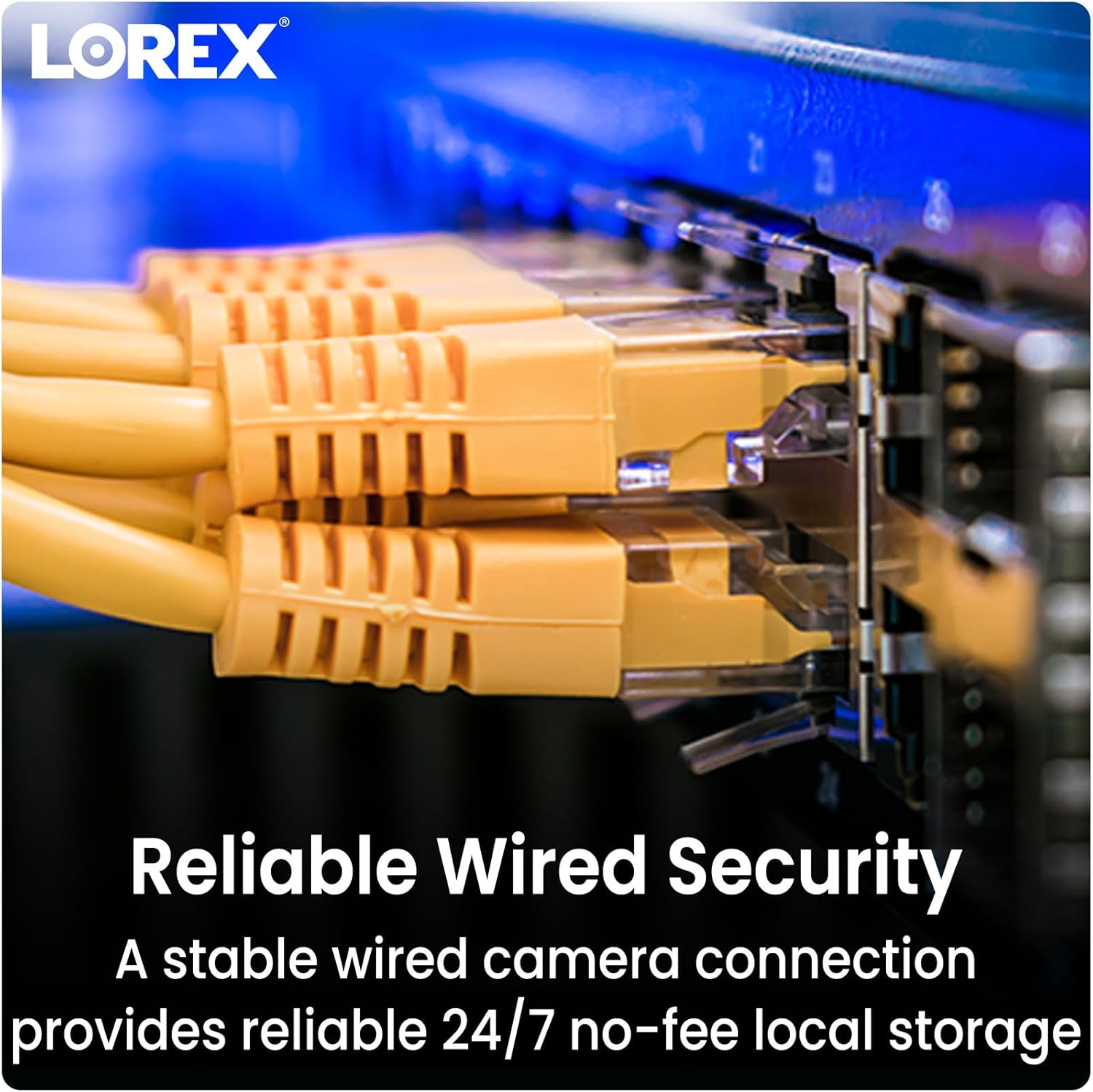
Image: Close-up of multiple yellow Ethernet cables connected to a network switch, representing a wired security setup.
- Collegare il cavo Ethernet: Plug one end of an Ethernet cable into the camera's Ethernet port.
- Collegamento allo switch NVR/PoE: Plug the other end of the Ethernet cable into an available PoE port on your Lorex Network Video Recorder (NVR) or a separate PoE switch.
- Accensione: Ensure your NVR or PoE switch is powered on. The camera will automatically power up and connect to the system.
4.3 Integrazione del sistema
The Lorex Fusion system allows integration of wired and Wi-Fi cameras. Your 4K Metal Bullet Camera will connect to your Lorex NVR.

Image: A diagram illustrating the Lorex Fusion NVR as a central hub, connecting to both wired bullet cameras and various Wi-Fi cameras, demonstrating system integration.
Once connected, access your NVR's interface or the Lorex Connect mobile application to view live feeds, configure settings, and manage recordings.
5. Istruzioni per l'uso
Video Ultra HD 5.1 4K
The camera captures video at 4K (8MP) resolution, providing detailed and clear images. This high resolution is beneficial for digital zooming into recorded footage without significant loss of detail.

Image: A side-by-side comparison showing the difference in clarity between 1080p HD and 4K Ultra HD video, highlighting the enhanced detail of 4K.
5.2 Visione notturna
The camera features both Color Night Vision and Long Range Infrared (IR) night vision for clear surveillance in low-light conditions.

Image: A split image demonstrating the difference between traditional Infrared Night Vision (monochrome) and Color Night Vision, showing a backyard scene with more detail and color in the latter.
- Visione notturna a colori: In environments with ambient light (e.g., streetlights), the camera can maintain color images at night.
- Visione notturna a infrarossi (IR): In complete darkness, the camera automatically switches to IR mode, providing clear black and white video.
5.3 Rilevamento del movimento
Configure motion detection settings via your NVR or the Lorex Connect app. You can define detection zones, sensitivity levels, and set up alerts for motion events.
5.4 Resistenza alle intemperie
The camera features a robust metal housing with an IP65 international protection rating, making it suitable for outdoor use in various weather conditions.
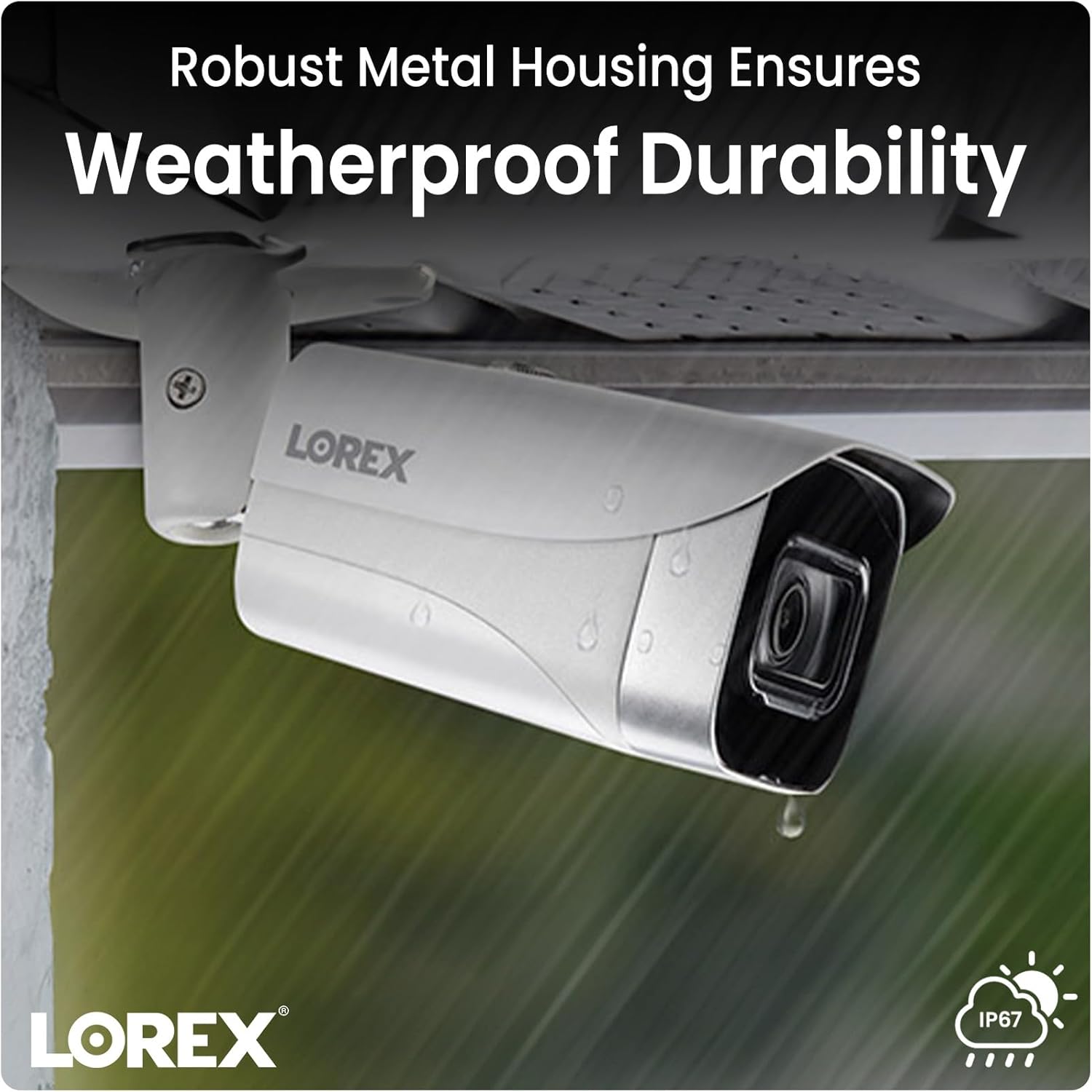
Image: A Lorex camera mounted under an eave outdoors, with raindrops visible on its surface, illustrating its weatherproof durability.
6. Manutenzione
- Pulizia delle lenti: Periodically clean the camera lens with a soft, lint-free cloth to ensure clear image quality. Avoid touching the lens directly with fingers.
- Pulizia degli alloggi: Pulisci l'alloggiamento della fotocamera con un pannoamp panno per rimuovere sporco e detriti. Non utilizzare prodotti chimici aggressivi.
- Ispezione dei cavi: Regularly check all cable connections for signs of wear, damage, or corrosion, especially for outdoor installations.
- Aggiornamenti del firmware: Check the Lorex website or your NVR system for available firmware updates to ensure optimal performance and access to new features.
7. Risoluzione Dei Problemi
7.1 No Video/Offline Camera
- Controlla la potenza: Ensure the Ethernet cable is securely connected to both the camera and a powered PoE port on your NVR or PoE switch.
- Integrità del cavo: Inspect the Ethernet cable for any damage. Try a different cable if available.
- Porta NVR: Verify that the NVR port is functioning correctly. Try connecting the camera to a different PoE port on the NVR.
- Riavvio del sistema: Power cycle your NVR and the camera (if possible) to refresh the connection.
7.2 Scarsa qualità dell'immagine
- Lente pulita: Ensure the camera lens is clean and free from dirt, dust, or smudges.
- Illuminazione: Verify that there is adequate lighting in the area, especially for color night vision. Adjust camera position if glare or reflections are an issue.
- Impostazioni di risoluzione: Check the camera's resolution settings on your NVR to ensure it is set to 4K (8MP).
7.3 Rilevamento del movimento non funzionante
- Abilita rilevamento movimento: Confirm that motion detection is enabled in your NVR or app settings for the specific camera.
- Zone di rilevamento: Ensure that the detection zones are correctly configured and cover the desired areas.
- Sensibilità: Adjust the motion detection sensitivity. Too low may miss events, too high may trigger false alarms.
8. Specifiche
| Caratteristica | Specificazione |
|---|---|
| Numero di modello | E841CA-E |
| Risoluzione di acquisizione video | 4K (8MP) |
| Tecnologia di connettività | Ethernet (PoE) |
| Uso interno/esterno | Interno, Esterno |
| Valutazione internazionale di protezione | Grado di protezione IP65 |
| Tecnologia a bassa luminosità | Colore notturno |
| Tipo di sorgente luminosa | Infrarossi |
| Materiale | Metallo |
| Tipo di montaggio | Montaggio a soffitto |
| Dimensioni del prodotto | 16.6 x 8.2 x 6.7 pollici |
| Peso dell'articolo | 2.97 libbre |
| Codice UPC | 695529028491 |
9. Garanzia e supporto
For warranty information and technical support, please refer to the official Lorex website or contact Lorex customer service directly. Keep your purchase receipt as proof of purchase for warranty claims.
Lorex Websito: www.lorex.com