
1. Introduzione
Thank you for choosing the Pixio PX259 Prime Gaming Monitor. This manual provides essential information for setting up, operating, and maintaining your monitor to ensure optimal performance and longevity. Please read this manual thoroughly before using the product and retain it for future reference.
The Pixio PX259 Prime is a high-performance 24.5-inch gaming monitor featuring a 280Hz refresh rate, 1ms GTG response time, and a Fast Nano IPS panel, designed to deliver a smooth and immersive gaming experience.
2. Contenuto della confezione
Verifica che tutti gli articoli siano presenti nel tuo pacco:
- Pixio PX259 Prime Monitor
- Supporto per monitor (base e collo)
- Cavo DisplayPort
- Adattatore di alimentazione CA
- Cavo di alimentazione
- Manuale dell'utente (questo documento)

Image: The Pixio PX259 Prime monitor showcasing its 24.5-inch screen, 280Hz refresh rate, 1080p FHD resolution, and Fast IPS panel technology.
3. Assemblaggio
Per assemblare il monitor, seguire questi passaggi:
- Estrarre con cautela il monitor e i componenti del supporto dalla confezione.
- Fissare il collo del supporto al pannello del monitor. Assicurarsi che scatti saldamente in posizione o che sia fissato con le viti, se fornite.
- Attach the stand base to the stand neck. Tighten the thumb screw or screws from the bottom of the base to secure it.
- Posizionare il monitor assemblato su una superficie stabile e piana.
4. Connettività
The Pixio PX259 Prime offers versatile connectivity options. Refer to the image below for port locations.

Immagine: Posteriore view of the monitor displaying the DC power input, two DisplayPort 1.2 inputs (280Hz), two HDMI 2.0 inputs (240Hz), and an earphone jack.
Connessione a un dispositivo:
- Energia: Connect the power cable to the AC adapter, then plug the adapter into the monitor's DC IN port and a power outlet.
- Porta Display: For optimal performance (280Hz refresh rate), connect your PC's graphics card to one of the monitor's DisplayPort 1.2 inputs using the provided DisplayPort cable.
- HDMI: Connect your device (e.g., gaming console, PC) to one of the monitor's HDMI 2.0 inputs. Note that HDMI 2.0 supports up to 240Hz.
- Uscita audio: Connect headphones or external speakers to the earphone jack for audio.
5. Istruzioni per l'uso
Accensione/spegnimento:
Premere il pulsante di accensione situato sul monitor per accenderlo o spegnerlo.
On-Screen Display (OSD) Navigation:
The monitor features a joystick-style button for navigating the OSD menu. Push the joystick in to access the main menu, then move it up, down, left, or right to select and adjust settings.
Impostazioni chiave:
- Frequenza di aggiornamento: Ensure your graphics card settings are configured to output at 280Hz (via DisplayPort) or 240Hz (via HDMI) for the smoothest experience.
- Tempo di risposta: The 1ms GTG response time is automatically enabled by the Fast IPS panel.
- AMD FreeSync Premium: Enable FreeSync in your monitor's OSD and your graphics card control panel for tear-free gaming.
- Impostazioni colore: Adjust brightness, contrast, and color temperature to your preference. The monitor supports 101.34% sRGB for vibrant colors.
- Caratteristiche di gioco: Access built-in crosshairs and other game-specific enhancements through the OSD.
- Modalità salva vista: Activate this mode to reduce blue light emission for comfortable extended viewing.
6. Funzionalità finiteview
The Pixio PX259 Prime is engineered with features to enhance your gaming and viewesperienza di ing:
- Frequenza di aggiornamento 280Hz: Provides ultra-smooth motion and reduced input lag, crucial for competitive gaming.
- Tempo di risposta GTG di 1 ms: Minimizes motion blur and ghosting, ensuring crisp visuals during fast-paced action.
- Fast Nano IPS Panel: Combines the wide viewing angles and color accuracy of IPS technology with the rapid response times typically found in TN panels.
- AMD FreeSync Premium: Sincronizza la frequenza di aggiornamento del monitor con la frequenza dei fotogrammi della GPU, eliminando lo screen tearing e lo stuttering.
- Colori vibranti: With 101.34% sRGB coverage, experience rich, accurate, and lifelike colors.
- Doppi altoparlanti: Equipped with integrated speakers for audio output.
- Modalità salva vista: Reduces blue light to minimize eye strain during prolonged use.
- Gaming Ready: Features like customizable crosshairs are available to assist in gameplay.

Image: Monitor displaying a dynamic game scene, highlighting 280Hz Refresh Rate, 1ms (GTG) Response Time, Fast IPS Panel, and AMD FreeSync Premium.

Image: Visual comparison demonstrating the smoothness of 280Hz refresh rate versus a conventional 60Hz display in a gaming context.

Image: Visual comparison illustrating the difference between 4ms and 1ms GTG response time, showing reduced motion blur with 1ms.
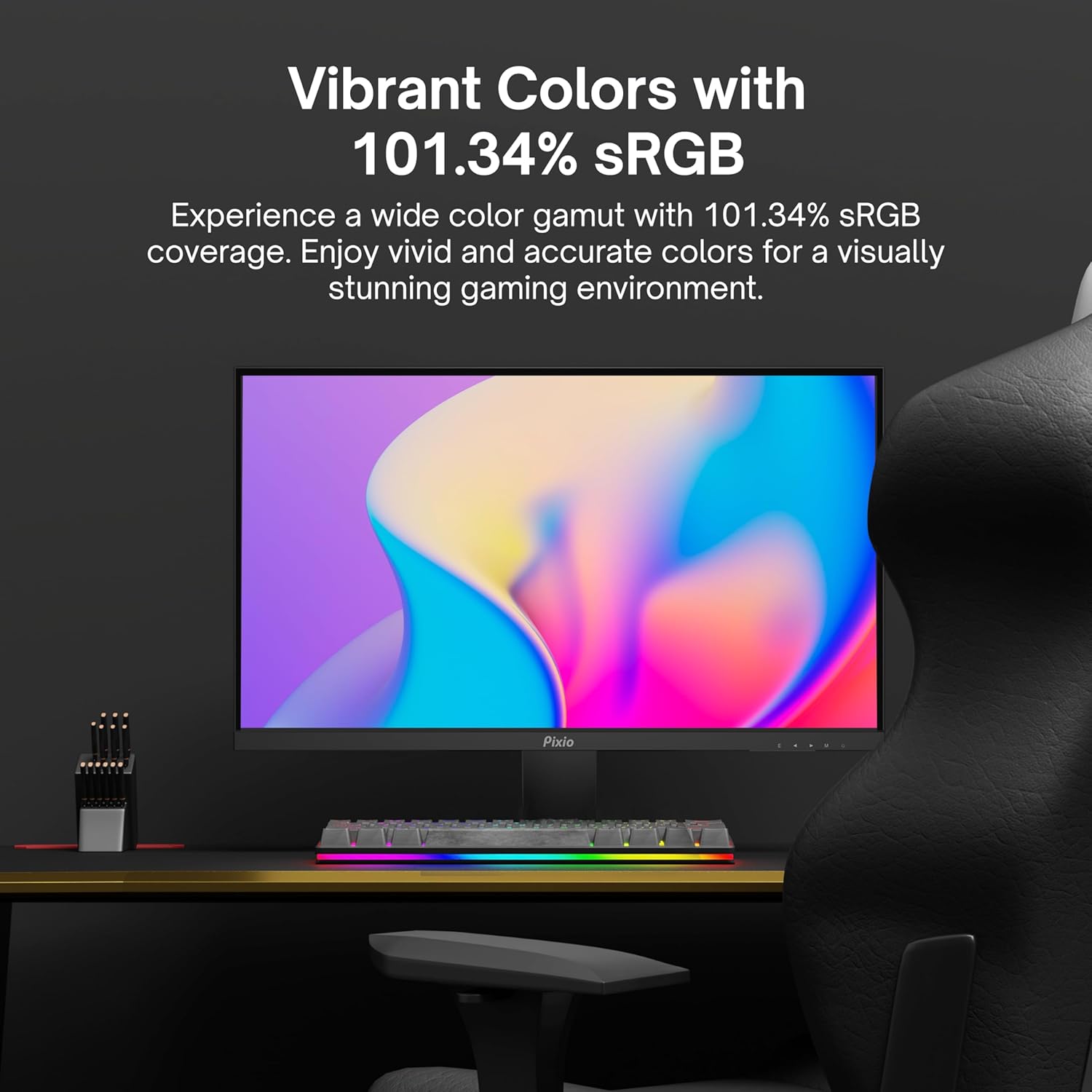
Image: Monitor displaying a colorful game environment, emphasizing the vibrant color reproduction with 101.34% sRGB.
Video del prodotto finitoview:
Video: An official product video from Pixio showcasing the PX259 Prime 25-inch 1080p 280Hz Fast IPS 1ms Gaming Monitor, highlighting its features and performance.
7. Manutenzione
- Pulizia dello schermo: Pulire delicatamente lo schermo con un panno morbido e privo di lanugine. Per macchie ostinate, dampen the cloth with a small amount of screen cleaner (non-ammonia based) and wipe carefully.
- Pulizia del Casing: Utilizzare un panno morbido e asciutto per pulire la superficie del monitor.asing. Evitare l'uso di detergenti abrasivi o solventi.
- Ventilazione: Assicurarsi che le aperture di ventilazione del monitor non siano ostruite per evitare il surriscaldamento.
- Magazzinaggio: Se si conserva il monitor per un periodo prolungato, scollegarlo dall'alimentazione e conservarlo in un luogo fresco e asciutto, preferibilmente nella confezione originale.
8. Risoluzione Dei Problemi
- Nessun potere:
- Assicurarsi che il cavo di alimentazione sia collegato saldamente al monitor e a una presa di corrente funzionante.
- Controlla se l'alimentatore funziona correttamente.
- Nessun segnale:
- Verify that the video cable (DisplayPort or HDMI) is securely connected to both the monitor and your device.
- Assicurarsi che nel menu OSD del monitor sia selezionata la sorgente di input corretta.
- Se disponibile, effettuare una prova con un cavo video o una porta diversa.
- Schermo a scatti/a scatti:
- Enable AMD FreeSync Premium in both the monitor's OSD and your graphics card settings.
- Assicurati che i driver della scheda grafica siano aggiornati.
- Incorrect Refresh Rate:
- Check your operating system's display settings and your graphics card control panel to set the refresh rate to 280Hz (DisplayPort) or 240Hz (HDMI).
- Ensure you are using a DisplayPort cable for 280Hz.
- Poor Picture Quality/Colors:
- Regola le impostazioni di luminosità, contrasto e colore nel menu OSD.
- Assicurarsi che il cavo video non sia danneggiato.
9. Specifiche
Detailed technical specifications for the Pixio PX259 Prime monitor:
| Caratteristica | Specificazione |
|---|---|
| Numero di modello | PX259 Primo |
| Dimensioni dello schermo | 24.5 Inches (25 Inches equivalent) |
| Tipo di pannello | Fast Nano IPS |
| Risoluzione | FHD 1080p (1920 x 1080 pixel) |
| Frequenza di aggiornamento | 280Hz (144Hz Supported) |
| Tempo di risposta | 1 ms di velocità massima |
| Proporzioni | 16:9 |
| Luminosità dell'immagine | 350 Candela |
| Sincronizzazione adattiva | AMD FreeSync Premium |
| Connettività | 2x DisplayPort 1.2, 2x HDMI 2.0, Earphone Jack, DC In |
| Dimensioni del prodotto | 7.09 x 21.98 x 16.52 pollici |
| Peso dell'articolo | 12.42 libbre |
| Compatibilità VESA | 75x75mm (VESA Ready) |

Image: Diagram showing the dimensions of the Pixio PX259 Prime monitor, including width (21.98 inches), height (16.52 inches), and depth (7.09 inches).
10. Garanzia e supporto
Pixio products are designed for reliability and performance. For specific warranty details, please refer to the warranty card included with your product or visit the official Pixio websito. Per supporto tecnico, assistenza per la risoluzione dei problemi o richieste di assistenza, contattare l'assistenza clienti Pixio tramite i canali ufficiali.
Risorse online: Per ulteriori informazioni, FAQ e download di driver, visitare il sito Negozio Pixio su Amazon.