
Introduzione
Welcome to the world of instant photography with your new Polaroid Go Instant Mini Camera. This compact camera is designed for capturing spontaneous moments and creating tangible memories. This manual will guide you through the setup, operation, and maintenance of your device.

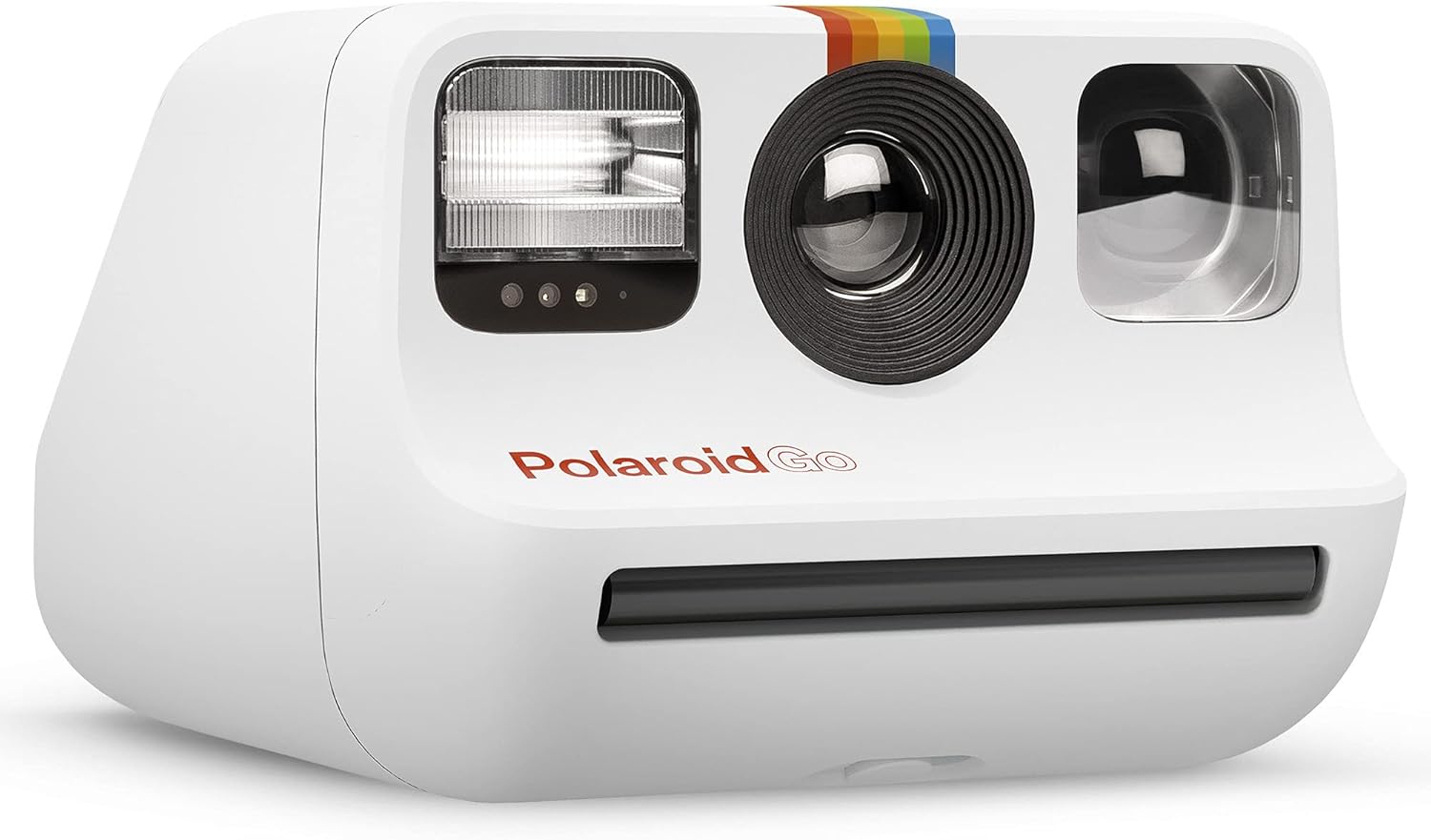
Davanti view of the Polaroid Go Instant Mini Camera in white, showing the lens, flash, and film ejection slot.
Cosa c'è nella scatola
Your Polaroid Go Instant Mini Camera package includes the following items:
- Solo corpo macchina fotografica
- Cavo di ricarica USB
- Cinturino da polso
- Guida rapida
- Libretto di sicurezza e conformità
Impostare
1. Caricare la fotocamera
Before first use, ensure your Polaroid Go camera is fully charged. Connect the provided USB charging cable to the camera's charging port and a power source. The charging port is located on the side of the camera.
Lato view of the Polaroid Go camera, highlighting the USB charging port.
2. Caricamento della pellicola
The Polaroid Go camera uses specific Polaroid Go format film. To load the film:
- Locate the film door latch on the bottom of the camera.
- Slide the latch to open the film door.
- Insert the film pack, aligning the yellow arrow on the film pack with the yellow arrow inside the camera. Ensure the darkslide is facing up.
- Close the film door firmly. The camera will automatically eject the darkslide.

Metter il fondo a view of the Polaroid Go camera, illustrating the film door and latch.
Video demonstrating how to load film into the Polaroid Go camera and the automatic ejection of the darkslide.
Operazione
1. Accensione/Spegnimento
Press the power button located on the top of the camera to turn it on or off. The film counter display will show the number of remaining photos.

Superiore view of the Polaroid Go camera, showing the power button and digital film counter.
2. Scattare una foto
Aim your camera and press the red shutter button to capture your image. The photo will eject from the front slot.

Davanti view of the Polaroid Go camera, highlighting the red shutter button.
3. Controllo del flash
Press the flash button (lightning bolt icon) to toggle the flash on or off. Use the flash in low-light conditions or to add a creative effect.
4. Selfie Mirror & Self-Timer
The reflective surface next to the lens acts as a selfie mirror, allowing you to compose your self-portraits. Activate the self-timer feature for group shots or hands-free selfies.
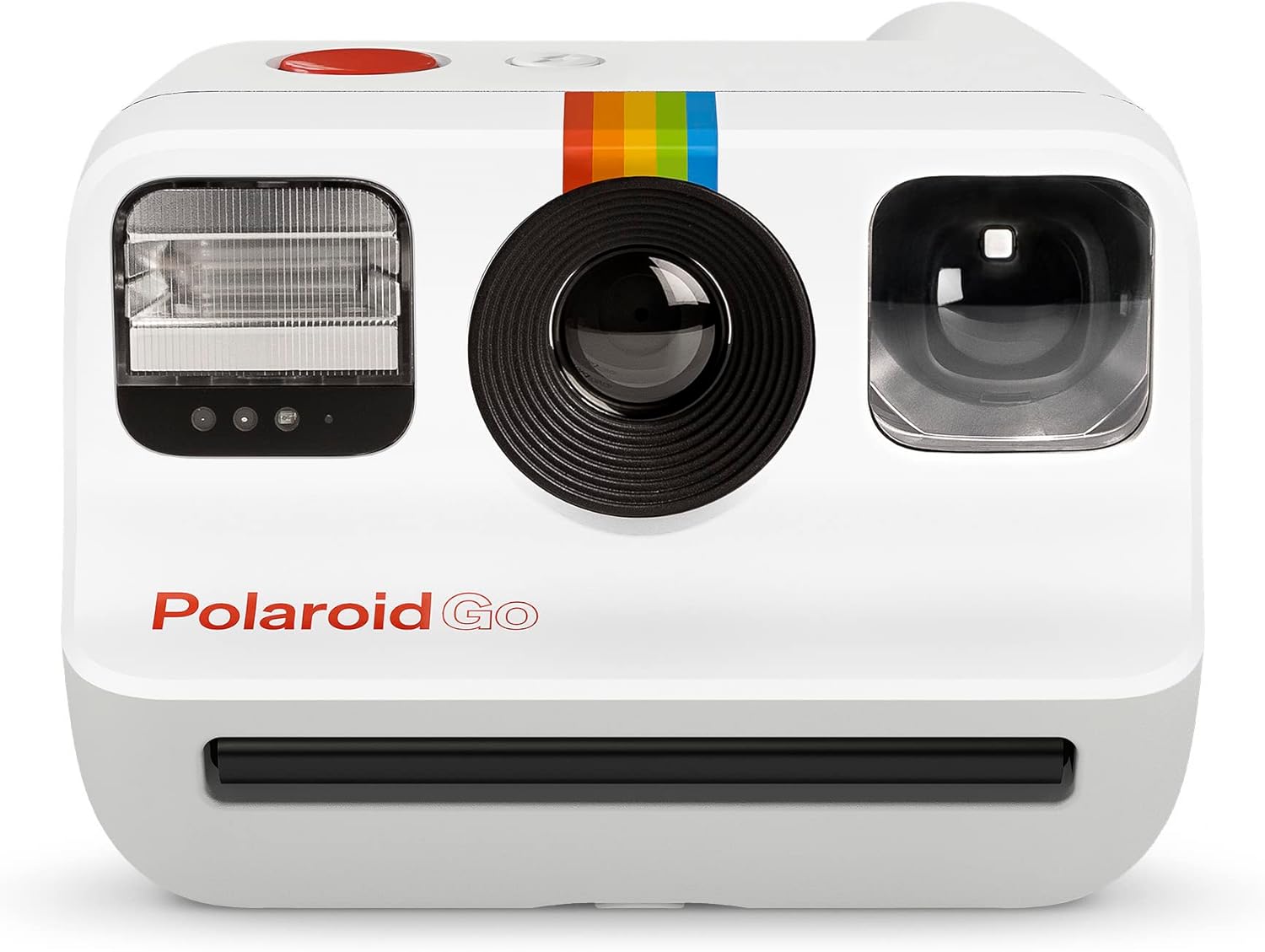
Davanti view of the Polaroid Go camera, with the reflective selfie mirror visible next to the lens.
Video demonstrating the key features of the Polaroid Go camera, including the selfie mirror and flash.
5. Doppia esposizione
The camera features a double exposure mode to layer two images onto a single frame for artistic effects. Refer to the Quick Start Guide for detailed instructions on activating and using this feature.
Manutenzione
- Pulizia: Utilizzare un panno morbido e asciutto per pulire il corpo macchina e l'obiettivo. Evitare materiali abrasivi o sostanze chimiche aggressive.
- Conservazione delle pellicole: Store unused film packs in a cool, dark place. Once a photo is ejected, protect it from light for the first few minutes of development by keeping it face down or in a dark place.
- Cura della batteria: Recharge the camera regularly to maintain battery health. Avoid extreme temperatures.
Risoluzione dei problemi
If you encounter issues with your Polaroid Go camera, consider the following:
- Foto scure o sottoesposte: Ensure adequate lighting. Use the flash in dimly lit environments.
- Foto sfocate: Hold the camera steady while taking a picture. Ensure your subject is within the recommended focus range.
- Film Ejection Issues: Check that the film pack is correctly inserted and the film door is securely closed. Ensure there are no obstructions in the film ejection slot.
- Batteria non in carica: Verify the USB cable is properly connected to both the camera and the power source. Try a different USB port or cable.
Specifiche
| Caratteristica | Dettaglio |
|---|---|
| Marca | Polaroid |
| Nome del modello | Polaroid Vai |
| Caratteristica speciale | Timer |
| Tipo di formato pellicola | Istantaneo |
| Peso dell'articolo | 240 grammi |
| Dimensioni articolo (L x P x A) | 4.13 x 3.3 x 2.42 pollici |
| Velocità minima dell'otturatore | 1 secondi |
| Velocità massima dell'otturatore | 1/250 secondi |
| Modalità di scatto | Double Exposure, Self-Timer |
| Colore | Bianco |
| Livello di resistenza all'acqua | Non resistente all'acqua |
| Viewcercatore | Riflettente Viewcercatore |
Garanzia e supporto
The Polaroid Go Instant Mini Camera comes with a Garanzia di 1 anno from the manufacturer. For detailed warranty information, product support, or to explore other Polaroid products, please visit the official Polaroid Store: