
LaView LV-DHU06-B
LaView Manuale utente della serratura intelligente LV-DHU06-B
Model: LV-DHU06-B
1. Introduzione
This manual provides detailed instructions for the installation, setup, and operation of your LaView LV-DHU06-B Bluetooth Enabled Smart Door Lock. Please read this manual thoroughly before installation and use to ensure proper function and safety.
2. Informazioni sulla sicurezza
- Prima dell'installazione, assicurarsi che tutti i componenti siano presenti e integri.
- Use only standard alkaline AA batteries. Rechargeable or extended-life batteries may cause malfunctions.
- Keep the lock away from water and extreme temperatures.
- Non tentare di smontare o riparare la serratura da soli. Contattare l'assistenza clienti per assistenza.
- Regularly check the battery level and replace batteries promptly when low to avoid being locked out.
3. Contenuto della confezione
Verifica che tutti gli articoli elencati di seguito siano inclusi nel tuo pacchetto:
- LaView Smart Lock (Main Unit)
- Piastra di montaggio
- 4 Viti
- 3 Adapters (A, B, C)
- Ripristina PIN
- Guida di installazione rapida
- Scheda di garanzia
- Striscia adesiva

Image: LaView Smart Lock main unit and gateway.
4. Guida all'installazione
Follow these steps to install your LaView Smart Door Lock. For a visual guide, please refer to the installation video below.
Video: LaView HU06 Lock Installation Guide. This video demonstrates the complete installation process for the smart lock.
- Prepara la porta: Place the adhesive strip over the exterior of your existing deadbolt to hold it in place.
- Remove Existing Knob: Remove your existing thumbturn knob from the inside of your door. Carefully save any screws.
- Posizione piastra di montaggio: Ensure the deadbolt is in the unlocked position. Place the HU06 mounting plate on the inside of the door, vertically aligned with the door frame. The tailpiece (metal rod from your deadbolt) should be in the center of the middle punch hole.
- Piastra di montaggio sicura: Insert the screws from the thumbturn latch you just removed into the mounting plate and tighten them securely.
- Seleziona adattatore: Choose the correct plastic adapter (A, B, or C) that matches your lock's tailpiece. Slide it onto the metal rod with the smooth side going first.
- Adapter A: For flat-shaped tailpiece sitting at an angle.
- Adapter B: For flat-shaped tailpiece with either horizontal or vertical orientation.
- Adapter C: For D-shaped tailpiece.

Image: Different tailpiece adapters for the LaView Serratura intelligente.
- Collega Smart Lock: Remove the front plate of the HU06 Lock to access the battery compartment. Place the HU06 Lock onto the mounting plate. Wiggle the knob and ensure it is vertical when installing.
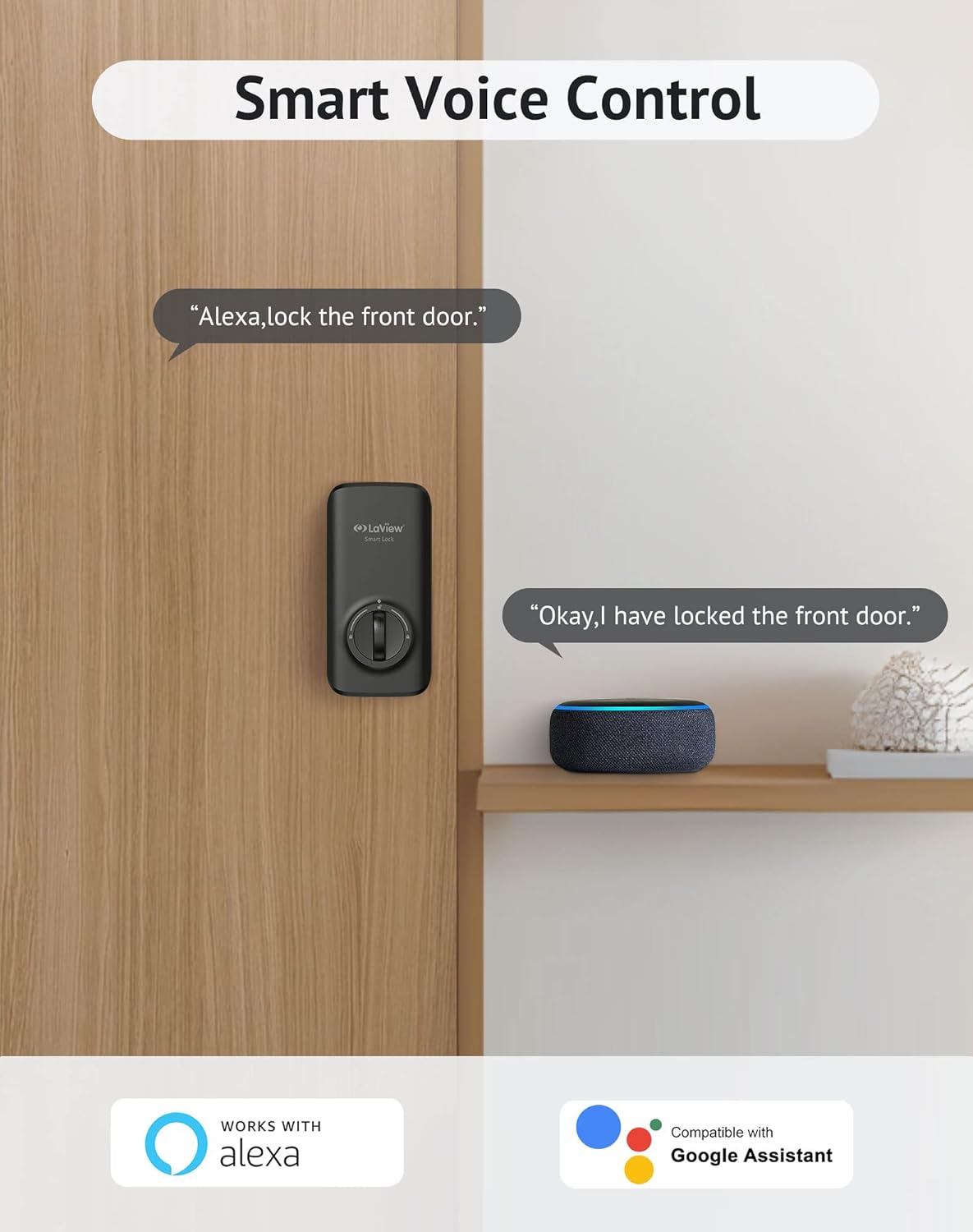
Image: LaView Smart Lock with its battery compartment open, showing the internal mechanism during installation.
- Stringere le viti: Tighten the screws to secure the thumbturn panel.
- Test Manual Operation: Manually lock and unlock the door with the key and the knob to ensure the HU06 Lock has been installed correctly and the bolt extends and retracts smoothly.
- Installa le batterie: Keep the lock in 'Unlock' status and install 4 AA standard alkaline batteries into the battery compartment. The lock status indicator will flash with beeping sounds when you lock and unlock the door manually, confirming power.
- Sostituire le coperture: Put back the lid of the battery pack and the front plate of the lock to complete the installation.
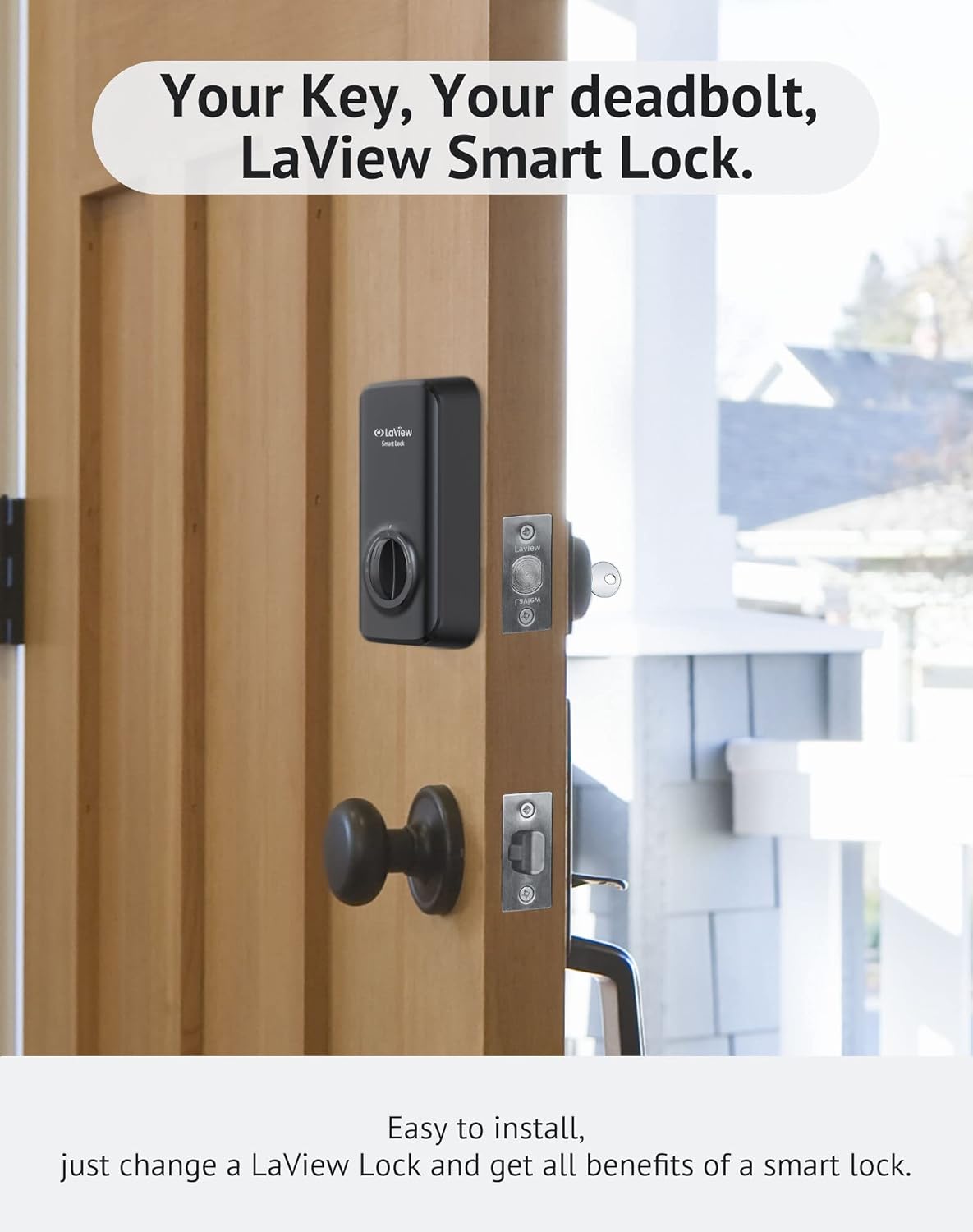
Image: LaView Smart Lock installed on a wooden door, replacing the existing thumbturn.
5. Configurazione e connessione dell'app
To unlock the full potential of your LaView Smart Lock, connect it to the LaView app. Ensure your lock is correctly installed before proceeding. For a visual guide, please refer to the app connection video below.
Video: How to connect the LaView Smart Lock to the app. This video guides you through the app pairing process.
- Scarica LaView Applicazione: Scarica LaView app from your mobile device's app store (Google Play or Apple App Store). Open the app and select 'Sign Up' to register your account.
- Abilita Bluetooth: Assicurati che il Bluetooth sia abilitato sul tuo telefono cellulare.
- Reimposta blocco: Remove the front plate of the HU06 Lock to access the reset hole. Keep the deadbolt in the unlock position. Hold down the reset button with the included pin for over 5 seconds to reset the lock. If successful, the bolt will reallocate and learn the door's orientation. The lock will then enter pairing mode for 3 minutes.
- Aggiungi dispositivo nell'app: Go to the LaView app. Tap the '+' icon on the top right corner of the homepage or click the 'Add Device' button. Select the HU06 smart lock to add.
- Abbinamento completo: Follow the on-screen guide in the app to complete the pairing process.
- Prova di connessione: After adding, long-press the 'lock' icon in the app to unlock or lock the door to test if the connection is successful.
- Gamma Bluetooth: The typical Bluetooth connection range is approximately 33 feet (10 meters). Obstacles (people, metal, walls) or electromagnetic interference can affect this range.
- Gateway for Remote Control: An additional Bluetooth gateway (sold separately) is required if you wish to control the lock without Bluetooth range limitation (e.g., remote control via Wi-Fi).
6. Caratteristiche operative
Il LaView Smart Lock offers several convenient features for enhanced security and access control:
Video: Short demonstration of the LaView Smart Lock's operation.
6.1. Auto Lock & Auto Unlocking
Il LaView Smart Lock can automatically lock your door after a set period (default 30 seconds). You can customize auto-lock times within the app. When combined with a LaView Keypad, the lock can auto-unlock as you approach within 200 meters.

Image: Demonstrates auto-lock and auto-unlock features with a LaView Tastiera.
6.2. Unlock Events Tracking
Keep track of all unlocking events for up to 200 records directly in the LaView app. This feature allows you to monitor who opens your door and when, enhancing security.
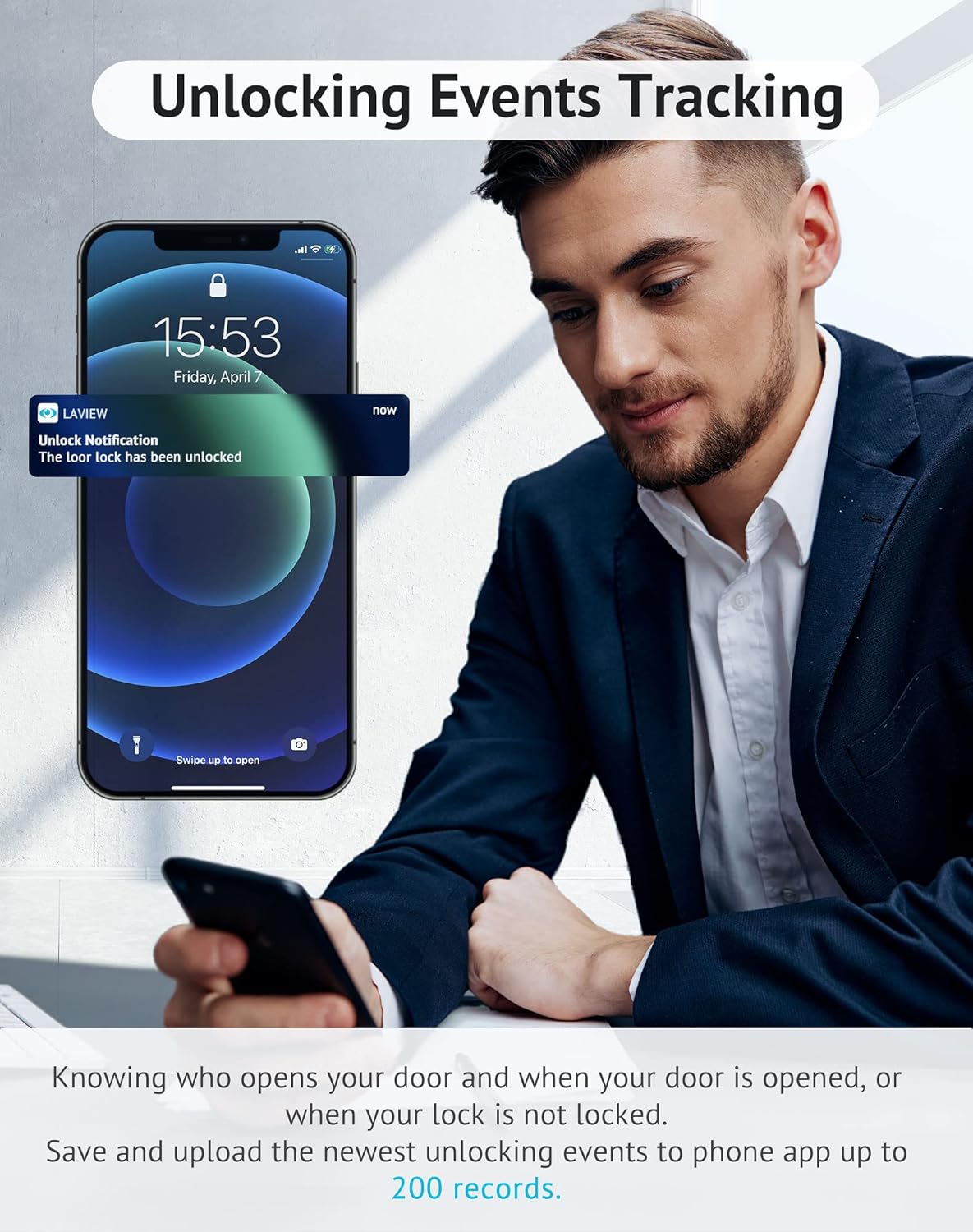
Image: Smartphone showing an unlock notification from the LaView applicazione.
6.3. Simple Multi-User Sharing
Share access to your home with up to 20 people. Control entry for family members and trusted individuals remotely through the LaView app, eliminating the need for physical keys.

Image: LaView app interface for managing and sharing access with multiple users.
6.4. Controllo vocale intelligente
Il LaView Smart Lock is compatible with Amazon Alexa and Google Assistant, allowing you to lock and unlock your door using voice commands.

Image: Demonstrates voice control functionality with an Alexa device and the LaView Serratura intelligente.
7. Manutenzione
- Pulizia: Wipe the lock's exterior with a soft, dry cloth. Avoid abrasive cleaners or solvents that could damage the finish.
- Sostituzione della batteria: Replace all four AA batteries when the low battery notification appears in the app or on the device. Always use new, standard alkaline batteries.
- Aggiornamenti del firmware: Periodically check the LaView app for available firmware updates to ensure optimal performance and security.
8. Risoluzione Dei Problemi
| Problema | Possibile causa | Soluzione |
|---|---|---|
| Lock does not power on. | Installazione errata delle batterie o batterie scariche. | Ensure batteries are inserted with correct polarity. Replace with new standard alkaline AA batteries. |
| Cannot connect to LaView applicazione. | Bluetooth is off, lock is not in pairing mode, or app issue. | Ensure Bluetooth is enabled on your phone. Perform a factory reset on the lock (refer to Installation Guide, Step 3) to enter pairing mode. Restart the LaView applicazione. |
| Bolt does not extend/retract smoothly. | Installation misalignment or obstruction. | Recheck installation steps, especially mounting plate alignment and tailpiece insertion. Ensure no obstructions in the door frame. |
| Telecomando non funzionante. | No Bluetooth gateway or gateway not connected. | A Bluetooth gateway is required for remote control outside of Bluetooth range. Ensure the gateway is properly set up and connected to your home Wi-Fi and the lock. |
9. Specifiche
- Marca: LaView
- Nome modello: LV-DHU06-B
- Tipo di blocco: Keypad (Smart Lock functionality)
- Caratteristica speciale: Smart, Smart Lock
- Protocollo di connettività: Bluetooth
- Tipo di controller: Amazon Alexa, Assistente Google
- Fonte di energia: 4 batterie AA (non incluse)
- Peso dell'articolo: 16 once (1 libbra)
- Dimensioni del prodotto: 5 x 10 x 15 pollici
- Colore: Nero
- Codice UPC: 192728011977
10. Garanzia e supporto
La tua LaView Smart Door Lock comes with a warranty. Please refer to the included Warranty Card in your package for specific terms and conditions.
For technical assistance, troubleshooting, or any questions regarding your product, please contact LaView Customer Support. Visit the official LaView websito per informazioni di contatto e risorse aggiuntive.
Image: LaView customer service team ready to assist.
Documenti correlatiLV-DHU06-B


Ask a question about this manual
Ask about setup, troubleshooting, compatibility, parts, safety, or missing instructions. Manuals+ will review the question and use this page’s manual context to help answer it.