
1. Introduzione
The VIMGO VENUS X3 Portable Projector delivers a native 1080P Full HD viewing experience, suitable for movies, video games, sports, and presentations. It features 5G WiFi for seamless smartphone screen synchronization and offers a large projection display ranging from 33 to 200 inches. This manual provides essential information for setting up, operating, and maintaining your projector.
2. Informazioni sulla sicurezza
- Non guardare direttamente nell'obiettivo del proiettore quando lamp è acceso.
- Garantire un'adeguata ventilazione attorno al proiettore per evitare il surriscaldamento.
- Utilizzare solo l'alimentatore fornito con il dispositivo.
- Tenere il proiettore lontano dall'acqua o da altri liquidi.
- Evitare di posizionare il proiettore su superfici instabili.
- Non tentare di smontare o riparare il proiettore da soli. Contattare personale di assistenza qualificato.
3. Contenuto della confezione
Verificare che tutti gli articoli siano presenti nel pacco:
- VIMGO VENUS X3 Portable Projector
- Telecomando
- Adattatore di alimentazione
- Cavo HDMI
- cavo AV
- Manuale d'uso
4. Prodotto finitoview
Familiarizzare con i componenti e le caratteristiche del proiettore.

Figura 4.1: Davanti view of the VIMGO VENUS X3 Projector, showing the lens and ventilation.

Figura 4.2: Lato view del proiettore, evidenziando le varie porte di ingresso/uscita.
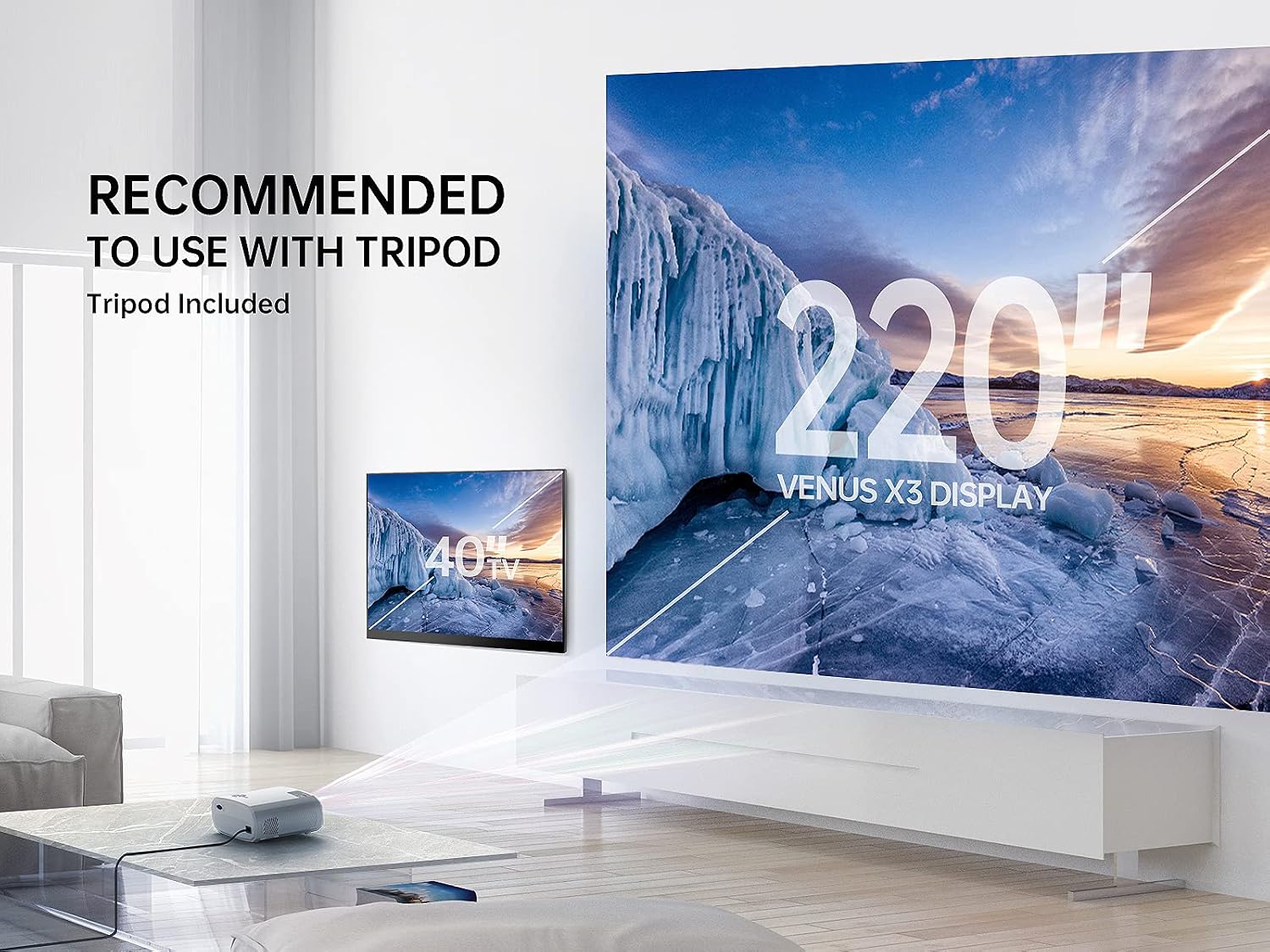
Figura 4.3: Superiore view of the projector, displaying the control panel and focus/keystone adjustment.
5. Impostazione
5.1 Posizionamento iniziale
Posizionare il proiettore su una superficie stabile e piana. Per una visione ottimale viewing, position it directly in front of the projection screen or wall. The recommended projection distance ranges from 3.67ft to 19.68ft for a screen size of 33 to 200 inches.
5.2 Collegamento di alimentazione
- Collegare l'adattatore di alimentazione alla porta di ingresso dell'alimentazione del proiettore.
- Collegare l'adattatore di corrente a una presa a muro.
- Premere il pulsante di accensione sul proiettore o sul telecomando per accenderlo.
5.1 video: Un breve preview demonstrating the projector powering on and displaying the VIMGO logo. This video shows the initial startup sequence and the bright display.
5.3 Regolazione della messa a fuoco e della distorsione trapezoidale
Adjust the focus ring on top of the projector until the image is clear. Use the keystone correction feature to adjust the image shape if it appears trapezoidal.
6. Istruzioni per l'uso
6.1 Selezione della sorgente di input
Press the 'Source' button on the remote control or the projector's control panel to select your desired input source (HDMI, USB, AV, Screen Mirroring).
6.2 Mirroring dello schermo (connessione wireless)
The VIMGO VENUS X3 supports 2.4G/5G dual-band WiFi for screen synchronization with iOS and Android devices.
Per dispositivi iOS:
- Select 'Screen Mirroring' as the input source on the projector.
- Connect your iOS device to the projector's WiFi network (e.g., VIMGO-X3-XXXXXX, password: 12345678).
- Open Control Center on your iOS device and tap 'Screen Mirroring'.
- Select 'VIMGO-X3-XXXXXX' from the searching list.

Figura 6.1: Step-by-step guide for connecting an iOS device via screen mirroring.
Per dispositivi Android:
- Select 'Screen Mirroring' as the input source on the projector.
- Enable the 'Wireless Projection' or 'Multi-screen' feature on your Android device (names may vary by device).
- Select 'VIMGO-X3-XXXXXX' from the available devices.
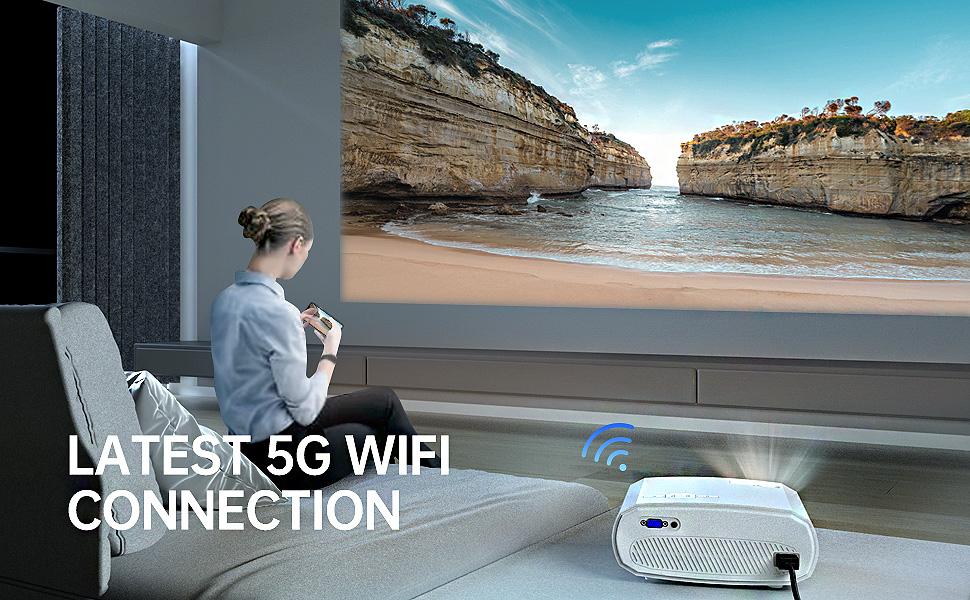
Figura 6.2: Illustration of an Android device wirelessly connected to the projector for screen mirroring.
6.3 Connessione cablata
Connect devices like TV sticks, gaming consoles (PS5, Switch), laptops, or USB drives using the appropriate ports.
- HDMI: Connect a TV stick, laptop, or gaming console.
- USB: Inserire un'unità USB per la riproduzione multimediale.
- AV: Per i dispositivi più vecchi utilizzare il cavo AV.

Figura 6.3: The projector connected to multiple devices, demonstrating its wide compatibility.
6.1 video: Un breve preview demonstrating the projector's display quality with various content. This video highlights the visual performance of the projector.
7. Manutenzione
7.1 Pulizia della lente
Use a soft, lint-free cloth specifically designed for optical lenses to gently clean the projector lens. Avoid abrasive cleaners or excessive force.
7.2 Pulizia del corpo del proiettore
Wipe the projector's exterior with a soft, dry cloth. Do not use liquid or aerosol cleaners.
7.3 Ventilazione
Ensure that the projector's ventilation openings are not blocked. Blocked vents can lead to overheating and affect performance.
8. Risoluzione Dei Problemi
| Problema | Possibile causa | Soluzione |
|---|---|---|
| Nessuna immagine visualizzata | Sorgente di ingresso selezionata non corretta; collegamento del cavo allentato; dispositivo non acceso. | Select correct input source; check all cable connections; ensure source device is powered on. |
| L'immagine è sfocata | Focus not adjusted; projector too far/close to screen. | Regolare l'anello di messa a fuoco; riposizionare il proiettore. |
| Nessun suono | Volume too low; audio output settings incorrect; external speaker not connected. | Increase volume; check audio settings on projector and source device; connect external speakers if desired. |
| Screen mirroring fails | Incorrect WiFi connection; device compatibility issue; network interference. | Ensure correct WiFi network and password; check device compatibility; try restarting devices. |
9. Specifiche
| Caratteristica | Dettaglio |
|---|---|
| Marca | VIMGO |
| Nome del modello | VENERE X3 |
| Risoluzione nativa | 1920 x 1080 (Full HD) |
| Luminosità | 230 lumen (9700LUX) |
| Rapporto di contrasto | 6000:1 |
| Tecnologia di connettività | 2.4G+5G WiFi, USB, HDMI, AV |
| Tipo di visualizzazione | LCD |
| Dimensioni dello schermo di proiezione | 33''-200'' |
| Distanza di proiezione | 3.67ft-19.68ft |
| Durata operativa della sorgente luminosa | 50000 ore |
| Dimensioni dell'articolo L x P x A | 9.2 cm L x 7.3 cm P x 3.8 cm A |
| Peso dell'articolo | 3 libbre |
| Dispositivi compatibili | TV Stick, iPhone/Android Smartphone, iPad, Laptop, Switch, PS5, USB, etc. |
10. Garanzia e supporto
The VIMGO VENUS X3 Portable Projector comes with a Garanzia di 3 anno. For technical assistance, troubleshooting, or warranty claims, please contact VIMGO customer service. We offer 24/7 technical service per garantire la vostra soddisfazione.
For further support, please visit the official VIMGO websito o fare riferimento alle informazioni di contatto fornite sulla confezione del prodotto.