
1. Prodotto finitoview
The REXING HS01 is a 1080p wireless smart home security camera system designed for both indoor and outdoor use. It features a rechargeable battery, solar panel charging capability, two-way intercom, motion activation, infrared night vision, and cloud storage options. The camera connects to your home WiFi network and is managed via a mobile application.
Caratteristiche principali:
- Video Full HD 1080p: Records clear video with a 120-degree wide-angle lens.
- Senza fili e ricaricabile: Operates wirelessly with a 6000mAh rechargeable battery.
- Alimentato ad energia solare: Can be continuously charged by the included solar panel.
- Interfono bidirezionale: Allows for real-time communication via the mobile app.
- Design impermeabile: IP65 rated for outdoor weather resistance.
- Rilevamento del movimento: PIR motion sensor with adjustable sensitivity up to 33ft.
- Visione notturna a infrarossi: Provides clear visibility up to 33ft in low light conditions.
- Archiviazione cloud: Offers free 3-day cloud storage with options for extended plans.
- Controllo dell'app mobile: Manage and monitor the camera from your smartphone.
2. Contenuto della confezione
Si prega di controllare la confezione per verificare la presenza dei seguenti elementi:
- Telecamera di sicurezza REXING HS01
- Pannello solare
- Staffa di montaggio e viti
- Cavo di ricarica USB
- Manuale d'uso
3. Guida all'installazione
3.1 Carica iniziale
Before first use, fully charge the camera's internal 6000mAh battery using the provided USB cable. Connect the cable to the camera's charging port and a standard USB power adapter (not included). The charging indicator will show the charging status.
3.2 Installazione dell'app
Scarica il Rexing Home applicazione dall'app store del tuo smartphone (disponibile su iOS e Android). Cercare "Rexing Home" and install the application.
3.3 Connessione Wi-Fi
- Open the Rexing Home app and create an account or log in.
- Segui le istruzioni nell'app per aggiungere un nuovo dispositivo.
- Assicurati che il tuo smartphone sia connesso a un Rete Wi-Fi a 2.4 GHz. The HS01 camera does not support 5GHz Wi-Fi.
- Quando richiesto, scansiona il codice QR visualizzato sul tuo telefono con l'obiettivo della fotocamera.
- Wait for the camera to connect to your Wi-Fi network. A voice prompt will confirm successful connection.
3.4 Montaggio della telecamera e del pannello solare
The REXING HS01 camera and solar panel can be mounted indoors or outdoors. Choose a location that provides the desired viewing angle and ensures the solar panel receives ampluce solare diretta durante tutto il giorno per una ricarica ottimale.

Image: The REXING HS01 camera with its solar panel mounted on an exterior wall, highlighting its 100% wireless and solar-powered operation. The camera is designed for outdoor use and is weatherproof.
- Use the provided mounting bracket and screws to securely attach the camera to a wall or desired surface.
- Mount the solar panel in a location that receives maximum direct sunlight. Connect the solar panel cable to the camera's charging port.
- Regolare l'angolazione della telecamera per coprire l'area di monitoraggio desiderata.
4. Istruzioni per l'uso
4.1 Vivere View and Remote Playback
Once connected, open the Rexing Home app to access the live video feed from your camera. You can view pippo in tempo realetage from anywhere with an internet connection. The app also allows you to review video registrato footage stored in the cloud.

Immagine: uno schermo di smartphone che mostra una scena dal vivo view from the REXING HS01 camera, with icons for remote playback and indicating motion alerts. This demonstrates complete control from the Rexing Home App.
4.2 Comunicazione audio bidirezionale
The HS01 camera features a built-in microphone and speaker, enabling two-way audio communication. From the live view in the Rexing Home app, you can speak to individuals near the camera and hear their responses.
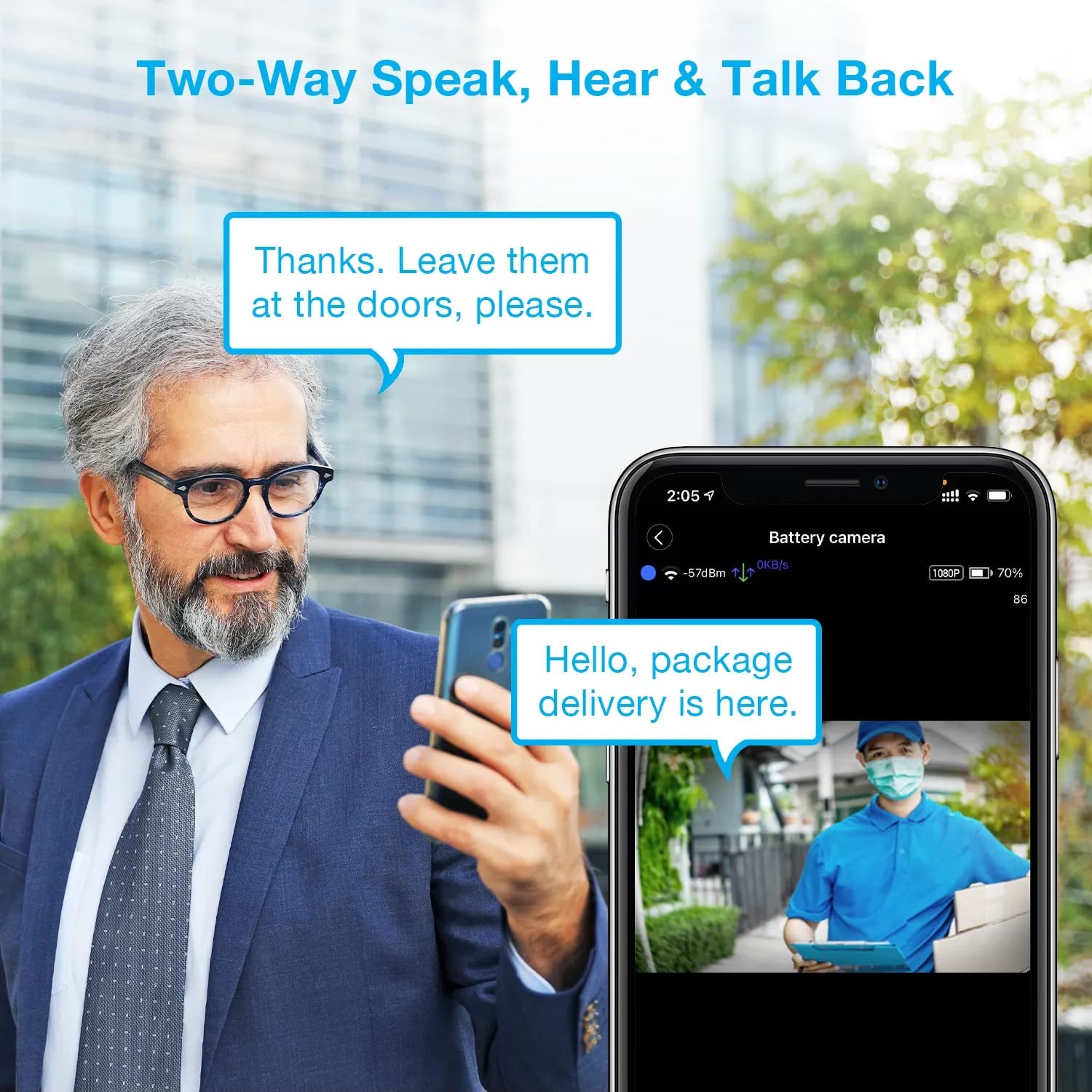
Image: A man using his smartphone to communicate with a delivery person visible on his screen, demonstrating the two-way speak and talk-back functionality of the REXING HS01 camera.
4.3 Rilevamento del movimento e avvisi
The camera utilizes a PIR (Passive Infrared) motion sensor to detect movement. When motion is detected, the camera will begin recording and send instant notifications to your smartphone via the Rexing Home app.
- Regolazione della sensibilità: You can adjust the PIR motion sensitivity settings within the app, with options up to 33ft.
- Impostazioni di notifica: Customize alert preferences in the app to receive notifications for every detected motion.
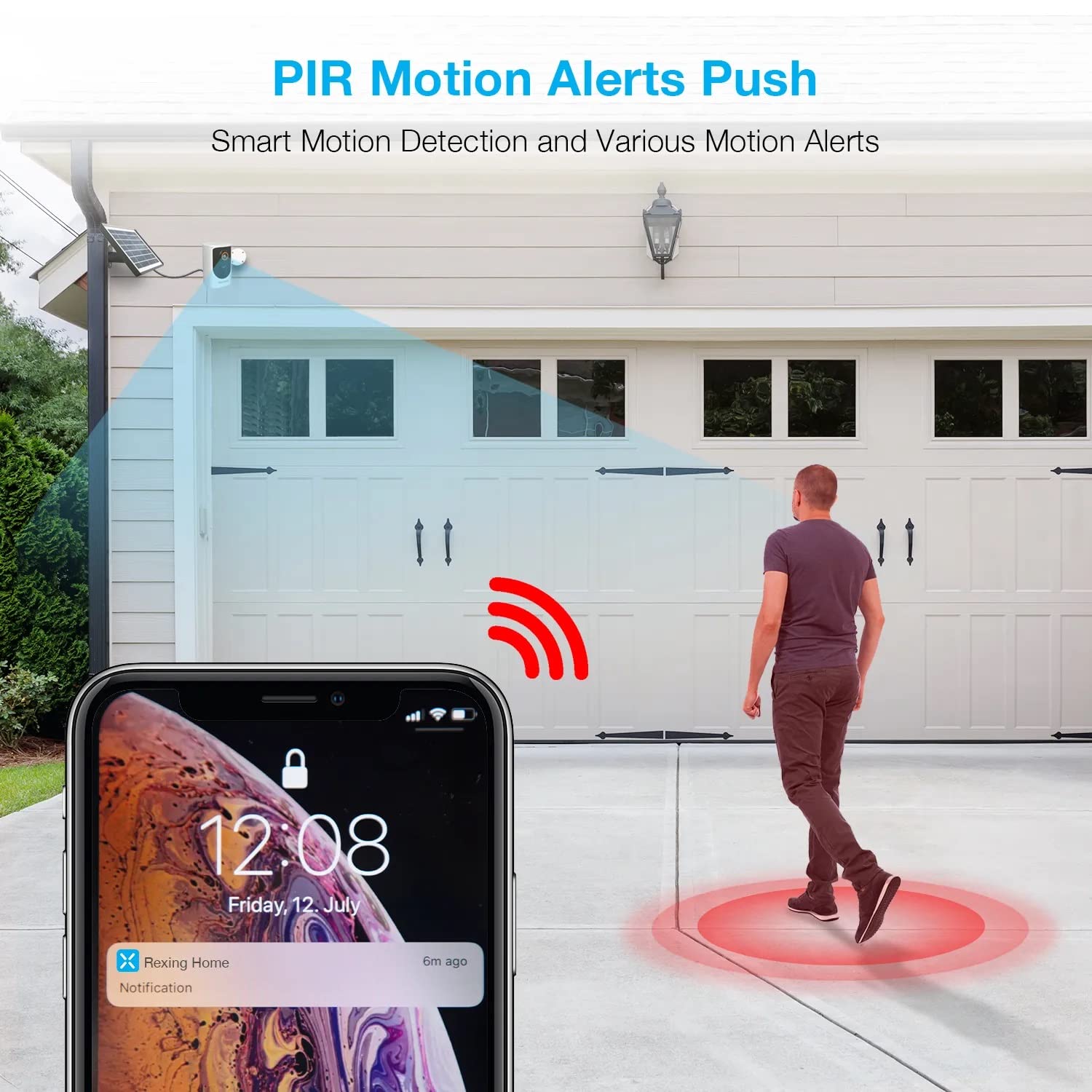
Image: A smartphone screen showing a notification from the Rexing Home app indicating a motion alert, with a visual representation of a person walking into the camera's detection zone.
4.4 Visione notturna
The HS01 camera is equipped with 8 built-in 850nm Infrared LEDs and enhanced CMOS imaging sensors, providing clear night vision up to 33ft. The night vision mode activates automatically in low-light conditions.
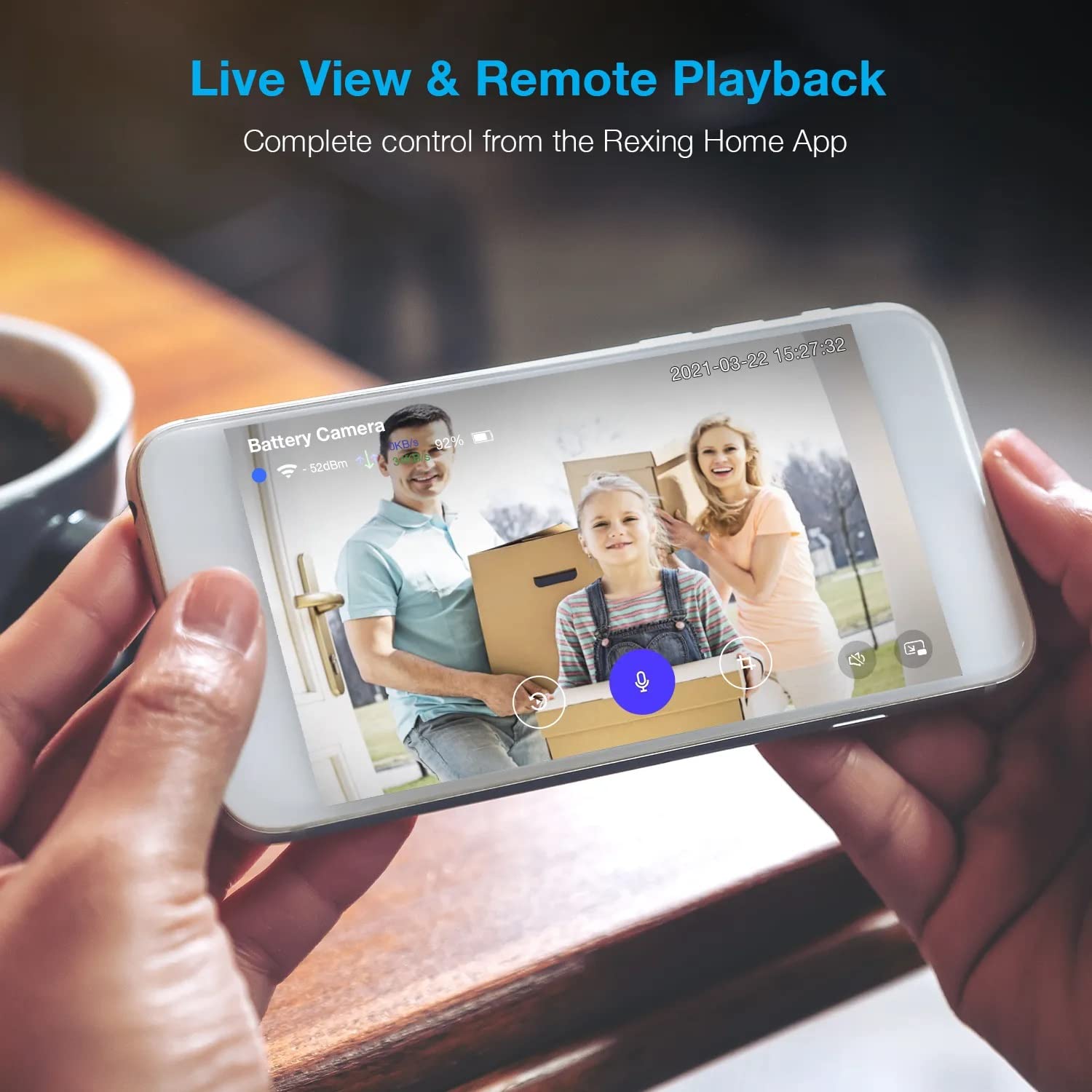
Image: A smartphone displaying a split screen, with one side showing a daytime view of a house in full color and the other side showing the same house in enhanced infrared night vision, demonstrating the camera's 1080p HD and night vision capabilities.
4.5 Archiviazione cloud
The camera offers secure cloud storage for recorded video footage. You can access the past 3 days of video recordings for free. Extended cloud storage plans are available for purchase through the Rexing Home app.
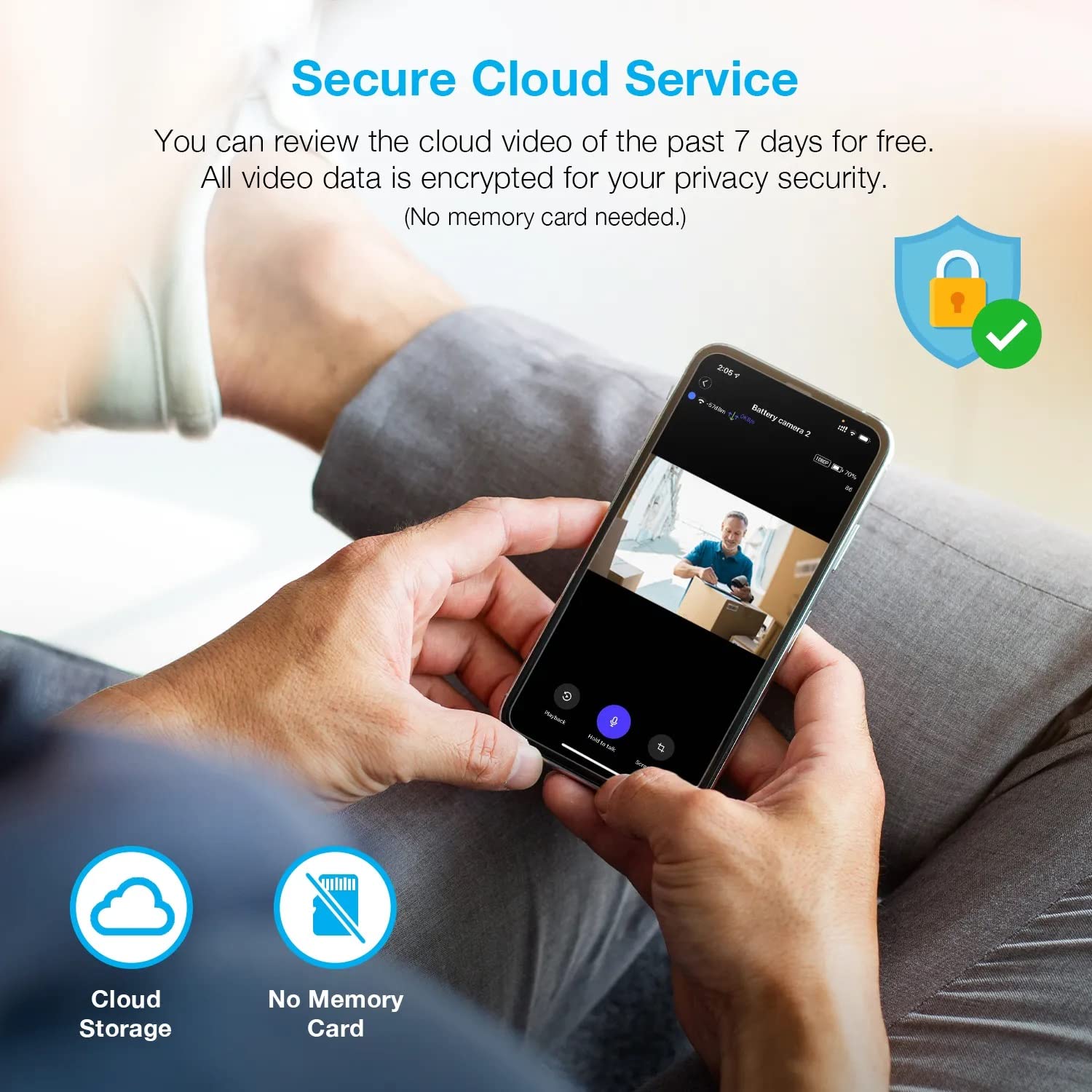
Immagine: una persona viewing recorded camera footage on a smartphone, accompanied by icons for cloud storage and indicating that no memory card is needed, highlighting the secure cloud service feature.
5. Manutenzione
5.1 Gestione della batteria
The HS01 camera is powered by a 6000mAh rechargeable battery. For continuous operation, ensure the solar panel is positioned to receive adequate direct sunlight. If the camera is used in an area with limited sunlight, periodic manual charging via the USB cable may be required.
5.2 Pulizia
To maintain optimal performance, periodically clean the camera lens and the solar panel surface with a soft, damp panno. Evitare l'uso di detergenti abrasivi o solventi che potrebbero danneggiare le superfici.
6. Risoluzione Dei Problemi
- La fotocamera non si connette al Wi-Fi:
- Assicurati che la tua rete Wi-Fi sia a 2.4 GHz. La telecamera non supporta reti a 5 GHz.
- Controllare la potenza del segnale Wi-Fi nel punto in cui si trova la telecamera.
- Verificare che la password Wi-Fi inserita nell'app sia corretta.
- Riavvia il router e la telecamera.
- Scarsa qualità video:
- Ensure a strong Wi-Fi signal. Weak signals can affect streaming quality.
- Pulire l'obiettivo della fotocamera se appare sporco o macchiato.
- Rilevamento del movimento non funzionante o troppo sensibile:
- Adjust the PIR motion sensitivity settings in the Rexing Home app.
- Assicurarsi che non vi siano ostacoli che bloccano la telecamera view o il sensore PIR.
- Check the camera's battery level. Low battery can affect sensor performance.
- Battery not holding charge or solar panel not working:
- Assicurarsi che il pannello solare sia posizionato in modo da ricevere la luce solare diretta per diverse ore al giorno.
- Pulire la superficie del pannello solare per rimuovere sporco o detriti.
- Verificare che il cavo del pannello solare sia collegato saldamente alla telecamera.
- If issues persist, try charging the camera directly via USB.
- Nessun audio o audio bidirezionale scadente:
- Check the volume settings on your smartphone and in the Rexing Home app.
- Assicurati che il microfono del tuo telefono sia abilitato per l'app.
- Verify a stable internet connection for both the camera and your smartphone.
7. Specifiche
| Caratteristica | Specificazione |
|---|---|
| Numero di modello | HS01 |
| Risoluzione video | 1080p Full HD |
| Campo di View | 120 gradi |
| Gamma di visione notturna | 33 piedi |
| Capacità della batteria | 6000 mAh |
| Connettività | Senza fili (Wi-Fi 2.4 GHz) |
| Grado di impermeabilità | Grado di protezione IP65 |
| Dispositivi compatibili | Smartphone (Amazon Alexa, Google Assistant) |
| Dimensioni dell'articolo | 8.5 x 7.25 x 3.75 pollici |
| Peso dell'articolo | 1 libbra |
| Fonte di alimentazione | Batteria ricaricabile, pannello solare |
8. Garanzia e supporto
8.1 Informazioni sulla garanzia
For detailed warranty information regarding your REXING HS01 Smart Home Security Camera System, please refer to the warranty card included with your product or visit the official REXING websito. I termini e le condizioni della garanzia possono variare in base alla regione e al rivenditore.
8.2 Assistenza clienti
If you encounter any issues or have questions about your REXING HS01 camera, please contact REXING customer support. You can typically find support contact information on the official REXING website or within the Rexing Home mobile application.
For the latest updates, FAQs, and additional resources, please visit the official REXING websito: www.rexingusa.com