
1. Introduzione
Thank you for choosing the KLIM Blaze Pro Wireless Gaming Mouse. This manual provides essential information for setting up, operating, and maintaining your new device. The KLIM Blaze Pro is designed for high-performance gaming, offering a lag-free wireless experience, precise tracking, and customizable features.

Figure 1: KLIM Blaze Pro Wireless Gaming Mouse and Charging Dock. This image shows the black gaming mouse with its RGB lighting and the accompanying charging dock.
2. Contenuto della confezione
Assicurati che tutti gli articoli siano presenti nel pacco:
- KLIM Blaze Pro Wireless Gaming Mouse
- Stazione di ricarica
- Cavo di ricarica USB
- Ricevitore USB senza fili
- Manuale dell'utente (questo documento)
3. Impostazione
3.1. Ricarica iniziale
Before first use, fully charge the mouse. Connect the charging dock to a USB power source using the provided USB cable. Place the mouse onto the charging dock. The mouse's RGB lighting will indicate charging status.
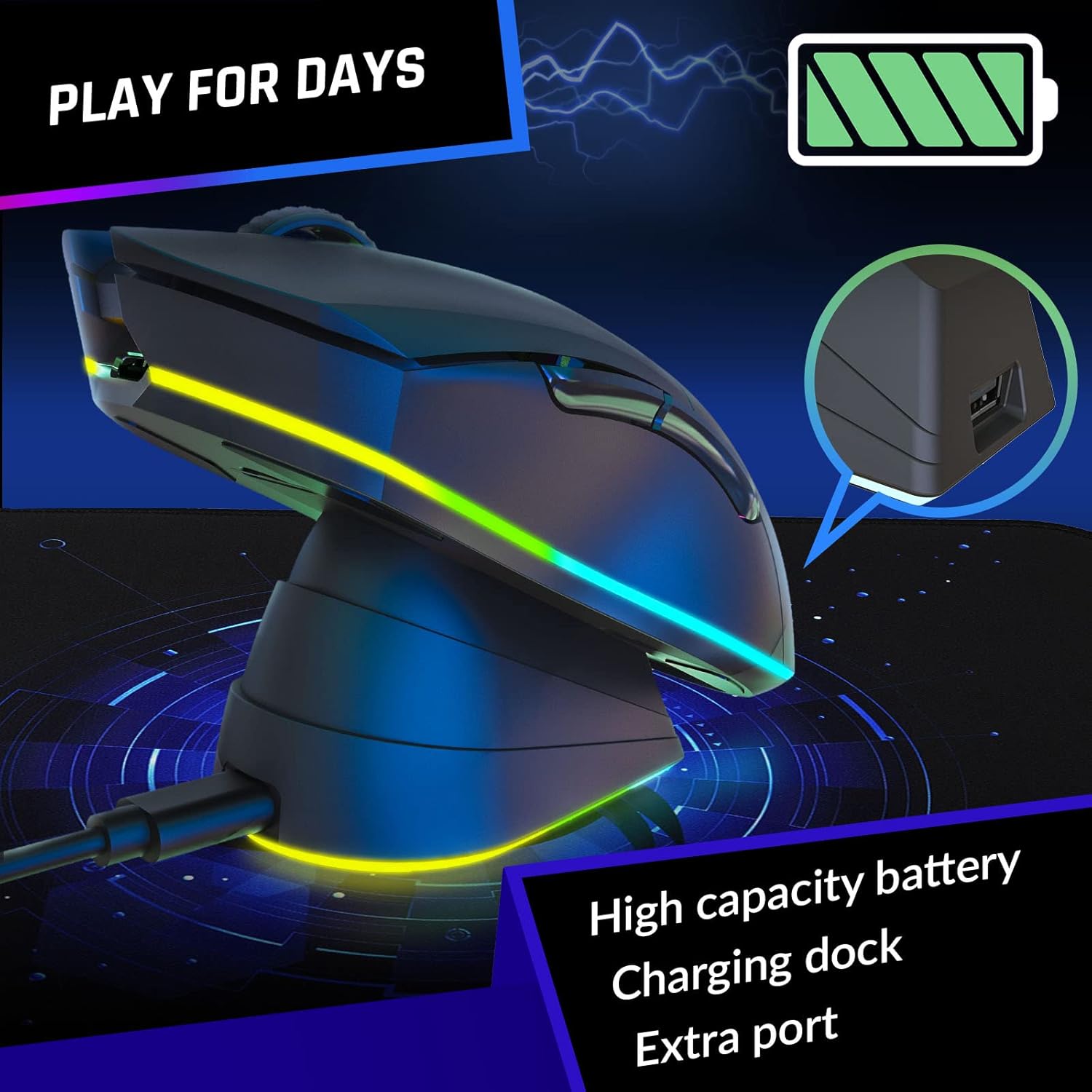
Figure 2: The KLIM Blaze Pro mouse resting on its charging dock, illustrating the charging process. The image highlights the high capacity battery and extra port on the dock.
3.2. Collegamento del mouse
The KLIM Blaze Pro offers both wireless and wired connectivity.
Modalità wireless:
- Locate the wireless USB receiver stored in the mouse's underside compartment.
- Plug the USB receiver into an available USB port on your computer. For optimal signal, you can plug the receiver into the USB port on the charging dock.
- Accendi il mouse utilizzando l'interruttore di alimentazione situato sul lato inferiore.
- Il mouse dovrebbe connettersi automaticamente al computer.
Modalità cablata:
Connect the USB charging cable directly from the mouse to your computer's USB port. The mouse will function as a wired mouse and charge simultaneously.
3.3. Installazione del software
For full customization of buttons, DPI settings, and RGB lighting, download the dedicated KLIM software from the official KLIM website. The software allows for creating unique combinations and fine-tuning performance settings.

Figure 3: Screenshot of the KLIM customization software interface, showing options for ergonomic grip and personalized settings.
4. Utilizzo del mouse
4.1. Funzioni dei pulsanti
The KLIM Blaze Pro features multiple programmable buttons for enhanced control:
- Clic sinistro: Clic primario standard.
- Clic destro: Clic secondario standard.
- Middle Button/Scroll Wheel Click: Programmabile.
- Pulsante Avanti: Programmable (default: browser forward).
- Pulsante Indietro: Programmable (default: browser back).
- Pulsante DPI: Scorre le impostazioni DPI.
4.2. Regolazione DPI
The mouse supports DPI settings up to 6000 DPI. Use the dedicated DPI button to cycle through preset sensitivity levels. Customize these levels further using the KLIM software.
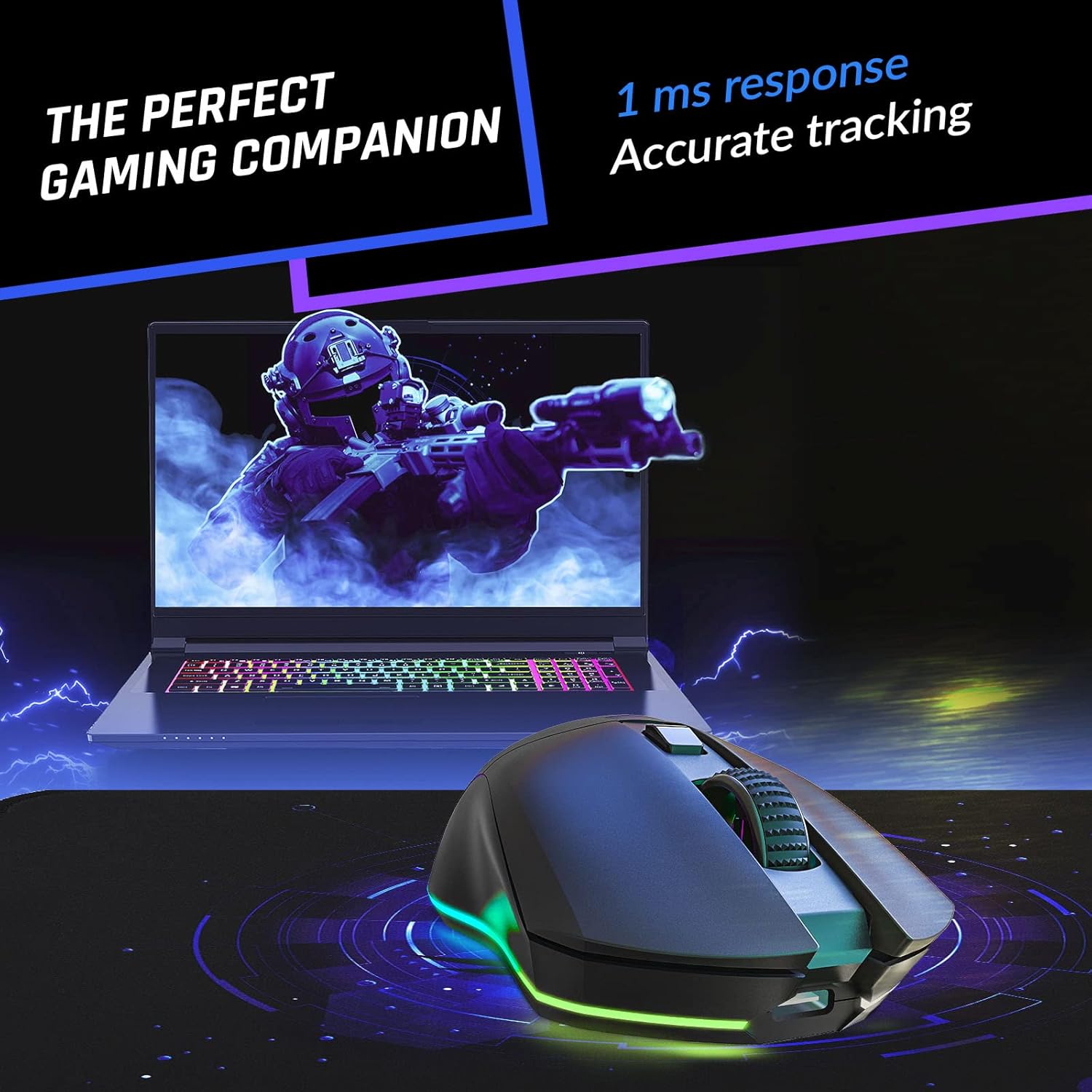
Figure 4: The KLIM Blaze Pro mouse in action, highlighting its 1ms response time and accurate tracking for precise gaming.
4.3. Personalizzazione dell'illuminazione RGB
Personalize your gaming setup with vibrant RGB lighting effects. Use the KLIM software to select from multiple colors and effects, adjust brightness, and set animation speed.

Figure 5: The KLIM Blaze Pro mouse showcasing its impressive RGB lighting, illustrating the stunning aesthetics and multiple color options.
4.4. Durata della batteria
The mouse features a long-lasting rechargeable battery. With RGB lighting at 100% brightness, expect up to 18 hours of use. With RGB lighting off, the battery can last up to 150 hours. The mouse enters a low-power state after a short period of inactivity to conserve battery life.
5. Manutenzione
To ensure the longevity and optimal performance of your KLIM Blaze Pro mouse:
- Pulizia: Per pulire il mouse, utilizzare un panno morbido e asciutto. Evitare prodotti chimici aggressivi o materiali abrasivi.
- Magazzinaggio: Store the mouse in a cool, dry place when not in use. If storing for extended periods, ensure it is fully charged.
- Durata: The mouse is built with durable, wear-resistant coating and buttons rated for over 20 million clicks. Avoid dropping or subjecting the mouse to excessive force.

Figure 6: An illustration emphasizing the durable build and robust switches of the KLIM Blaze Pro mouse, highlighting its longevity.
6. Risoluzione Dei Problemi
| Problema | Possibile soluzione |
|---|---|
| Il mouse non risponde | Ensure the mouse is turned on. Check if the USB receiver is properly plugged in. Try a different USB port. Ensure the mouse is charged. |
| Lag or disconnections | Ensure the mouse is within range of the receiver. Avoid interference from other wireless devices. Try plugging the receiver into the charging dock for better signal. |
| L'illuminazione RGB non funziona | Check battery level. Ensure RGB is enabled in the KLIM software. |
| DPI non cambia | Ensure the DPI button is functioning. Adjust DPI settings via the KLIM software. |
7. Specifiche
- Dimensioni del prodotto: 4.92 x 2.66 x 0.04 pollici
- Peso dell'articolo: 4.9 once
- Tecnologia di connettività: Radiofrequenza (senza fili)
- Tecnologia di rilevamento del movimento: Ottico
- DPI: Fino a 6000 DPI
- Batteria: 1 batteria ai polimeri di litio (inclusa)
- Produttore: CLIMA
- Numero modello: KLIM Blaze
8. Video ufficiale del prodotto
Video 1: Official KLIM Blaze Pro Rechargeable Wireless Gaming Mouse product video. This video provides an overview of the mouse's features, including its design, sensor, battery, and customization options.
9. Garanzia e supporto
The KLIM Blaze Pro comes with a Protezione di 5 anni. For any issues, questions, or support, please contact KLIM Technologies directly. Our team of specialists is available to assist you.
Contatto di supporto: SUPPORT@KLIMTECHNOLOGIES.COM
Per informazioni più dettagliate, puoi anche fare riferimento al manuale utente ufficiale in formato PDF: Manuale utente (PDF)