
WiZ 929002659201
WiZ Imageo Smart LED Spotlight Instruction Manual
Model: Imageo 929002659201 | Brand: WiZ
Introduzione
The WiZ Imageo Smart LED Spotlight is a versatile lighting solution designed for modern homes. This smart spotlight system features three adjustable heads, offering both warm to cool white light and a spectrum of 16 million colors. It connects directly to your existing Wi-Fi network, enabling control via the WiZ app, voice commands, and smart accessories. This manual provides essential information for the safe and efficient use of your WiZ Imageo spotlight.

Image: The WiZ Imageo Smart LED Spotlight in black, featuring three individual light heads mounted on a linear base. The light heads are adjustable, allowing for directional lighting.
Informazioni sulla sicurezza
Si prega di leggere attentamente tutte le istruzioni di sicurezza prima dell'installazione e dell'uso. Il mancato rispetto di queste istruzioni può causare scosse elettriche, incendi o altri pericoli.
- Assicurarsi che l'alimentazione sia scollegata prima dell'installazione o della manutenzione.
- This product is designed for indoor use only (IP20 rated). Do not expose to water or high humidity.
- In caso di dubbi sul cablaggio elettrico, l'installazione deve essere eseguita da un elettricista qualificato.
- Non tentare di smontare o modificare il prodotto.
- Tenere lontano dalla portata dei bambini.
- The light source in this product is not replaceable; when the light source reaches its end of life, the entire luminaire shall be replaced.
Contenuto della confezione
Verificare che tutti i componenti siano presenti nella confezione:
- 1 x WiZ Imageo Smart LED Spotlight (3 heads)
- Manuale di istruzioni (questo documento)
Impostare
The WiZ Imageo spotlight is designed for easy installation and setup. No additional hub or bridge is required; it connects directly to your existing 2.4 GHz Wi-Fi network.
- Installazione: Mount the spotlight securely to your ceiling or wall. Ensure all electrical connections are made correctly and safely.
- Accensione: Connect the spotlight to a power source. The lights should turn on.
- Download WiZ App: Download the latest version of the WiZ app from the App Store (iOS) or Google Play Store (Android) on your smartphone or tablet.
- Abbinamento: Open the WiZ app and follow the on-screen instructions to pair your new WiZ Imageo spotlight. Ensure your device is connected to the same 2.4 GHz Wi-Fi network as the spotlight during the pairing process.

Image: A person smiling while using a smartphone, with a WiZ spotlight visible in the background, illustrating the "Easy Plug and Play" setup process.
Istruzioni per l'uso
Control your WiZ Imageo spotlight using various methods:
1. Controllo dell'app WiZ
The WiZ app provides full control over your lighting. You can:
- Accendi/spegni le luci.
- Adjust brightness (dimming).
- Change color temperature from warm white to cool white.
- Scegli tra 16 milioni di colori.
- Choose preset dynamic light modes for different atmospheres.
- Stabilisci orari e routine.
- Control your lights remotely from anywhere with an internet connection.
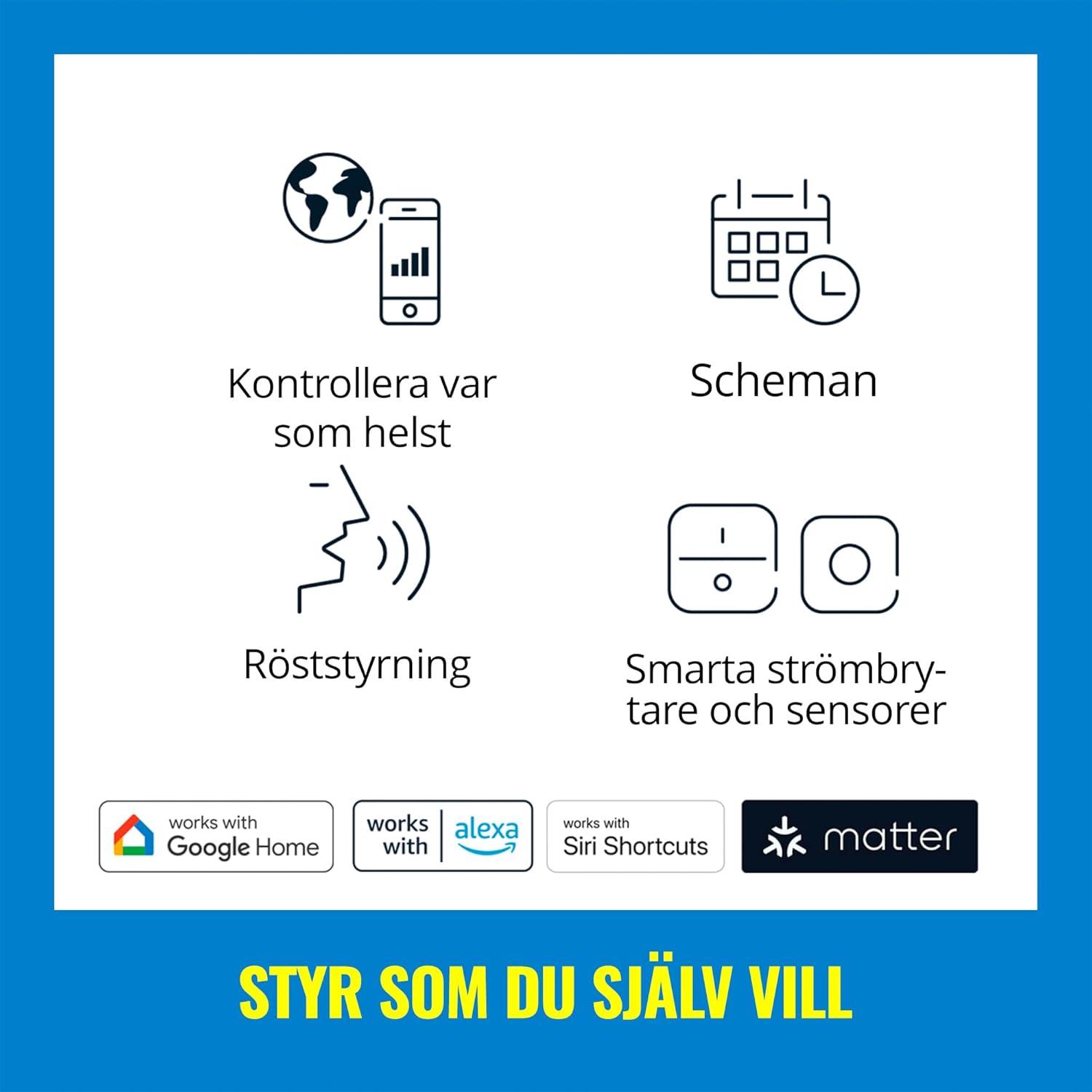
Image: A graphic displaying icons for different control methods, including app control, scheduling, voice control, and smart switches/sensors, along with logos for Google Home, Alexa, Siri Shortcuts, and Matter.
2. Controllo vocale
Integrate your WiZ Imageo spotlight with popular voice assistants for hands-free control:
- Assistente Google: Say "Hey Google, turn on the spotlight," or "Hey Google, set the spotlight to blue."
- Amazon Alexa: Say "Alexa, turn off the spotlight," or "Alexa, dim the spotlight to 50%."
- Scorciatoie Siri: Configure custom shortcuts for quick commands.

Image: A woman smiling while holding a plant, with a speech bubble indicating 'HEY...', and logos for Google Assistant, Alexa, and Siri Shortcuts, demonstrating voice control capabilities.
3. Adjustable Spot Heads
Each of the three spotlight heads can be manually adjusted to direct light precisely where needed. This allows you to highlight artwork, architectural features, or specific areas of a room. The spotlight provides a 36-degree beam angle.

Immagine: un primo piano view of the black WiZ Imageo spotlight, highlighting its three cylindrical, adjustable light heads, with one head emitting a blue light.
4. Color and White Light Adjustment
The WiZ Imageo offers a full spectrum of lighting options:
- Warm to Cool White: Adjust the white light from a cozy warm white (2700K) to an energetic cool white to suit your mood or task.
- 16 milioni di colori: Explore a vast palette of colors to create unique ambiances for any occasion.

Image: A split image showing a living room scene with a sofa and bookshelf, illuminated first with a vibrant green light and then with a warm yellow light, demonstrating the color changing capabilities.

Image: A split image showing a room illuminated with warm white light on the left and cool white light on the right, with a smartphone screen in the foreground displaying the WiZ app's white light adjustment options.
5. Motion Detection (SpaceSense™)
WiZ lights with SpaceSense™ can function as motion sensors without requiring you to buy or install a special sensor device. This feature allows lights to turn on automatically when movement is detected.

Image: A split image showing a woman walking into a dimly lit room on the left, and the same room brightly lit on the right as she enters, illustrating the SpaceSense™ motion detection feature.
6. Video Demonstration: Voice Control
Video: A demonstration of voice control with Alexa, showing the WiZ Imageo spotlight changing colors from red to green to blue based on spoken commands. This highlights the ease of integrating voice assistants for dynamic lighting adjustments.
Manutenzione
To ensure the longevity and optimal performance of your WiZ Imageo Smart LED Spotlight, follow these simple maintenance guidelines:
- Pulizia: Disconnect power before cleaning. Use a soft, dry cloth to wipe the surface of the spotlight. Do not use abrasive cleaners or solvents, as these can damage the finish.
- Sostituzione della lampadina: The LED light sources in this product are not designed to be replaced by the user. If the light source fails, the entire fixture should be replaced.
- Aggiornamenti software: Keep your WiZ app updated to the latest version to ensure compatibility and access to new features and improvements.
Risoluzione dei problemi
If you encounter issues with your WiZ Imageo Smart LED Spotlight, refer to the following common solutions:
| Problema | Possibile causa | Soluzione |
|---|---|---|
| La luce non si accende. | Nessuna alimentazione, collegamento allentato o lampadina guasta. | Check power supply. Ensure connections are secure. If the light source has failed, the fixture needs replacement. |
| Impossibile connettersi al Wi-Fi. | Password Wi-Fi errata, rete a 5 GHz o segnale debole. | Verify Wi-Fi password. Ensure you are connecting to a 2.4 GHz network. Move the spotlight closer to the router or use a Wi-Fi extender. |
| Il controllo dell'app non risponde. | App not updated, network issue, or light is offline. | Update the WiZ app. Check your Wi-Fi connection. Power cycle the spotlight (turn off and on at the switch). |
| Il controllo vocale non funziona. | Voice assistant not linked, incorrect device name, or internet connectivity issue. | Ensure your WiZ account is linked to your voice assistant. Check the device name in the WiZ app and voice assistant app. Verify internet connection. |
For further assistance, please refer to the WiZ support websito o contattare il servizio clienti.
Specifiche
| Caratteristica | Dettaglio |
|---|---|
| Marca | WiZ |
| Nome del modello | Imageo |
| Numero di modello | 929002659201 |
| Colore | Nero |
| Materiale | Plastica |
| Dimensioni del prodotto (L x P x A) | 44.0 cm x 12.3 cm x 10.5 cm (circa 17.32 pollici x 4.84 pollici x 4.13 pollici) |
| Peso dell'articolo | 1.02 chilogrammi |
| Fonte di alimentazione | AC |
| Voltage | 230 Volt |
| Watt totaletage | 17 Watt |
| Tipo di sorgente luminosa | GUIDATO |
| Numero di sorgenti luminose | 3 |
| Colore chiaro | Adjustable from warm to cool white + 16 million colors |
| Flusso luminoso | 3105 lumen |
| Caratteristiche speciali | Dimmable, Color Changing, Voice Controlled, Wi-Fi & Bluetooth Connectivity |
| Metodo di controllo | Voice Control (Amazon Alexa, Google Assistant, Siri Shortcuts), WiZ App |
| Protocollo di connettività | Wifi |
| Tipo di montaggio | Montaggio a soffitto |
| Grado di protezione IP | IP20 (Not water resistant) |
| Classe di efficienza energetica | G (for included light source) |

Image: A technical diagram illustrating the dimensions of the WiZ Imageo Smart LED Spotlight, showing a length of 44.0 cm (17.32 in) and a height of 10.5 cm (4.13 in).
Garanzia e supporto
The WiZ Imageo Smart LED Spotlight comes with a limited warranty. Please refer to the official WiZ websito o nella documentazione di acquisto per termini e condizioni di garanzia specifici.
For technical support, frequently asked questions, or to register your product, visit the official WiZ support page or contact their customer service department.
Ask a question about this manual
Ask about setup, troubleshooting, compatibility, parts, safety, or missing instructions. Manuals+ will review the question and use this page’s manual context to help answer it.