
1. Prodotto finitoview
The APM 571075 is a Full HD 1080P wired USB webcam designed for clear and fluid video communication. It features an integrated microphone and a privacy cover, making it suitable for virtual meetings, online calls, and streaming.

Image: APM 571075 Full HD 1080P Webcamma, anteriore view.
Caratteristiche principali:
- Full HD 1080P resolution (1920x1080 px) for clear video.
- Microfono integrato per la cattura audio.
- Smooth image transmission at 30 frames per second.
- Integrated privacy cover for enhanced security.
- Automatic adjustments for saturation, contrast, sharpness, white balance, and exposure.
- Obiettivo grandangolare.
- Wired USB connection for reliable performance.
2. Contenuto della confezione
Verificare che tutti gli articoli siano presenti nel pacco:
- 1 x APM 571075 Full HD 1080P Webcamma
- 1 x Manuale utente (multilingue)
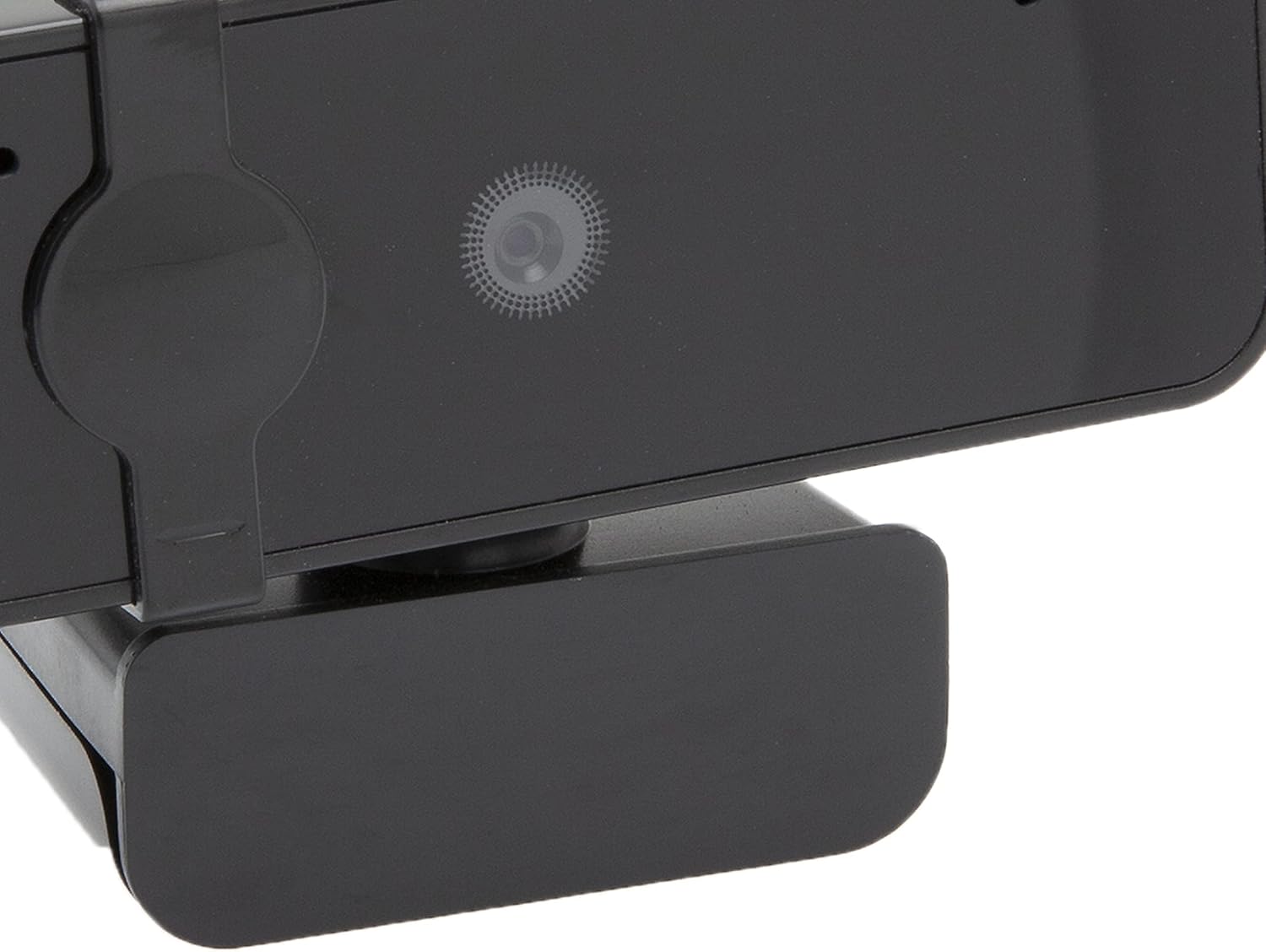
Image: APM 571075 Webcam in its retail packaging.
3. Impostazione
Requisiti di sistema:
The APM 571075 webcam è compatibile con:
- Personal Computers (PCs)
- Computer portatili
- Tablets (with USB host support)
Collegamento del WebCamera:
- Disimballare il webcam and uncoil the USB cable.
- Plug the USB connector into an available USB port on your computer or compatible device.
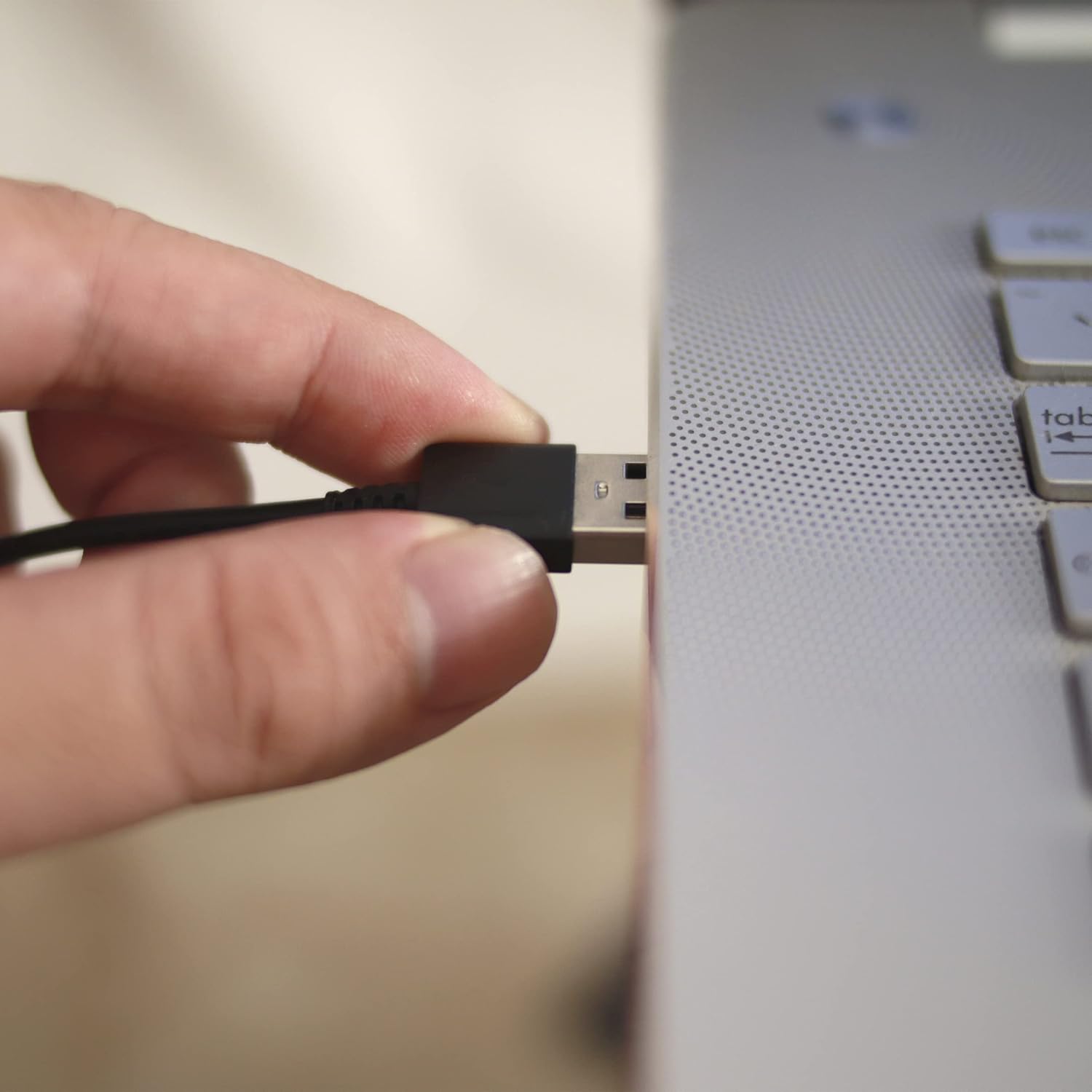
Image: A hand plugging the USB cable of the webcam into a laptop's USB port.
Installazione del driver:
The APM 571075 webcam is a plug-and-play device. It does not require manual driver installation on most modern operating systems (e.g., Windows 10/11, macOS). Your system should automatically detect and install the necessary drivers upon connection.
4. Operativo
Utilizzo della Privacy Cover:
IL webcam features an integrated sliding privacy cover. To use it:
- To cover the lens: Gently slide the cover over the weblente della camma quando non in uso per garantire la privacy.
- To uncover the lens: Slide the cover away from the lens when you need to use the webCamera.
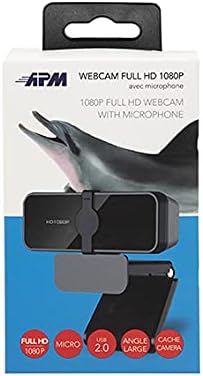
Immagine: Primo piano del webcam lens with the integrated privacy cover.
Video Conferencing and Streaming:
Once connected and recognized by your system, the webcam can be used with various video conferencing and streaming applications. Select the APM 571075 as your preferred camera and microphone input within the application settings.

Image: A screen displaying multiple participants in a video conference call, demonstrating the webcam's use.
Regolazioni automatiche:
IL webcam automatically adjusts various image parameters, including saturation, contrast, sharpness, white balance, and exposure, to optimize video quality in different lighting conditions.
5. Manutenzione
- Pulizia della lente: Utilizzare un panno morbido e privo di lanugine, specificamente progettato per l'ottica, per pulire delicatamente weblente della camma. Evitare materiali abrasivi o sostanze chimiche aggressive.
- Pulizia del corpo: Pulisci il webcam's body with a soft, dry cloth.
- Magazzinaggio: Quando non è in uso, conservare il webcam in a clean, dry place, preferably with the privacy cover engaged to protect the lens from dust and scratches.
- Evitare l'umidità: This device is not waterproof. Keep it away from liquids and high humidity.
6. Risoluzione Dei Problemi
| Problema | Possibile soluzione |
|---|---|
| Webcam non rilevata dal computer. |
|
| Video image is frozen or choppy. |
|
| No audio from the integrated microphone. |
|
| Image quality is poor or colors are off. |
|
7. Specifiche
| Caratteristica | Dettaglio |
|---|---|
| Marca | APM |
| Modello | 571075 |
| Colore | Nero |
| Tipo di prodotto | Compatto Webcamma |
| Caratteristiche speciali | Integrated privacy cover |
| Lunghezza focale | 1 millimetri |
| Tecnologia di connettività | USB |
| Risoluzione video | 1080p (1920x1080 px) |
| Dispositivi compatibili | Computer personale, portatile, tablet |
| Dimensioni imballo (L x P x A) | 14.8 x 7.7 x 6.2 centimetri |
| Stabilizzazione dell'immagine | NO |
| Componenti inclusi | 1 webcamma |
| Livello di resistenza all'acqua | Non impermeabile |
| Tipo di messa a fuoco | Messa a fuoco automatica |
| Risoluzione fissa efficace | 2.07 Megapixel |
| Formato di acquisizione video | MP4 |
| Formato audio supportato | PCM |
8. Informazioni sulla garanzia
The APM 571075 Webla cam è dotata di un Garanzia di 2 anno dalla data di acquisto. Questa garanzia copre i difetti di fabbricazione e garantisce che il prodotto soddisfi gli standard qualitativi. Si prega di conservare la prova d'acquisto per eventuali reclami in garanzia.
9. Assistenza clienti
If you encounter any issues or have questions not covered in this manual, please contact APM customer support. Refer to the contact information provided with your product packaging or visit the official APM websito per assistenza.