
1. Introduzione
The Ring Spotlight Cam Pro Plug-In is an advanced security camera designed to provide comprehensive surveillance for your home or business. It features 2K HDR video, color night vision, two-way talk with Audio+, and advanced 3D Motion Detection. This manual provides instructions for setting up, operating, and maintaining your device.
2. Cosa c'è nella scatola
Verificare che tutti i componenti siano presenti prima di iniziare l'installazione:
- Riflettore Cam Pro
- Staffa di fissaggio
- Strumenti e viti di installazione
- USB-C Power Adapter (19.7 feet long)
- Manuale dell'utente (questo documento)
- Adesivo di sicurezza
3. Configurazione e installazione
The average installation time for the Spotlight Cam Pro is 5-10 minutes. A vertical or horizontal surface is required for mounting.
- Scarica l'app Ring: Download the Ring app from your device's app store. Create an account or log in if you already have one.
- Aggiungi dispositivo: In the Ring app, tap 'Set Up a Device' and follow the on-screen instructions to add your Spotlight Cam Pro.
- Montaggio: Secure the mounting bracket to your desired location using the provided tools and screws. Ensure the location provides a clear view and access to a standard power outlet.
- Collega la fotocamera: Attach the Spotlight Cam Pro to the mounting bracket.
- Connetti alimentazione: Plug the USB-C Power Adapter into the camera and then into a standard power outlet.
- Regolare View: Adjust the camera's angle to cover your desired area.

Figure 3.1: Easy DIY Installation of the Ring Spotlight Cam Pro.
4. Istruzioni per l'uso
The Ring Spotlight Cam Pro offers several features to enhance your security.
4.1 Monitoraggio video
The camera provides 2K HDR video with a 140° horizontal and 80° vertical field of view. It also features Color Night Vision, allowing you to see clear, full-color video even in low-light conditions.

Figure 4.1: Retinal 2K Video with Color Night Vision displayed on a mobile device.
4.2 Rilevamento del movimento
Utilize 3D Motion Detection with Bird's Eye Zones and Bird's Eye View for precise motion alerts. You can customize motion zones within the Ring app to focus on specific areas and reduce unwanted notifications.

Figure 4.2: Visual representation of 3D Motion Detection.

Figure 4.3: Customizing Motion Zones in the Ring App.
4.3 Two-Way Talk with Audio+
Communicate with visitors or deter intruders using the built-in microphone and speaker. Audio+ provides advanced noise cancellation for clearer communication.
4.4 Faretti e sirena integrati
The camera features two 3000° Kelvin spotlights that can be activated manually or automatically upon motion detection. A remote-activated security siren is also included to alert others and deter unwanted activity.
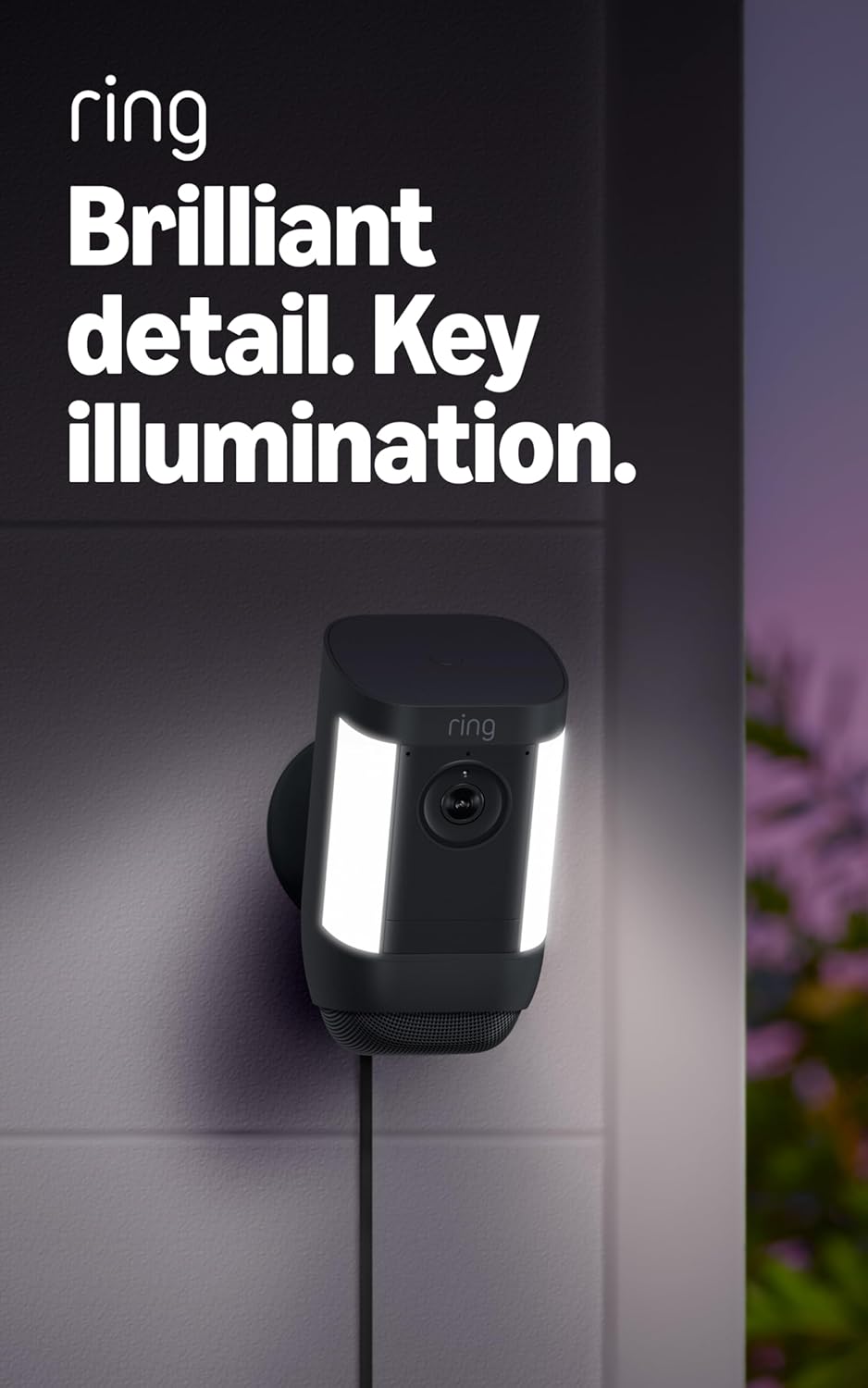
Figure 4.4: Spotlight Cam Pro with activated illumination.
4.5 Integrazione Alexa
The Spotlight Cam Pro works with Alexa. You can receive announcements on Echo devices when motion is detected and use select Echo and Fire TV devices to see, hear, and speak to people on camera.
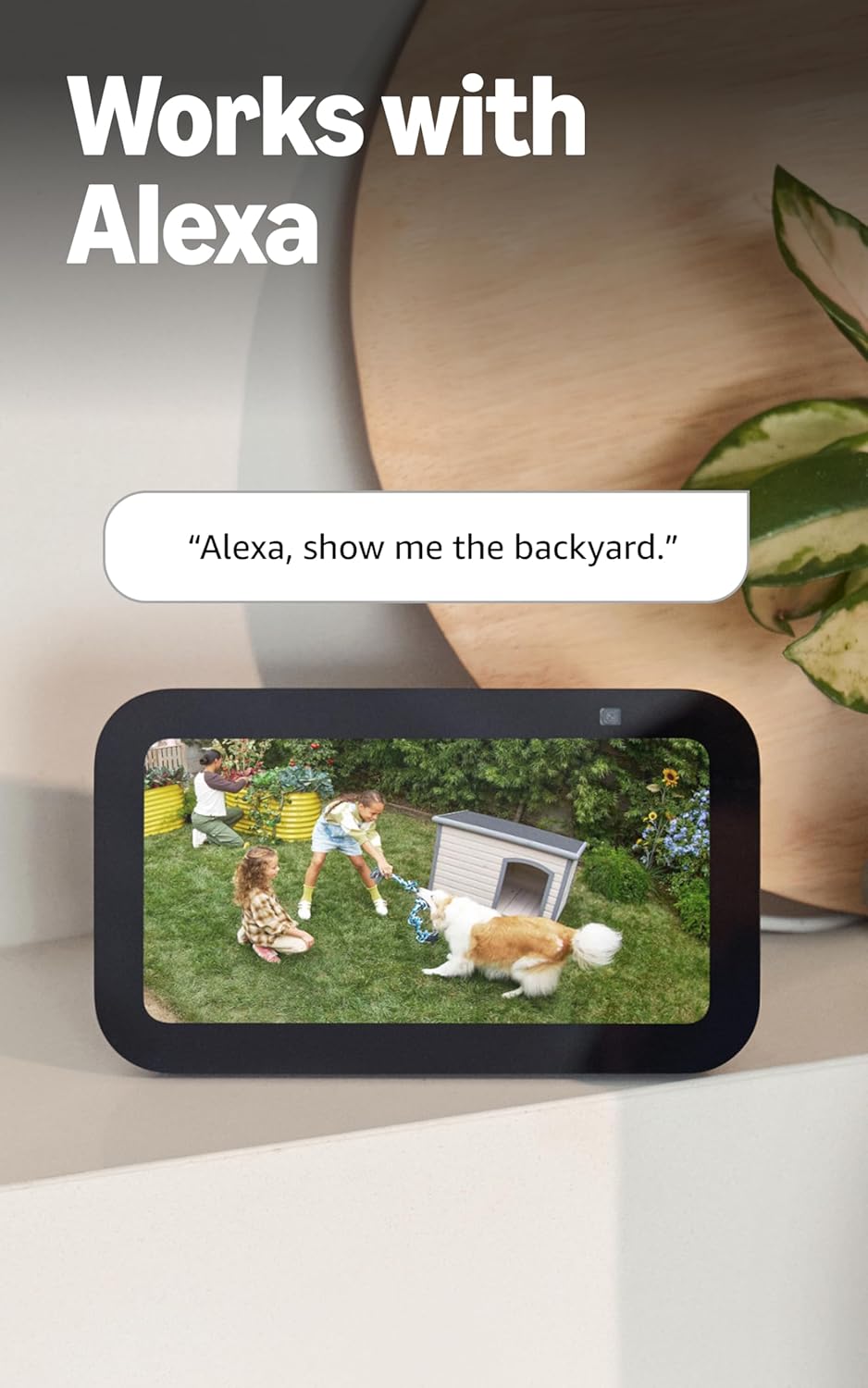
Figure 4.5: Ring Spotlight Cam Pro integration with Alexa.
5. Manutenzione
To ensure optimal performance and longevity of your Ring Spotlight Cam Pro, follow these maintenance guidelines:
- Pulizia: Pulire periodicamente l'obiettivo e l'alloggiamento della fotocamera con un panno morbido e asciutto.amp panno per rimuovere polvere e sporco. Evitare l'uso di prodotti chimici aggressivi o materiali abrasivi.
- Aggiornamenti del firmware: Assicurati che il firmware del tuo dispositivo sia sempre aggiornato tramite l'app Ring per beneficiare delle ultime funzionalità e dei miglioramenti della sicurezza.
- Collegamento elettrico: Regularly check the USB-C power adapter and cable for any signs of damage.
6. Risoluzione Dei Problemi
If you encounter issues with your Ring Spotlight Cam Pro, consider the following common solutions:
- Nessun potere: Ensure the USB-C power adapter is securely plugged into both the camera and a working power outlet.
- Scarsa qualità video: Check your internet connection. A recommended minimum upload speed of 4.5 Mbps is required for optimal performance. Video resolution may vary with bandwidth.
- Problemi di rilevamento del movimento: Verify that motion zones are correctly configured in the Ring app. Ensure there are no obstructions blocking the camera's view.
- Problemi di connettività: Confirm your Wi-Fi network is operational. The camera supports 802.11 b/g/n/ac Wi-Fi @2.4GHz and 5.0GHz. Try restarting your router.
- L'app non risponde: Close and reopen the Ring app. If the issue persists, try reinstalling the app.
For further assistance, refer to the support section or contact Ring customer service.
7. Specifiche
| Tempo medio di installazione | 5-10 minuti |
| Video | 2K, HDR, in diretta View, Visione notturna a colori |
| Campo di View | 140 ° orizzontale, 80 ° verticale |
| Rilevamento del movimento | Rilevamento del movimento 3D con zone Bird's Eye e Bird's Eye View |
| Audio | Comunicazione bidirezionale con Audio+ e cancellazione avanzata del rumore |
| Sirena | Sirena di sicurezza ad attivazione remota |
| Luci | Two 3000° Kelvin spotlights |
| Funziona con Alexa | Illuminates and sends announcements to Echo devices whenever motion is detected, and lets you see, hear and speak to people on camera with select Echo and Fire TV devices. |
| Energia | Plug-In USB-C Power Adapter (19.7 feet long) |
| Modalità doppia alimentazione | Dynamic switching between plug-in and battery power modes (requires purchase of Quick Release Battery Pack) |
| Requisiti Internet | Per prestazioni ottimali, la velocità minima di caricamento consigliata è di 4.5 Mbps. La risoluzione video può variare a seconda della larghezza di banda Internet. |
| Connettività | 802.11 b/g/n/ac Wi-Fi connection @2.4GHz and 5.0GHz |
| Condizioni operative | Da -4°F a 120°F (da -20°C a 48.5°C), resistente agli agenti atmosferici |
| Colori disponibili | Bianco, Nero |
| Requisiti di installazione | Vertical or horizontal surface for mounting. |
| Dimensioni | 3.1 pollici x 3.2 pollici x 5.7 pollici (77.8 mm x 81.5 mm x 144.63 mm) |
8. Garanzia e supporto
Your Ring Spotlight Cam Pro comes with a one-year limited warranty. Purchase and use of the product are subject to terms and conditions.
For additional information, troubleshooting guides, and customer service, please visit the official Ring support page. You can also find information regarding software security updates in the Ring Control Center.
Important Disclaimers:
- Limitato a 10 dispositivi in una sola posizione. Non compatibile con alcune funzionalità.
- Le registrazioni vengono archiviate temporaneamente nel cloud, fino a 14 giorni. Questa funzionalità dipende dalla connettività di rete e da altri fattori.
- I tuoi video Ring nel cloud vengono archiviati temporaneamente, fino a 180 giorni di cronologia eventi video. La modifica del periodo di archiviazione dei video avrà effetto solo sui video registrati dopo aver modificato l'impostazione del periodo di archiviazione. Consulta la sezione Piani di abbonamento Ring per maggiori informazioni.
- Ring Home Premium subscription required, sold separately. For customers in Illinois & Texas: Ring Smart Video Search is not available on Ring devices due to specific state legislation. Feature only available in English.