
Introduzione
This manual provides essential instructions for setting up, operating, and maintaining your Cubitt CT4 GPS Smart Watch. Please read this manual thoroughly to ensure proper use and to maximize the features of your device.
Prodotto finitoview
The Cubitt CT4 GPS Smart Watch is a fitness tracker designed to monitor various health metrics and track your activities with built-in GPS. It features a 1.28" TFT-LCD color touch screen and is IP68 waterproof.

Image: The Cubitt CT4 GPS Smart Watch featuring a round display, two side buttons, and a grey silicone strap. The screen shows a watch face with activity data and a map icon.
Componenti
- Display: 1.28" TFT-LCD Color Touch Screen
- Pulsanti: Two physical buttons on the side for navigation and function control.
- Sensori: Heart Rate, Blood Oxygen (SpO2), Stress, Sleep monitoring sensors on the back.
- Cinghia: Interchangeable silicone strap.
- Porta di ricarica: Perni di ricarica magnetici sul retro.
Impostare
1. Carica del dispositivo
Before first use, fully charge your Cubitt CT4 GPS Smart Watch. Connect the magnetic charging cable to the charging pins on the back of the watch and plug the USB end into a power adapter (not included) or a computer's USB port. The watch display will indicate charging status. A full charge typically takes approximately 2 hours and provides over 7 days of battery life.
2. Installazione dell'app
To access all features and synchronize data, download the official Cubitt companion application on your smartphone. Cercare "Cubitt" in your device's app store (available for Android and iOS).
3. Associazione del dispositivo
- Assicurati che il Bluetooth del tuo smartphone sia abilitato.
- Open the Cubitt app and follow the on-screen instructions to create an account or log in.
- Seleziona "Aggiungi dispositivo" o un'opzione simile all'interno dell'app.
- The app will search for nearby devices. Select "CT4 GPS" from the list.
- Conferma la richiesta di associazione sia sull'orologio che sullo smartphone.
- Una volta associato, l'orologio sincronizzerà l'ora e i dati con il tuo telefono.
Istruzioni per l'uso
Navigazione di base
- Schermo tattile: Swipe left/right, up/down to navigate through menus and widgets. Tap to select an option.
- Pulsanti laterali:
- Press the top button to return to the previous screen or watch face.
- Press the bottom button to access the main menu or specific functions (customizable).
- Funzione di riattivazione: Solleva il polso per riattivare automaticamente lo schermo.
Caratteristiche principali
Tracciamento GPS
The built-in GPS allows for precise tracking of outdoor activities without needing your phone. Start an outdoor workout (e.g., running, walking) from the Sports Modes menu, and the watch will automatically activate GPS to record your route, distance, and pace.
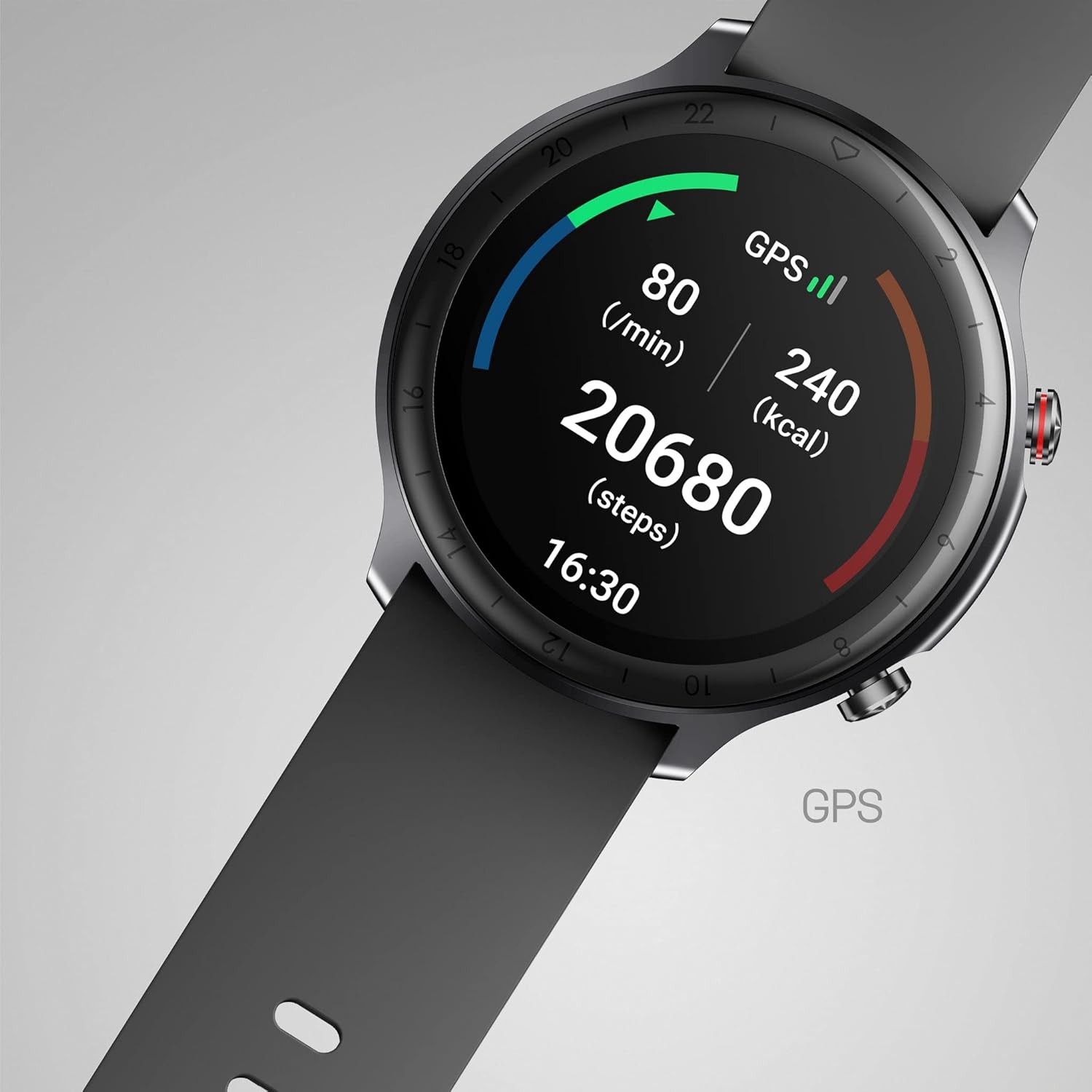
Image: The Cubitt CT4 GPS Smart Watch screen showing activity metrics including heart rate (80 bpm), GPS status, calories burned (240 kcal), and steps taken (20680 steps), along with the current time (16:30).
Monitoraggio della salute
The watch continuously monitors your health data. Access these features from the main menu or by swiping to the respective widgets:
- Cardiofrequenzimetro: Provides real-time heart rate readings and tracks your heart rate throughout the day.
- Monitoraggio dell'ossigeno nel sangue (SpO2): Misura i livelli di saturazione dell'ossigeno nel sangue.
- Monitoraggio dello stress: Assesses your stress levels based on heart rate variability.
- Monitoraggio del sonno: Tracks your sleep patterns, including deep sleep, light sleep, and wake-up times. Review detailed analysis in the Cubitt app.

Image: Three Cubitt CT4 GPS Smart Watches showcasing different health monitoring screens: Heart Rate Monitor with a graph, Stress Monitor with a bar chart, and Blood Oxygen (SpO2) Monitor showing 98% saturation.
Notifiche intelligenti
Once paired with your smartphone, the watch can display notifications for calls, text messages, and social media apps (e.g., WhatsApp, Facebook, Instagram, Twitter, Skype). Calls can be alerted via vibration, with an option to hang up directly from the watch.
Modalità Sportive
The watch supports 14 different sports modes. Select your activity from the Sports menu to track specific metrics relevant to that exercise. Data can be synced with Strava.
Additional Smart Functions
The Cubitt CT4 GPS Smart Watch includes various utility features:
- Alarm clock and timer
- Avvisi del calendario
- Previsioni del tempo
- Allenamento della respirazione
- Find your phone function
- Modalità Non disturbare
- Women's health tracking
- Music control for your smartphone
- Customizable screen duration
- Promemoria per bere acqua
- Sedentary alerts
Manutenzione
Water Resistance (IP68 / 5 ATM)
The Cubitt CT4 GPS Smart Watch is IP68 rated, meaning it is resistant to dust and can withstand immersion in water up to 1.5 meters for 30 minutes. It is suitable for showering and swimming in shallow water. However, it is not recommended for diving, high-pressure water activities, or exposure to hot water/steam, which can compromise the seal.
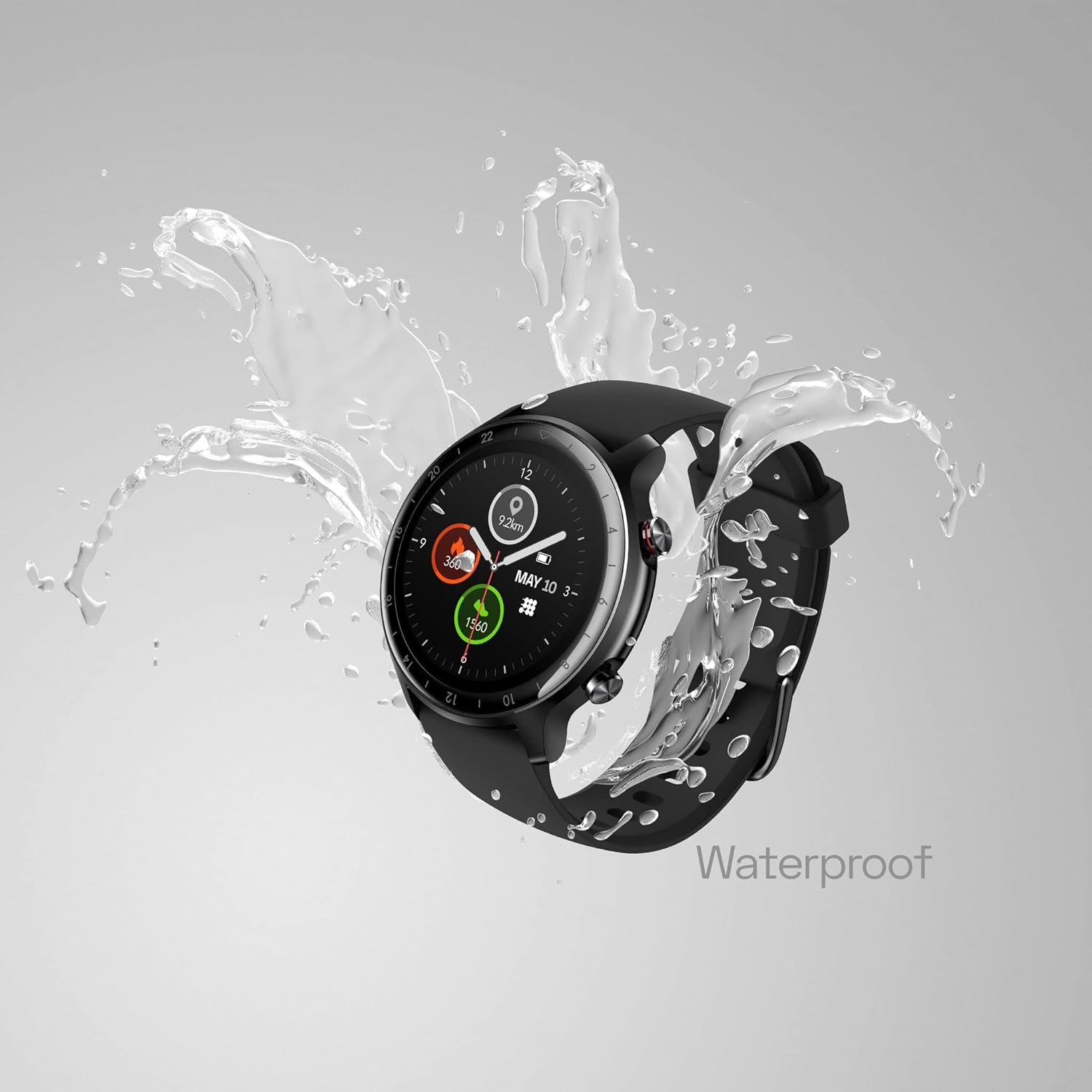
Image: The Cubitt CT4 GPS Smart Watch, with a black strap, is shown with water splashing around it, illustrating its waterproof capability.
Pulizia e cura
- Pulire regolarmente l'orologio e il cinturino con un panno morbido eamp stoffa.
- Prima di procedere alla ricarica, assicurarsi che i contatti di ricarica siano puliti e asciutti.
- Evitare l'uso di prodotti chimici aggressivi o materiali abrasivi per la pulizia.
- Se l'orologio si bagna, asciugarlo accuratamente prima di caricarlo o di utilizzarlo per un periodo prolungato.
- To prevent skin irritation, ensure the watch is worn comfortably and not too tightly, and keep your wrist clean and dry.
Risoluzione dei problemi
- L'orologio non si accende: Assicurati che l'orologio sia completamente carico. Collegalo al caricabatterie per almeno 10 minuti.
- Impossibile associare il telefono:
- Assicurati che il Bluetooth sia attivato sul tuo telefono e che l'orologio si trovi nel raggio d'azione.
- Riavvia sia il telefono che l'orologio.
- Try unpairing and re-pairing the device through the Cubitt app.
- Letture imprecise della frequenza cardiaca/SpO2:
- Assicurati che l'orologio sia indossato comodamente al polso, ma non troppo stretto.
- Pulisci il sensore sul retro dell'orologio.
- Evitare movimenti eccessivi durante le misurazioni.
- Notifiche non visualizzate:
- Check notification settings in the Cubitt app and your phone's system settings.
- Assicurati che l'orologio sia connesso tramite Bluetooth.
- Breve durata della batteria:
- Ridurre la luminosità dello schermo o il tempo di accensione dello stesso.
- Disattivare il monitoraggio continuo della frequenza cardiaca se non necessario.
- Limita il numero di notifiche attive.
Specifiche
| Caratteristica | Dettaglio |
|---|---|
| Nome del modello | CT4 GPS (CT4G-88) |
| Display | 1.28" TFT-LCD Color Touch Screen |
| Resistenza all'acqua | IP68 (5 ATM) |
| Connettività | Built-in GPS, Bluetooth |
| Sensori | Monitoraggio della frequenza cardiaca, dell'ossigeno nel sangue, dello stress e del sonno |
| Durata della batteria | 7+ giorni (utilizzo tipico) |
| Sistema operativo | Android (compatible with Android/iOS app) |
| Peso dell'articolo | 3.2 once |
| Dimensioni | 6.69 x 3.7 x 0.94 pollici (confezione) |
Informazioni sulla sicurezza
- Consultare il medico prima di iniziare un nuovo programma di esercizi o in caso di patologie preesistenti.
- The Cubitt CT4 GPS Smart Watch is not a medical device and should not be used for diagnosing or treating any medical conditions.
- If you experience skin irritation, redness, or discomfort, discontinue use and consult a doctor. Ensure the watch is clean and dry, and not worn too tightly.
- Tenere il dispositivo e i suoi accessori fuori dalla portata dei bambini.
- Do not attempt to disassemble or modify the watch. This will void the warranty and may cause damage or injury.
- Dispose of the device and its battery according to local regulations. Do not dispose of in fire.
Garanzia e supporto
For warranty information, technical support, or service inquiries, please refer to the official Cubitt Tracking Technologies webo contattare direttamente il servizio clienti. Conservare la prova d'acquisto per eventuali reclami in garanzia.
Ufficiale Websito: Cubitt Tracking Technologies Store